Loop
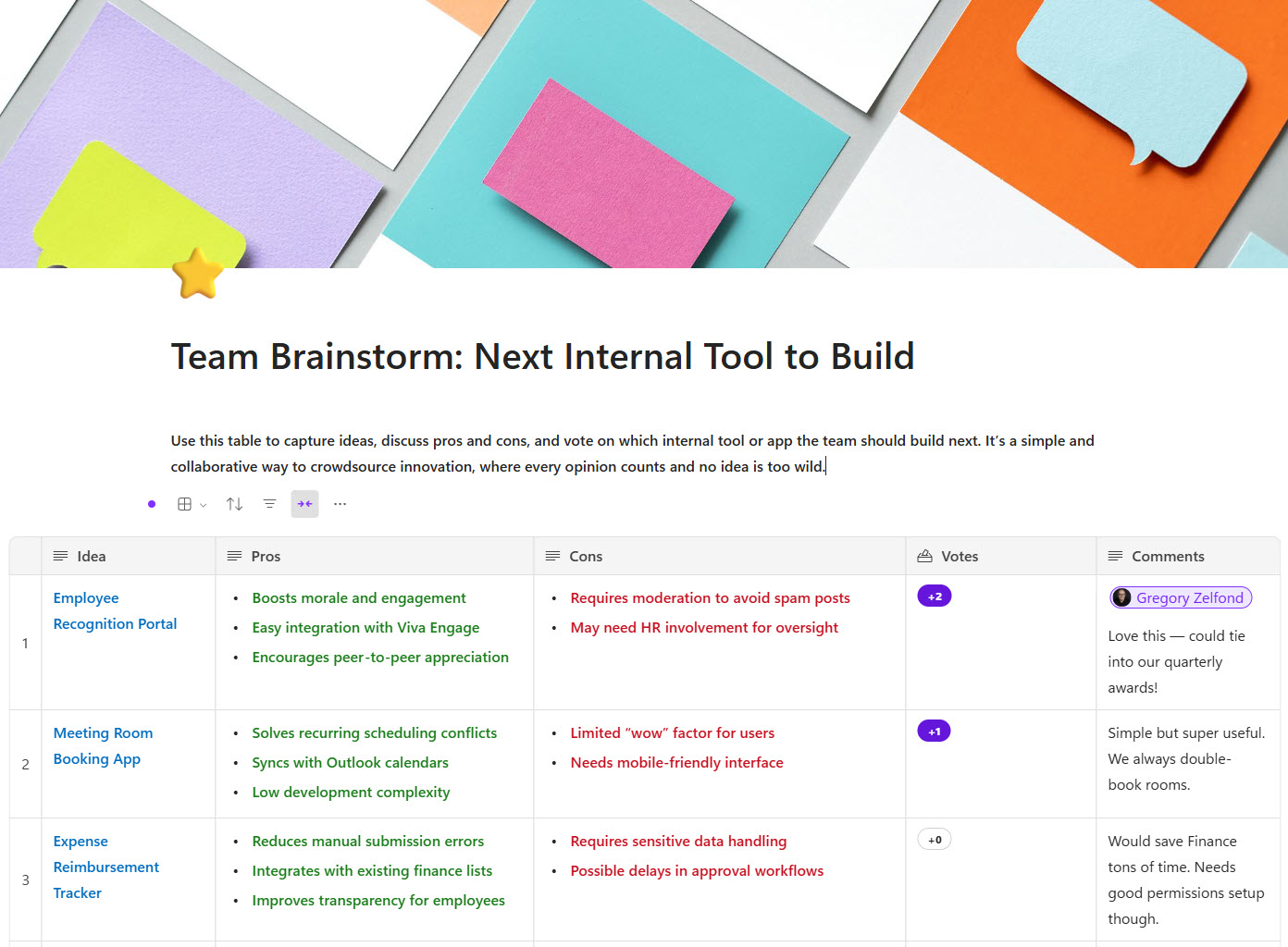
Microsoft Loop is the co-creation application in Microsoft 365, built around two ideas: portable components – live blocks of text, tables, and task lists that stay in sync everywhere they are shared, from Teams chats to Outlook emails – and shared workspaces, where a team gathers everything for a project on flexible pages. Organizations use it for meeting agendas, brainstorming, and lightweight project tracking. Behind the scenes, Loop content is stored in OneDrive and SharePoint, so it lives under the same security and compliance umbrella as the rest of Microsoft 365.
Key Features
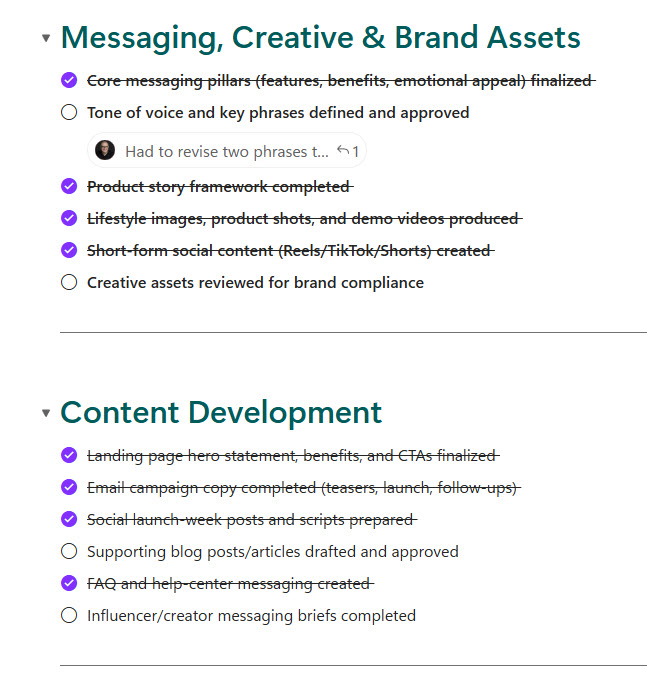
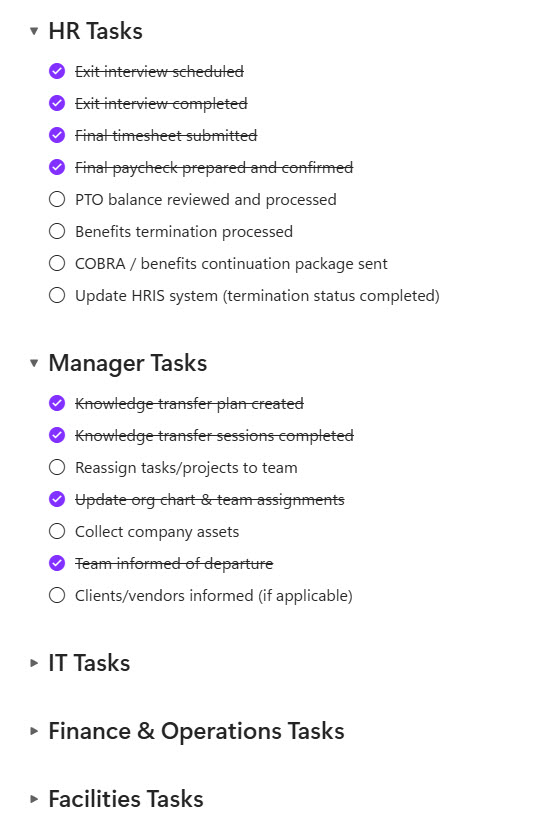
- Loop Components: Real-time blocks for text, lists, tasks, and more
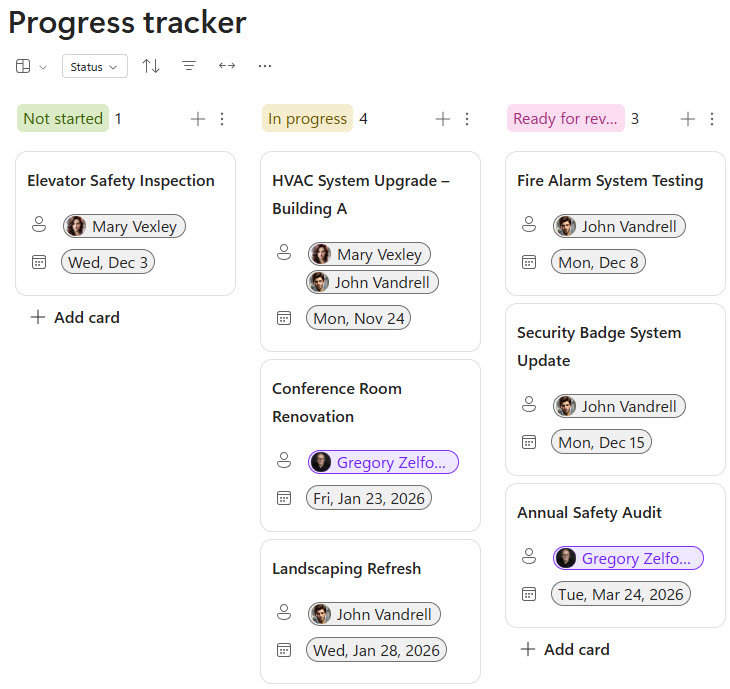
- Workspaces: Organize all related content and progress in one place
- Integration: Sync with Teams, Outlook, Word, and Whiteboard
- Collaboration: Multiple users can edit simultaneously
- Notifications: Stay updated with mentions and changes
- Cross-App Sync: Updates reflect across Microsoft 365
Common Use Cases
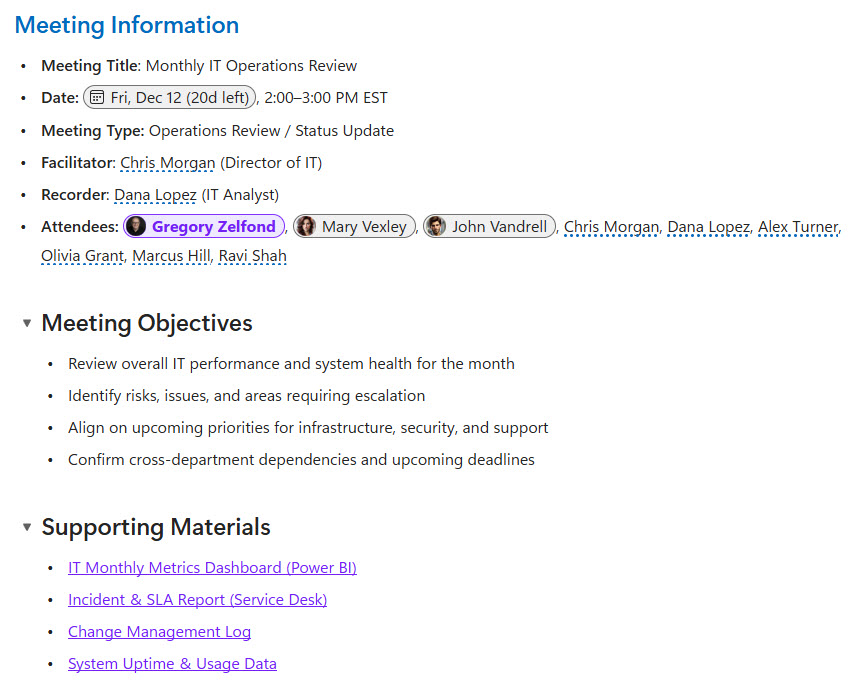
- Co-authoring content during meetings
- Brainstorming and collaborative planning
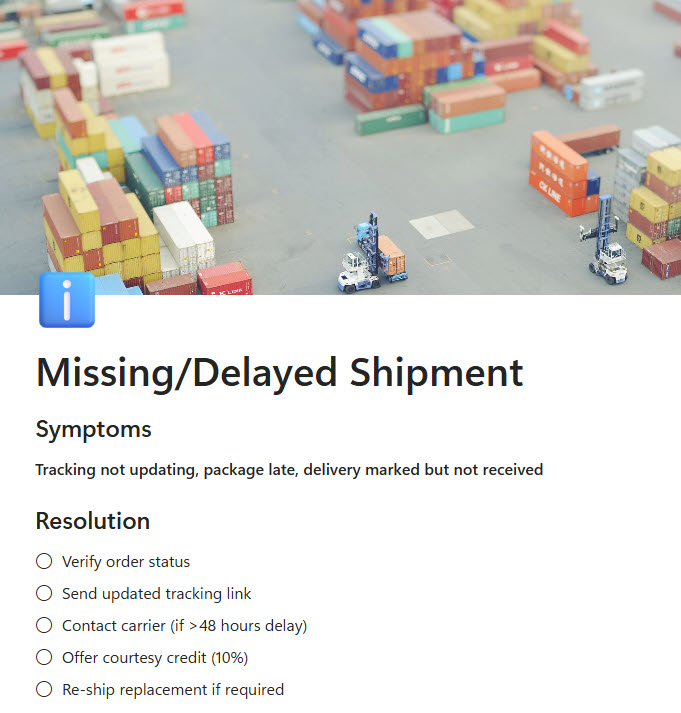
- Shared to-do lists or trackers
- Cross-functional team workspaces
- Embedding live updates in chats or emails
How Microsoft Loop Fits Into Microsoft 365
- SharePoint and OneDrive: Loop files are stored in OneDrive and SharePoint Embedded, count against SharePoint storage, and inherit Microsoft 365 security and compliance
- Teams: Loop components sent in chats and channels keep everyone editing the same live copy instead of trading versions
- Outlook: components pasted into an email stay in sync, so the table in the message is always current
- Word for the web and Whiteboard: the same live components work across other Microsoft 365 canvases
- Copilot: Copilot Pages and Copilot Notebooks share the same underlying storage as Loop, and a Microsoft 365 Copilot license unlocks Copilot inside the Loop app
Limits and Nuances
- Components vs workspaces: any OneDrive or SharePoint license covers Loop components, while creating Loop workspaces requires a plan that includes the Loop service plan
- Eligible plans: Microsoft 365 Business Standard, Business Premium, E3, E5, A3, and A5 include full workspace creation
- Office 365 plans differ: Office 365 E3 and E5 (without the Microsoft 365 branding) do not include the full workspace capabilities by default
- Storage counts: Loop content is stored as .loop files and counts against the organization’s SharePoint storage quota
- Mailbox needed for everything: @mentions and workspace sharing require an Exchange Online mailbox
- Copilot is a separate license: AI features inside the Loop app require a Microsoft 365 Copilot plan
- Admin switches: administrators can turn Loop workspaces and components on or off for specific users through policy settings
- Loop vs OneNote: both ship with Microsoft 365; OneNote is the notebook for notes that belong somewhere, Loop is the live surface for content still taking shape
Common Questions About Microsoft Loop
What is Microsoft Loop used for?
Fast-moving teamwork that does not fit neatly into a document. Teams use Loop for meeting agendas everyone edits before and during the call, brainstorming pages, shared task lists, and project workspaces that collect notes, tables, and plans in one place. Its signature trick is the Loop component – a live block that can be pasted into Teams or Outlook and stays in sync everywhere at once.
What is the difference between Microsoft Loop and OneNote?
OneNote is a notebook – the long-term home for meeting notes, reference material, and personal organization, arranged in sections and pages. Loop is a co-creation surface – built for content several people shape together right now, with live components that sync across Teams and Outlook. Many organizations use both: ideas take shape in Loop, and what needs a permanent home lands in OneNote or SharePoint.
Is Microsoft Loop included in Microsoft 365?
Largely, yes. Loop components – the live blocks in Teams and Outlook – are covered by any plan with a OneDrive or SharePoint license. Creating full Loop workspaces requires a plan that includes the Loop service plan, such as Microsoft 365 Business Standard, Business Premium, E3, or E5. There is no separate Loop product to buy; it arrives with the Microsoft 365 subscription most organizations already have.
What is a Loop component?
A Loop component is a live, portable block of content – a table, task list, checklist, or paragraph – that stays in sync everywhere it appears. Paste the same component into a Teams chat and an Outlook email, and an edit made in either place updates both instantly. It removes the classic problem of five copies of the same list drifting apart across conversations.
Where is Microsoft Loop content stored?
In Microsoft 365, not in a separate system. Loop components live as .loop files in OneDrive and SharePoint, and workspace content sits in SharePoint Embedded containers. That matters for governance: Loop content counts against SharePoint storage, respects Microsoft 365 permissions, and is covered by the same compliance and retention tooling as documents – a detail IT teams appreciate when rolling Loop out.
Can Microsoft Loop replace SharePoint?
No – they play different roles. Loop is the scratchpad and co-creation space for work in progress; SharePoint is where finished content lives – the intranet, the document libraries, the official record. A plan can start as a Loop page and graduate to a SharePoint site when it becomes real. Every published example on LookBook 365 is SharePoint, with Loop as a natural companion for the work behind it.