Brand Guidelines (Page)


Overview
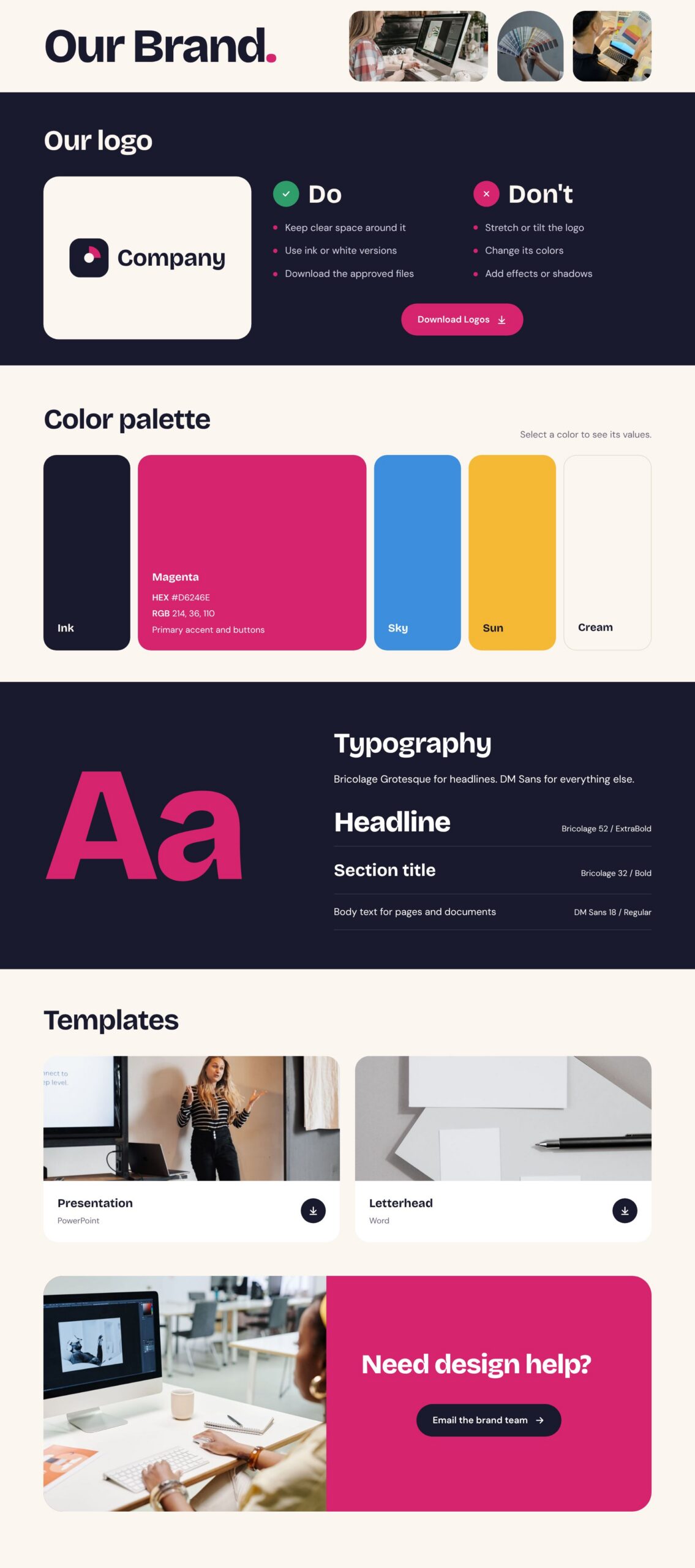
- A compact header pairs a bold Our Brand title with a strip of three design photos
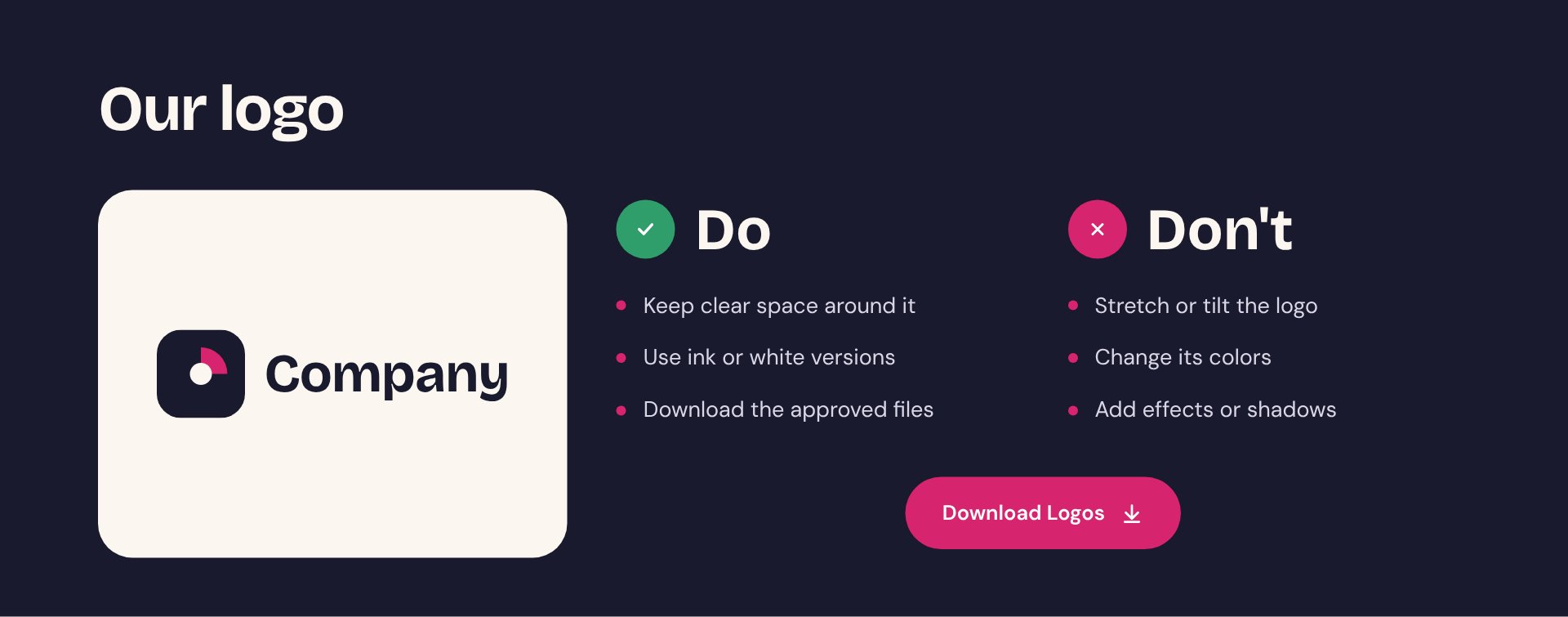
- A dark Our logo section shows the logo with Do and Don’t lists and a Download Logos button
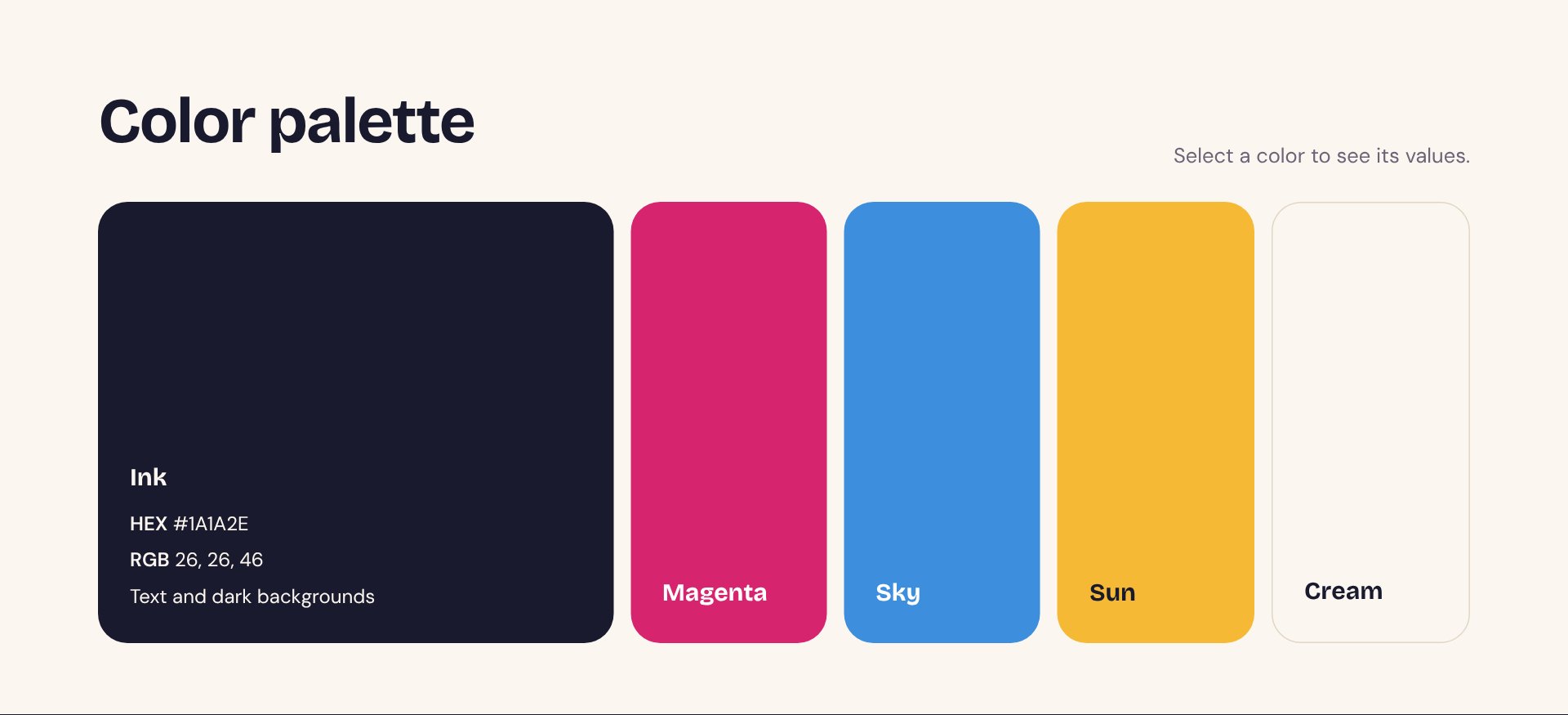
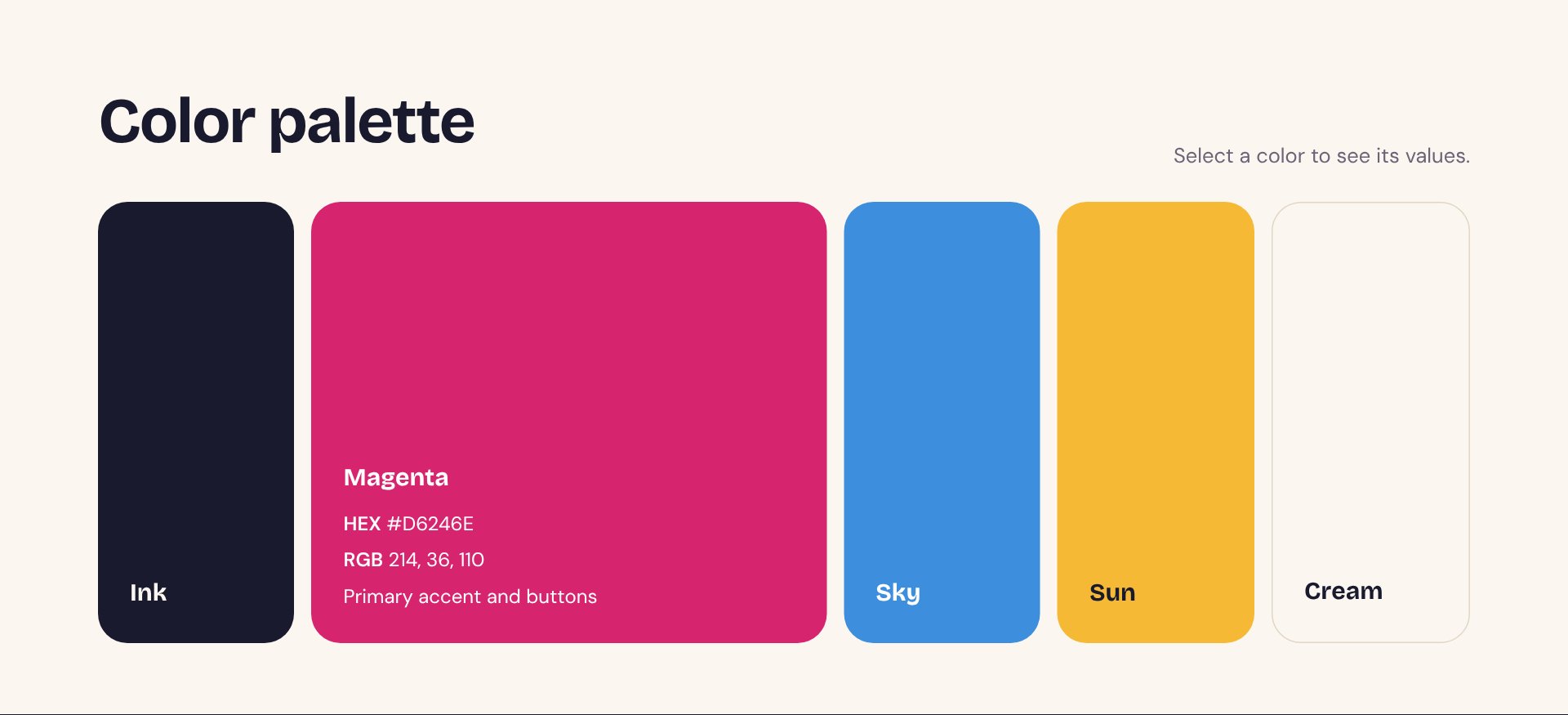
- An interactive Color palette lets employees click any swatch to expand it and see its HEX and RGB values and how to use it
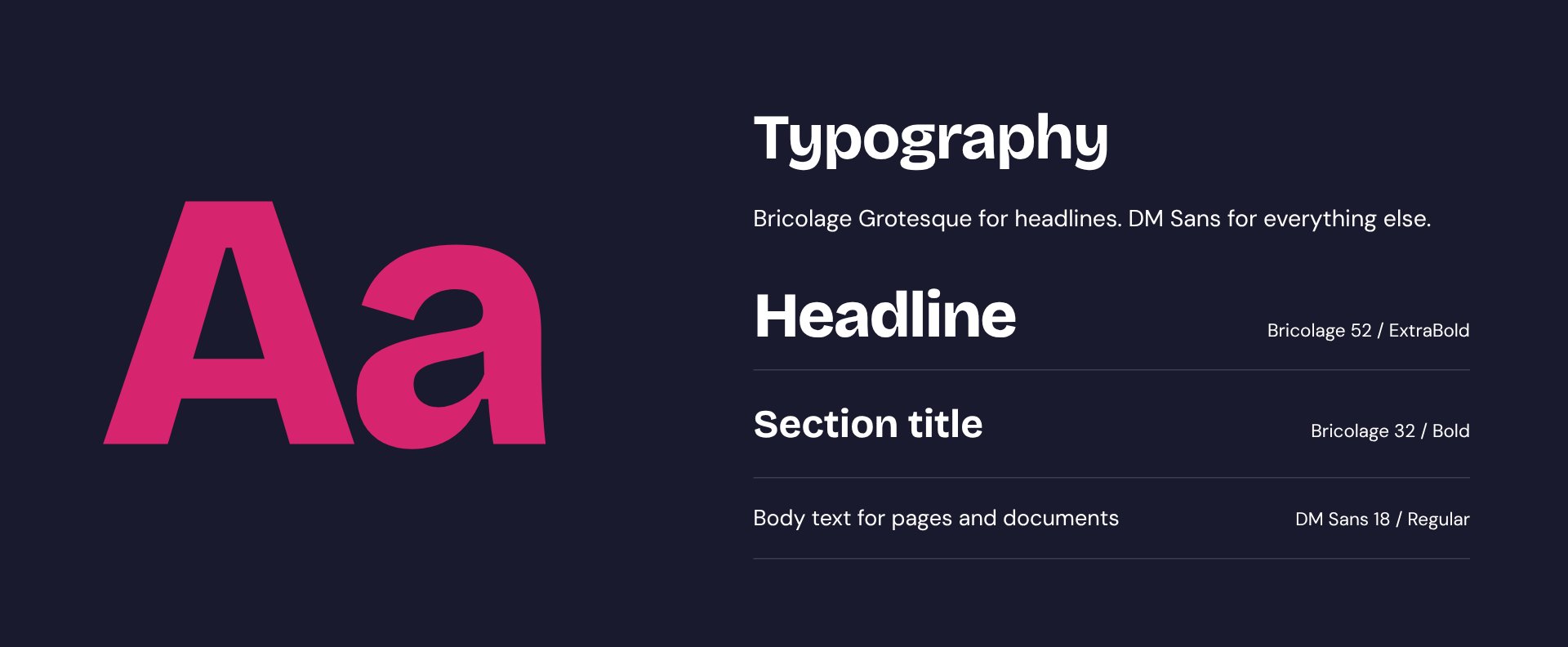
- A dark Typography section shows the headline and body fonts with a size and weight scale
- Template cards for Presentation and Letterhead link straight to the files
- A Need design help? card with a photo emails the brand team
- Built as a single SharePoint HTML page and available as a downloadable file that can be uploaded and edited
Benefits
- Everyone uses the right logo, colors and fonts without hunting for a brand book
- Clickable swatches give exact color values the moment someone needs them
- Do and Don’t lists prevent the most common logo mistakes
- Template downloads keep presentations and letters on brand
- Bold type, real photos and a confident ink and magenta look make the brand itself the showcase, on phones and desktops
- One self-contained file is easy to copy to other sites and update when the brand changes
- Complements the main Marketing department site, which keeps news, requests and assets in standard web parts
Common Questions About This Brand Guidelines Page
What is this Brand Guidelines Page built with?
It is a SharePoint HTML page – a single file stored in the Site Pages library of a department site. The layout, photos, fonts and interactive color palette all live inside that one file, so there are no web parts, no SPFx solutions, and no third-party tools. It is the kind of clean, maintainable secondary page Greg Zelfond builds to sit alongside a standard SharePoint Marketing site.
What’s included on the Brand Guidelines Page?
A compact header with design photos, a logo section with Do and Don’t lists and a Download Logos button, an interactive color palette with HEX and RGB values, a typography scale, Presentation and Letterhead template cards, and a Need design help? card that emails the brand team.
Does this design use any custom code or third-party tools?
No third-party tools, add-ins, or custom development. The page uses SharePoint’s built-in HTML page capability, which runs the file inside SharePoint’s own secure sandbox. A few lines of script inside the same file expand the color swatches, so nothing reaches outside data or affects other parts of the site.
Can this design be customized for our organization?
Absolutely. The logo, colors, fonts, rules, photos, templates and links can all be changed in the file to match your own brand. Links to other SharePoint sites in your tenant work right away; links to outside websites, such as a digital asset library, need their domain added under Site Settings, HTML Field Security. You can download the HTML file here or have Greg tailor it to your brand.
Why use an HTML page here instead of a regular SharePoint page with web parts?
The main Marketing page relies on web parts for news, requests and files that change often. Brand guidelines change rarely, so an HTML page can give them a richer, more visual layout, with an interactive color palette and a full type specimen that web parts cannot produce. The tradeoff is that edits are made in the file rather than in the page editor.
Can Greg build this Brand Guidelines Page for our organization?
Yes – this is exactly the kind of work Greg Zelfond does. As an independent SharePoint consultant and Microsoft MVP, he designs and builds out-of-the-box department sites and secondary pages like this one, matched to your branding and your actual brand standards. Reach out through the contact page to talk about your Marketing site.