Custom Theme
Ability to create and apply your organization’s brand colors to SharePoint sites using built-in theme settings
Common Use Cases
- Applying corporate colors and typography to align intranet design with the company’s external brand identity.
- Ensuring a consistent visual experience for employees moving between different department sites
- Enhancing engagement by creating a visually appealing, branded SharePoint environment that feels modern and user-friendly
Benefits
- Strengthens brand recognition and trust by aligning the intranet with external identity standards
- Improves visual consistency across hubs and sites, reducing user confusion
- Enables quick updates for rebrands or seasonal campaigns without developer support
- Eliminates the need for third-party tools or custom code for theming
Key Considerations
- Custom colors and themes can be created at either the tenant-level Brand Center or the site level
- Custom themes can be applied to SharePoint sites or the Viva Connections experience
- Hub-level themes will override site-level themes – plan hierarchy in advance
- Theme changes require site owner or admin permissions
- Only one theme can be active on a site at any given time
- Ensure all colors meet accessibility contrast standards for readability and compliance
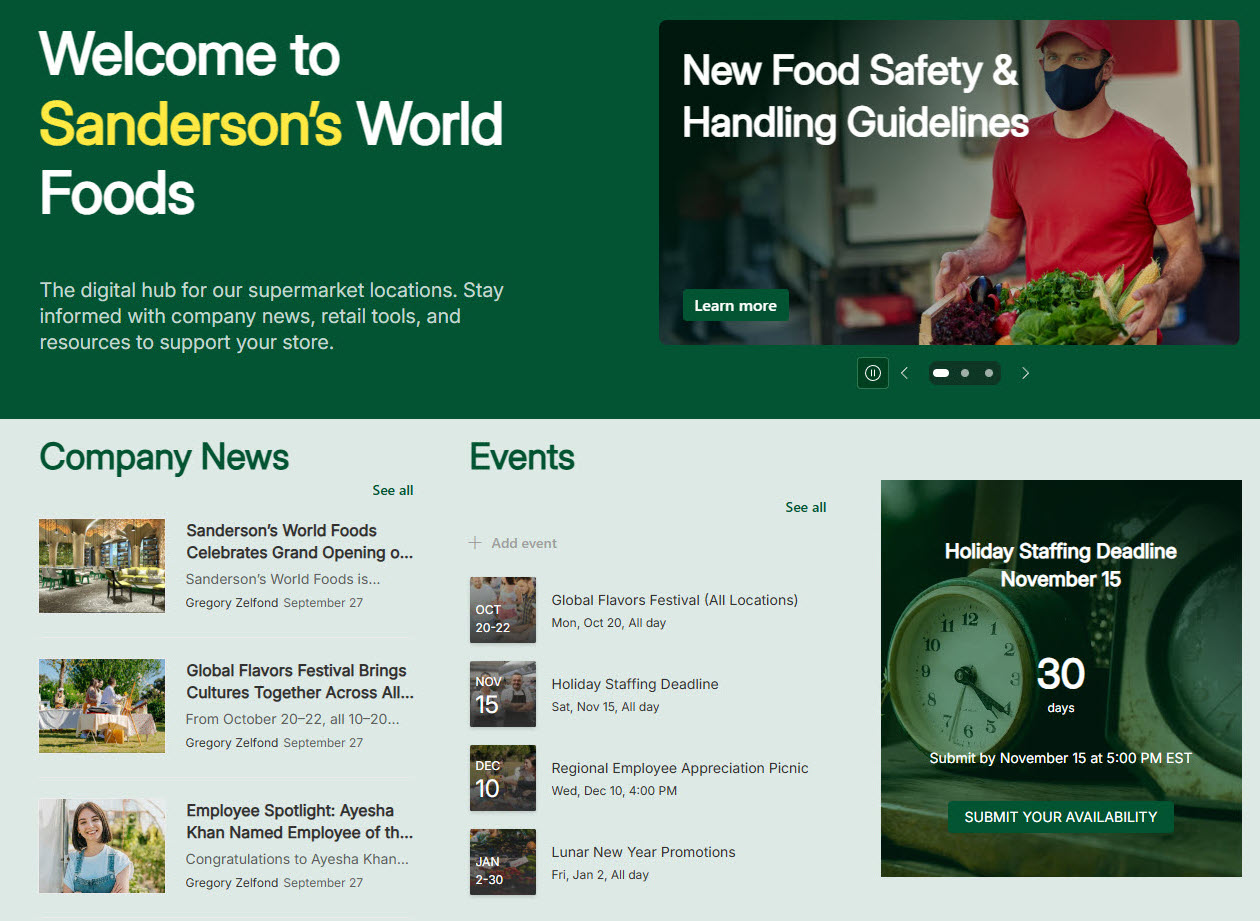
Custom Theme Example
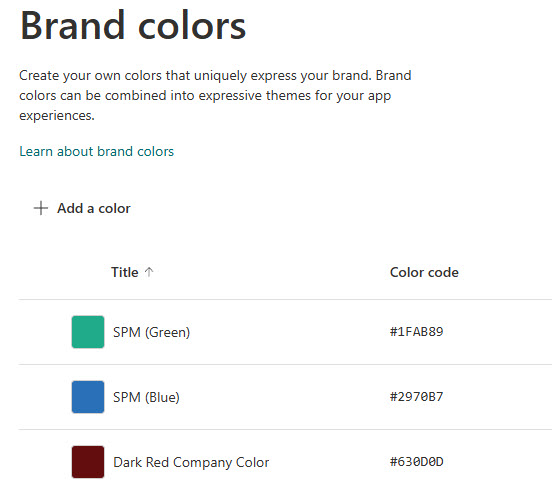
Custom Theme Brand Colors
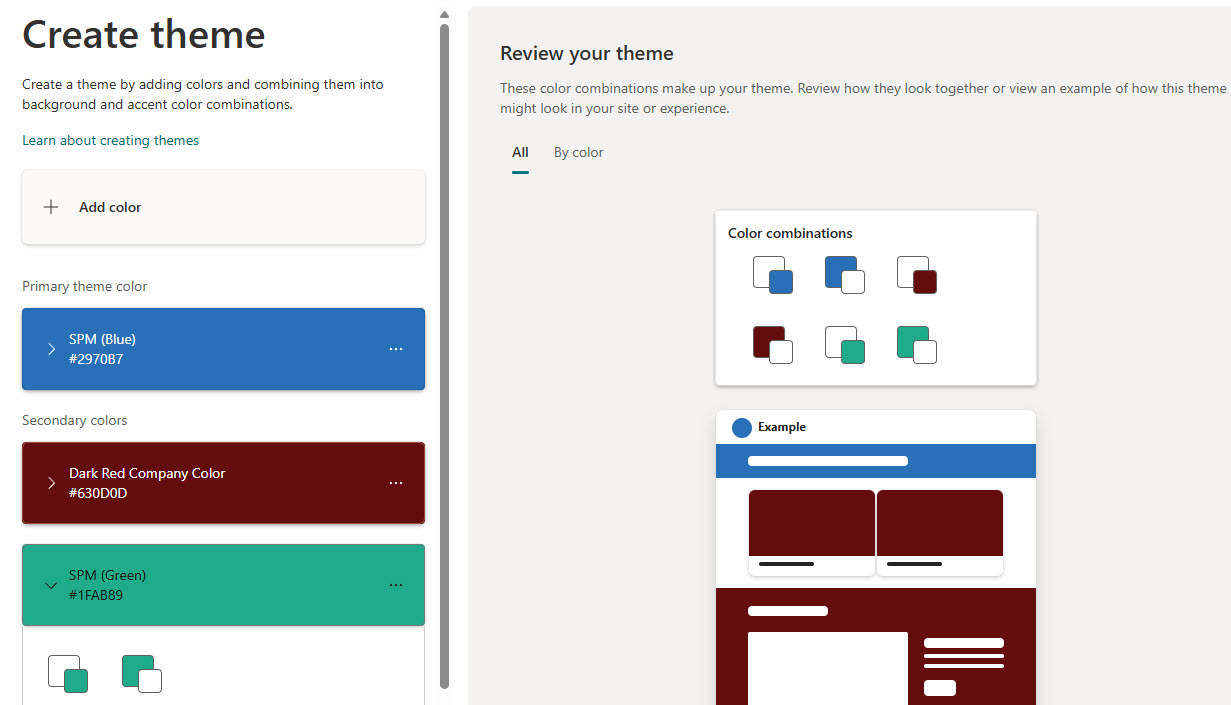
Custom Theme Creation
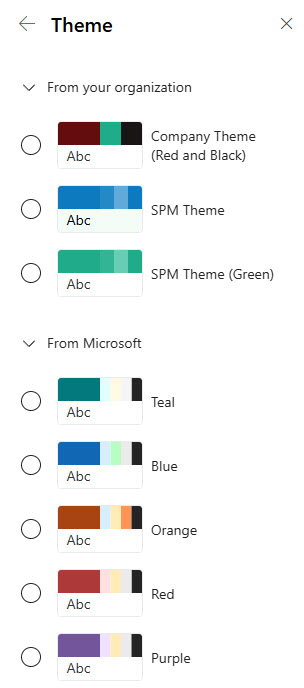
Custom Theme Selection