



Common Questions About Department Sites
Department Site Fundamentals
A SharePoint department site is a dedicated site for a single team or function – HR, IT, Finance, Legal, Marketing, Sales, and so on. It gives that team one place for its documents, links, news, tasks, and resources, separate from the company-wide intranet. Every example here is built out-of-the-box, with no custom code or third-party tools.
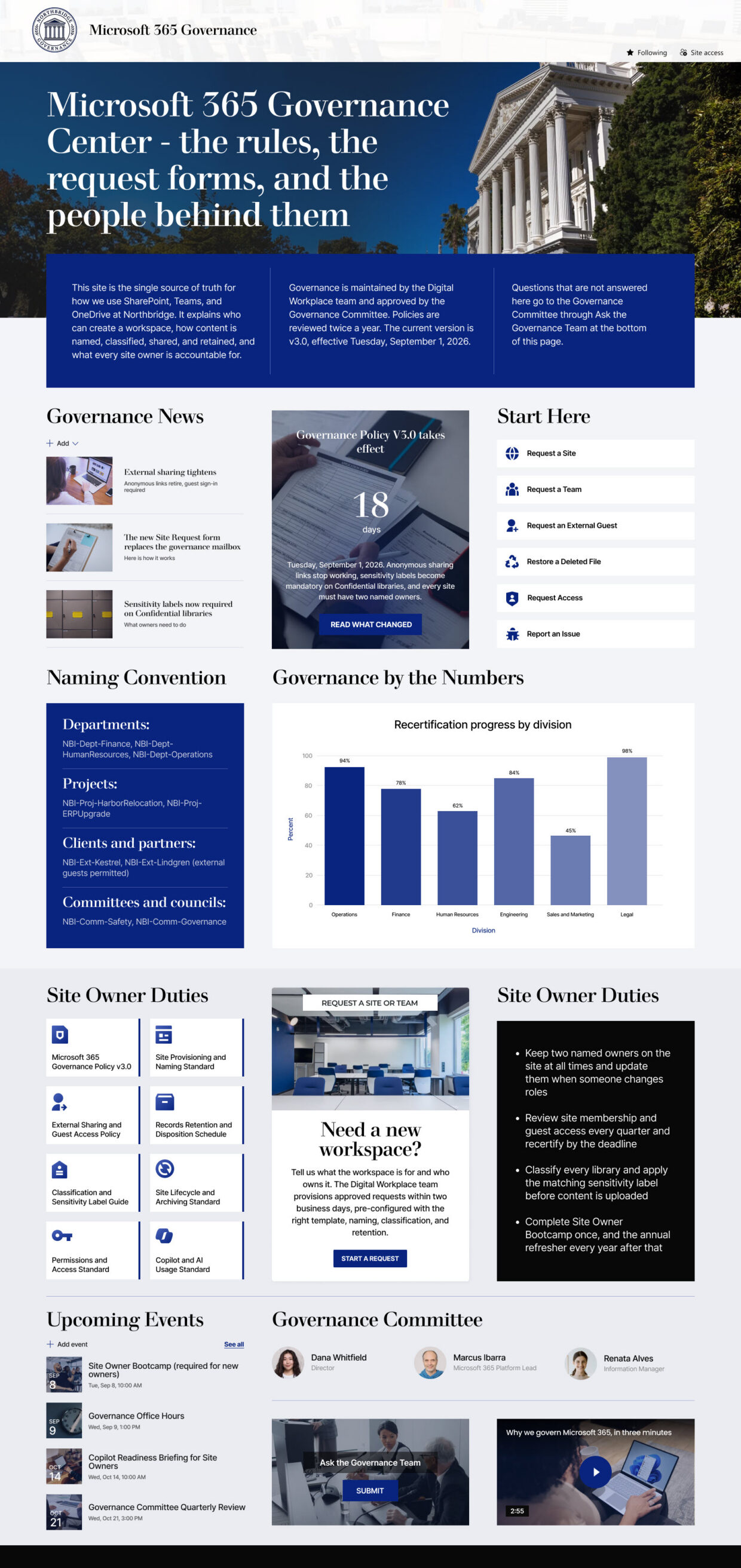
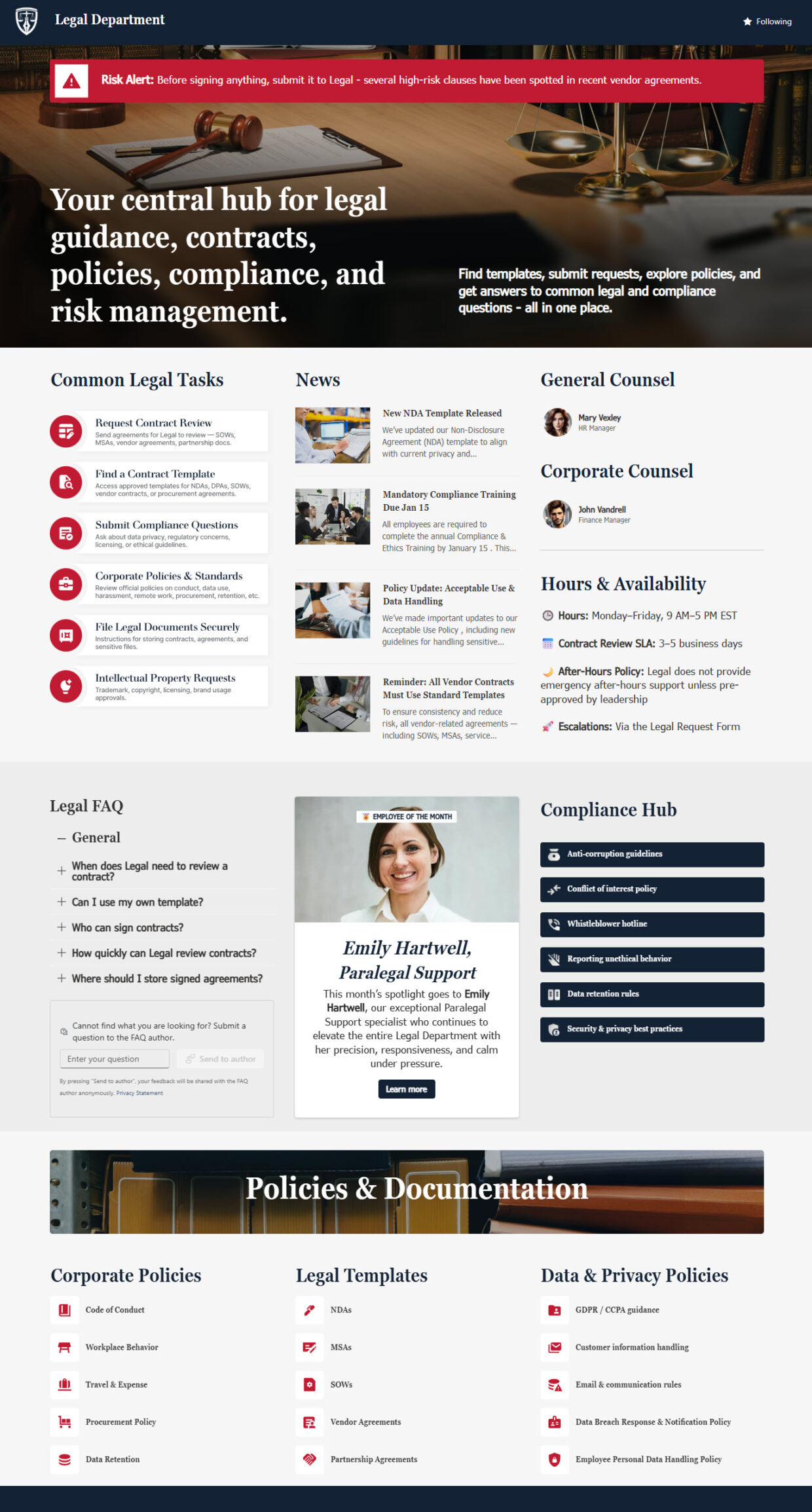
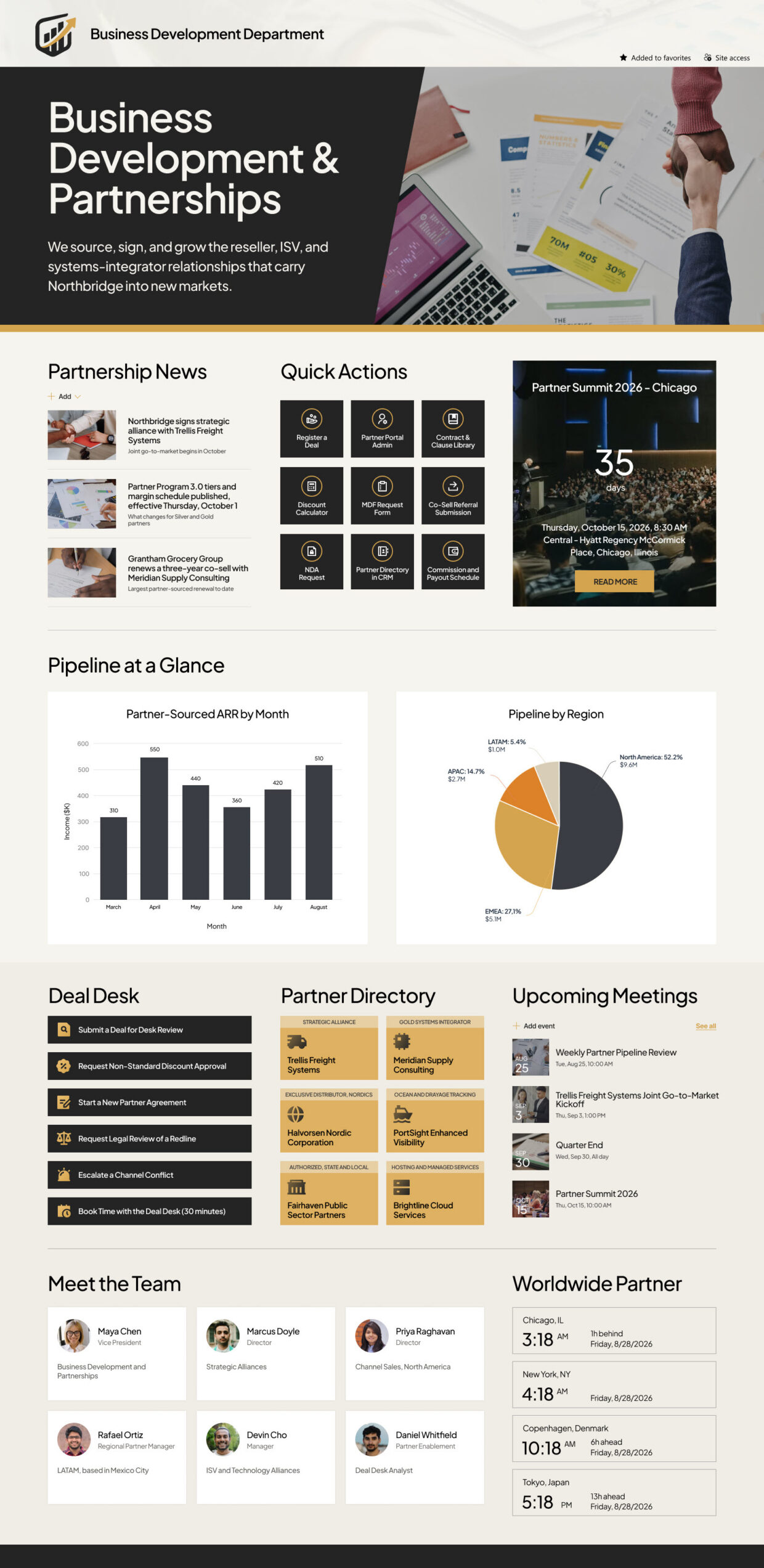
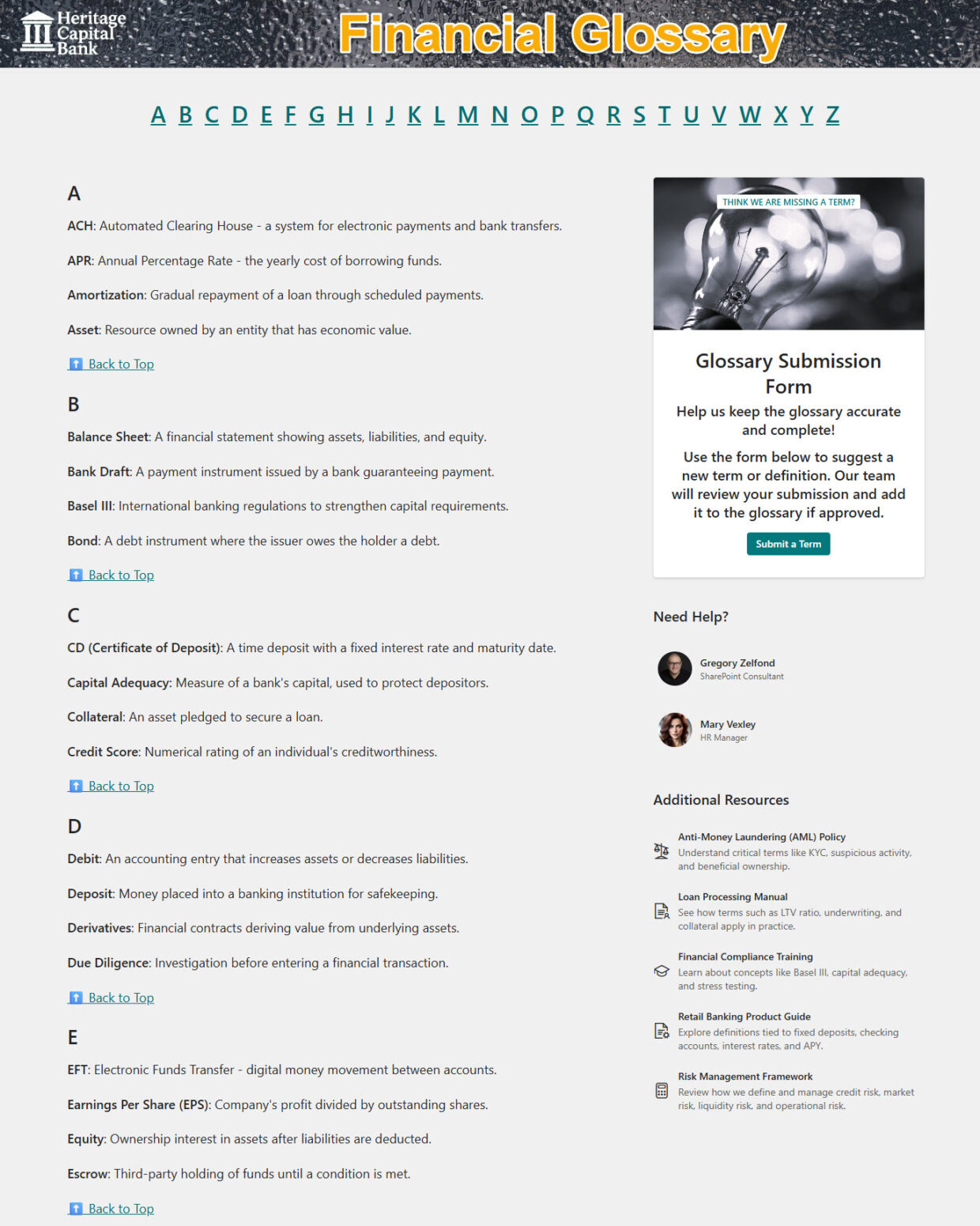
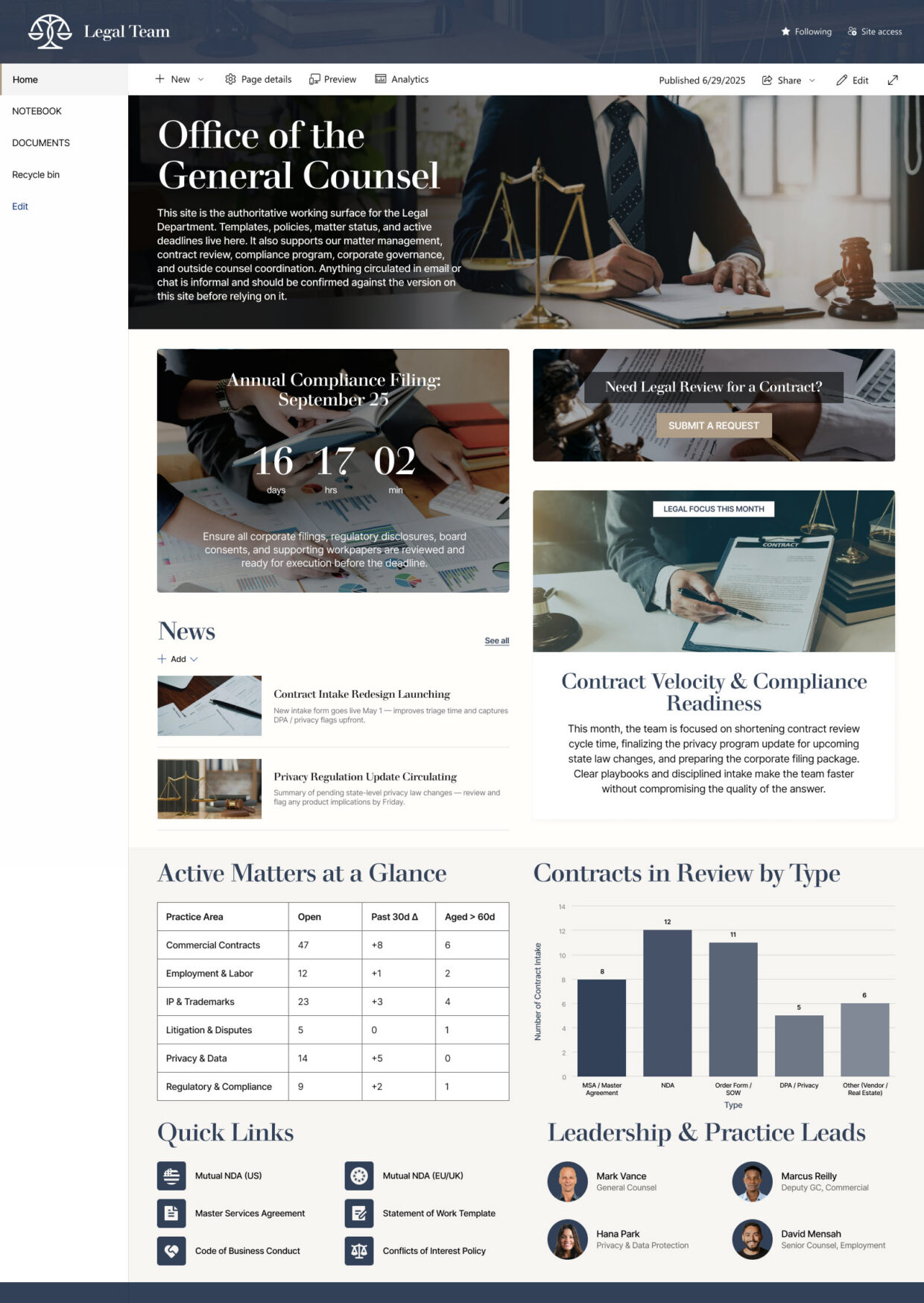
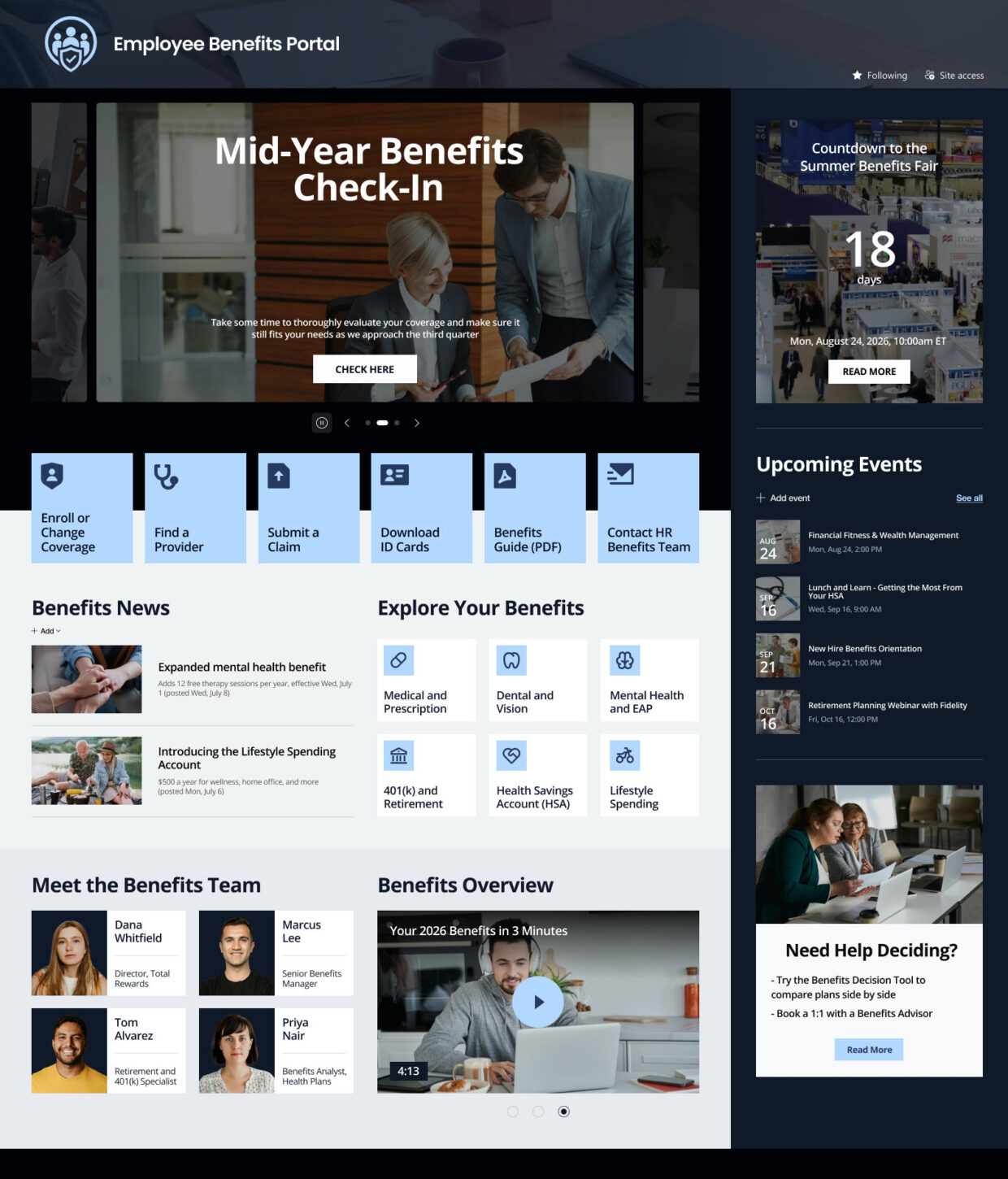
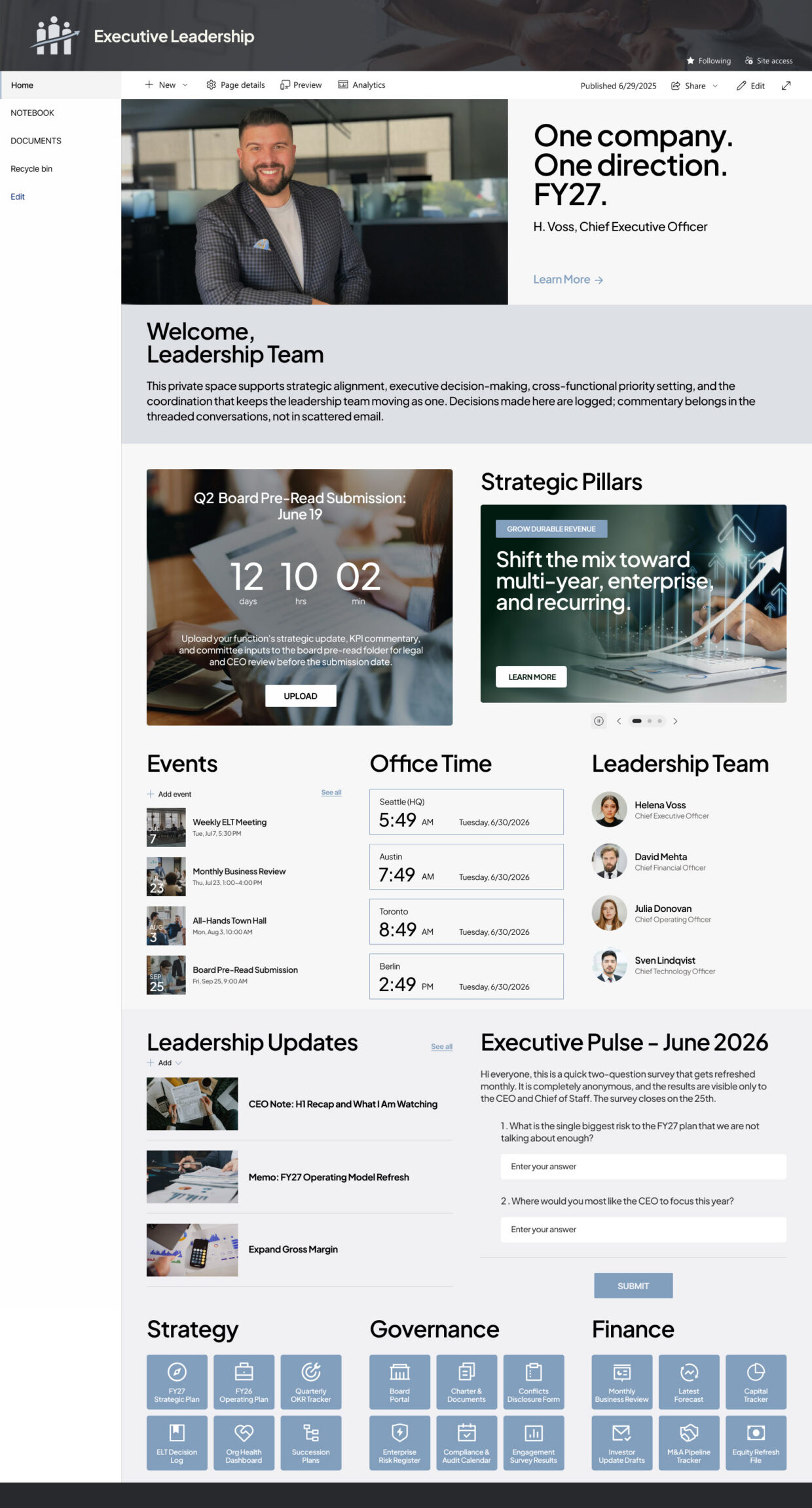
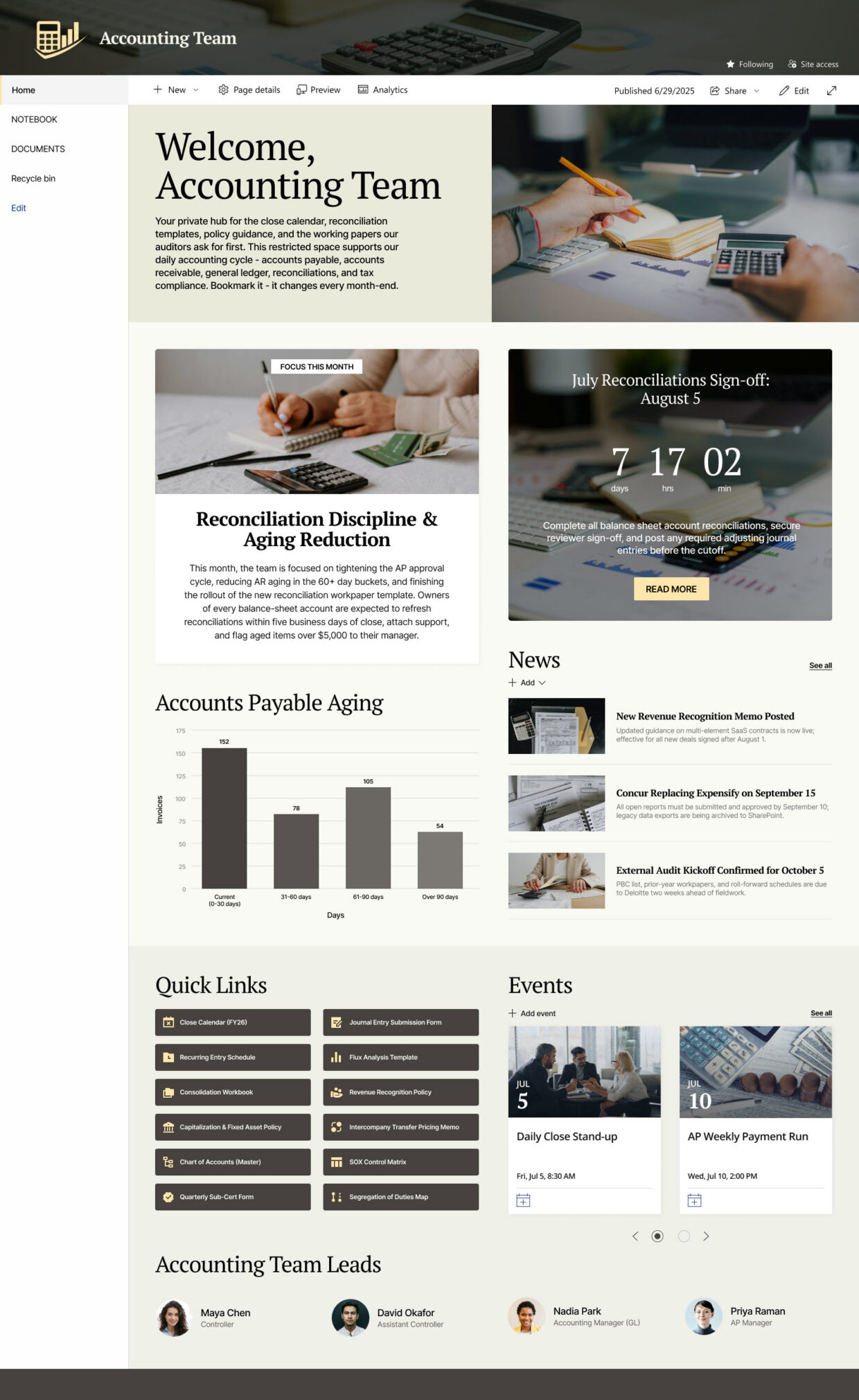
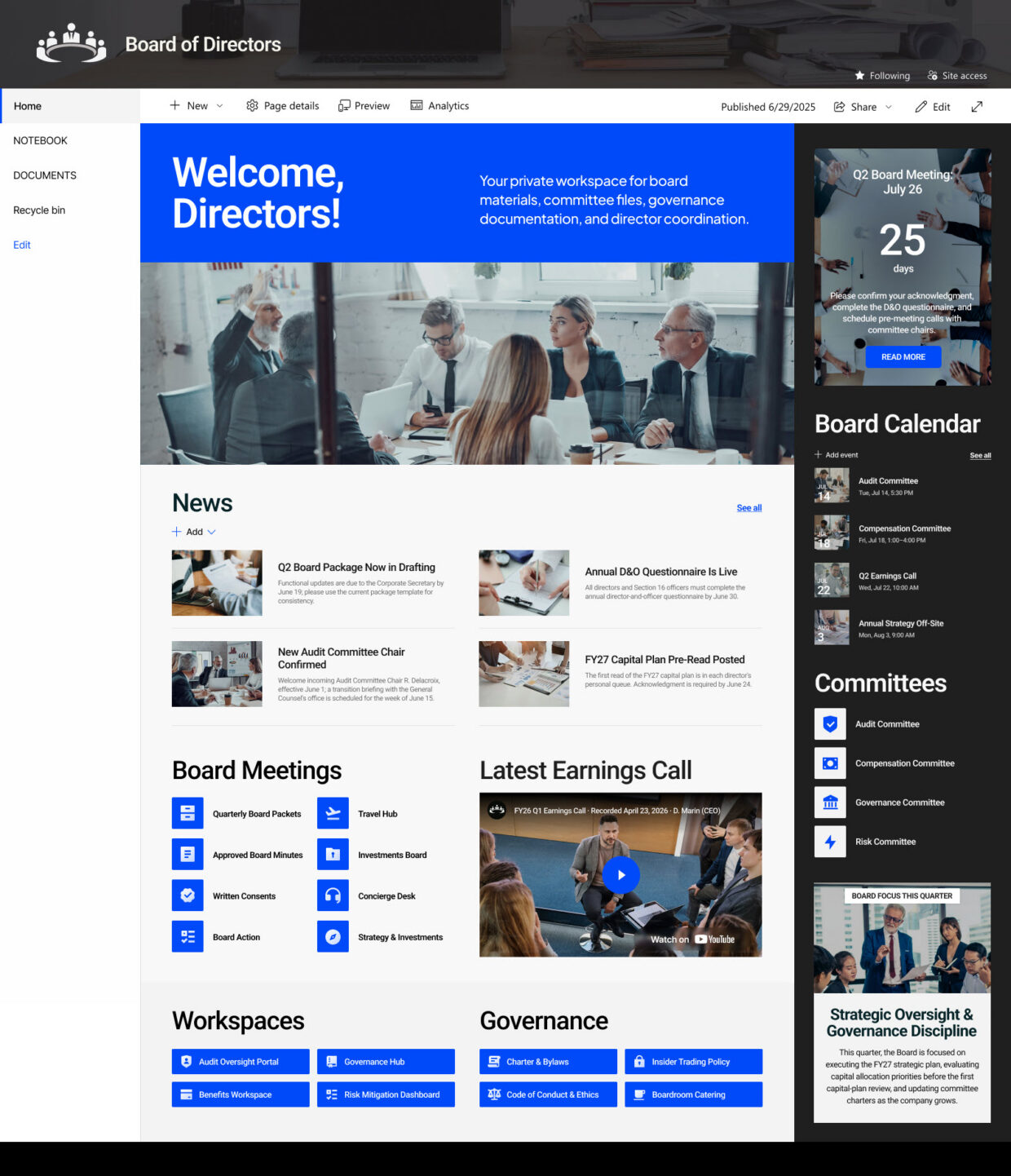
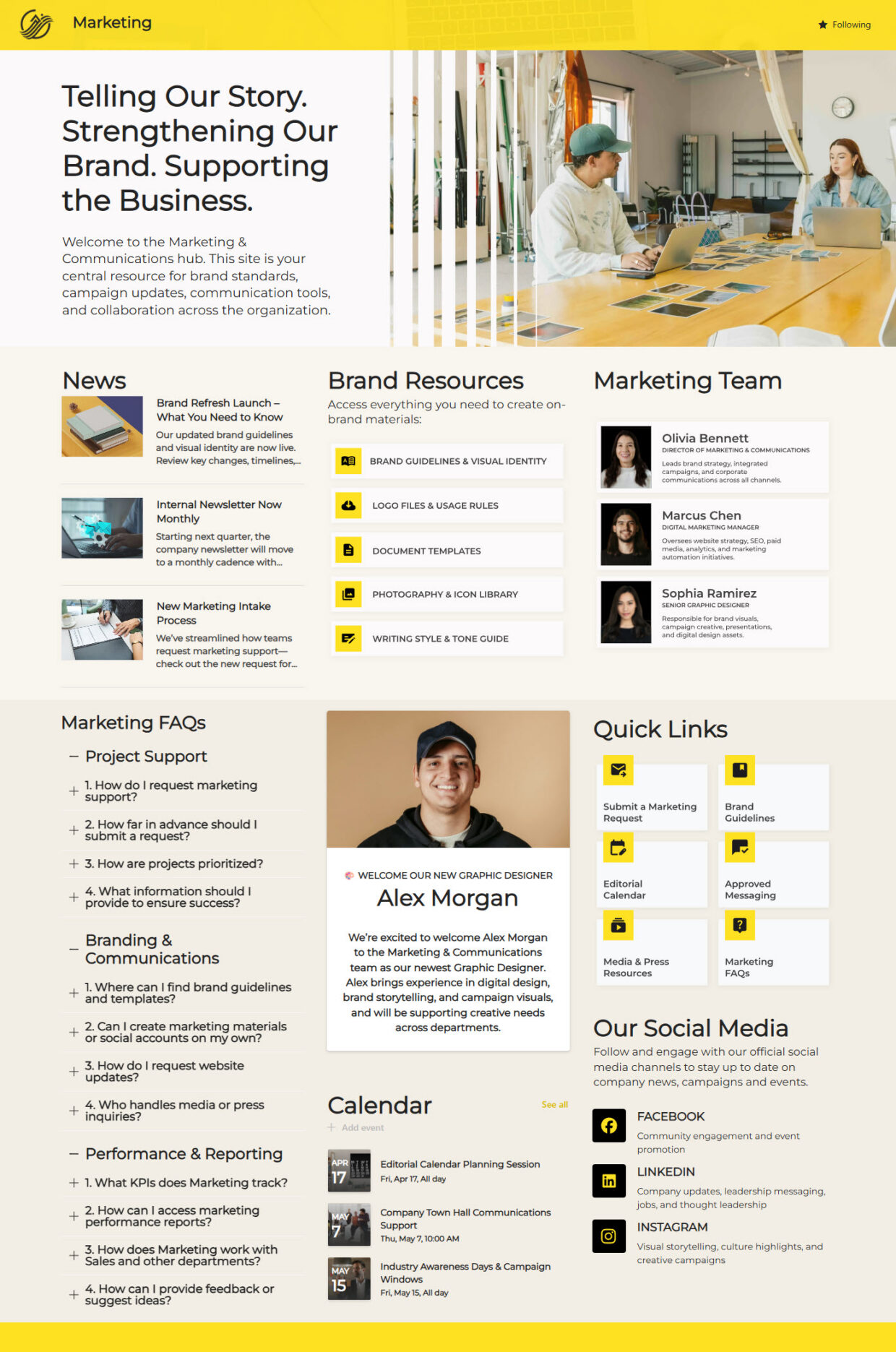
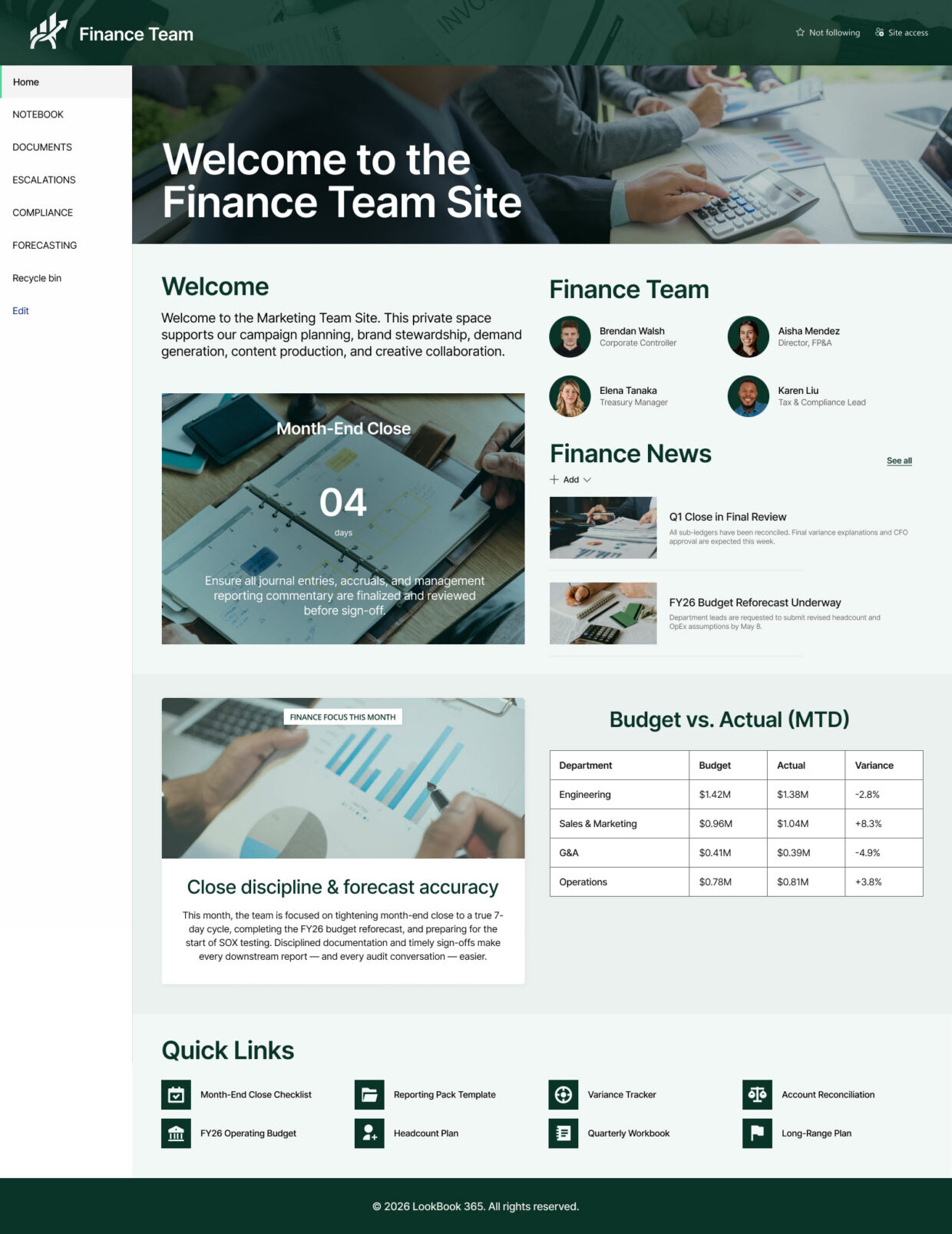
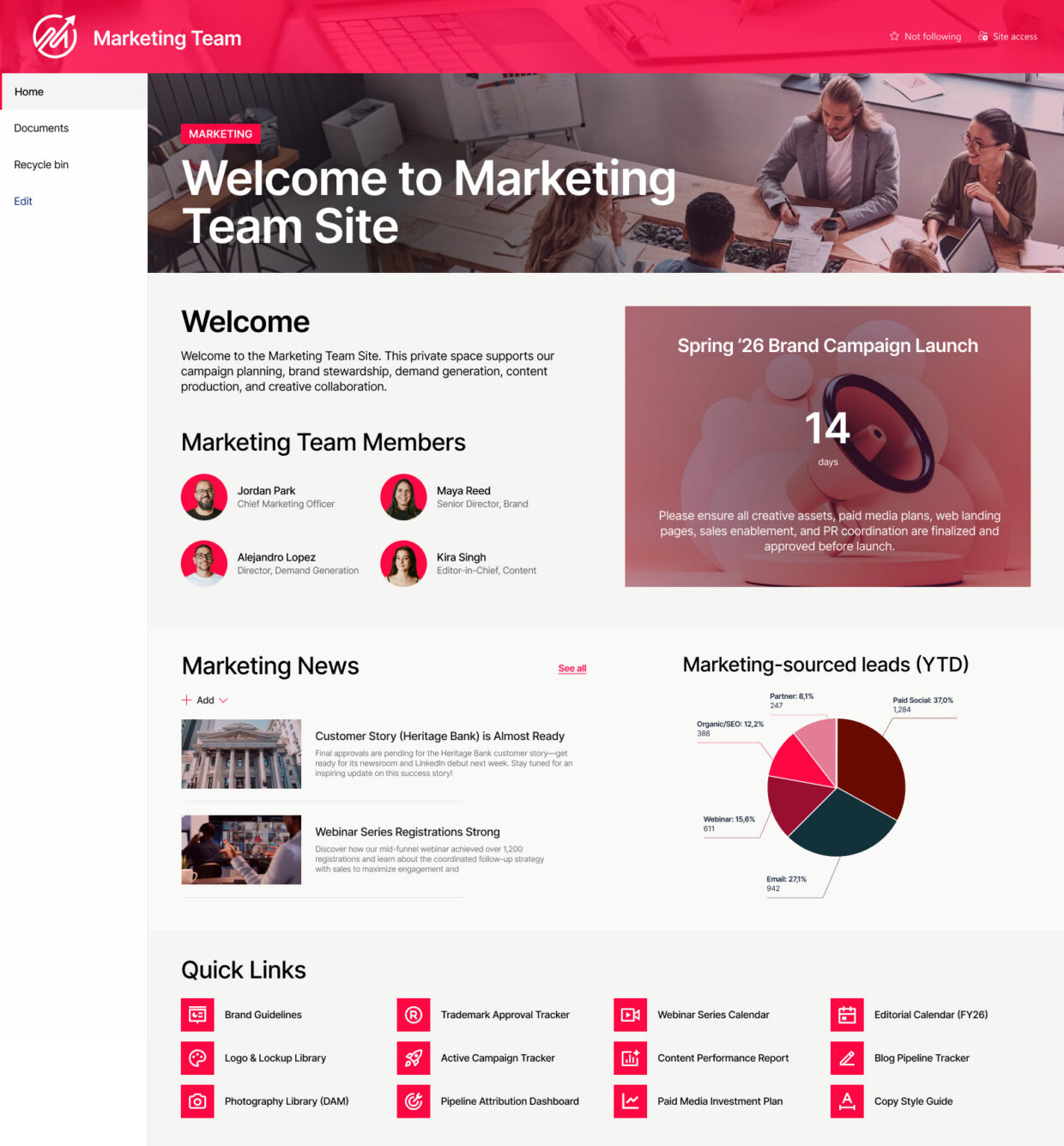
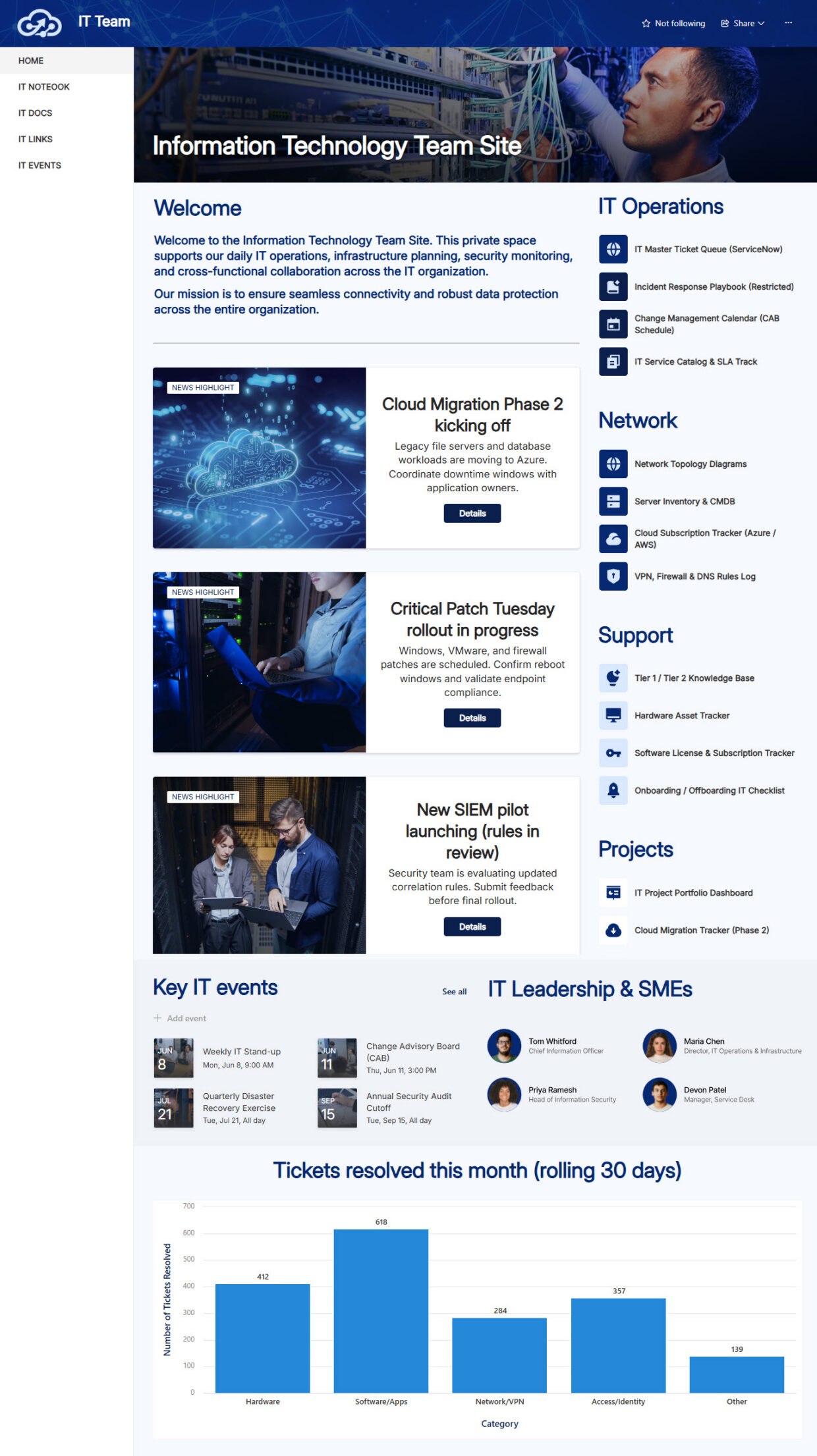
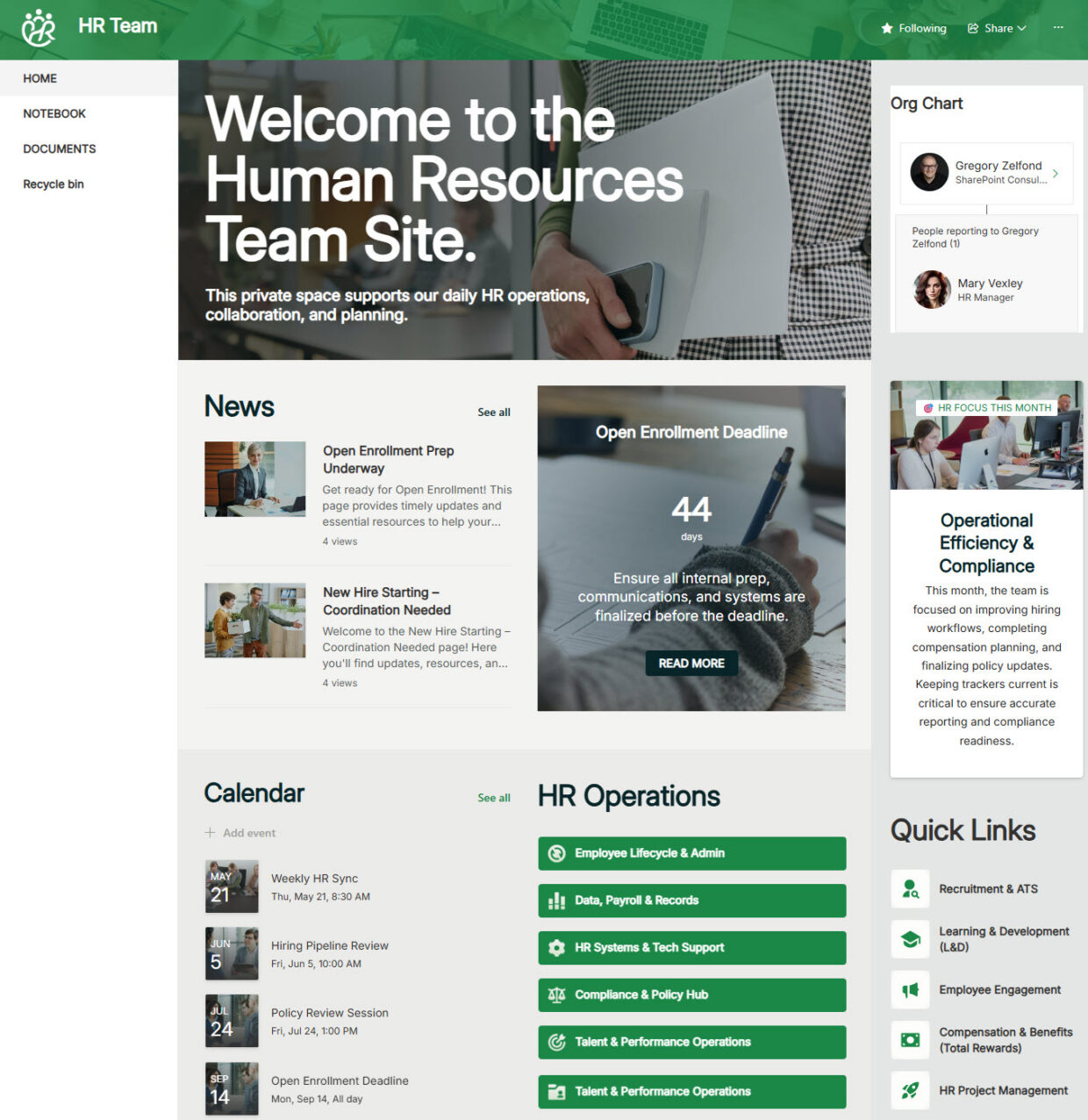
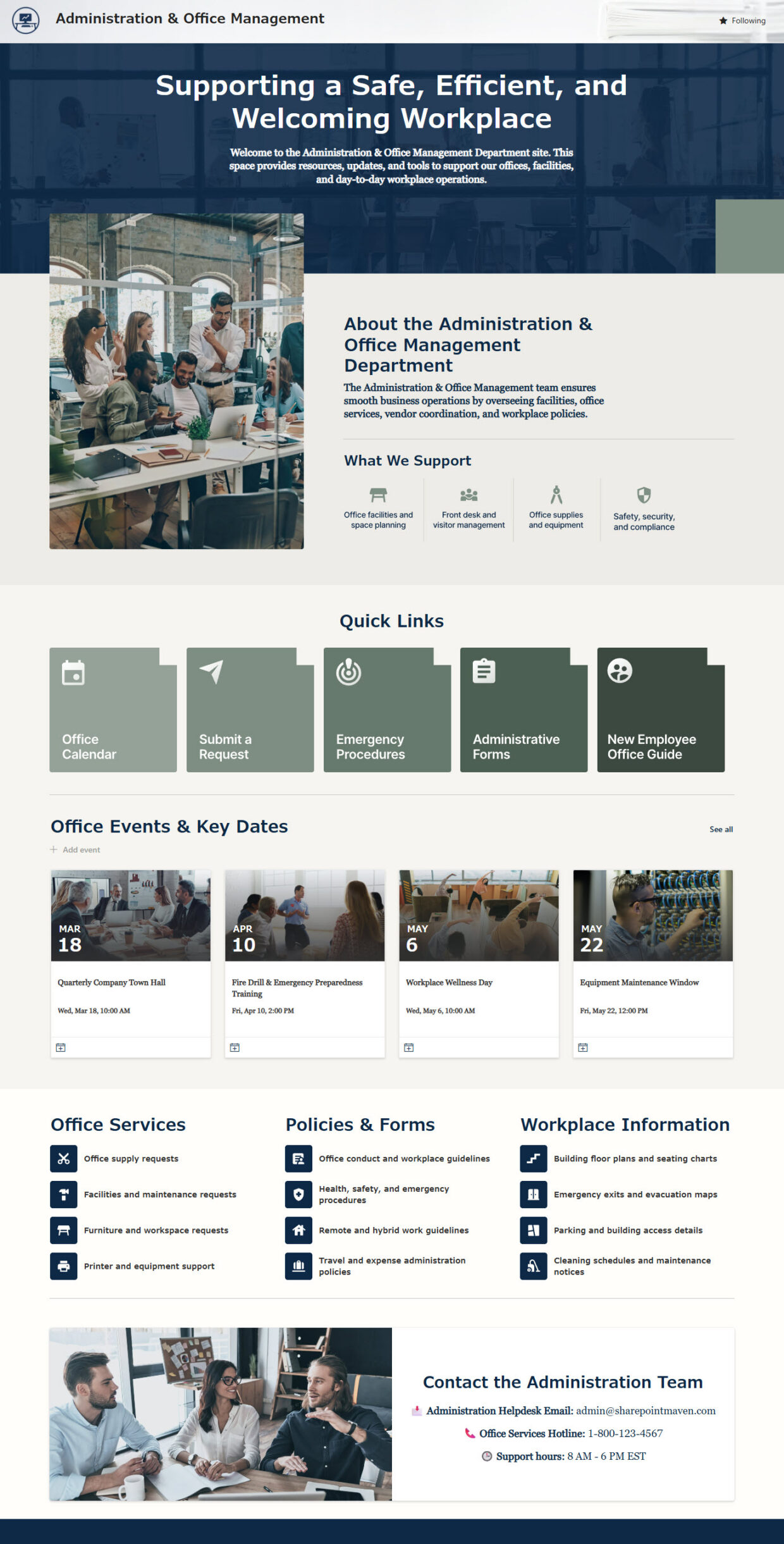
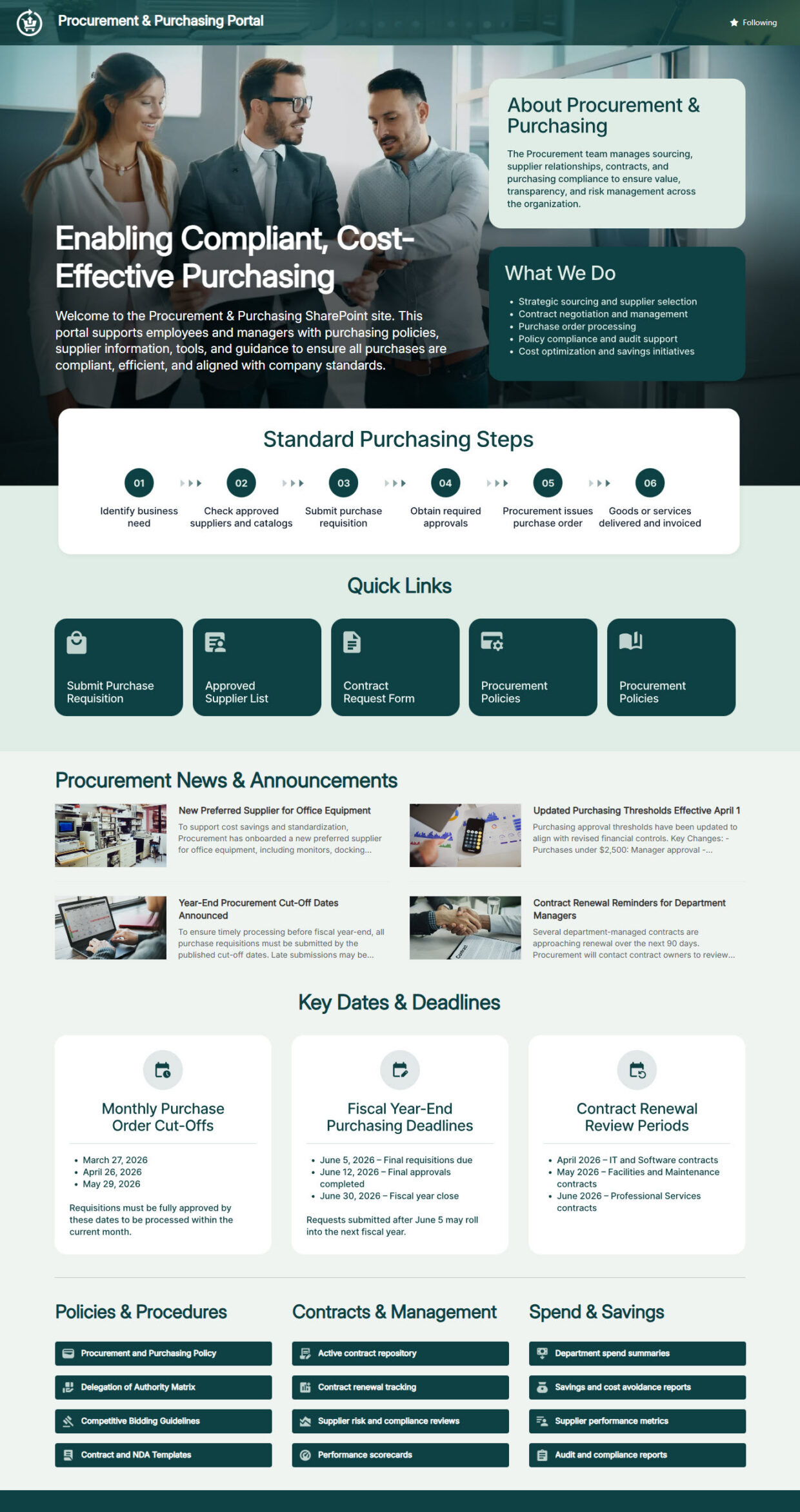
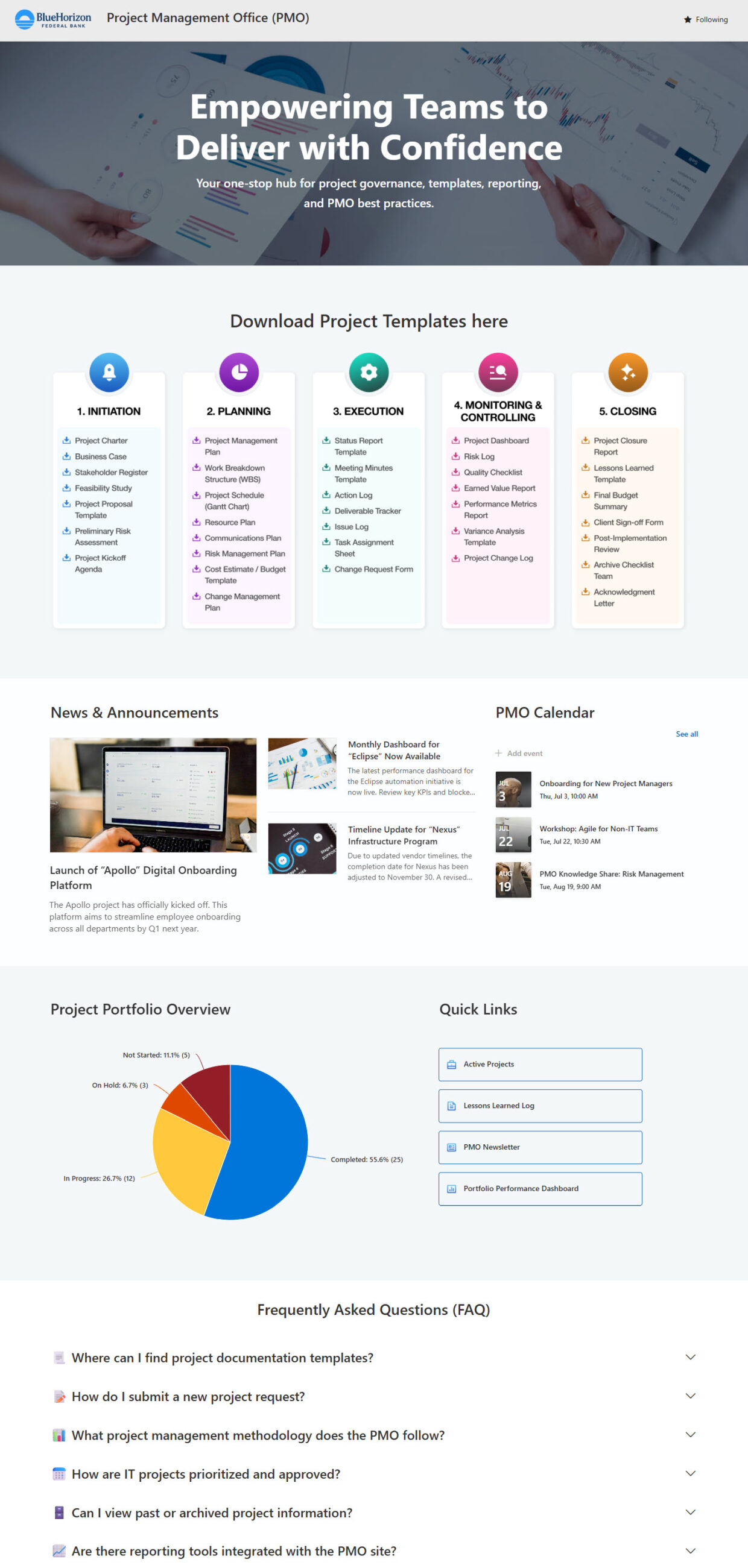
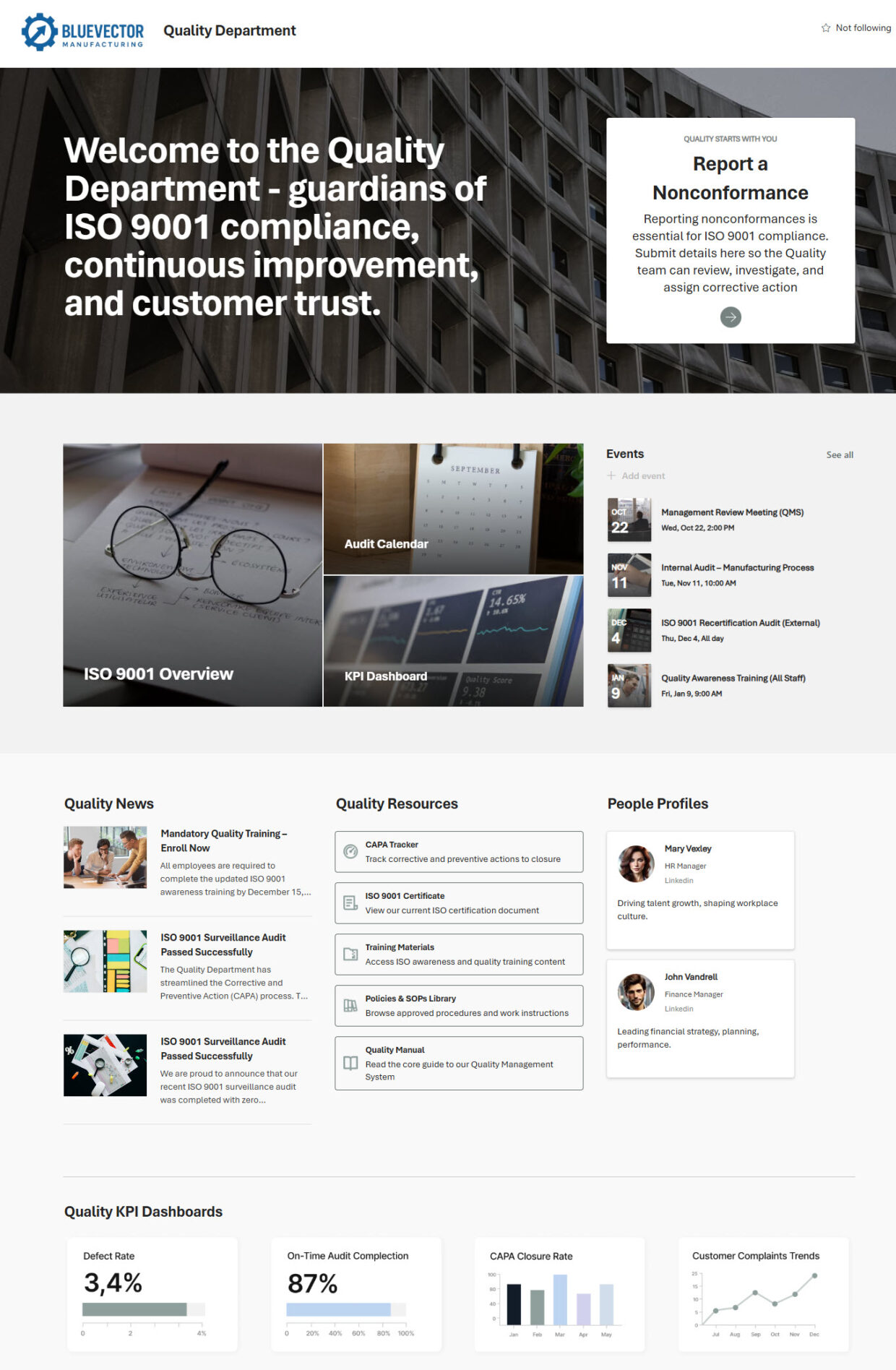
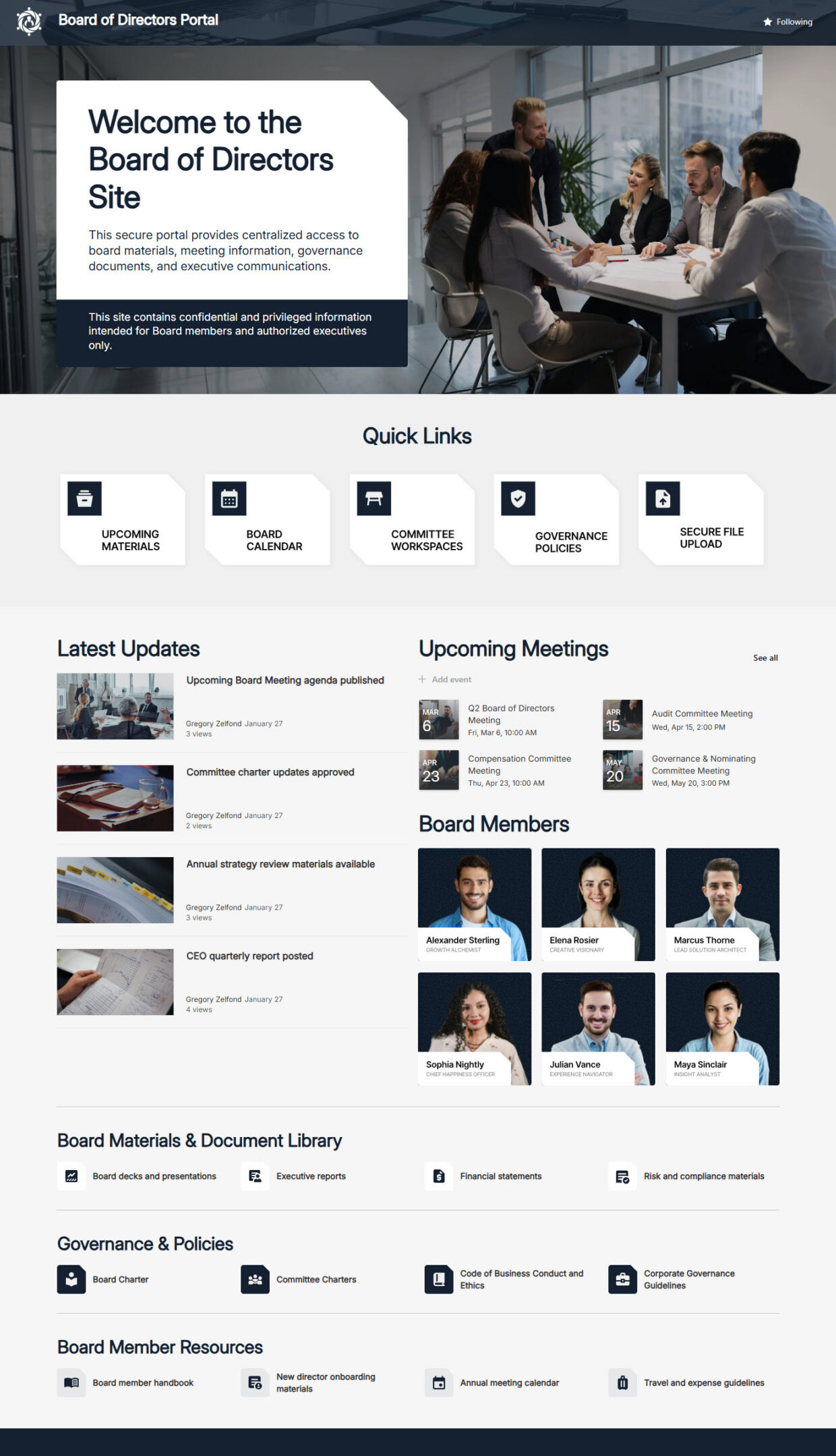
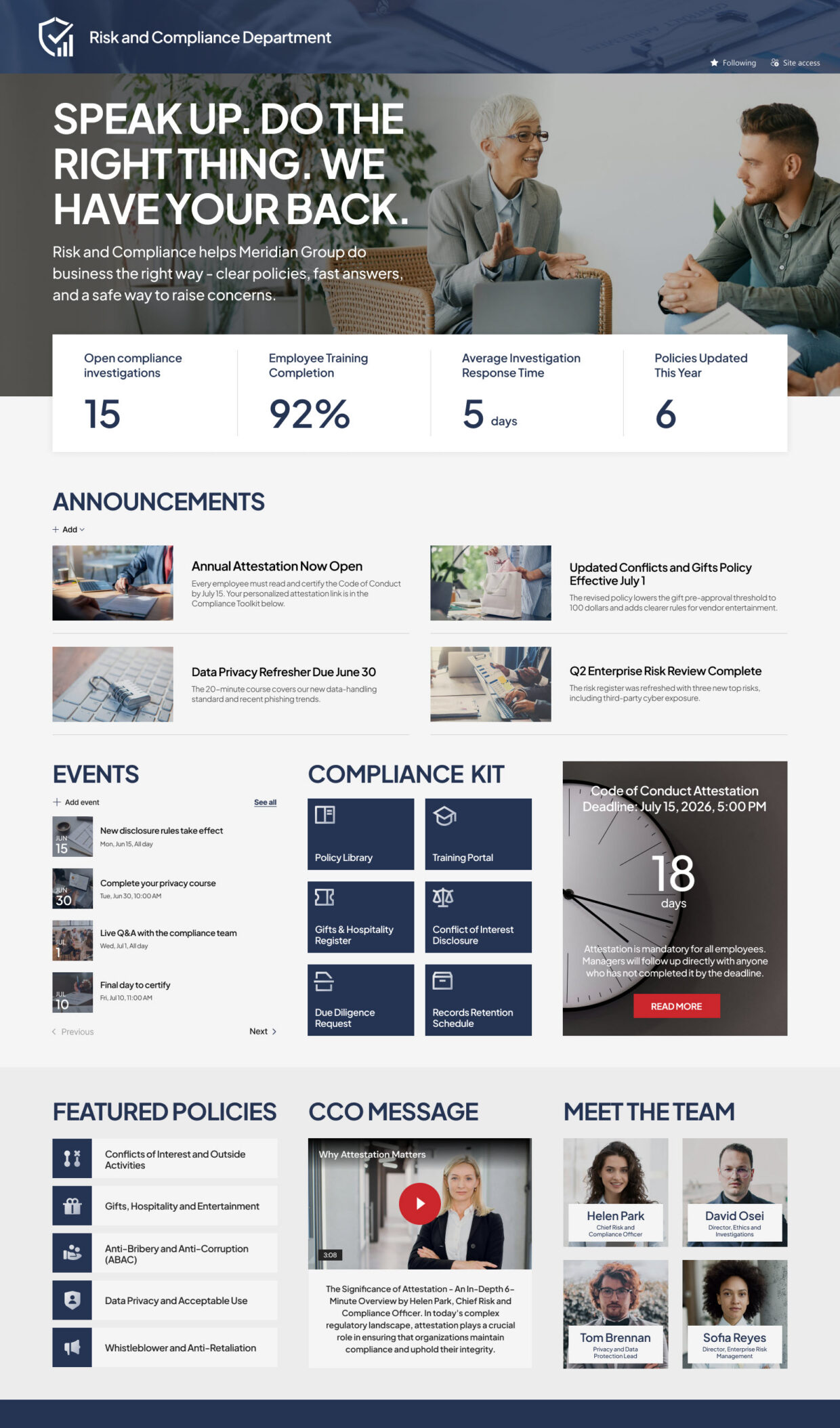
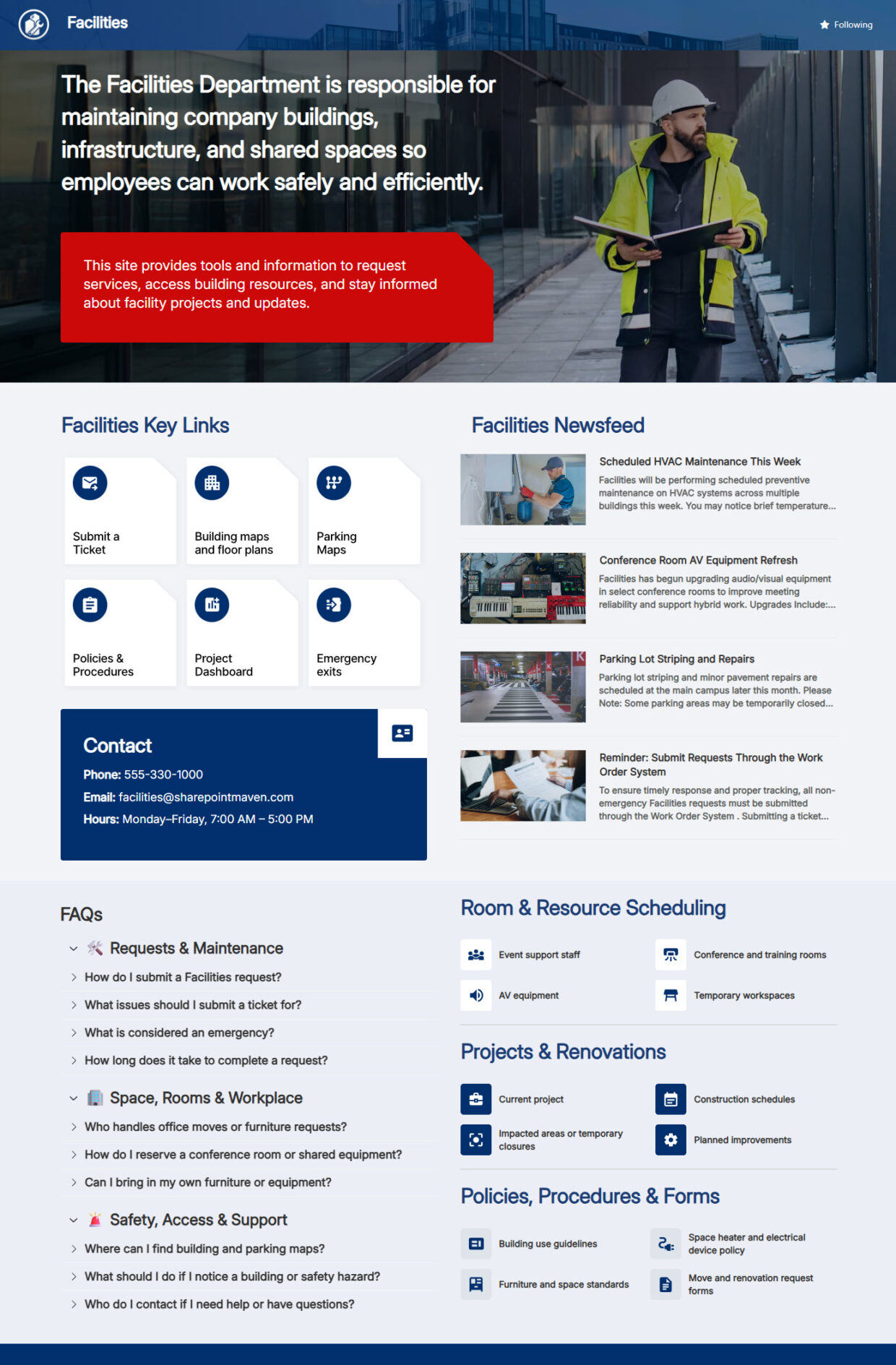
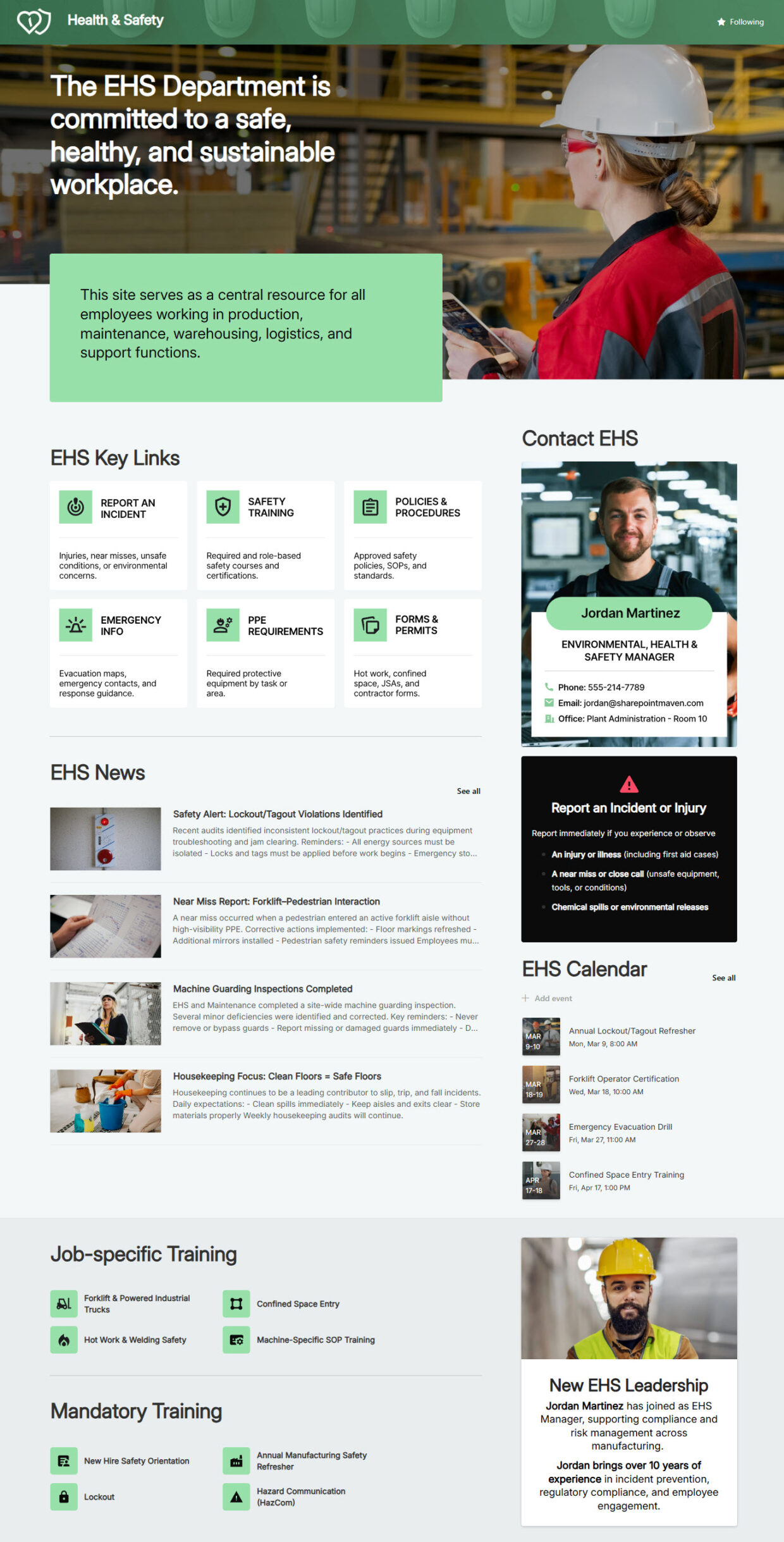
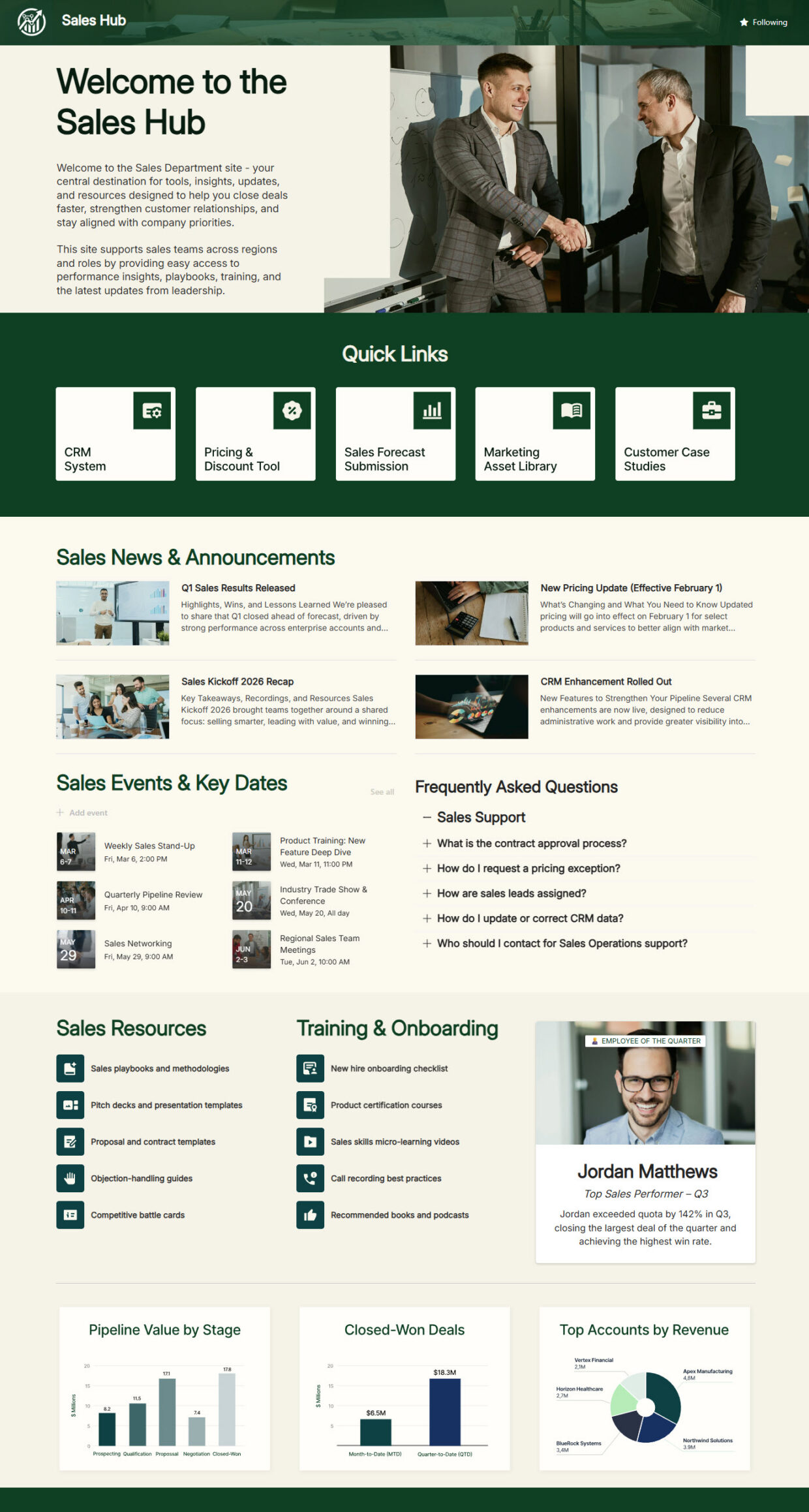
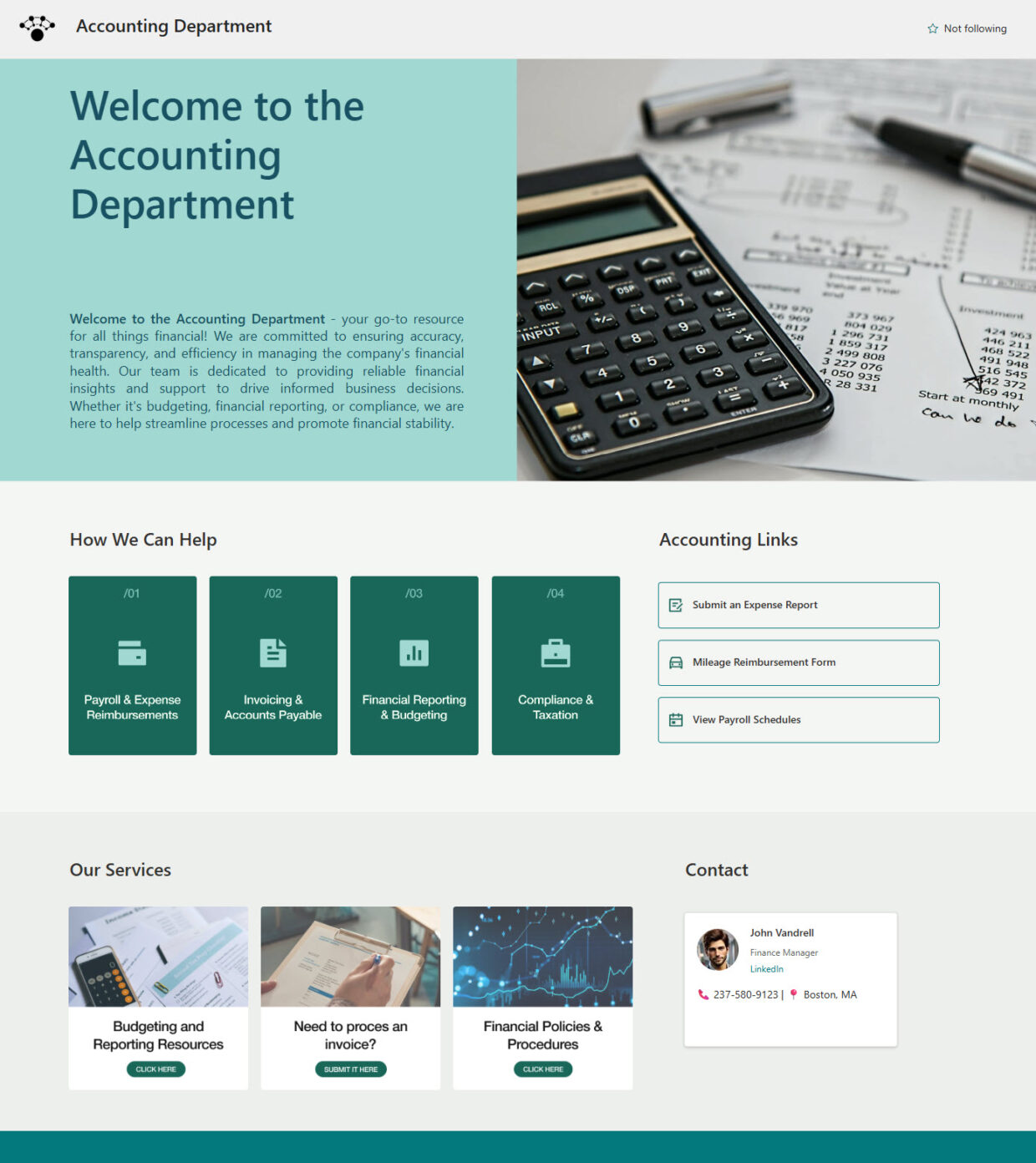
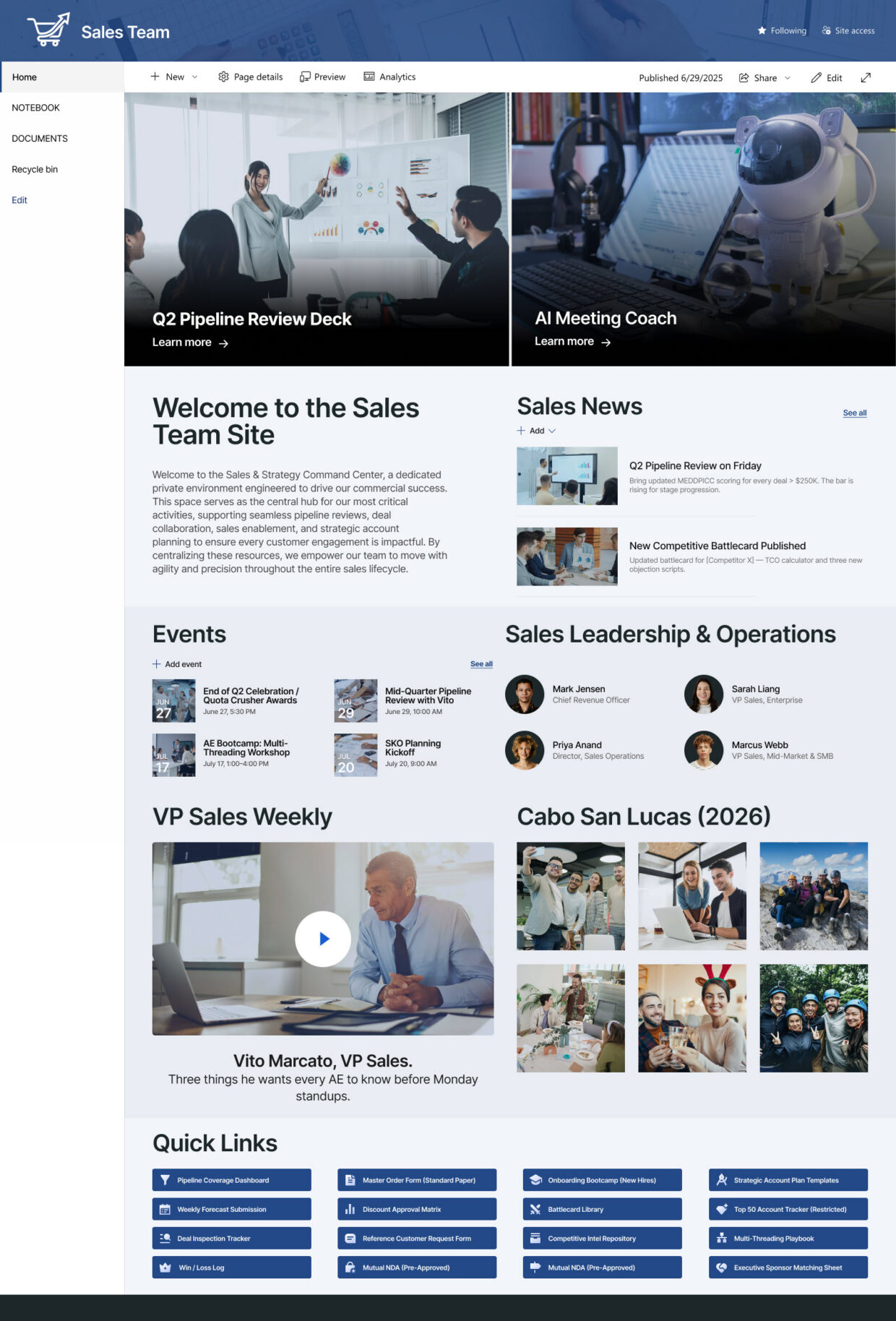
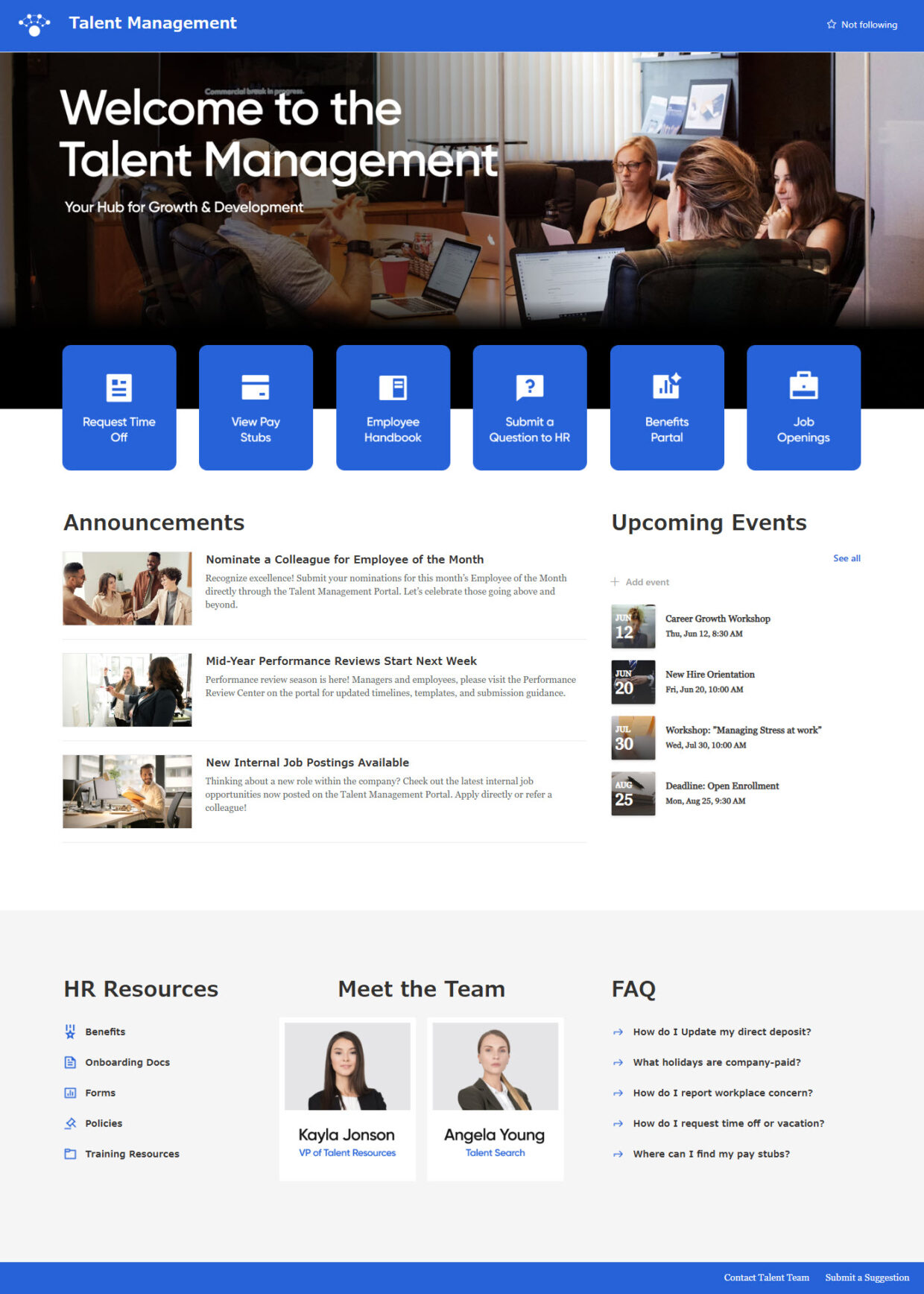
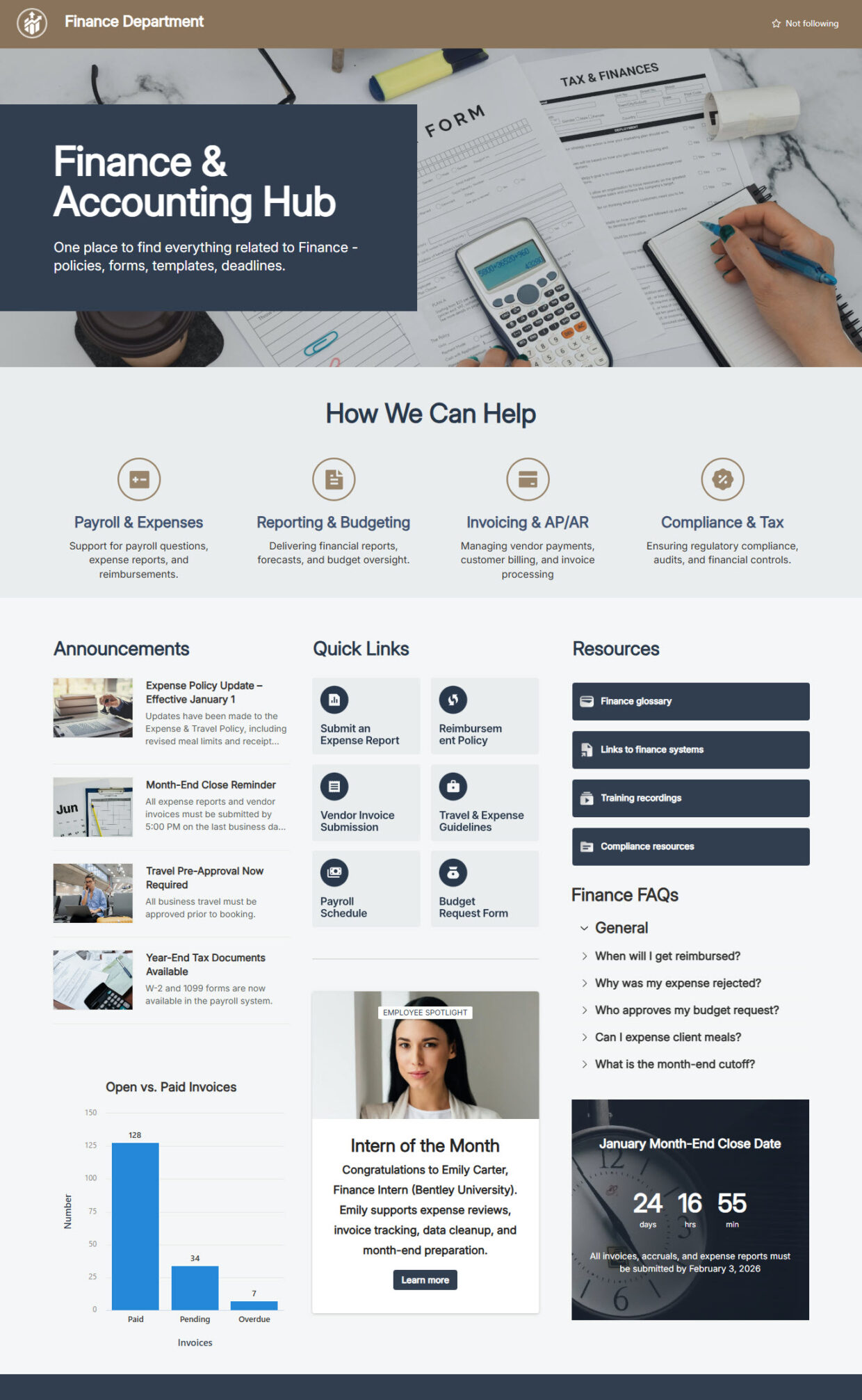
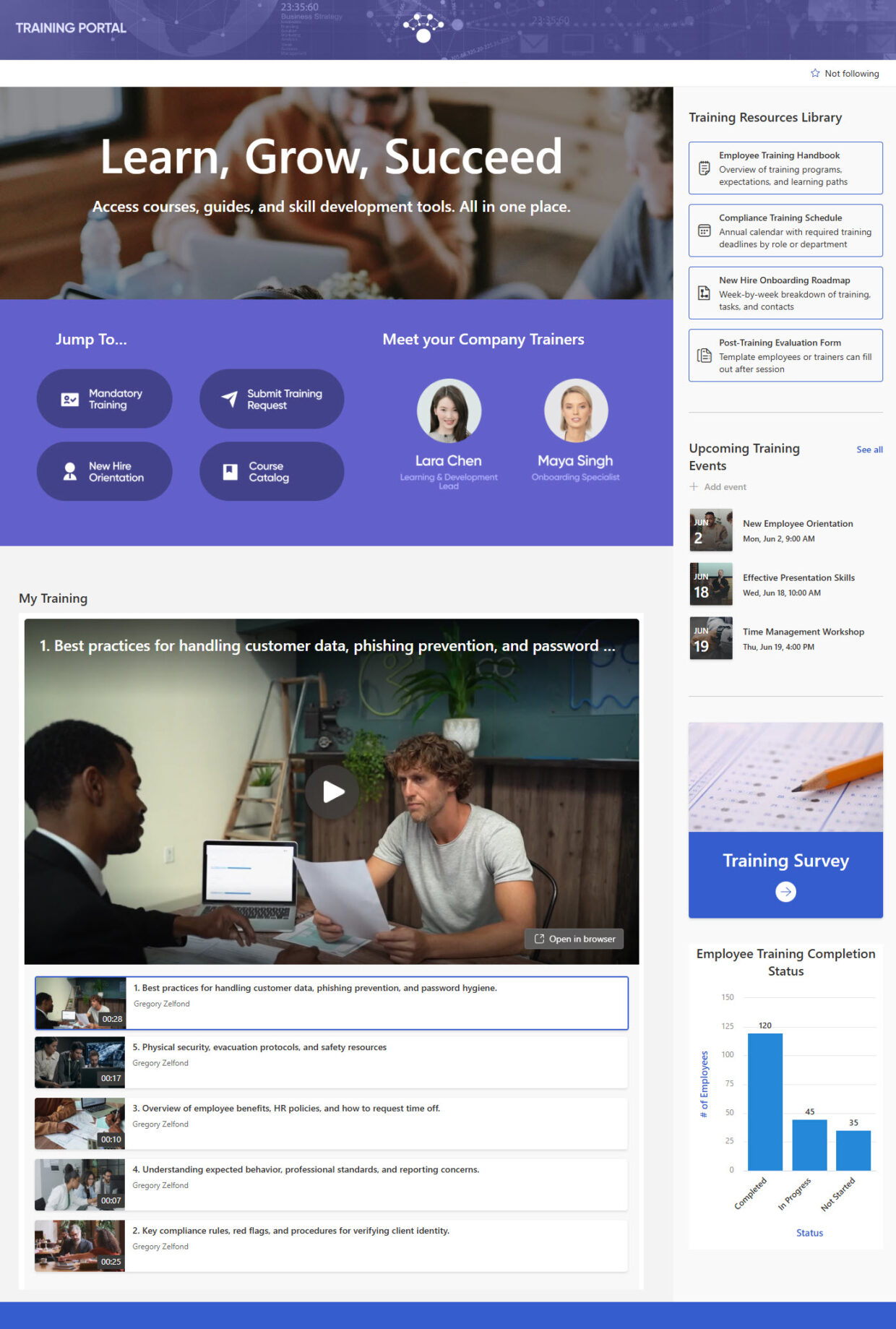
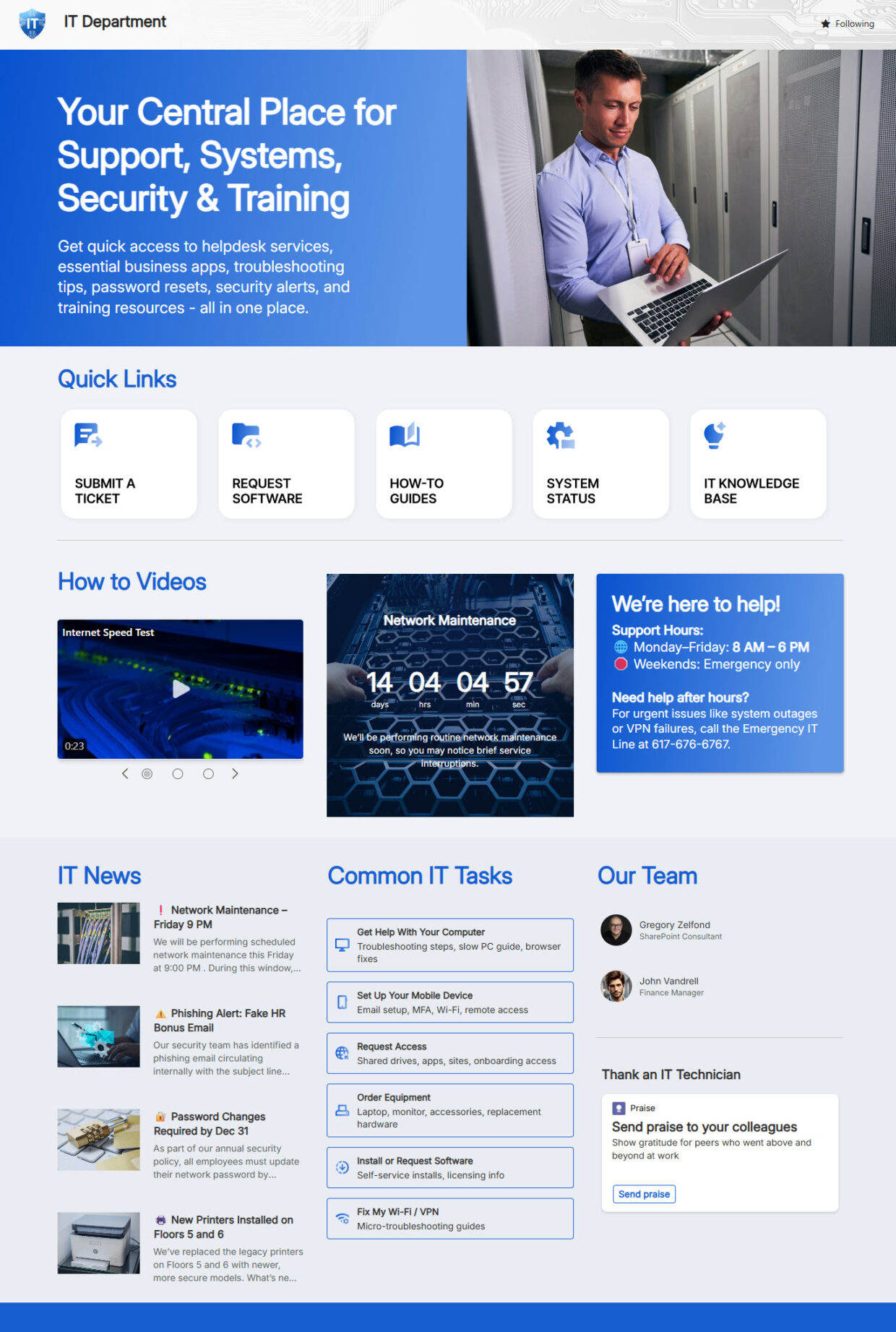
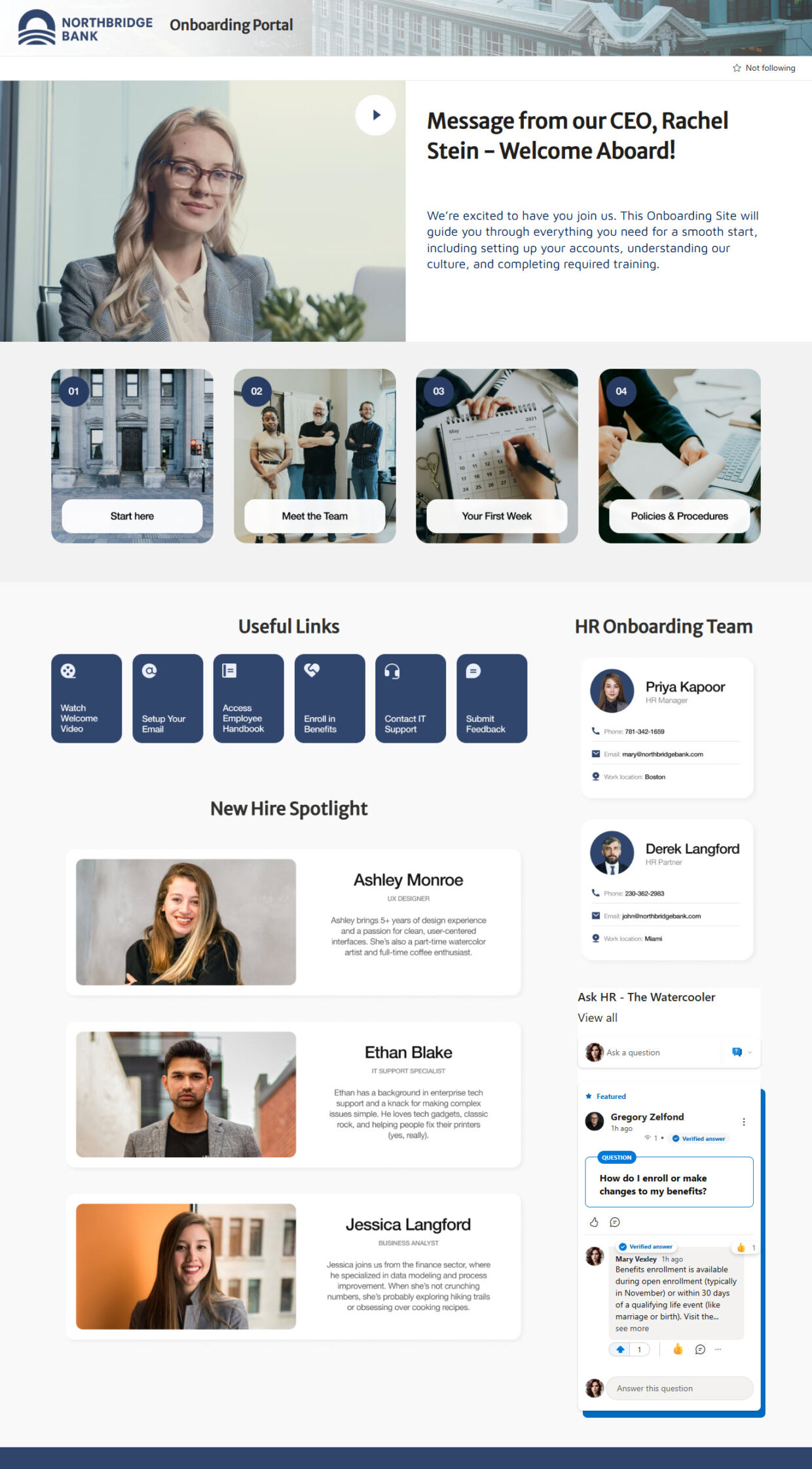
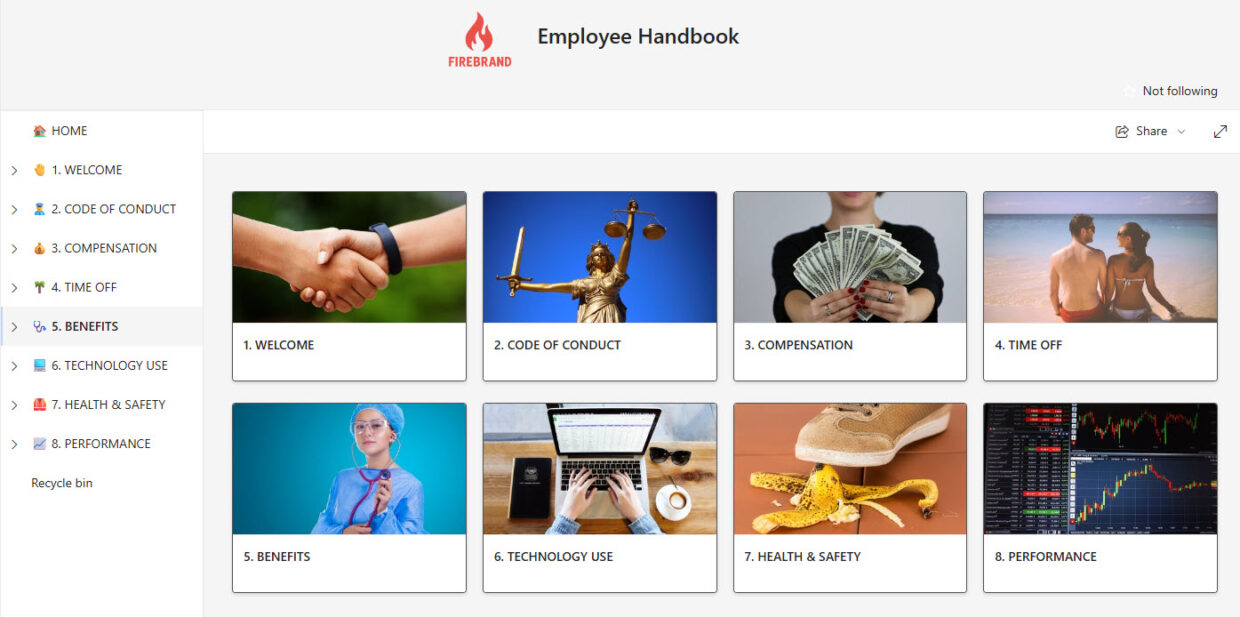
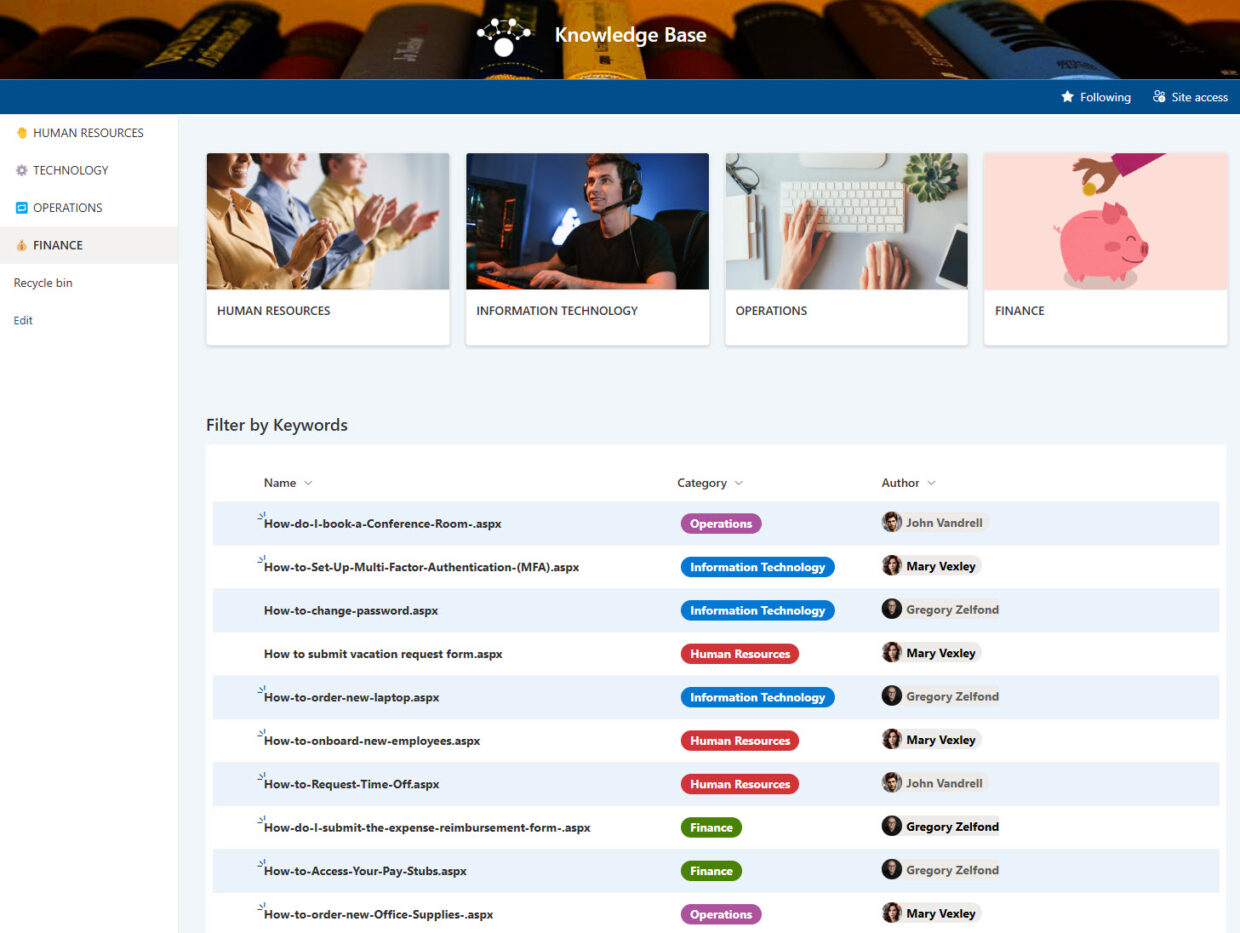
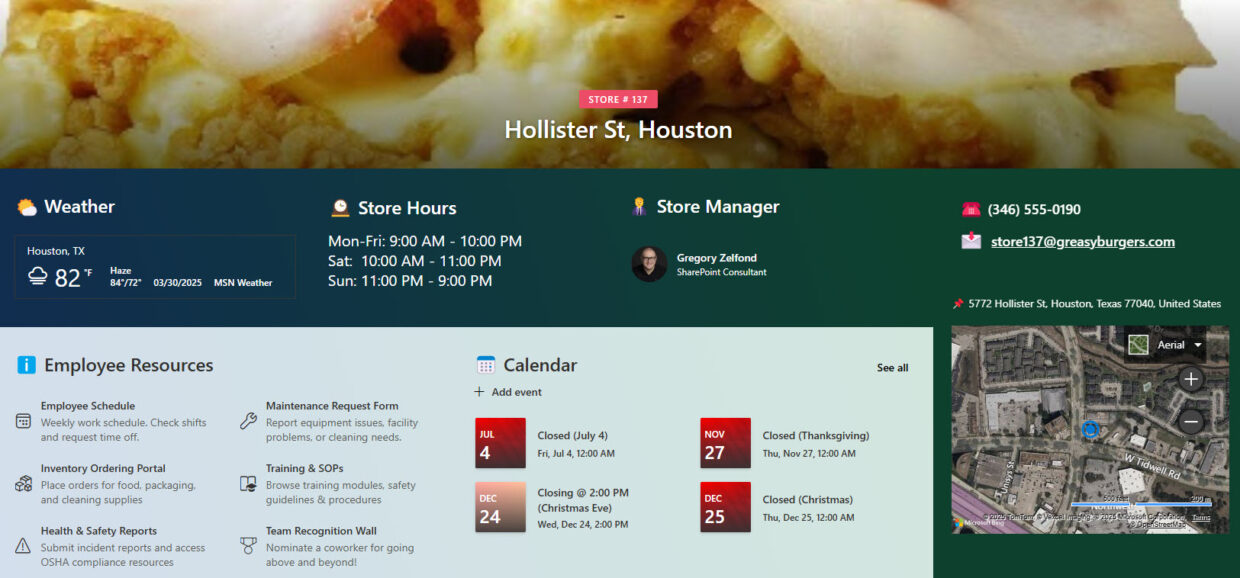
Each department site example shows a complete team homepage – typically a hero or banner, team news and announcements, quick links, key documents, contacts, and tools specific to that function. The gallery covers HR, IT, Finance, Legal, Marketing, Sales, and more, each tagged with the web parts and features Greg Zelfond used to build it.
The intranet is the organization-wide hub everyone sees; a department site serves one team. Department sites usually connect to the intranet through hub navigation, so employees move smoothly between the company home page and individual team spaces. Both are built out-of-the-box and both are showcased in this gallery.
In most cases, yes. Giving each department its own site keeps permissions, content, and ownership clean – HR controls HR content, Finance controls Finance content – while hub navigation ties them together. This structure is easier to secure and maintain than cramming every team into one site, and it is exactly how Greg Zelfond designs department sites.
It depends on the purpose. A team site suits a working group that collaborates closely; a communication site suits a department that mostly broadcasts news and resources to a wider audience. Greg Zelfond chooses the right site type for each department, and every example in the gallery uses standard, out-of-the-box SharePoint site templates.
No. Every department site in the gallery is built using only out-of-the-box SharePoint and Microsoft 365 features – no custom code, no third-party add-ons, and no extra licenses. That keeps each site stable, secure, and easy for the team to maintain, with nothing that breaks when Microsoft ships updates. Out-of-the-box is the only way Greg Zelfond builds.
Planning Your Department Sites
Yes. Greg Zelfond tailors every department site to the team – its branding, navigation, the documents and links it relies on, and the tools that fit its work. The gallery shows multiple functions because the same out-of-the-box foundation adapts to whatever a department needs, from a document-heavy Legal site to a news-driven HR hub.
Department sites connect to the intranet through SharePoint hub navigation, which links related sites under a shared top menu and consistent look. Employees move between the company home page and each team space without losing their place. Greg Zelfond sets up this hub structure as part of designing a connected, easy-to-navigate intranet.
Yes. SharePoint is responsive by default, so department sites adapt automatically to phones and tablets, and team members can also reach them through the SharePoint mobile app and Microsoft Teams. That helps staff find team documents, contacts, and links wherever they are working, not just at a desk.
Yes – that is the goal. Because department sites are built out-of-the-box, the team’s own site owners can add documents, update links, and post news through the standard SharePoint interface, with no developer involved. Greg Zelfond includes site owner training so each department is self-sufficient once the site is handed over.
Yes – this is exactly the kind of work Greg Zelfond does. As an independent SharePoint consultant and Microsoft MVP, he designs and builds out-of-the-box department sites like the ones in this gallery, connected to your intranet and tailored to each team. Reach out through the contact page to talk about your needs.
As many as your organization needs – there is no extra licensing cost, since everything is built on the SharePoint and Microsoft 365 tools you already have. Greg Zelfond helps you decide which teams warrant their own site and how to structure them, so the result is organized and maintainable rather than a sprawl of disconnected sites.