Legal (Department)


Overview
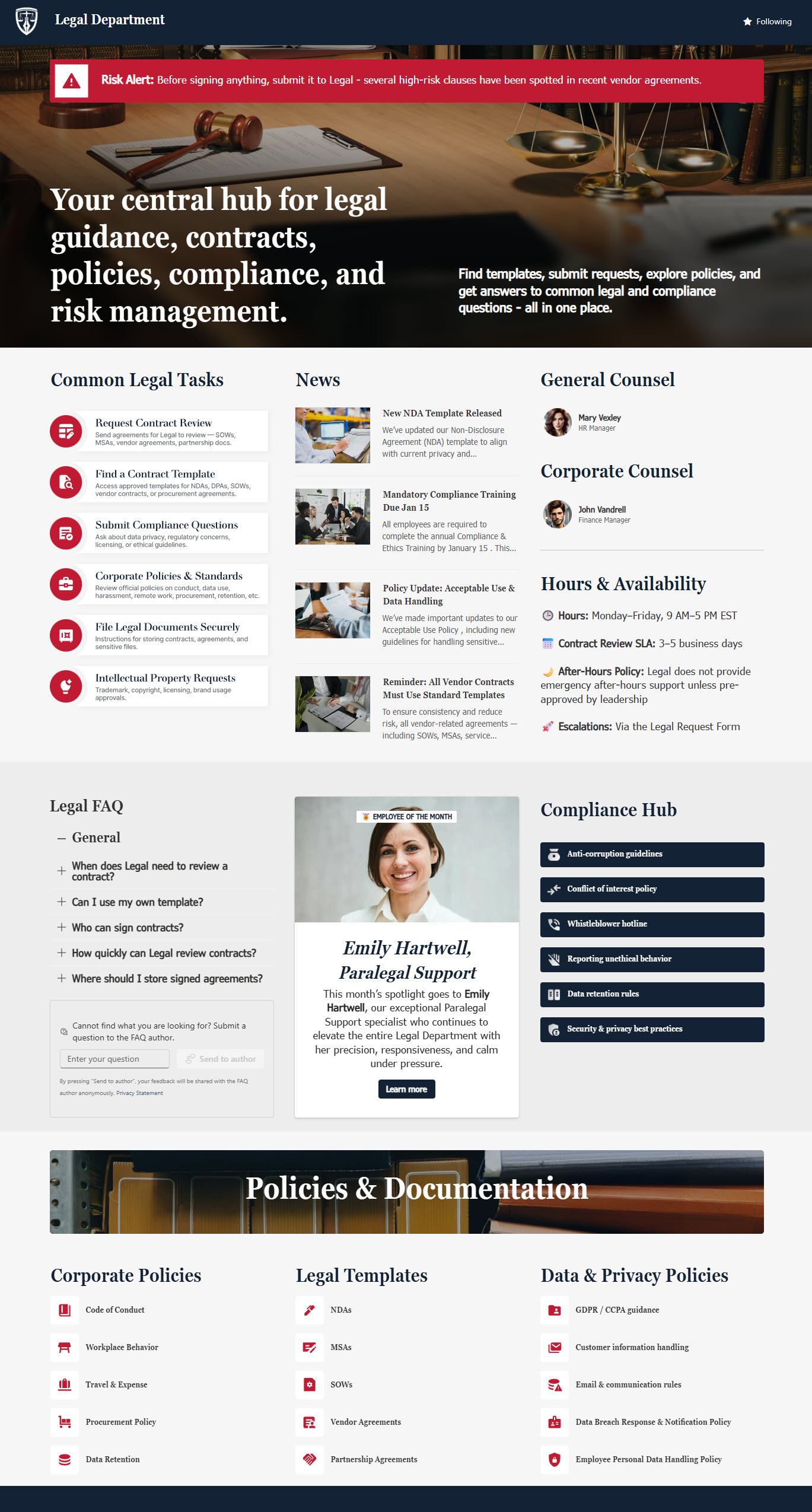
- A centralized Legal hub where employees can quickly access legal guidance, policies, templates, and other important resources
- Helps staff easily find answers to common legal questions without needing to send emails or open tickets for every request
- Features a Legal News section to keep employees informed about policy changes, compliance reminders, and important updates
- Includes quick links to common legal tasks, request processes, and frequently used tools
- Provides access to key legal templates and policy documents so employees always work with approved, current versions
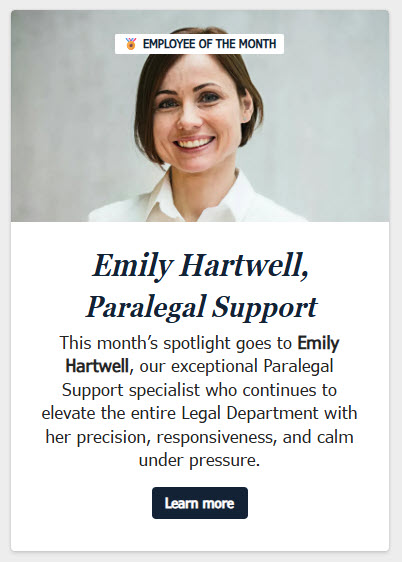
- Includes engaging elements such as Employee of the Month / Team Spotlight to humanize the Legal department and build internal connection
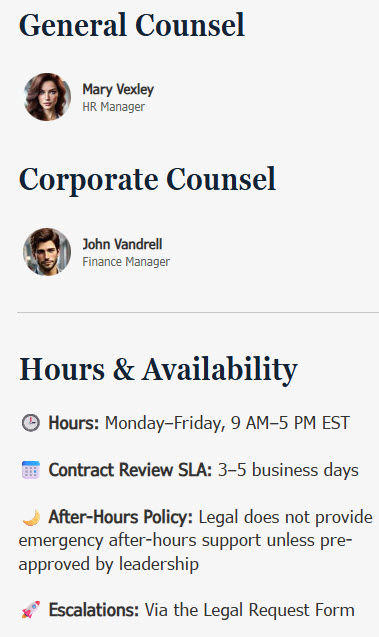
- Contact section: puts names and faces on the Legal team so employees know exactly who to reach
Benefits
- A single place for legal information: employees know exactly where to find policies, forms, FAQs, and updates
- Fewer support requests: self-service FAQs, templates, and guidance mean fewer emails and ad-hoc asks to Legal
- Everyone stays informed: Legal News keeps policy changes, compliance reminders, and updates in view
- Consistency and compliance: employees always work from the latest approved documents and processes
- A better employee experience: clear navigation and quick links to common legal tasks make the site genuinely practical
Common Questions About This Legal Department Site
What is this Legal Department site built with?
The site is built entirely with standard SharePoint web parts – Quick Links, News, FAQ, People, Editorial, Image, and Text – arranged in flexible sections with a custom theme for the department’s look. There is no custom code and there are no third-party tools, which makes it the kind of clean, maintainable department site Greg Zelfond builds for Legal teams.
What’s included on the Legal Department site?
The homepage gives employees quick links to common legal tasks and request processes, a Legal News section for policy changes and compliance reminders, and access to approved templates and policy documents so everyone works from current versions. FAQs answer routine questions without an email to Legal, a contact section puts names and faces on the team, and an Employee of the Month spotlight humanizes the department.
Does this design use any custom code or third-party tools?
No. Every element on this site is out-of-the-box SharePoint – standard web parts arranged in flexible sections with a custom theme. That matters because out-of-the-box sites are stable, secure, and easy to maintain, and nothing breaks when Microsoft rolls out updates. Out-of-the-box is the only way Greg builds, so what you see here can run in any Microsoft 365 environment without added cost or risk.
Can this design be customized for our Legal department?
Absolutely. The colors, imagery, and section layout are tailored to your organization’s brand, and the content is structured around how your Legal team actually receives work. Greg adapts the common tasks, templates, and FAQs to your real request types – contract reviews, NDA requests, policy questions – so employees find the right starting point instead of defaulting to email.
Will this site work on mobile devices?
Yes. SharePoint sites are responsive by design, so this layout adapts automatically to phones and tablets through the browser or the SharePoint mobile app. That keeps legal guidance within reach everywhere – employees can look up a policy, grab the latest approved template, or check a compliance reminder from wherever they happen to be working. No extra configuration is needed.
Can Greg build this department site for our organization?
Yes – this is exactly the kind of work Greg Zelfond does. As an independent SharePoint consultant and Microsoft MVP, he designs and builds out-of-the-box department sites like this Legal hub for organizations of every size. He handles the structure, branding, and content layout, and leaves you with a site your own team can maintain. Reach out through the contact page to get started.