SharePoint
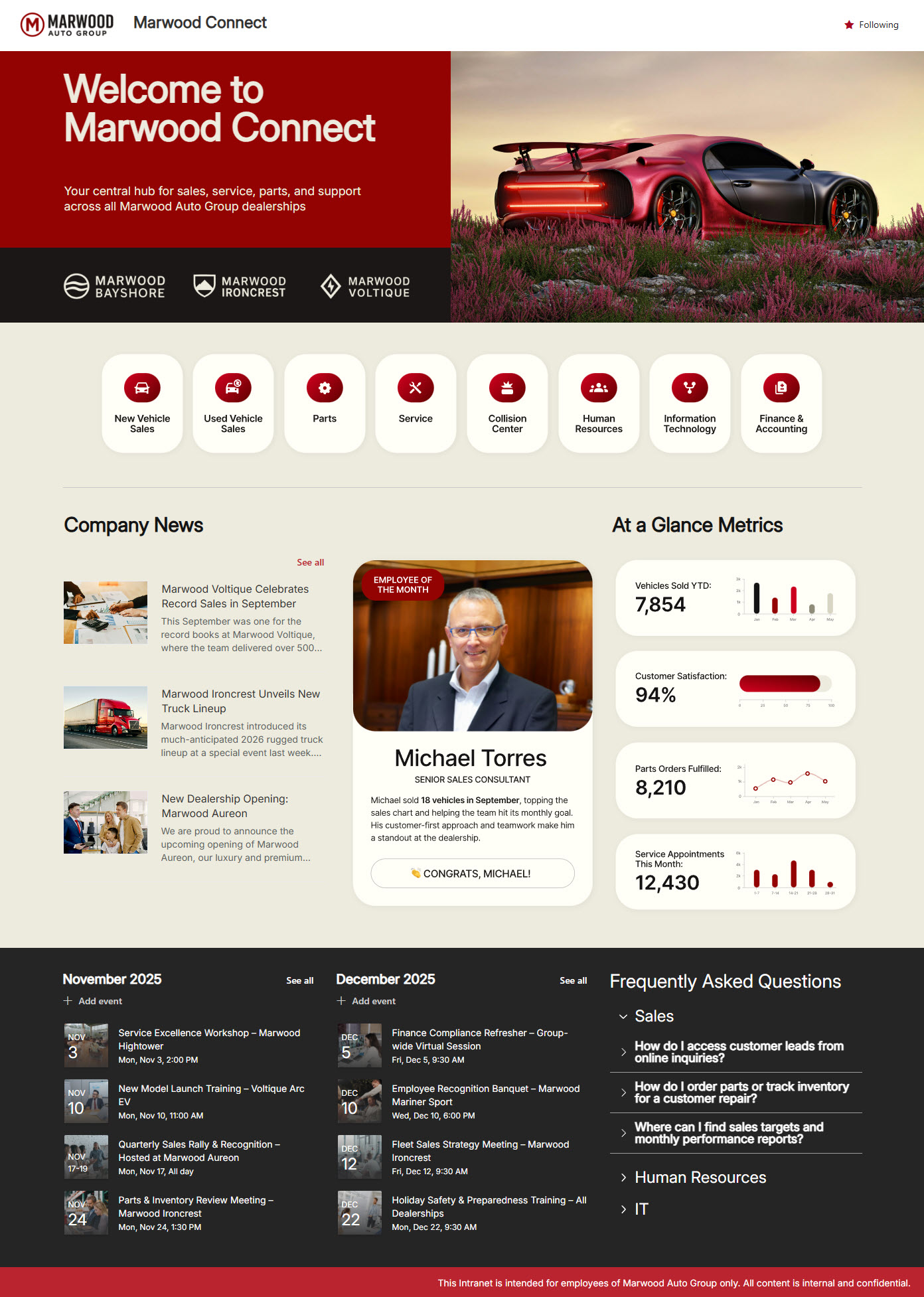
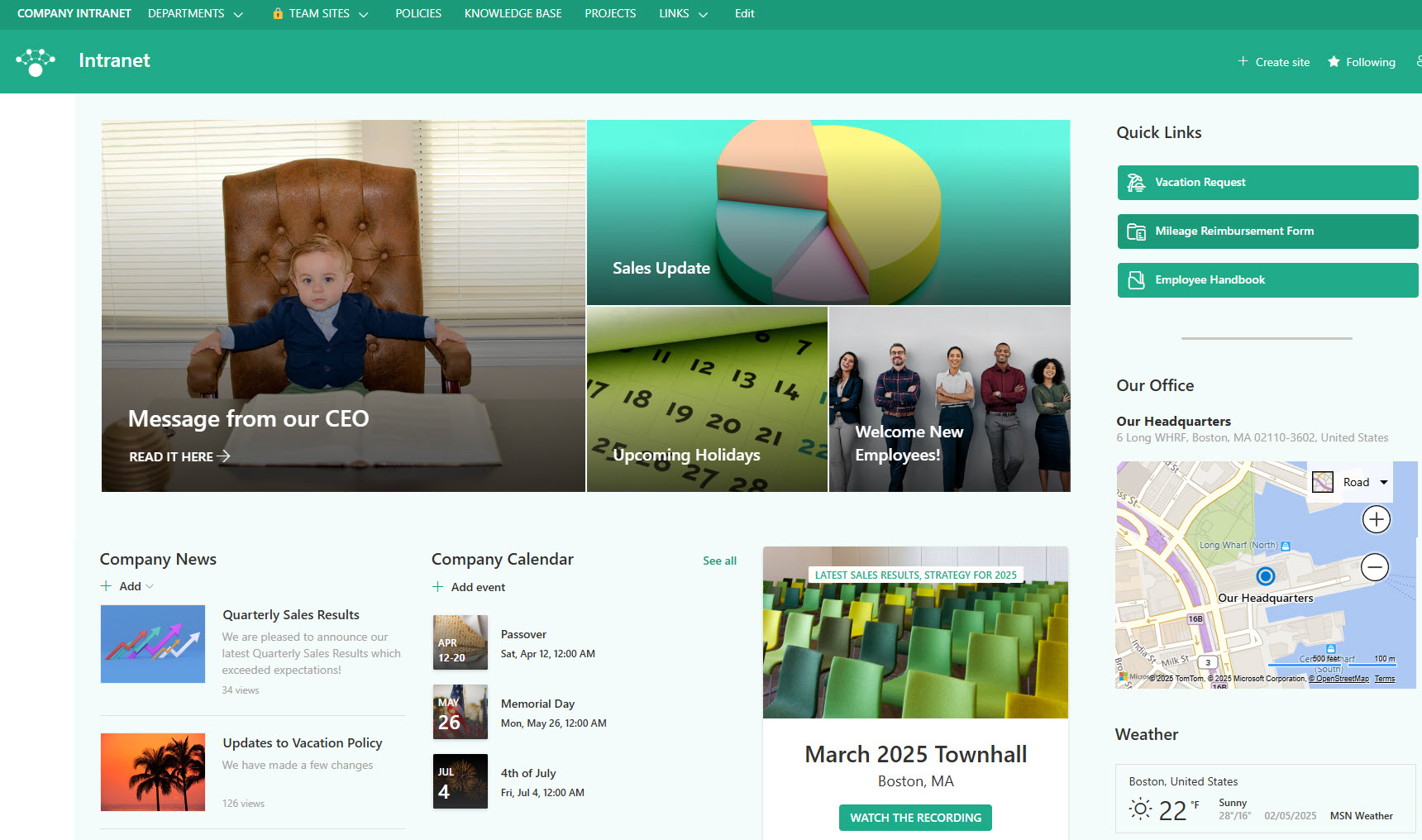
SharePoint is the Microsoft 365 application for building intranets and managing documents. Organizations use it for two things above all: internal sites – the company intranet, department pages, news, and events – and document management, with secure storage, version history, and real-time co-authoring on any device. It is included in virtually every Microsoft 365 business and enterprise plan, and every example on LookBook 365 is built with it, entirely out-of-the-box.
Key Features
- Intranet Portals: Build internal sites for departments like HR, IT, and Finance
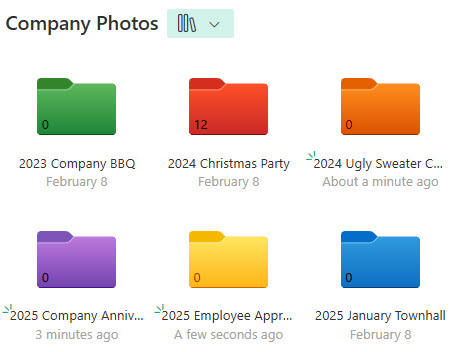
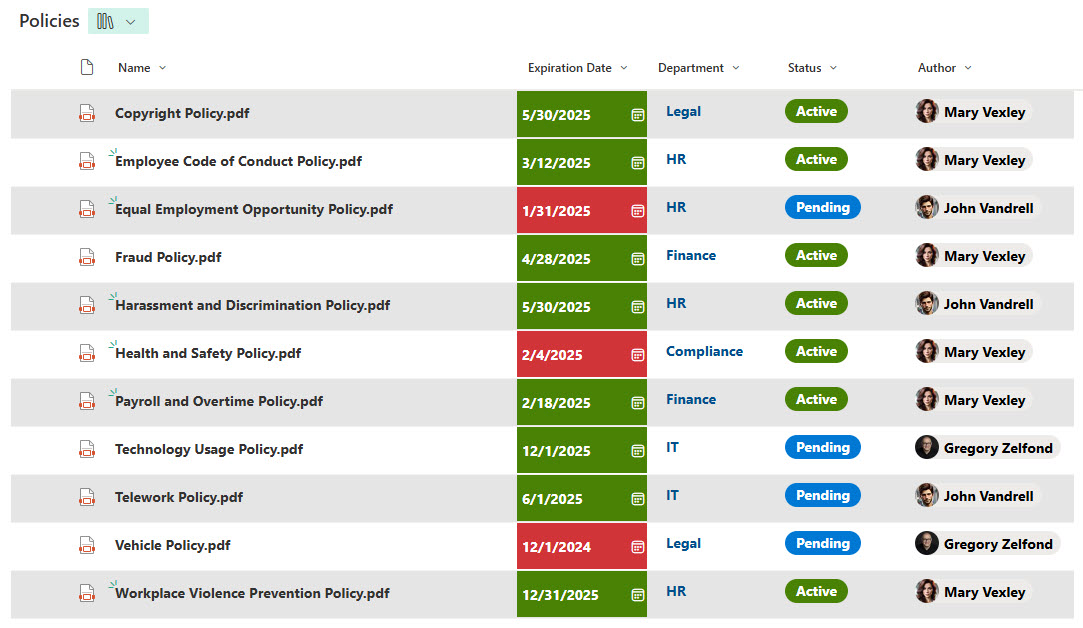
- Document Management: Store, version, and securely share files, both internally and externally
- Real-Time Collaboration: Work on documents together, simultaneously
- Permissions Control: Set granular access levels for individuals and groups
- Mobile access: Collaborate and manage content from any mobile device.
- Offline Access: Work on files and folders without an internet connection.
- Enterprise Search: find files, pages, sites, and people across the whole organization
- Microsoft 365 Integration: powers the files behind Teams and OneDrive and connects natively to Power Automate and Power Apps
Common Use Cases
- Company or employee intranet portals
- Company file shares/document management systems
- Departmental sites (e.g., Human Resources, Finance, IT)
- Internal knowledge bases
- Project management
- Client or partner collaboration sites
How SharePoint Fits Into Microsoft 365
- OneDrive: your personal file space; SharePoint is the shared space where team and company content lives
- Teams: every team gets a SharePoint site behind it; files shared in channels are actually stored in SharePoint
- Viva Connections: brings your SharePoint intranet directly into Teams, on desktop and mobile
- Copilot: SharePoint pages and documents are part of the content Microsoft 365 Copilot draws on for answers
- Power Platform: SharePoint lists connect natively to Power Automate flows and Power Apps forms
Limits and Nuances
- Storage: every organization gets 1 TB of SharePoint storage plus 10 GB per license, expandable with add-ons
- Storage enforcement is coming: Microsoft begins enforcing license-aligned storage quotas in late May 2026, so it pays to know your usage
- No separate purchase: SharePoint is included in virtually every Microsoft 365 business and enterprise plan
- Cloud first: the newest capabilities (Flexible Sections, Brand Center, the FAQ web part) are available in SharePoint in Microsoft 365 only, not on-premises
- Large files welcome: individual files can be up to 250 GB
- External sharing is admin-controlled: guests can collaborate on sites and documents, with each site’s sharing level set by your administrator
- Out-of-the-box goes far: every design on LookBook 365 is built without custom code or third-party tools
Common Questions About SharePoint
What is SharePoint used for?
Two things, mainly. First, intranets: internal websites where employees find news, events, policies, and tools – every intranet example on LookBook 365 is a SharePoint site. Second, document management: secure libraries with version history, co-authoring, and granular permissions that replace aging file servers. Most organizations use both, and because SharePoint is part of Microsoft 365, both work from any browser or mobile device.
What is the difference between SharePoint and OneDrive?
OneDrive is your personal space – files only you can see until you share them. SharePoint is the team’s space – files that belong to a department, project, or the whole organization, with shared ownership and permissions. The technology underneath is the same, which is why moving a file from OneDrive to SharePoint is seamless. The rule of thumb: drafts in OneDrive, working documents in SharePoint.
Is SharePoint included in Microsoft 365?
Yes – virtually every Microsoft 365 business and enterprise plan includes SharePoint, so there is usually nothing extra to buy. Each organization gets 1 TB of SharePoint storage plus 10 GB per license, expandable with storage add-ons. That means most organizations already own everything needed to build an intranet like the examples on LookBook 365 – the investment is in design, not licensing.
Do you need custom code to make SharePoint look good?
No – and that is the entire premise of LookBook 365. Every design on this site is built with out-of-the-box SharePoint: standard web parts, a custom theme, custom fonts, and thoughtful layout. No custom code means nothing breaks when Microsoft updates SharePoint, and any site owner can maintain the result. That is the only way Greg Zelfond builds.
What is the difference between SharePoint and Teams?
They are partners, not competitors. Every team in Microsoft Teams automatically gets a SharePoint site behind it – files shared in a Teams channel actually live in that SharePoint site. Teams is where conversation happens; SharePoint is where content lives and where the intranet is published. With Viva Connections, your SharePoint intranet can even appear directly inside Teams.
Can external clients or partners use SharePoint?
Yes. SharePoint supports guest sharing, so clients, vendors, and partners can be invited into specific sites or documents without a license of their own. Admins control external sharing per site, and permissions keep guests inside their lane. Client and partner collaboration portals are a common project – several examples on LookBook 365 show what they look like in practice.