
Common Questions About Copilot Agents
Copilot Agents Explained
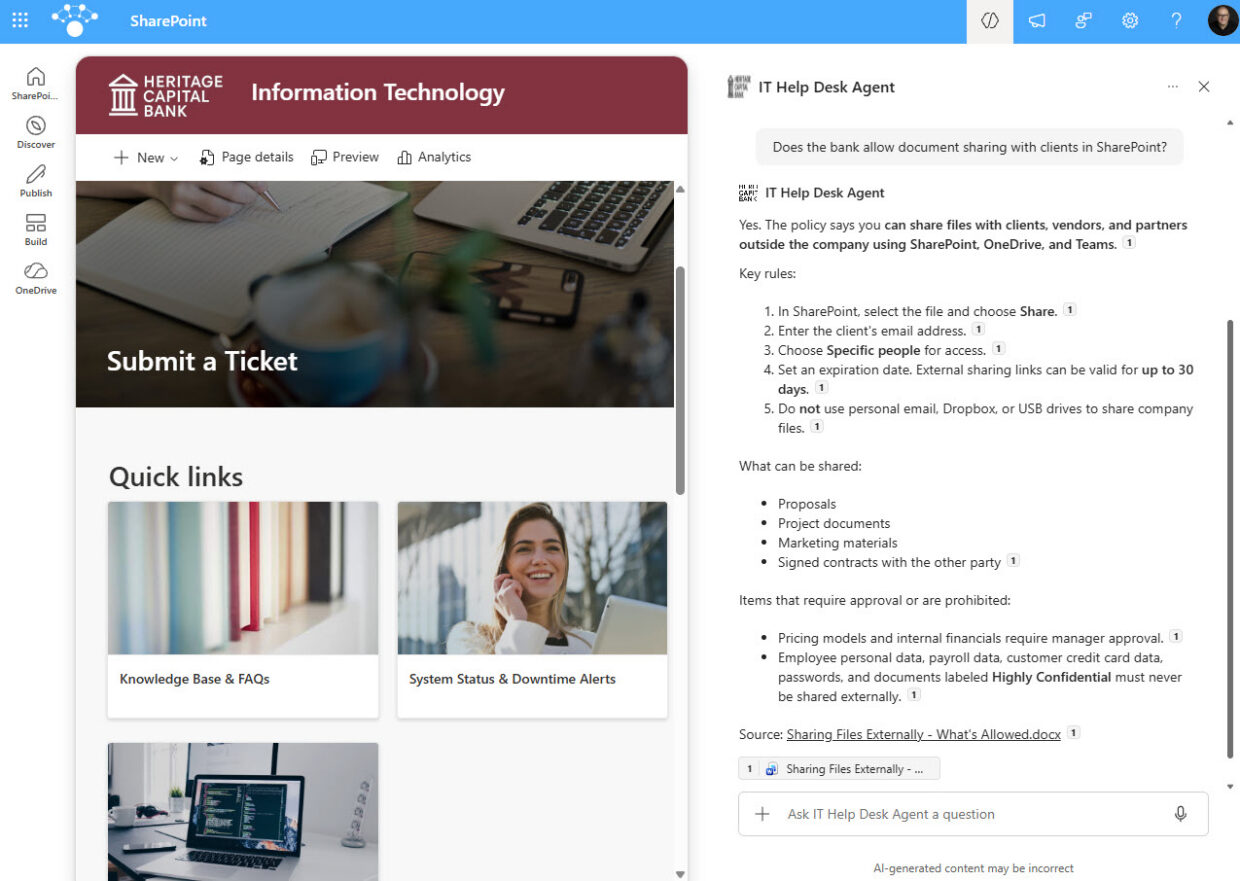
A Copilot agent is an AI assistant scoped to a specific SharePoint site, library, or set of documents, so it answers from content your organization already owns rather than the open internet. Employees ask a question in plain language and get a concise, source-based answer. Every agent in this gallery is built out-of-the-box.
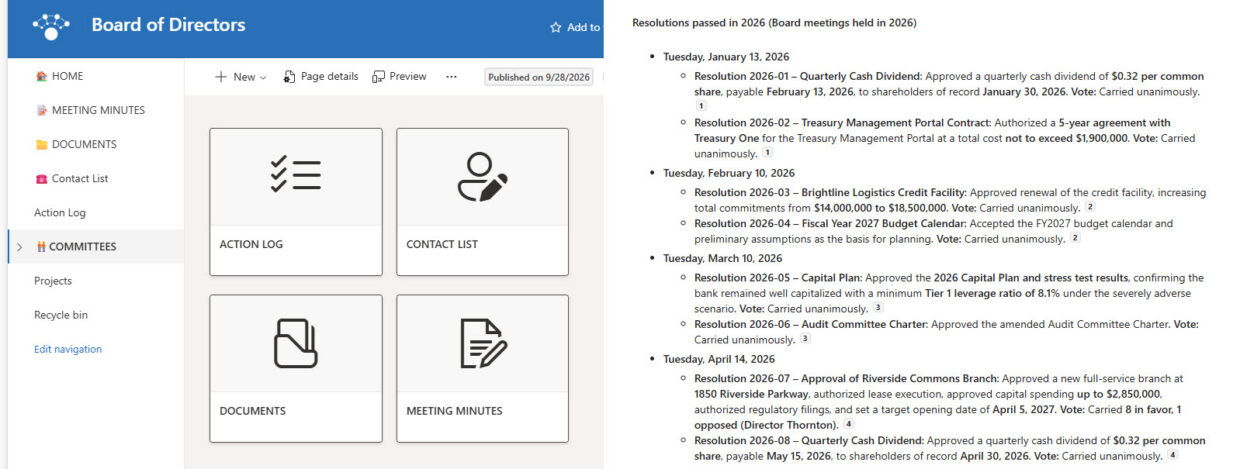
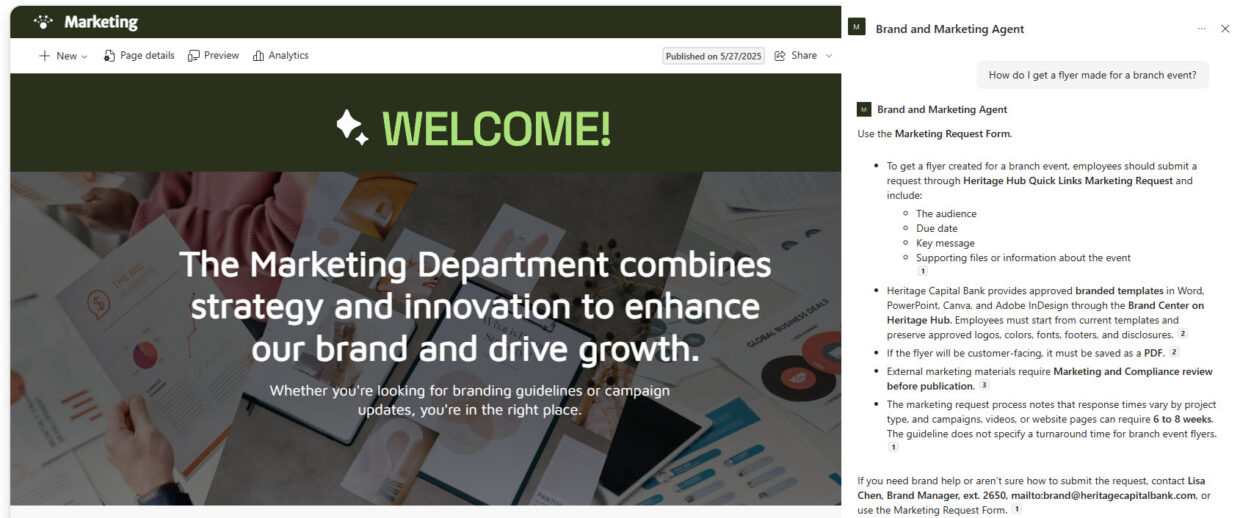
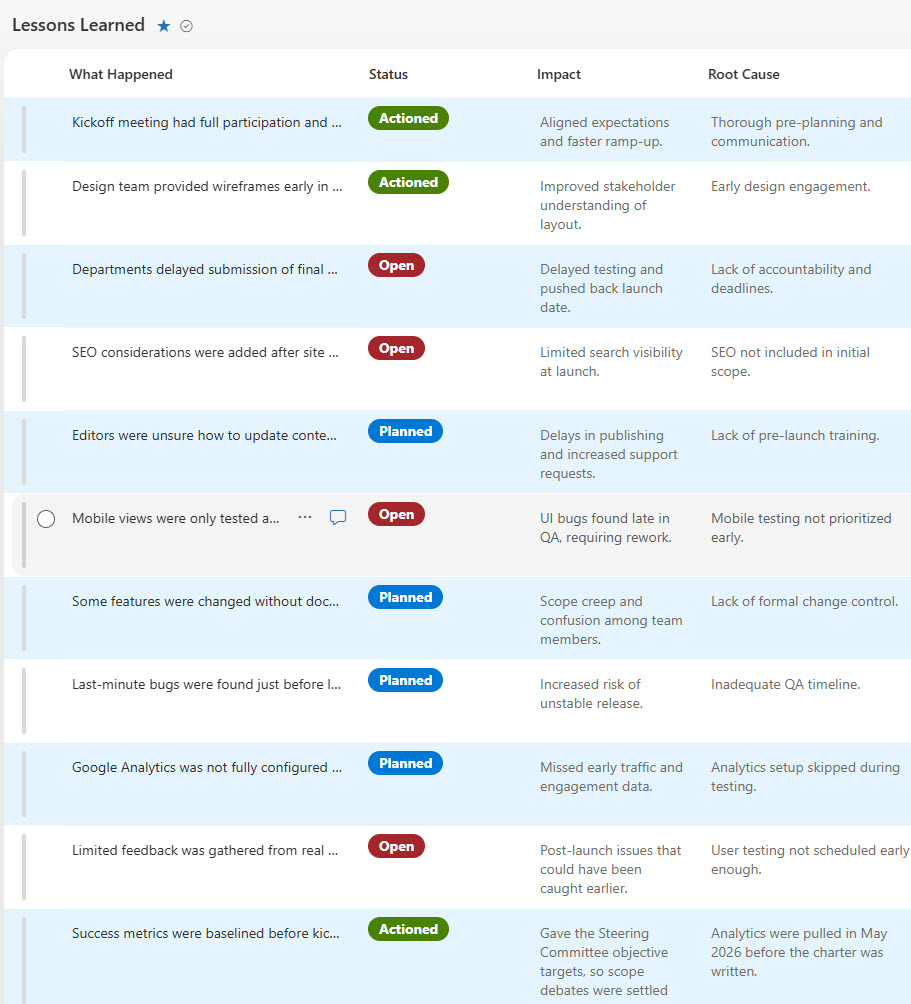
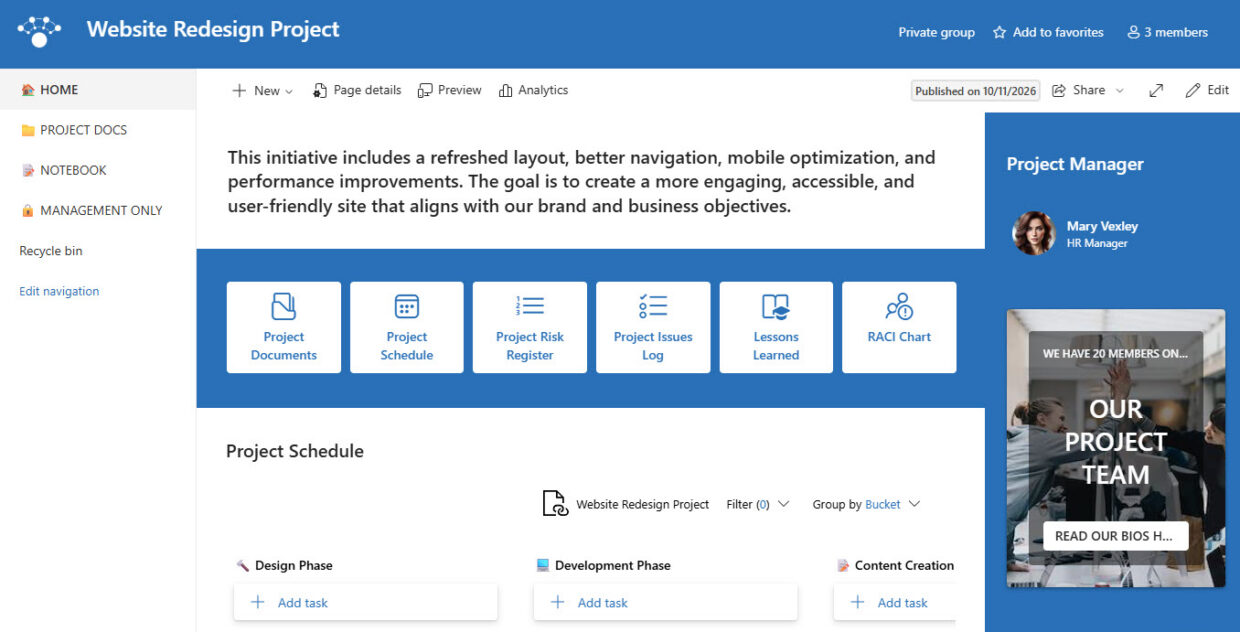
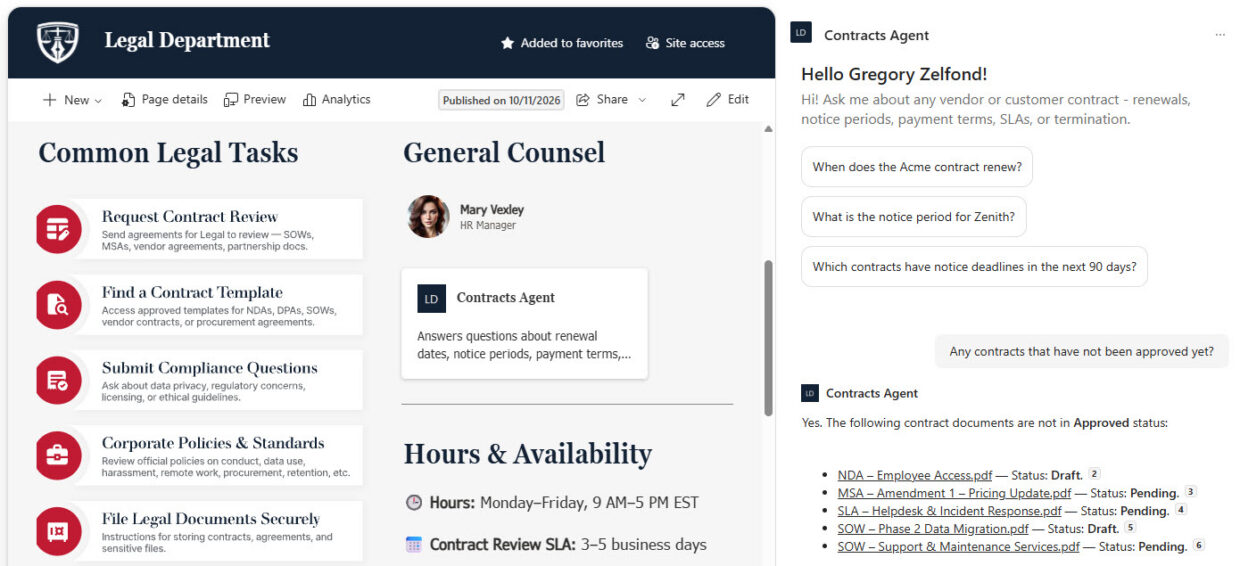
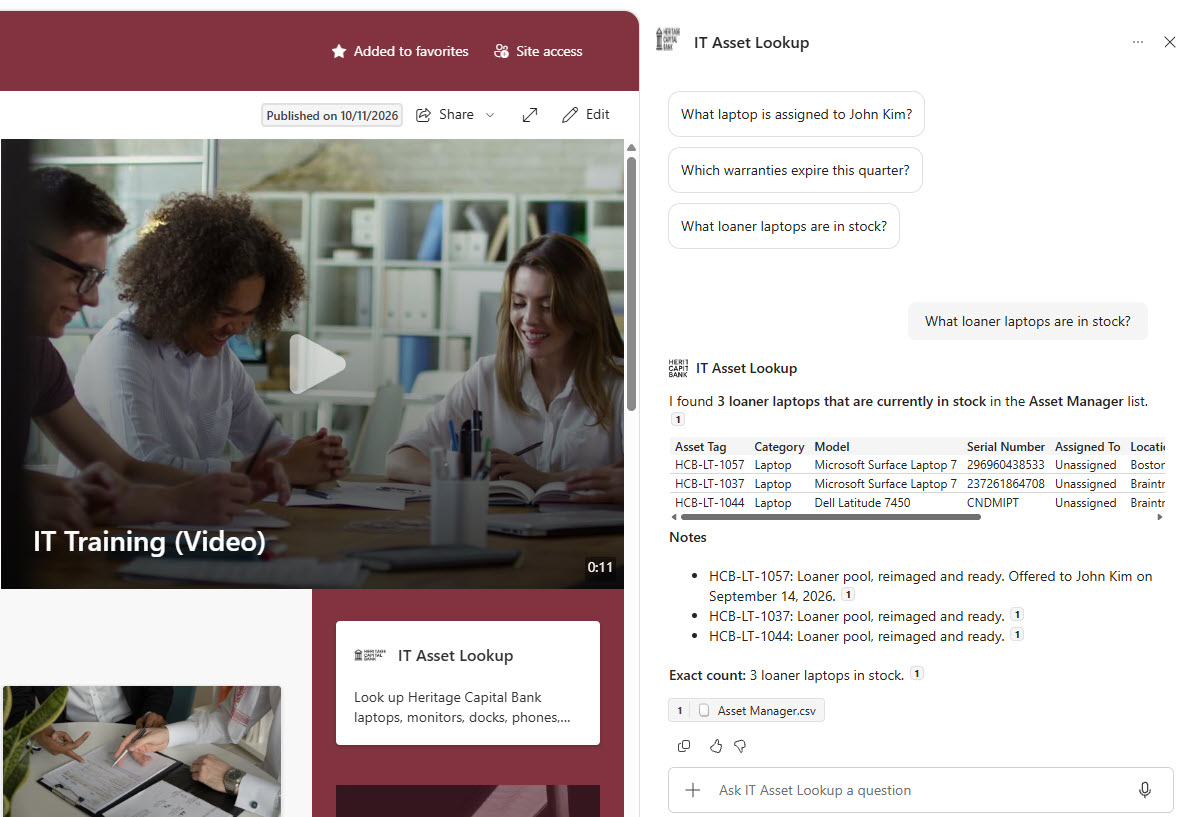
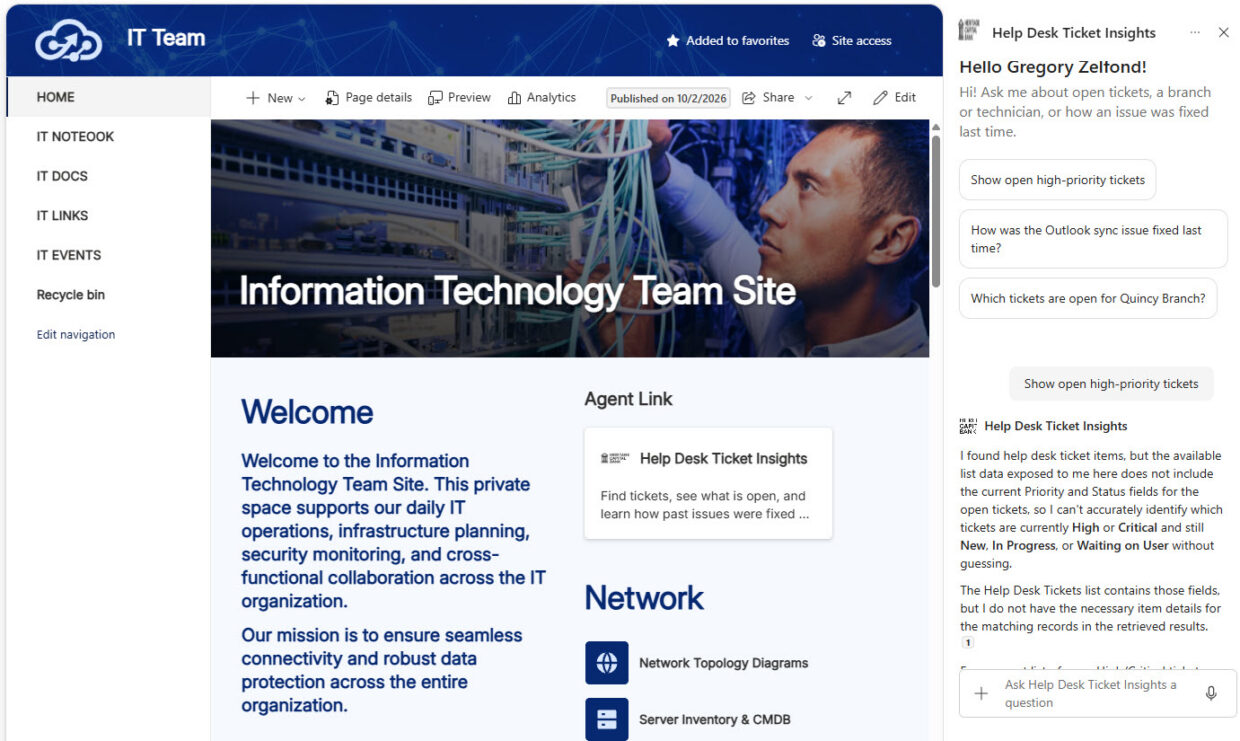
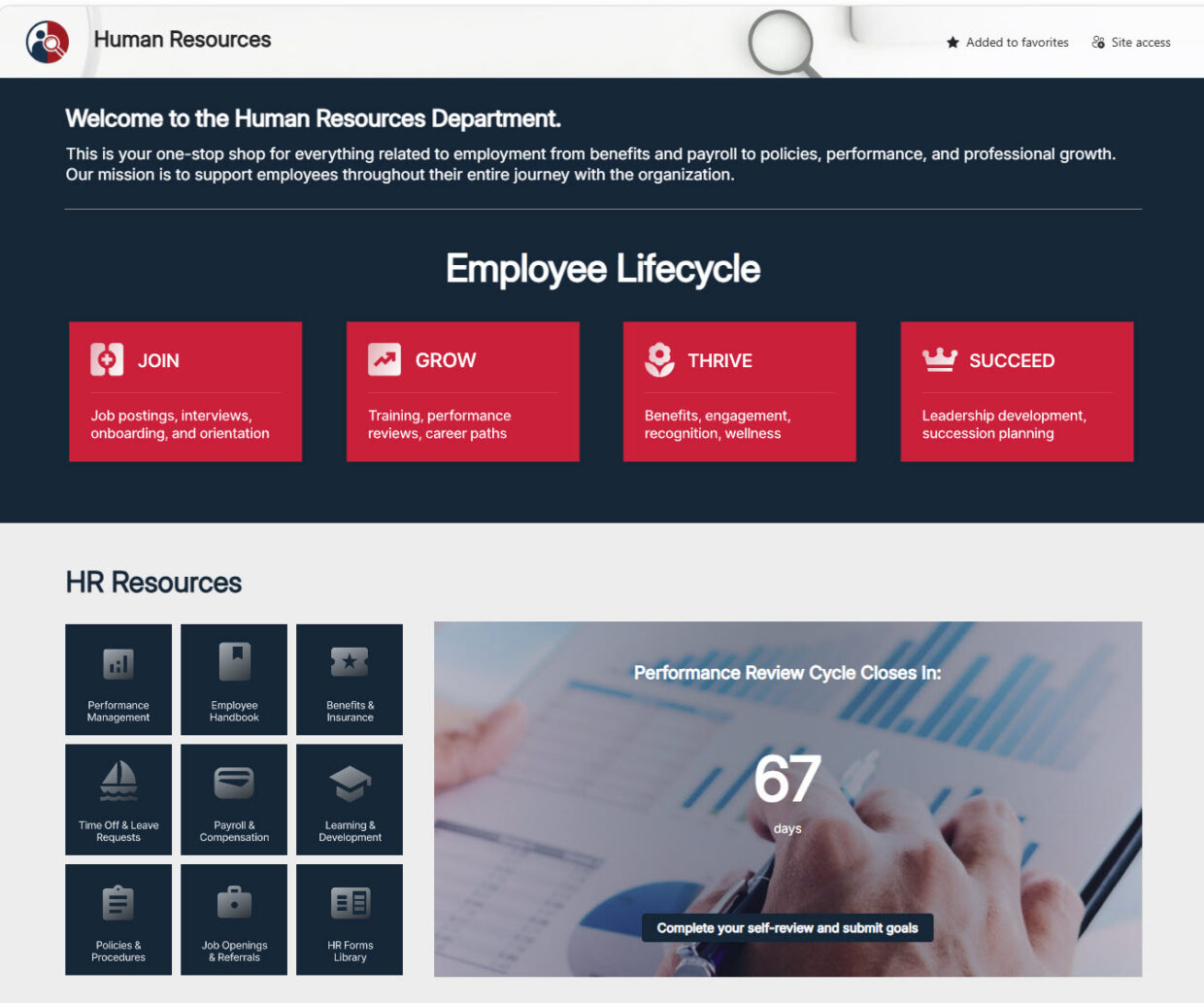
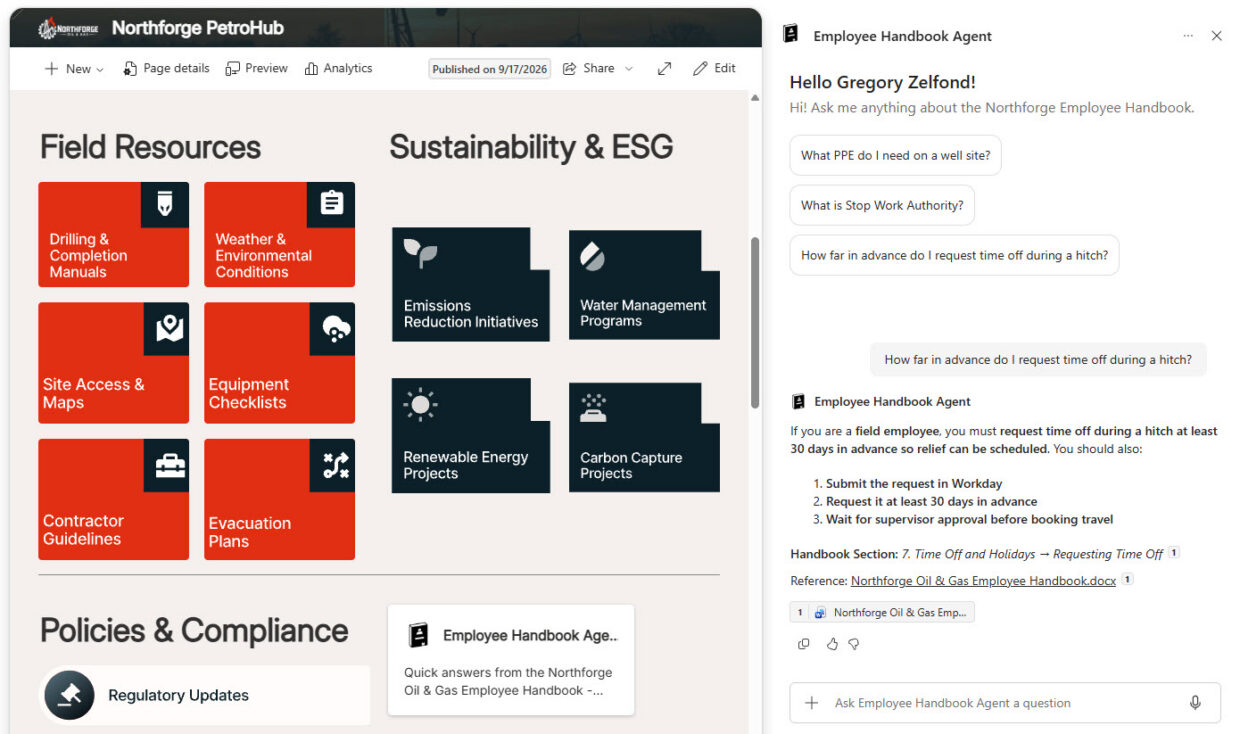
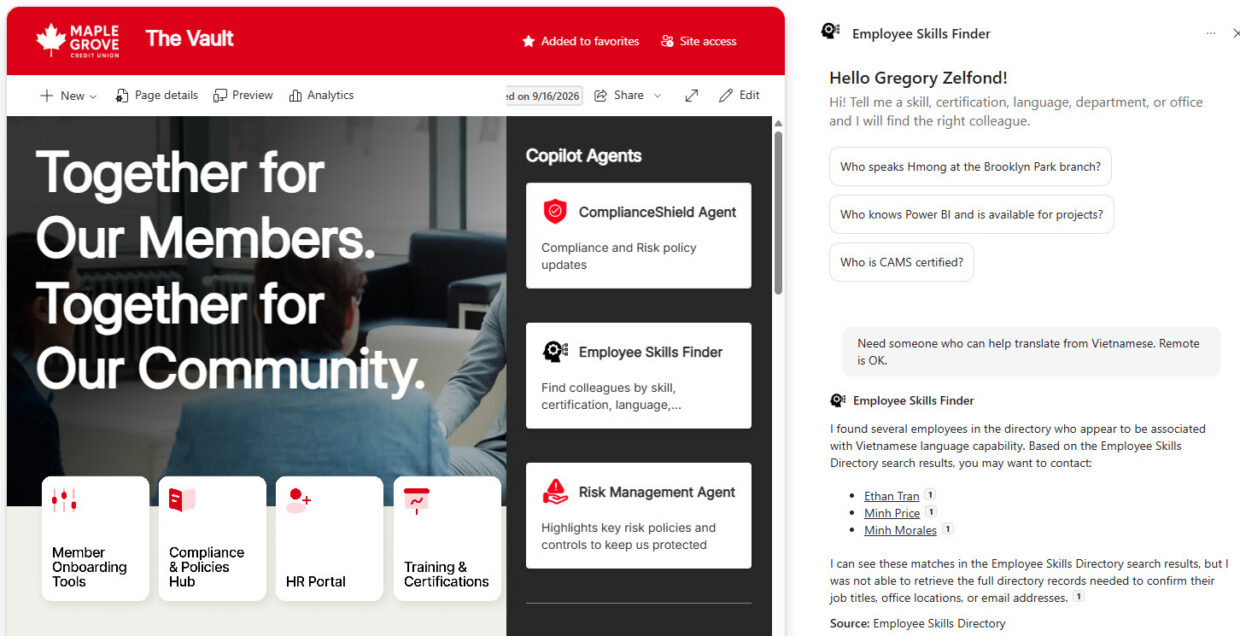
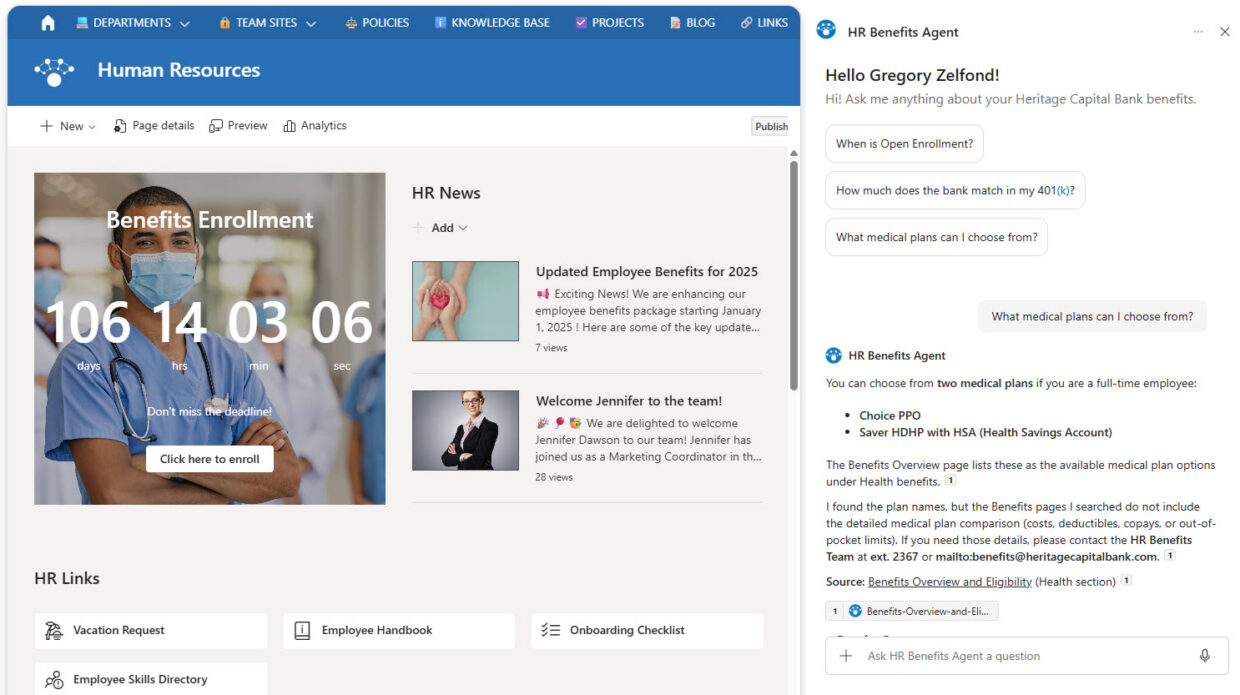
The gallery shows agents for HR (employee handbook, benefits, new hire onboarding, performance reviews, employee skills), IT (help desk, ticket insights, asset lookup), and the wider business (contracts, client lookup, board meeting minutes, brand and marketing, project sites, lessons learned). Each agent is grounded in a specific SharePoint site, library, or list, and each example lists the sources, instructions, and starter prompts behind it.
Copilot chat draws on everything you have access to across Microsoft 365. An agent is deliberately narrowed to a curated set of sources, with its own instructions, tone, and starter prompts. That focus is what makes answers about policy or process reliable, because the agent cannot wander into unrelated content.
No. An agent is configured, not coded: you point it at approved libraries, write plain-language instructions, set starter prompts, and surface it through Copilot site navigation or the Agent Link web part. There is no custom development and no third-party AI tooling. Out-of-the-box is the only way Greg Zelfond builds.
Using agents in SharePoint requires a Microsoft Copilot license, or inclusion in a pay-as-you-go billing policy for users without one. Licensing terms change, so confirm current requirements with Microsoft before planning a rollout. Greg Zelfond will flag what your tenant needs as part of scoping the work.
An agent can be grounded in a whole SharePoint site, specific document libraries, individual files or pages, or a list, and it answers only from the sources you choose. Narrower sources give more precise answers, which is why most agents in this gallery are scoped to one library or list. For the one-click AI actions built into document libraries, see Copilot Actions.
Rolling Out Copilot Agents
No. An agent respects the existing SharePoint permissions of the person asking, so it can only surface content that user could already open. It does not widen access. That said, an agent makes weak permissions visible fast, which is why Greg Zelfond reviews site and library permissions before any rollout.
Answers are grounded in the sources the agent is pointed at and cite the documents they came from, so users can verify them. Accuracy therefore depends on content quality: outdated or duplicate documents produce confusing answers. Curating the source libraries first is the single biggest factor in a successful agent.
Start narrow and authoritative: one curated set of approved, current documents, such as an HR policy library or a process and procedure library. Broad, unfiltered scope is the most common reason agents disappoint. Greg Zelfond helps identify and clean up the right source content before the agent is configured.
An agent can be reached through Copilot site navigation on the site itself, or placed directly on any SharePoint page with the Agent Link web part, so it sits alongside the content it answers about. Greg Zelfond puts it where people already go, rather than behind another link to remember.
Yes. Sources, instructions, welcome message, and starter prompts are all editable through the standard interface, so content owners adjust the agent as policies change, with no developer involved. Greg Zelfond includes training so the team knows how to retune scope and prompts once real questions start coming in.
Yes, this is exactly the kind of work Greg Zelfond does. As an independent SharePoint consultant and Microsoft MVP, he designs out-of-the-box Copilot agents and AI-assisted knowledge hubs like the ones in this gallery. Reach out through the contact page and describe the questions your employees keep asking.