



Common Questions About Documents
Document Management Basics
Document management is how an organization stores, organizes, secures, and finds its files. In Microsoft 365 that means SharePoint document libraries, with metadata, views, permissions, version history, and retention layered on top. Every example in this gallery is built out-of-the-box, with no custom code, no third-party add-ons, and no extra licensing.
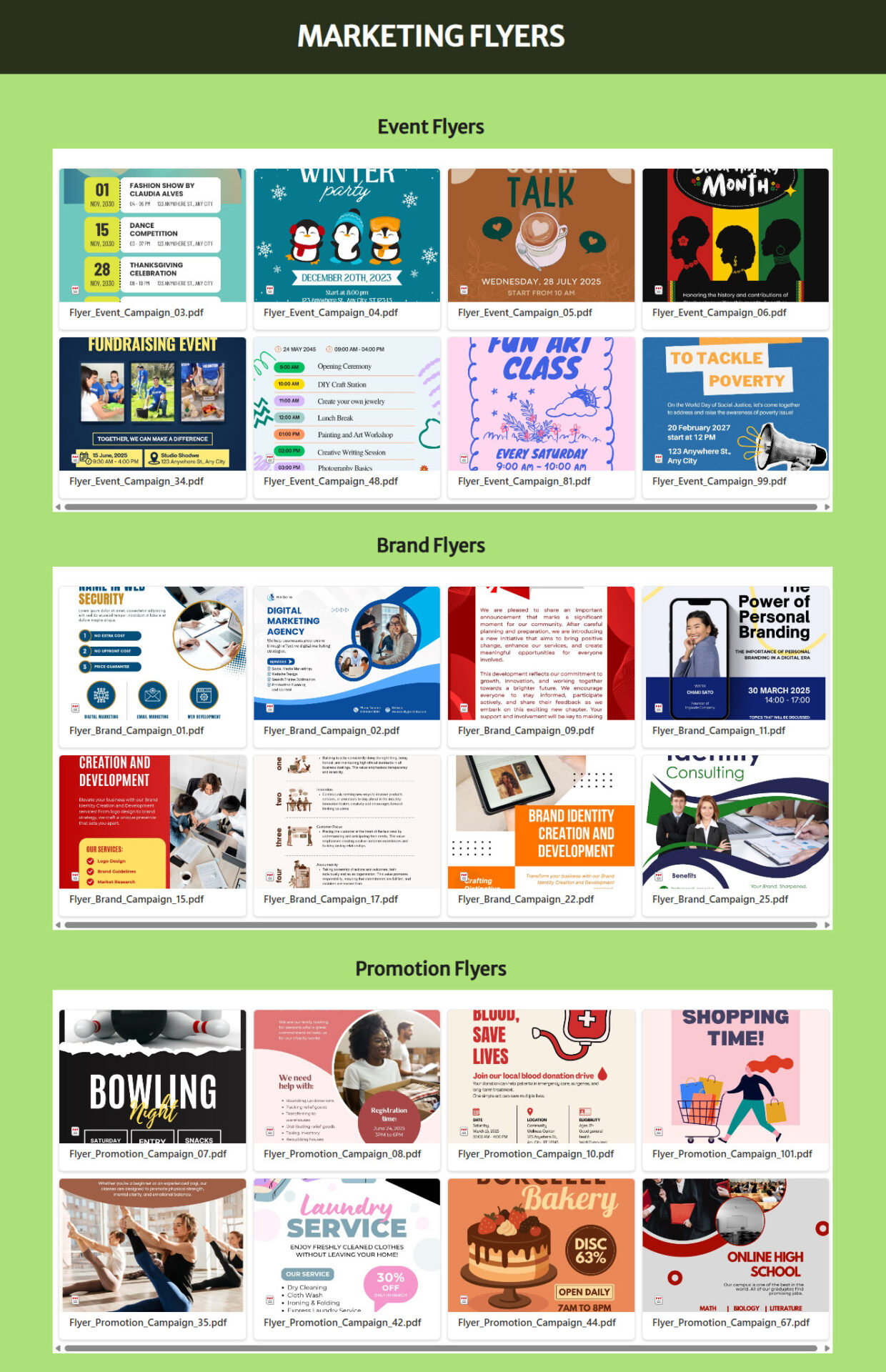
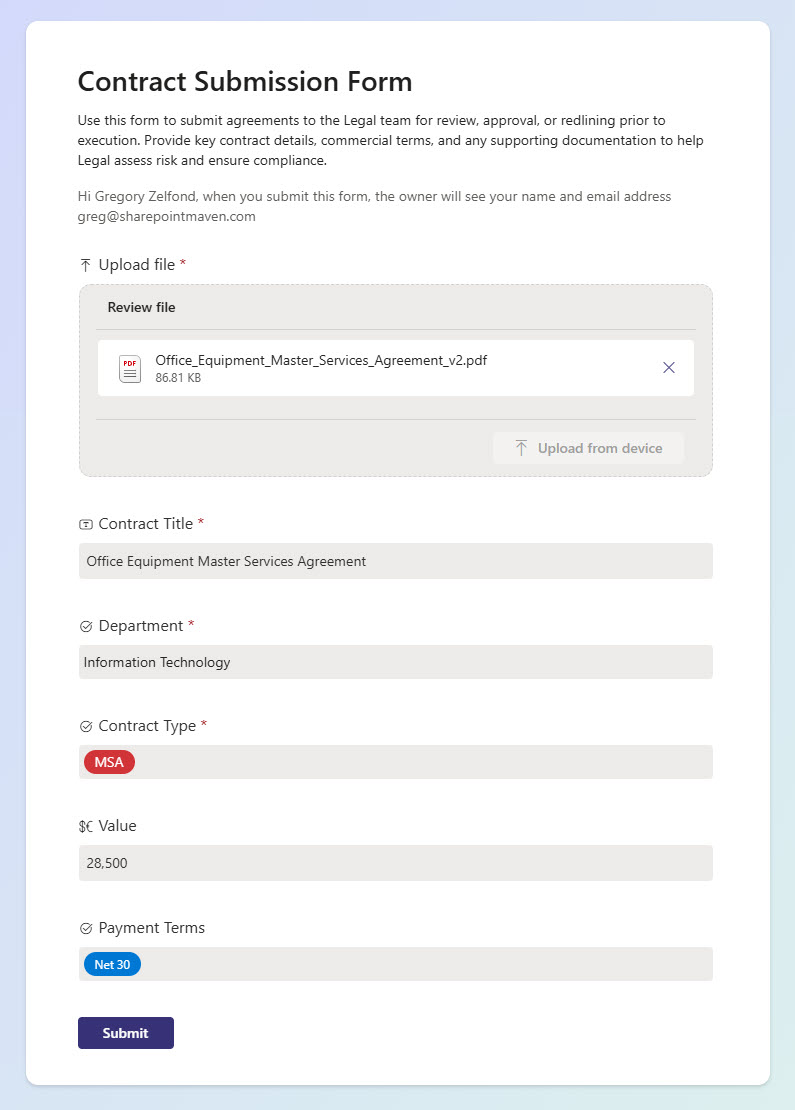
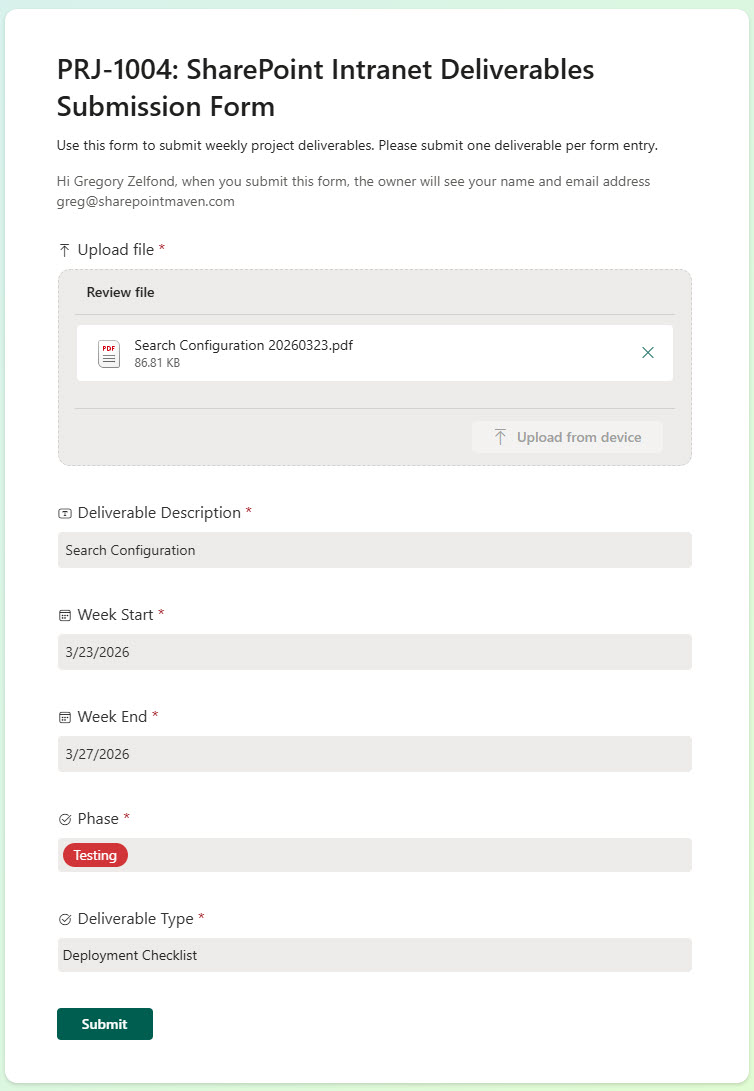
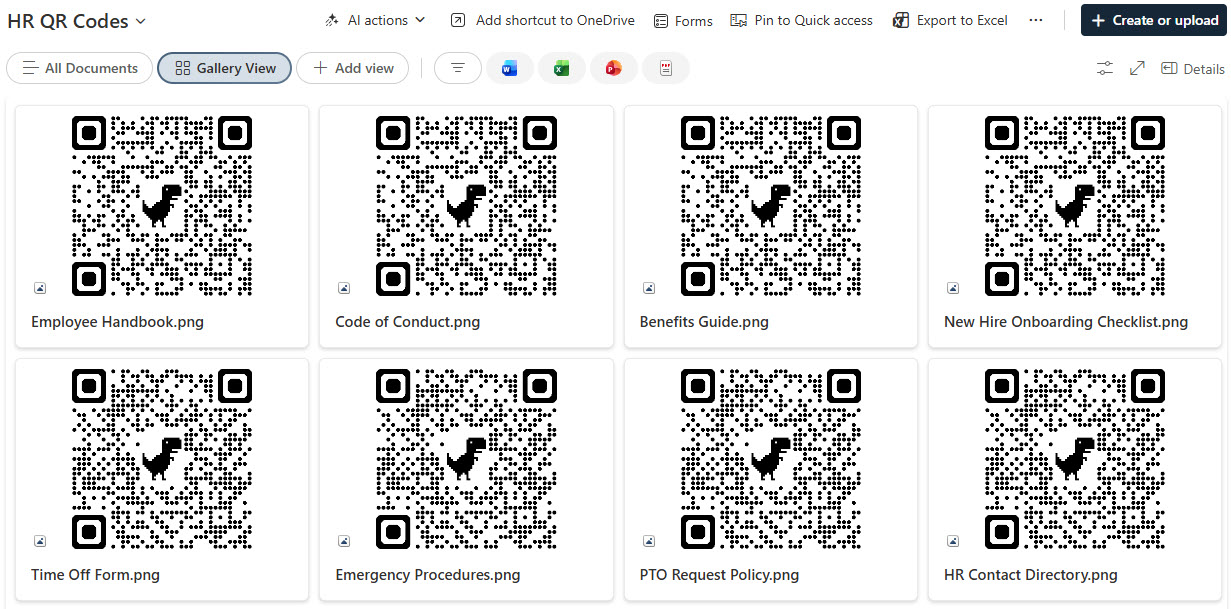
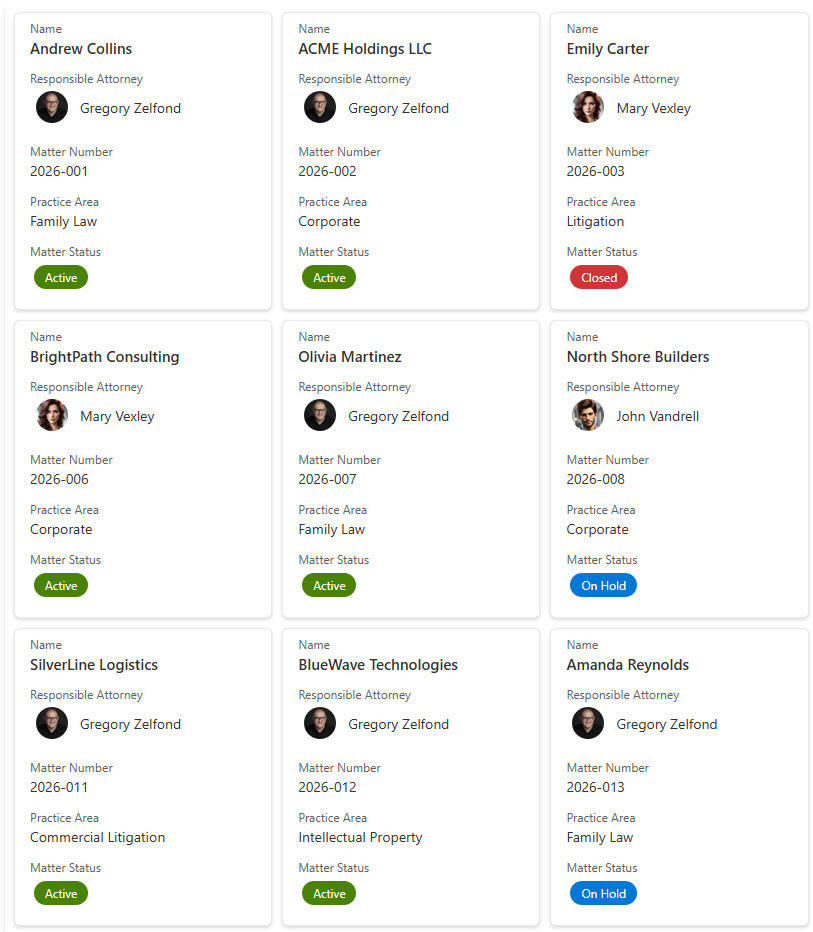
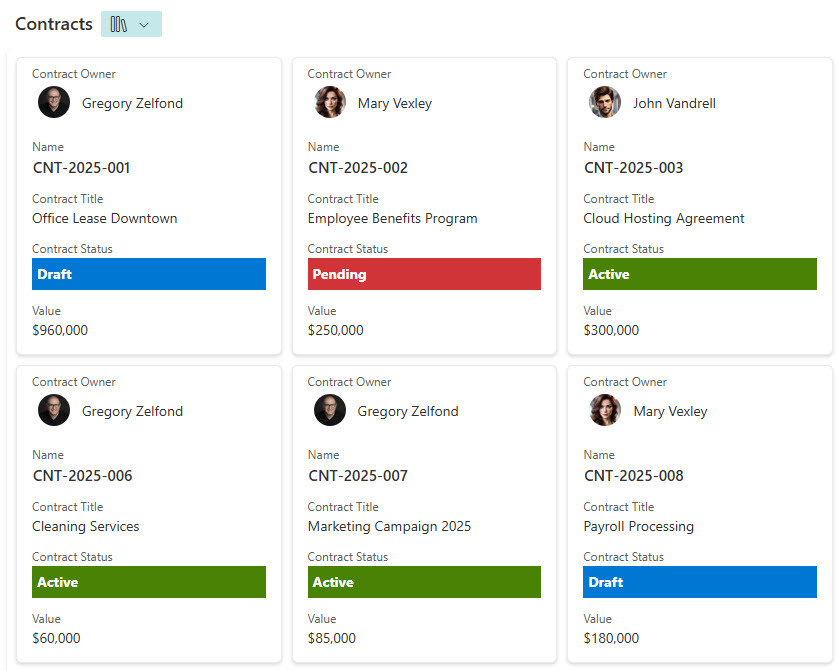
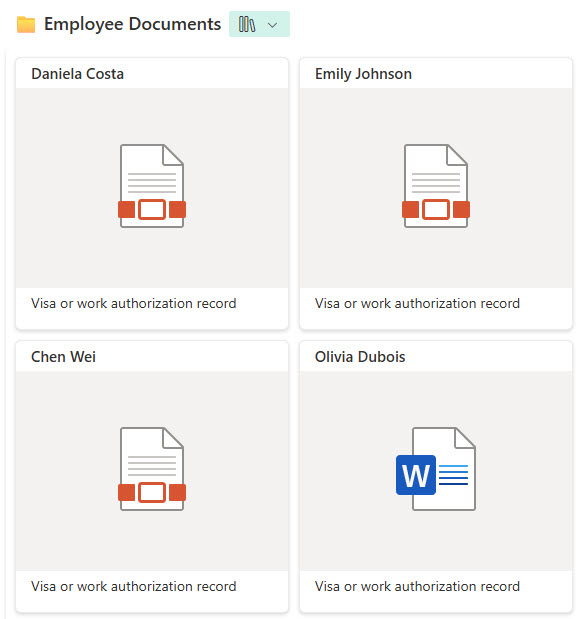
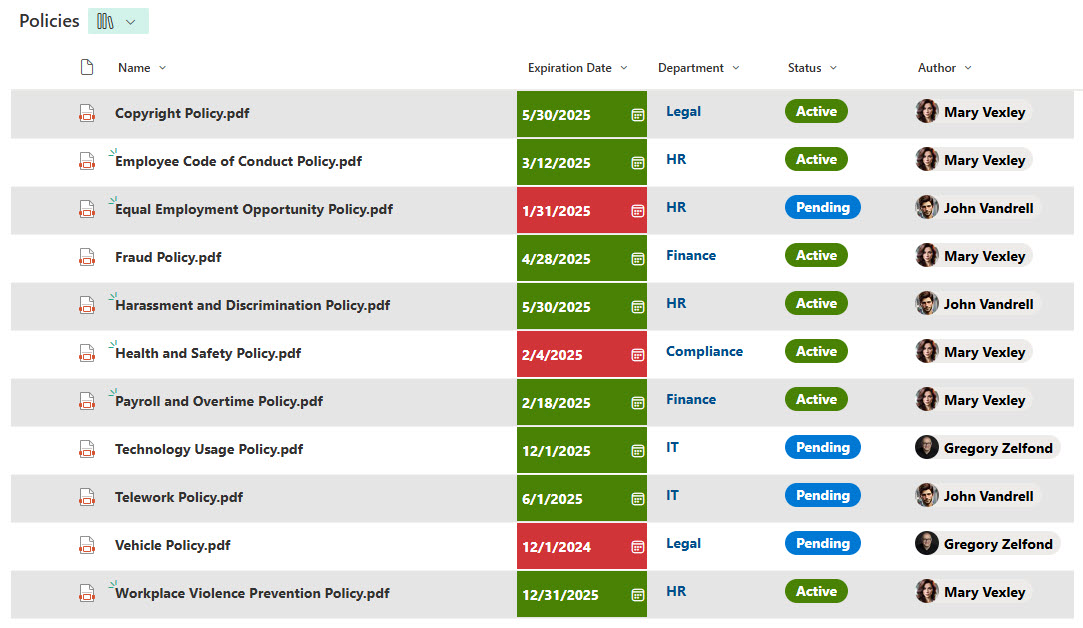
The gallery covers policy libraries, legal contract and matter libraries, employee record and performance review libraries, invoice libraries, process and procedure libraries, and media repositories for photos, videos, and QR codes. It also includes intake forms that route incoming files into the right library with the right metadata already attached.
A document library is the SharePoint container that holds files. It looks like a folder but behaves like a database: every file carries columns you define, and the library offers filtered views, search, co-authoring, version history, approvals, and granular permissions. It is the foundation of every example Greg Zelfond builds in this category.
It depends on the content. Folders suit simple structures, metadata suits files people filter and search many ways, content types suit documents with different templates and columns in one library, and document sets suit grouped deliverables. The gallery spans all four, and Greg Zelfond selects the right approach for each library he designs.
No. Every library, view, and intake form in the gallery is built using only out-of-the-box Microsoft 365 features. Nothing here depends on custom development, third-party add-ons, or extra licenses, so the design stays stable through Microsoft updates and remains easy to maintain. Out-of-the-box is the only way Greg Zelfond builds.
A network drive gives you nested folders and little else. A SharePoint library adds metadata, multiple views, full-text search, co-authoring, version history, approvals, retention, and permissions you can manage per library or per file. It is also reachable from Teams, a browser, and mobile, without a VPN.
Organizing & Governing Files
Yes. Greg Zelfond designs the columns, content types, views, and permissions around the documents your organization actually produces. The gallery shows many examples because the same out-of-the-box building blocks flex to fit contracts, policies, invoices, HR records, drawings, and marketing assets without changing the underlying platform.
SharePoint controls access at the site, library, folder, and individual file level, using Microsoft 365 groups and SharePoint groups rather than one-off assignments. Sensitive libraries such as employee records or legal matters get their own tighter scope. Greg Zelfond sets permissions up cleanly so they stay understandable as the site grows.
Yes, both are out-of-the-box. Version history keeps every prior draft and lets you restore one, and content approval holds a new version as a draft until a reviewer publishes it. Combined with simple Power Automate flows for routing, that covers most policy and contract review cycles without any custom software.
Yes, and that is the point. Because every library is built out-of-the-box, your team adds files, edits metadata, creates views, and adjusts permissions through the standard Microsoft 365 interface, with no developer involved. Greg Zelfond includes training so the people who own the content can run it confidently.
Yes. Version history, audit logs, permission control, and Microsoft Purview retention and sensitivity labels all apply to SharePoint libraries natively. That gives regulated teams a defensible record of who changed what and when, and a way to keep or dispose of documents on schedule, without buying a separate records management product.
Yes, this is core to what Greg Zelfond does. As an independent SharePoint consultant and Microsoft MVP, he designs out-of-the-box document libraries, metadata structures, and governance like the examples in this gallery. Reach out through the contact page and describe the documents your team needs to organize.