





Common Questions About Checklists & Trackers
Checklists & Trackers Explained
Checklists and trackers are simple, structured tools for managing recurring work and data – onboarding steps, asset inventories, audits, issues, approvals, and more. In Microsoft 365 they are usually built with Microsoft Lists, Planner, or Loop. Every example in this gallery is built out-of-the-box, with no custom code or third-party tools.
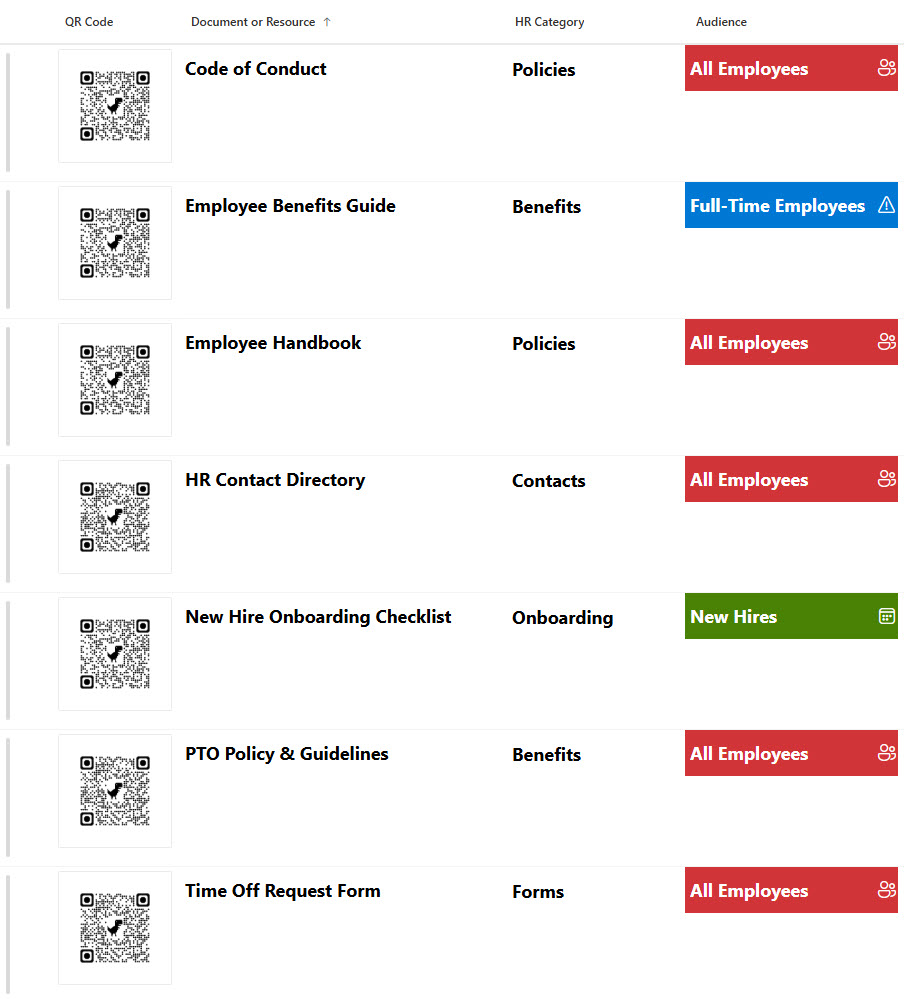
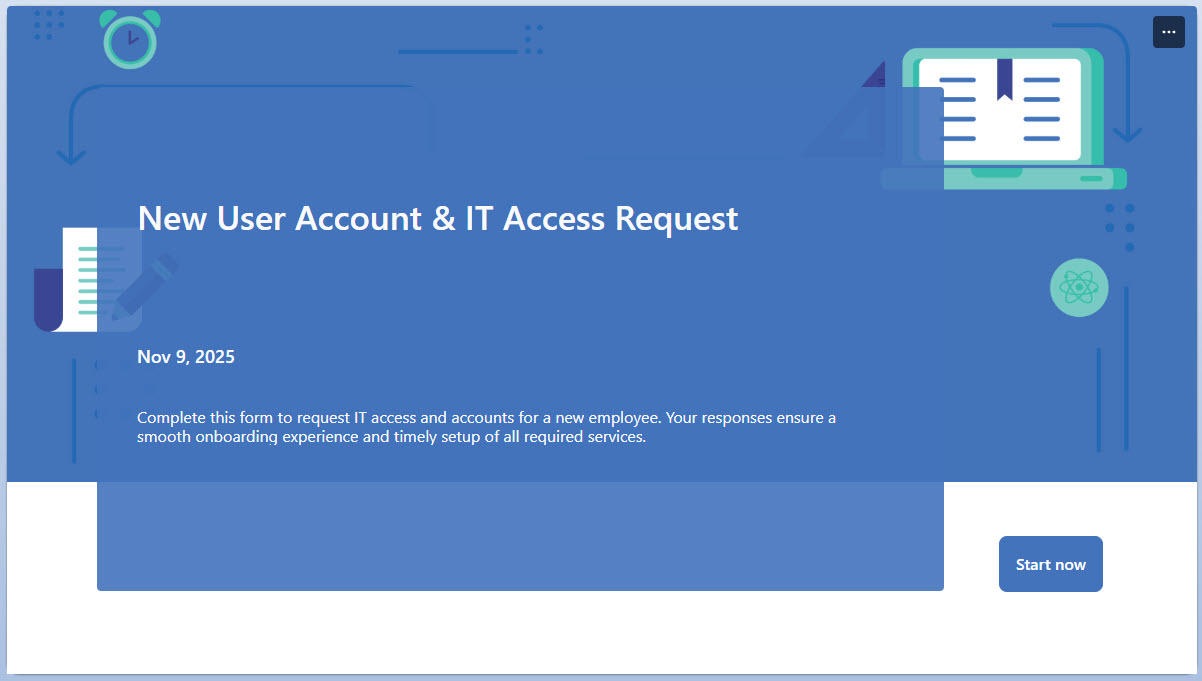
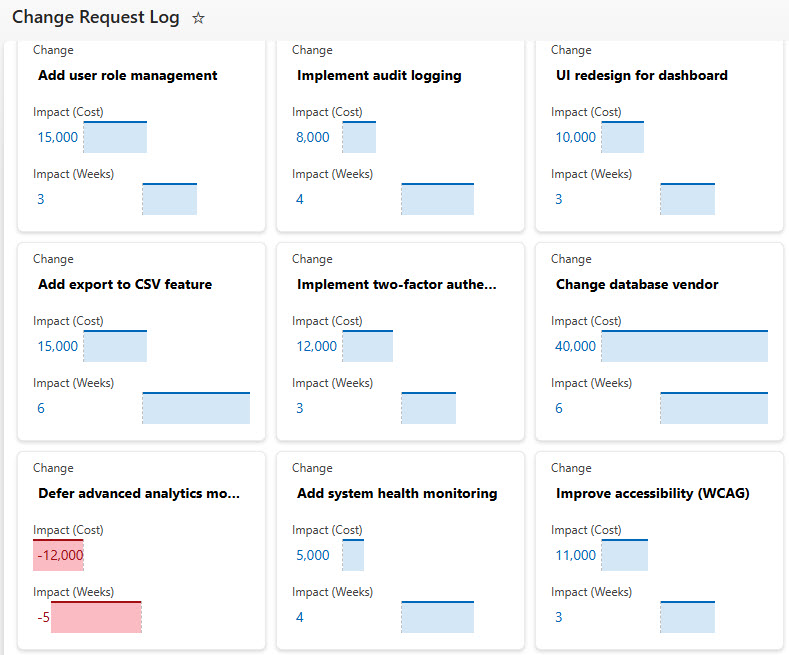
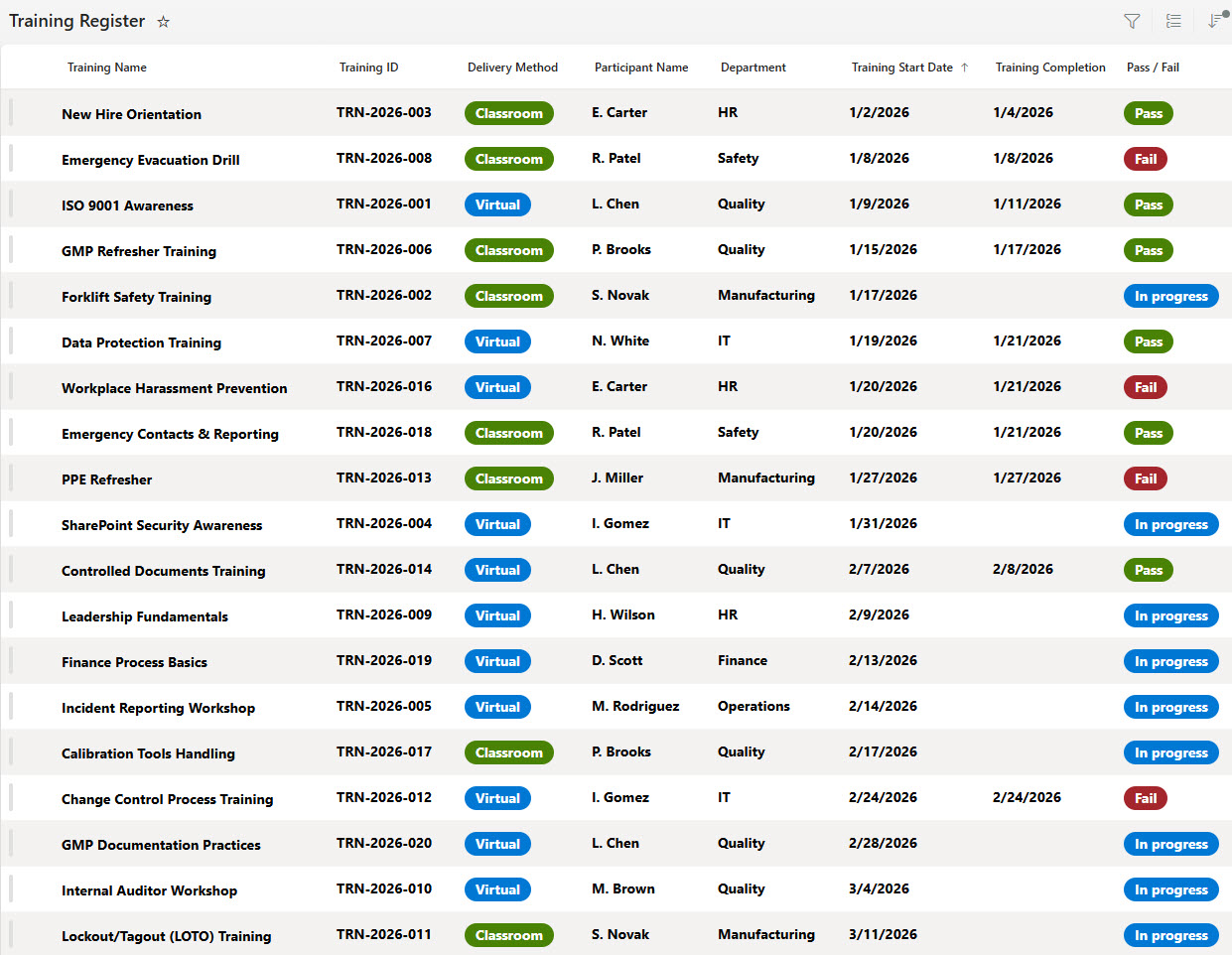
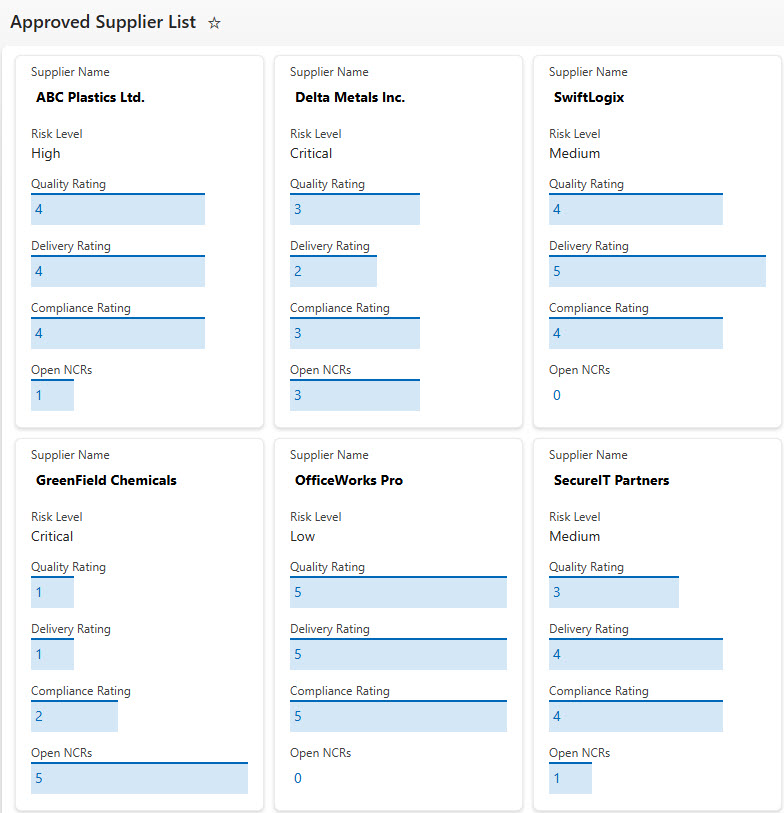
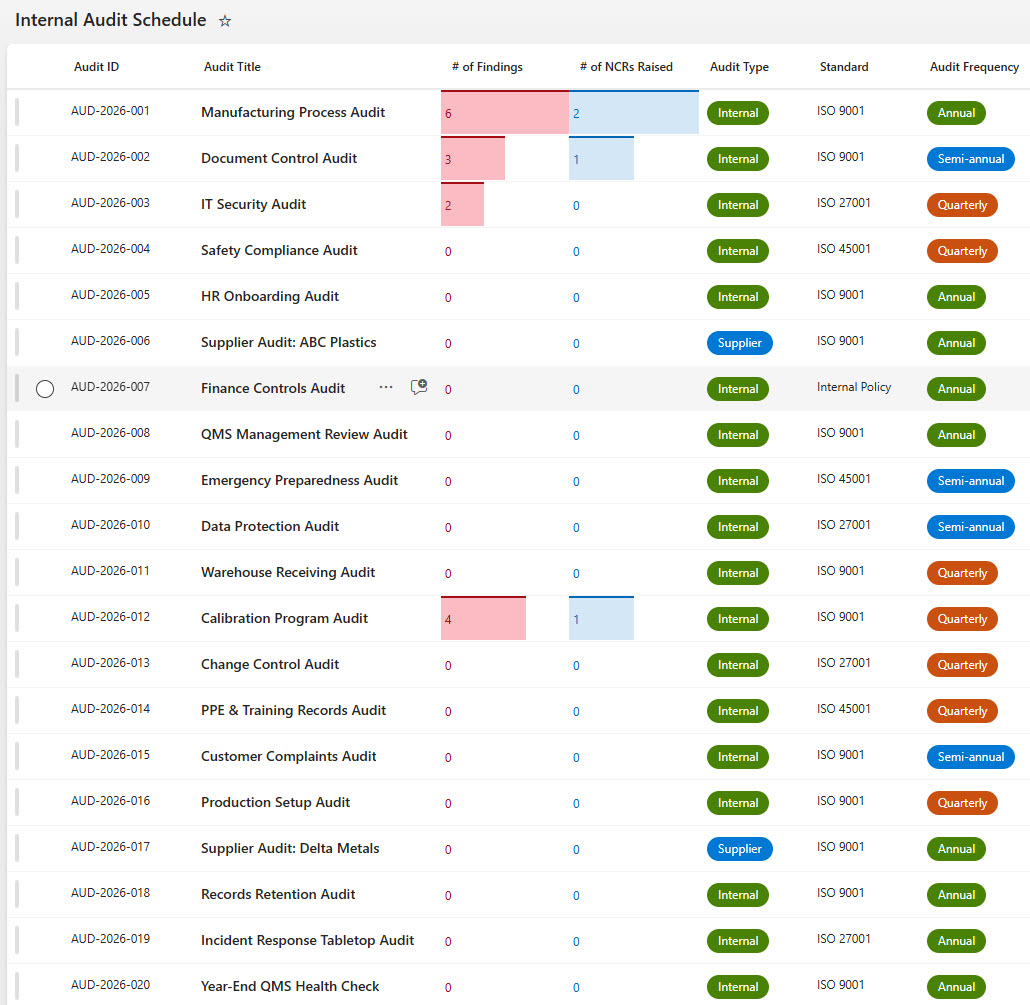
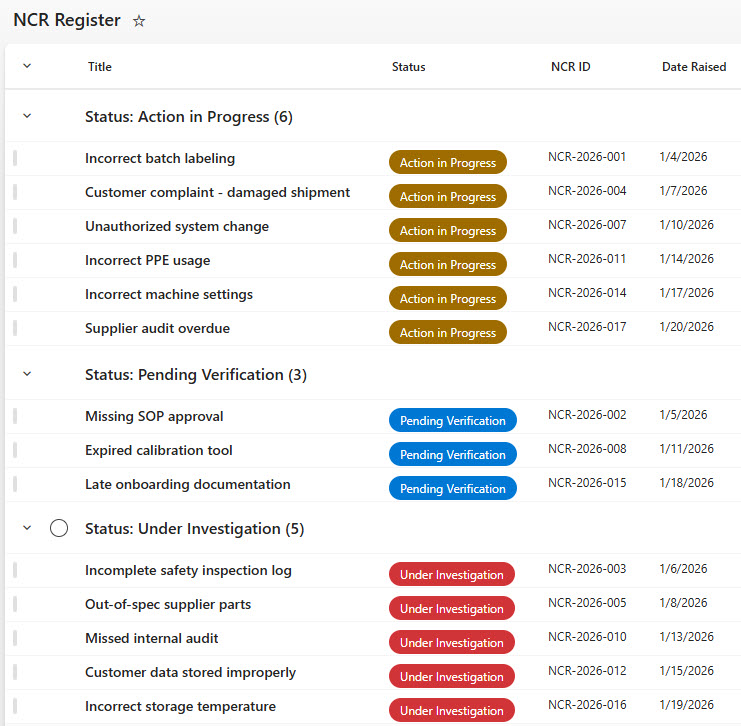
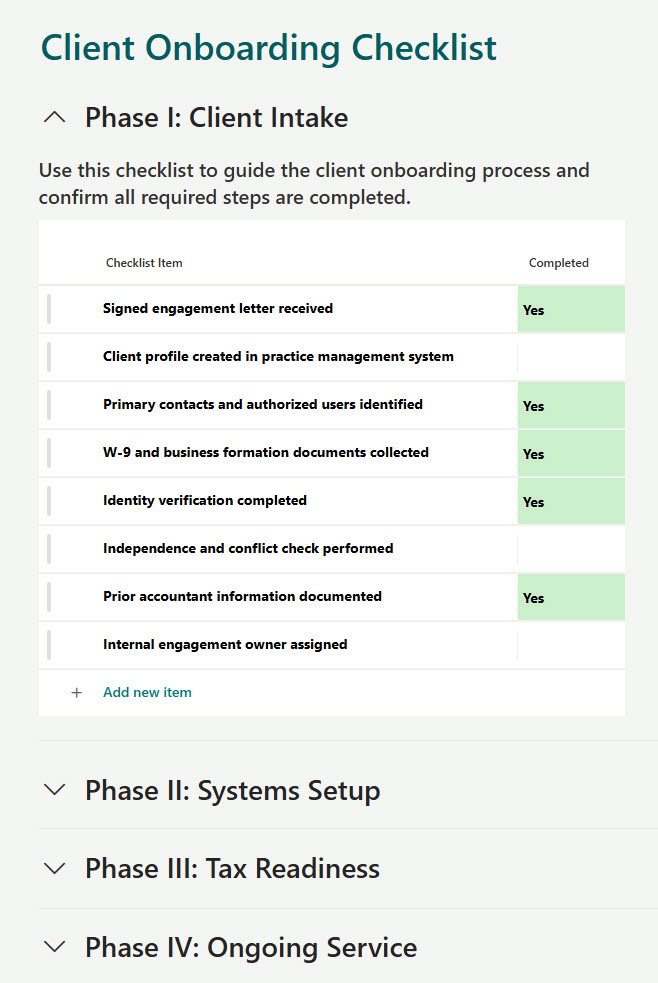
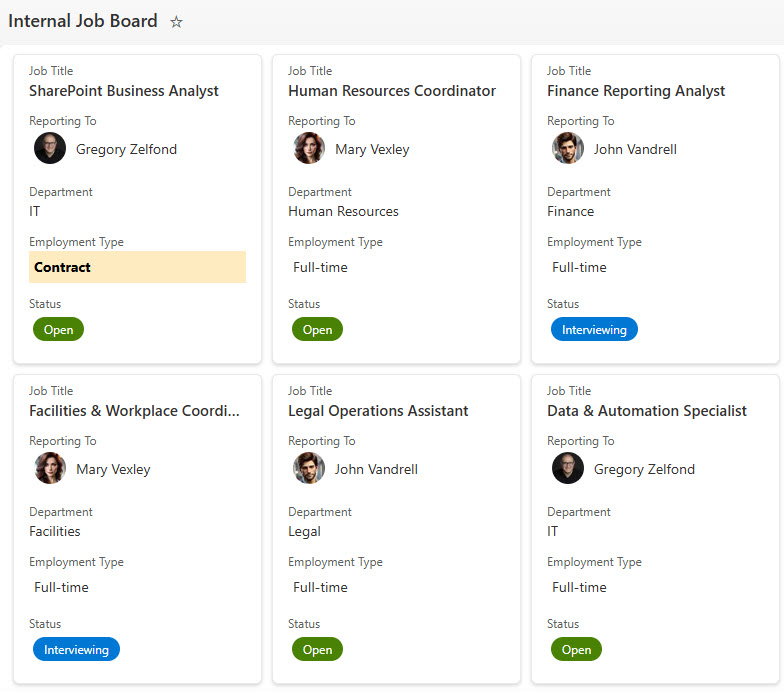
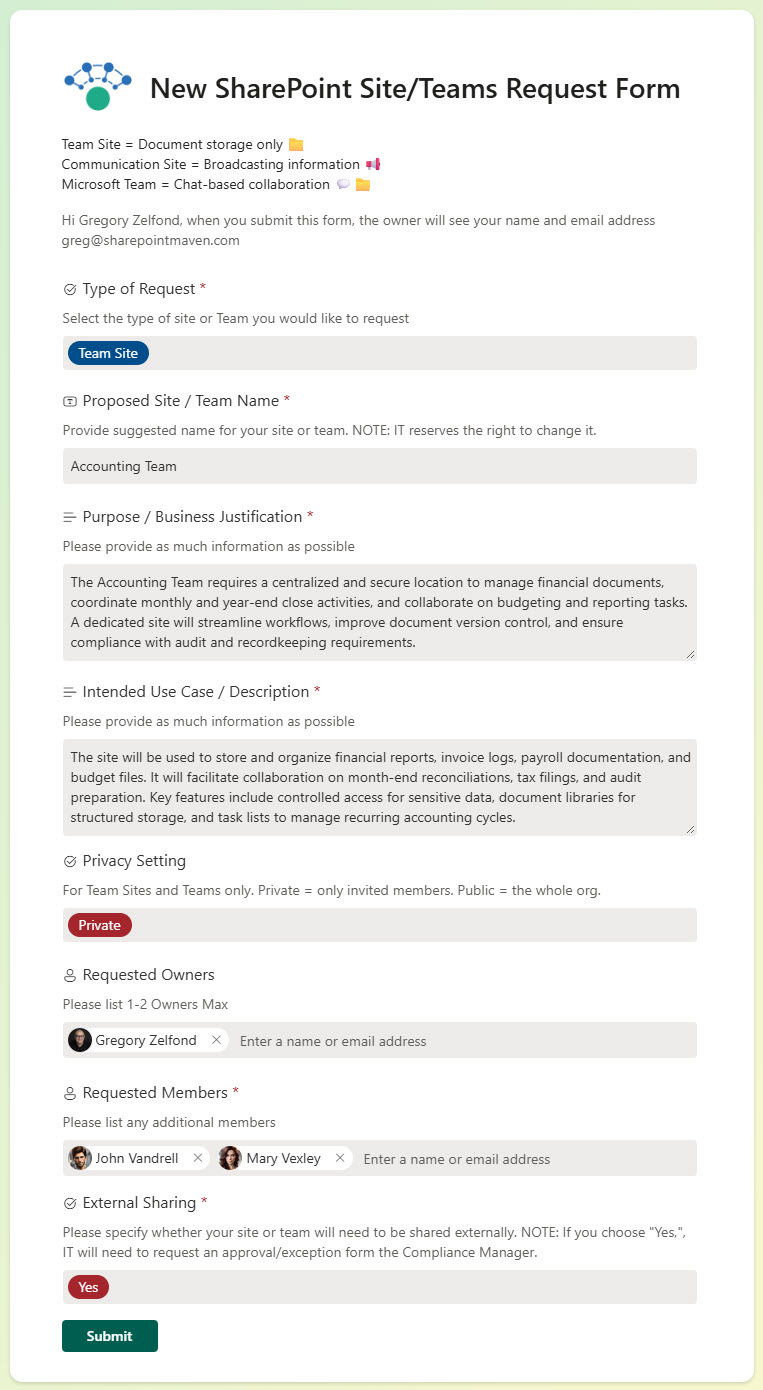
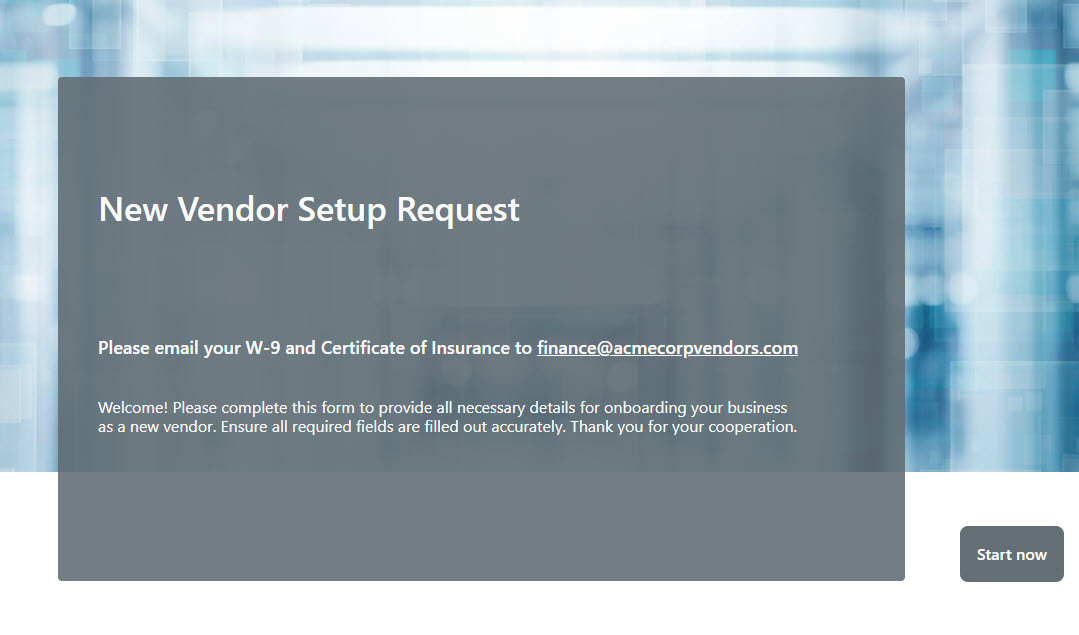
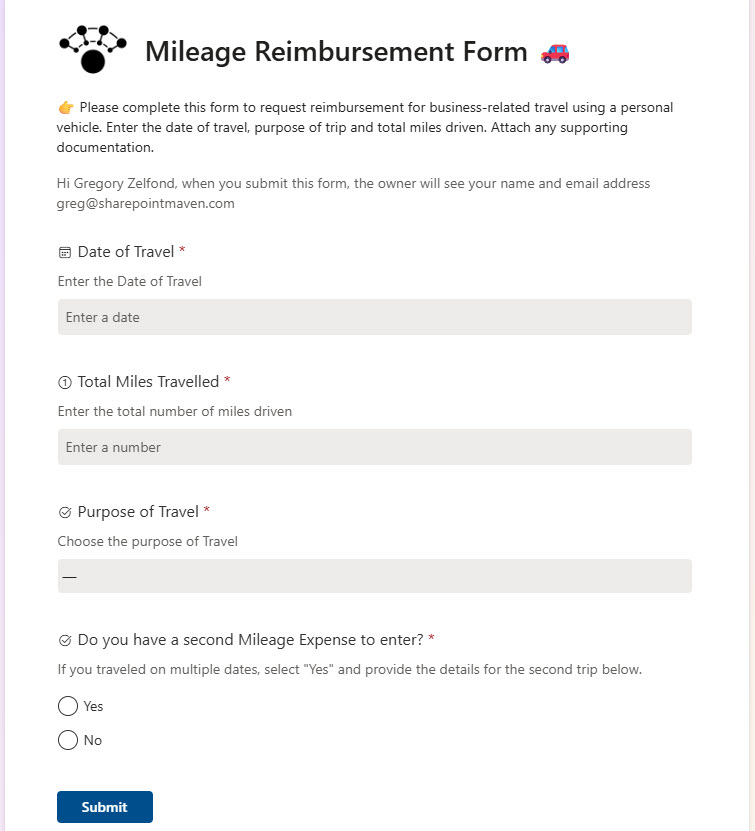
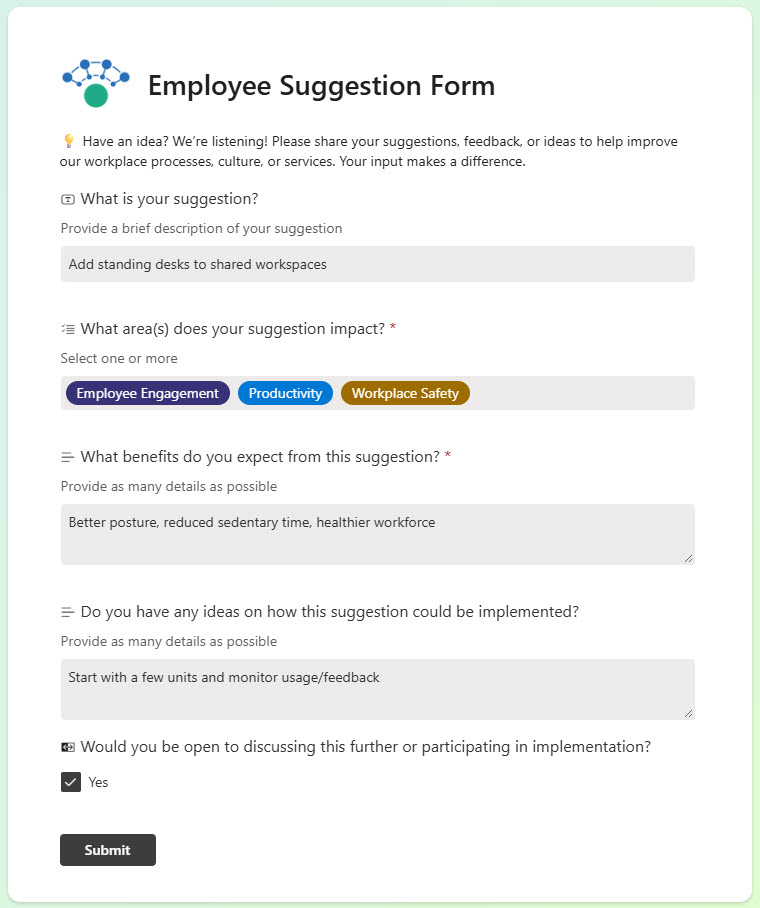
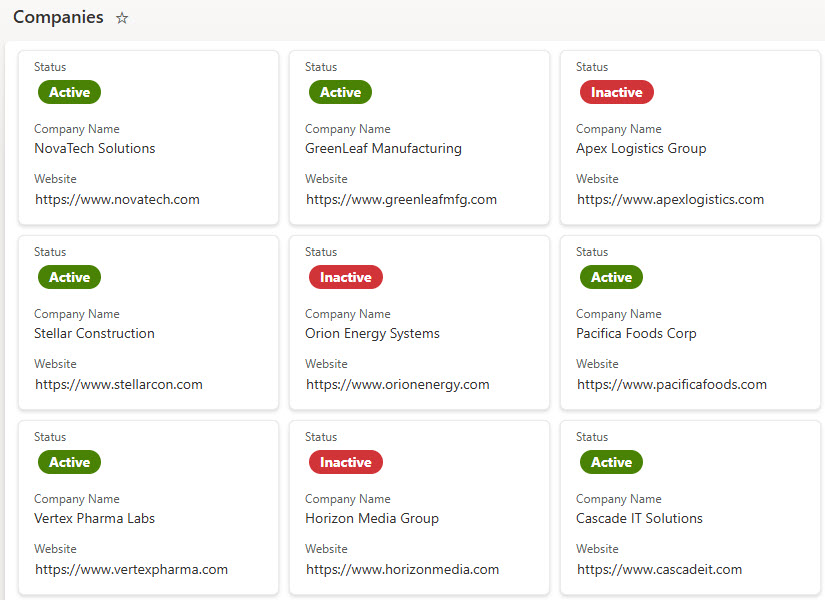
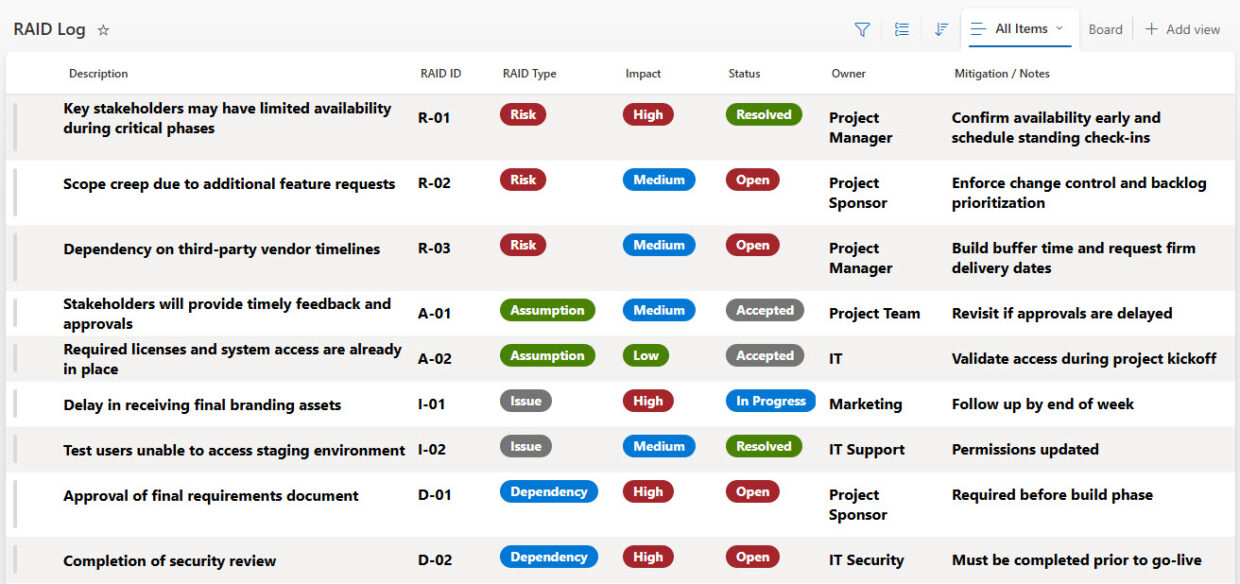
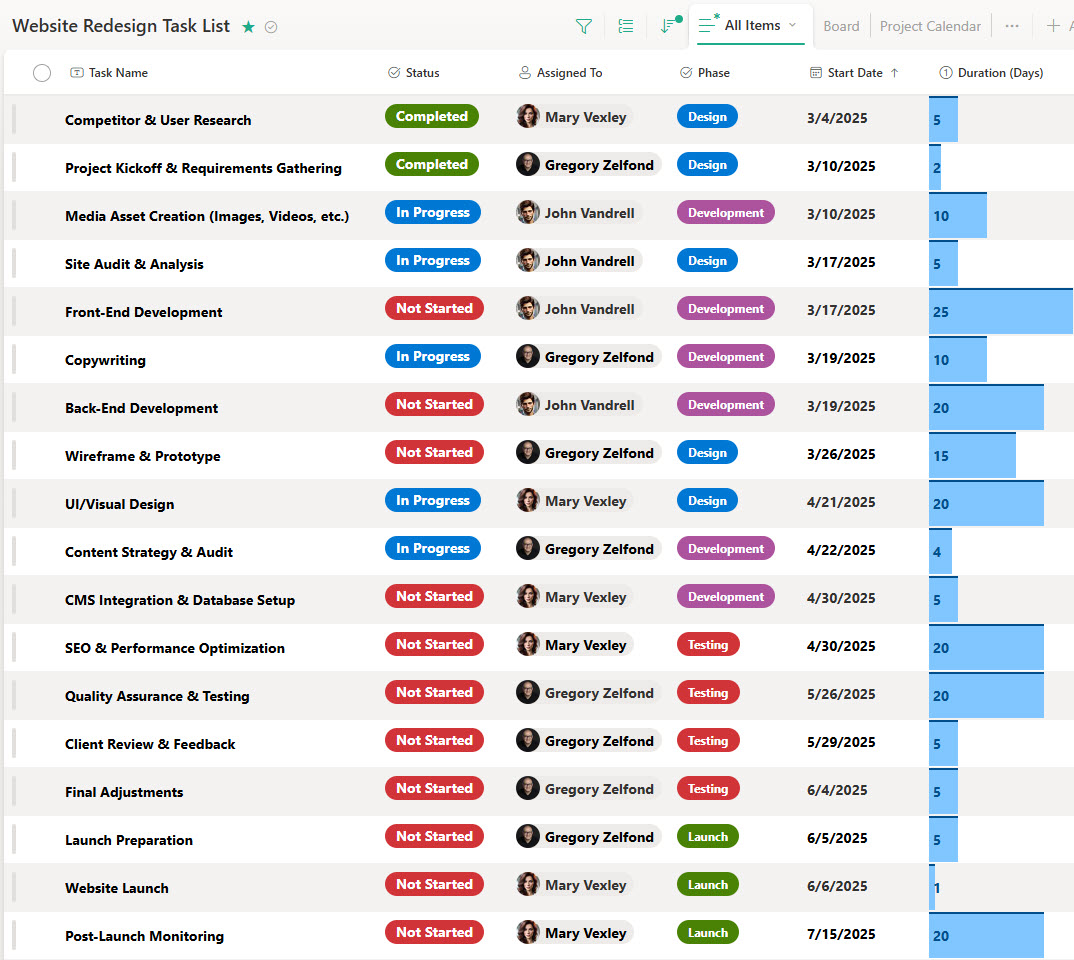
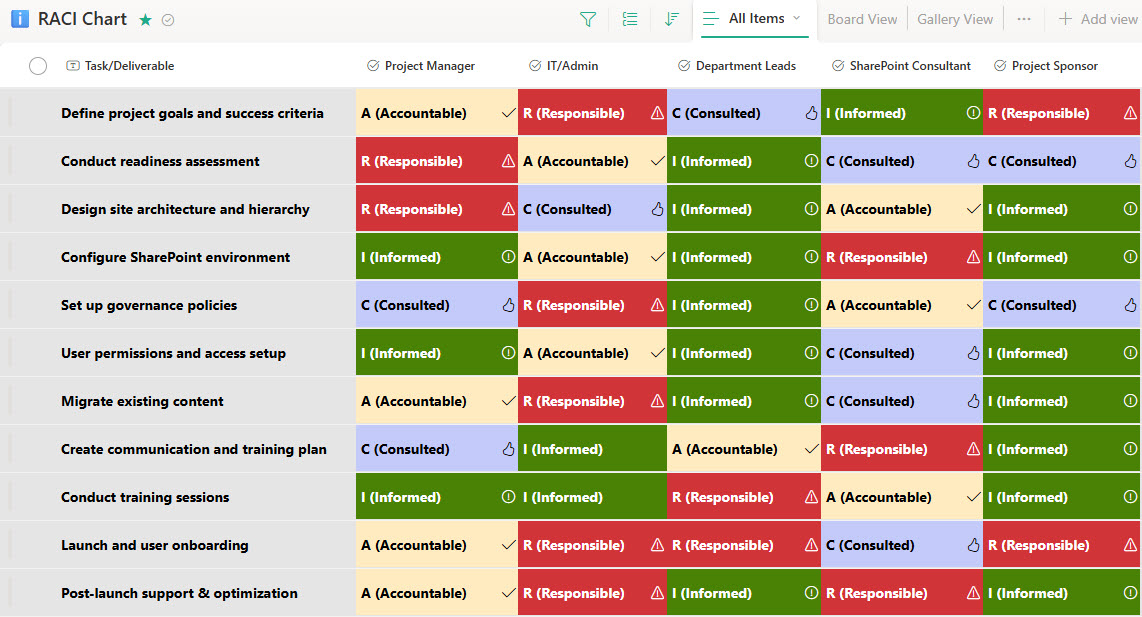
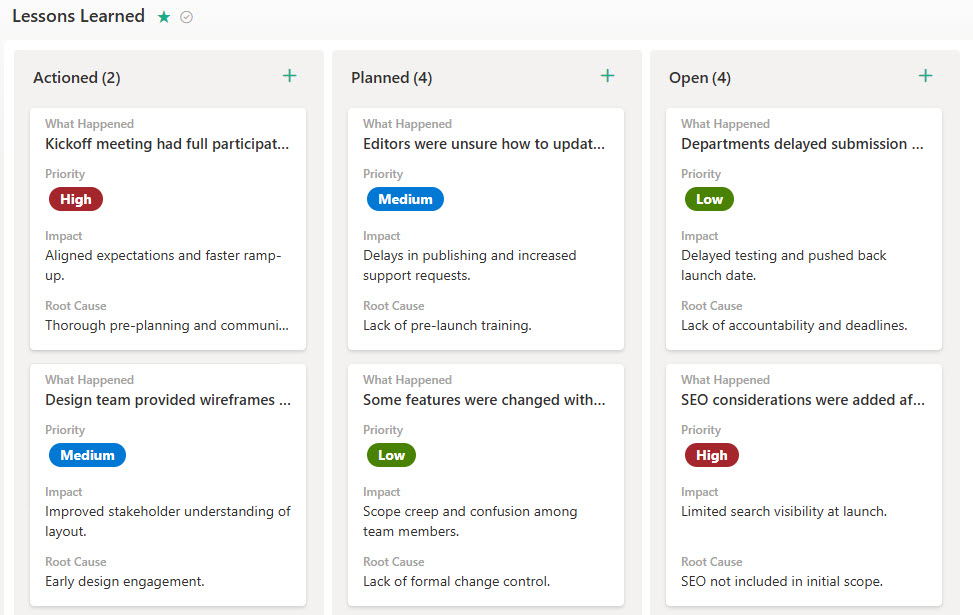
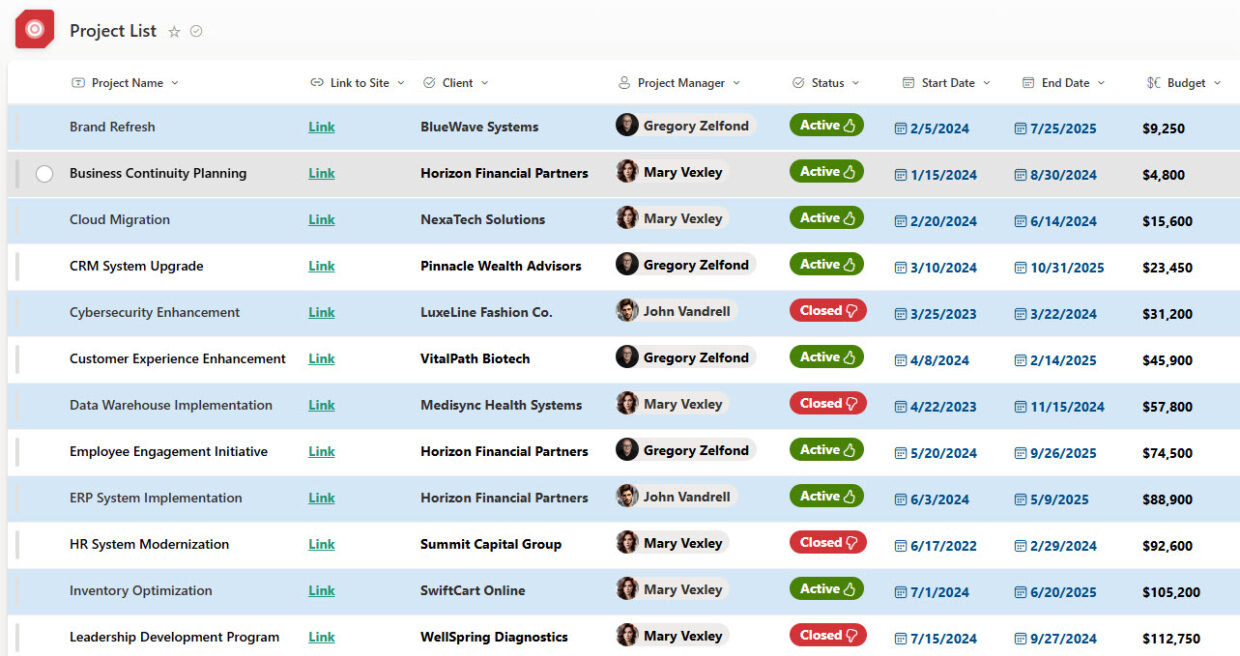
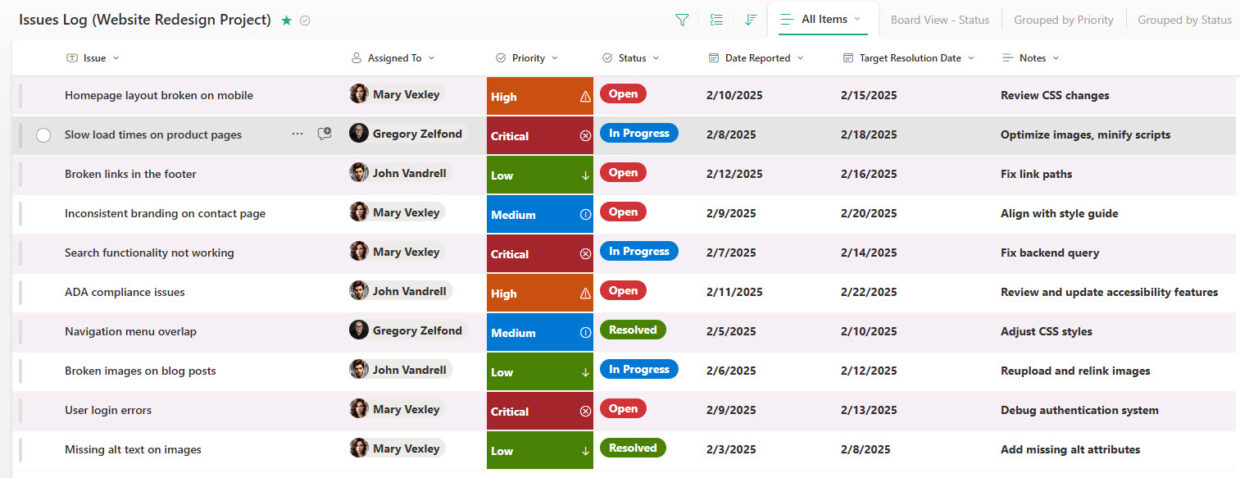
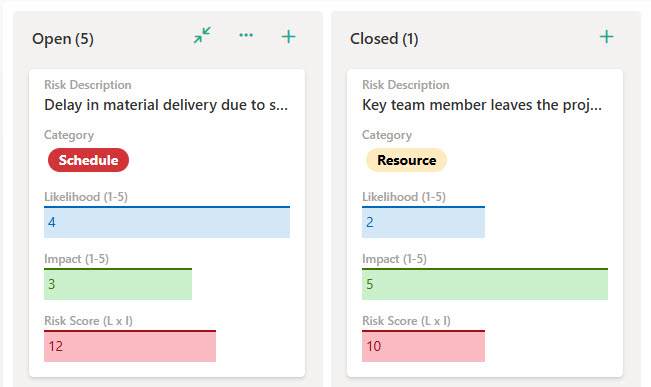
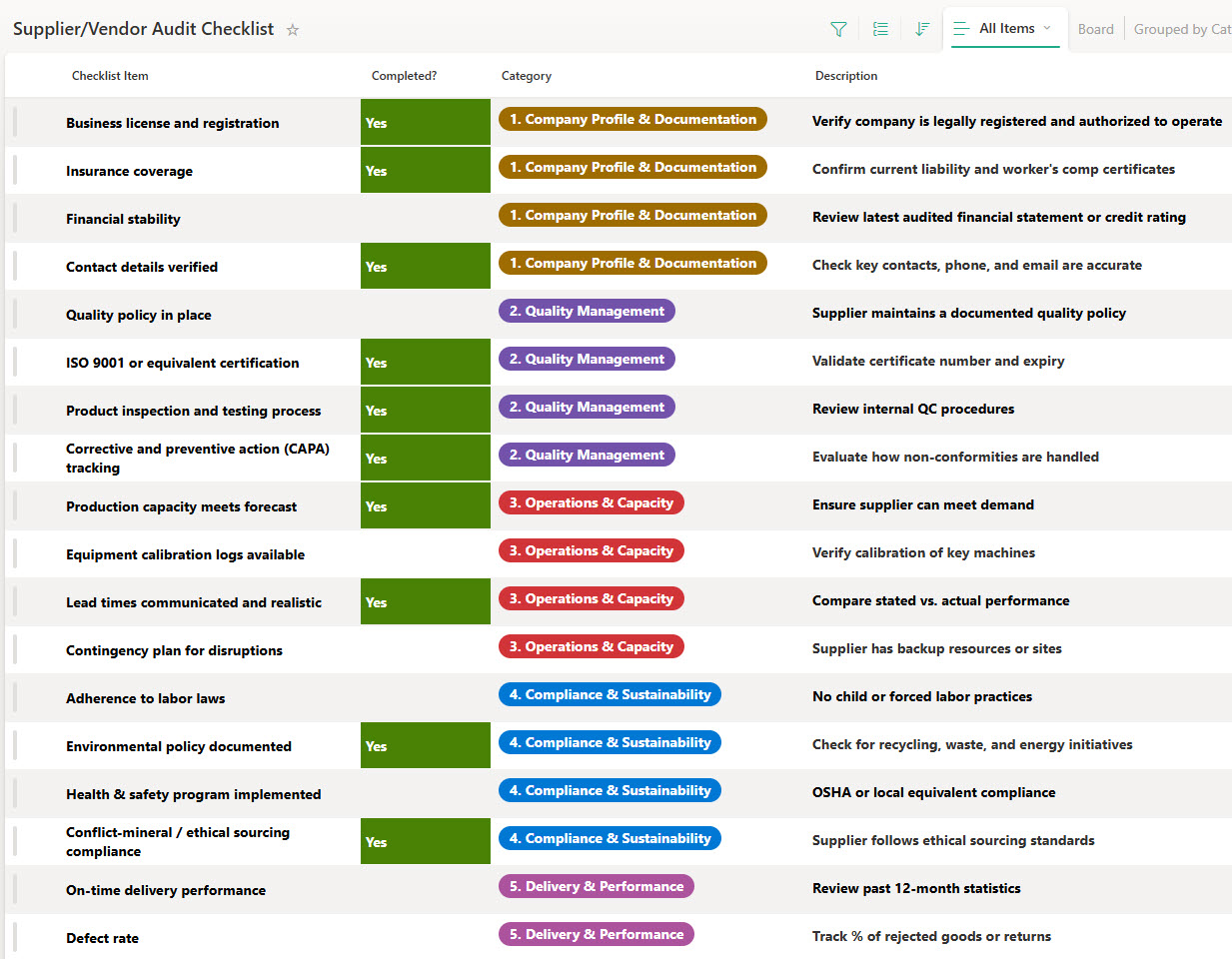
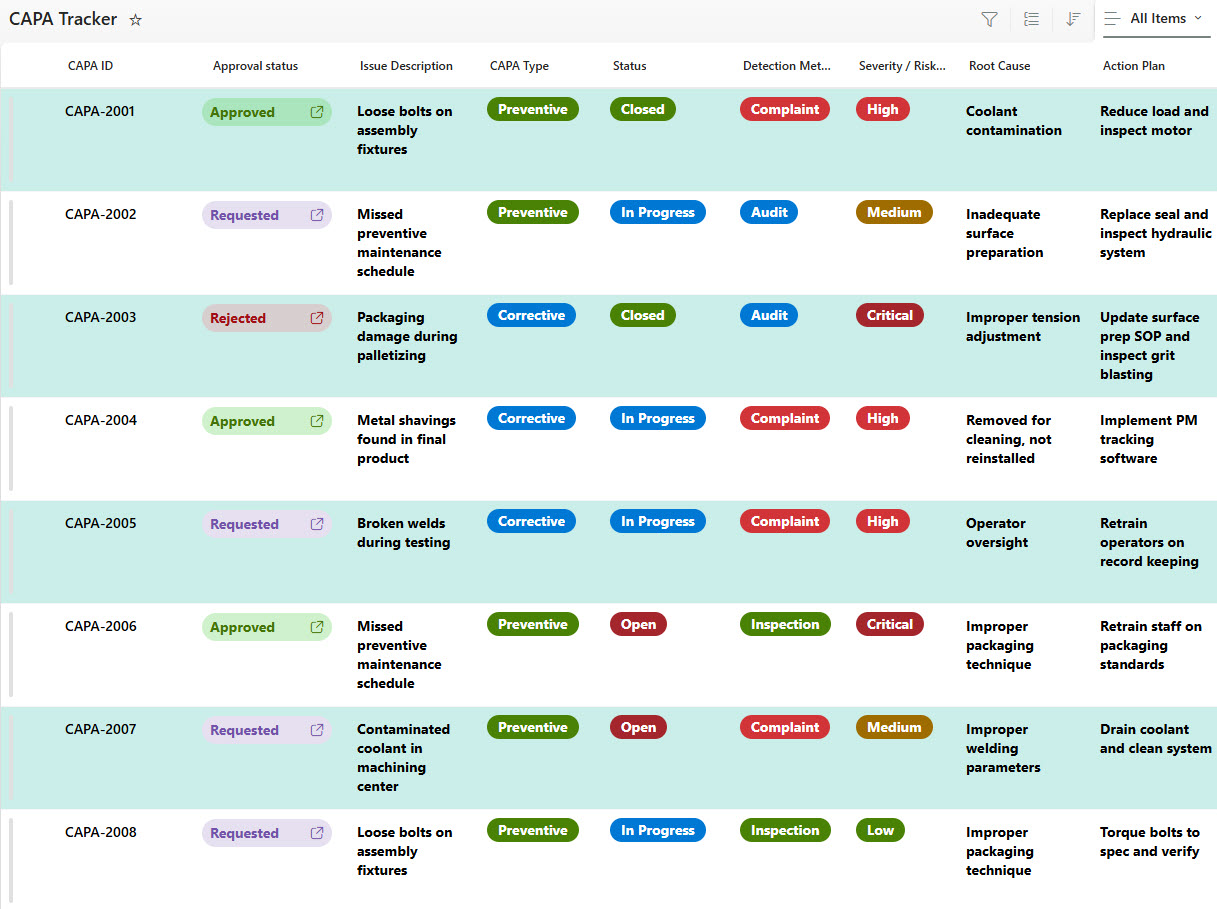
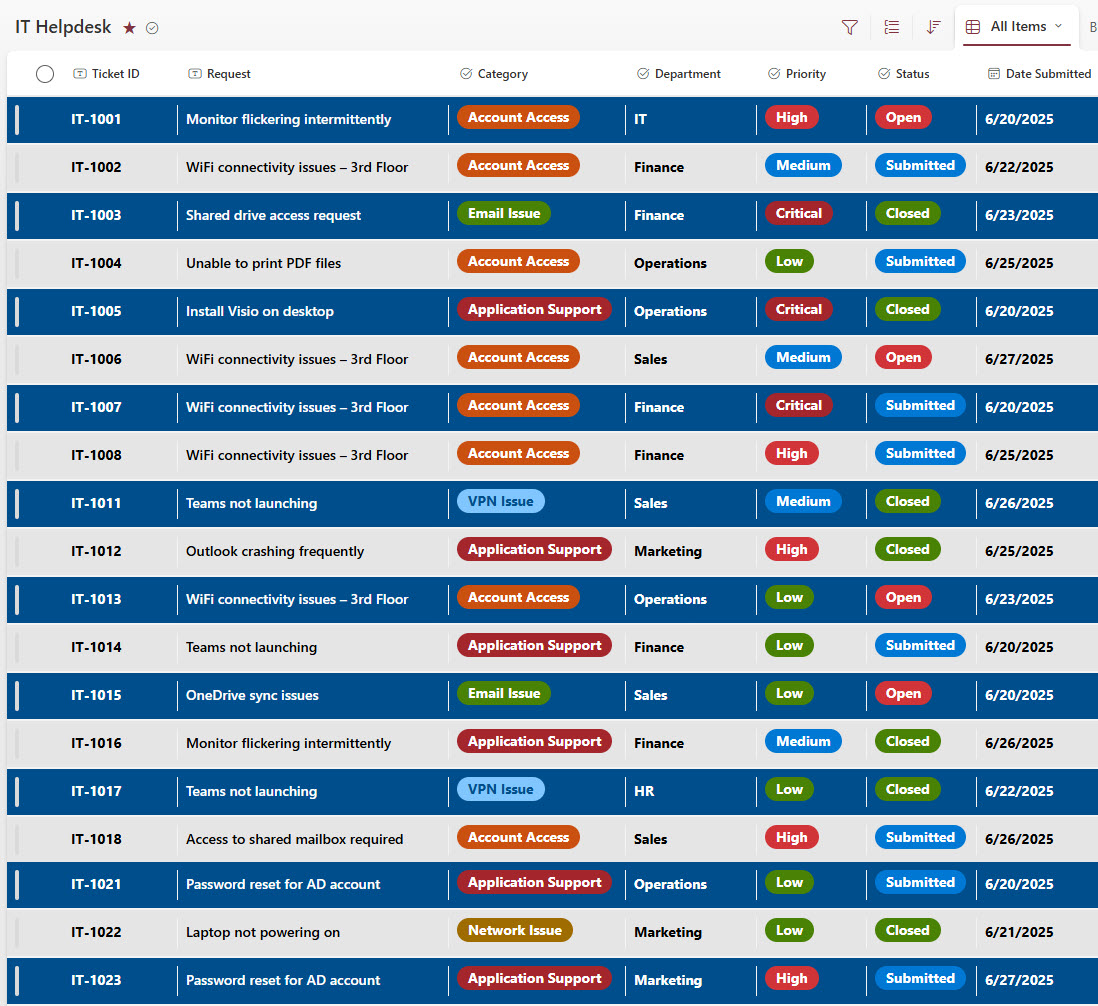
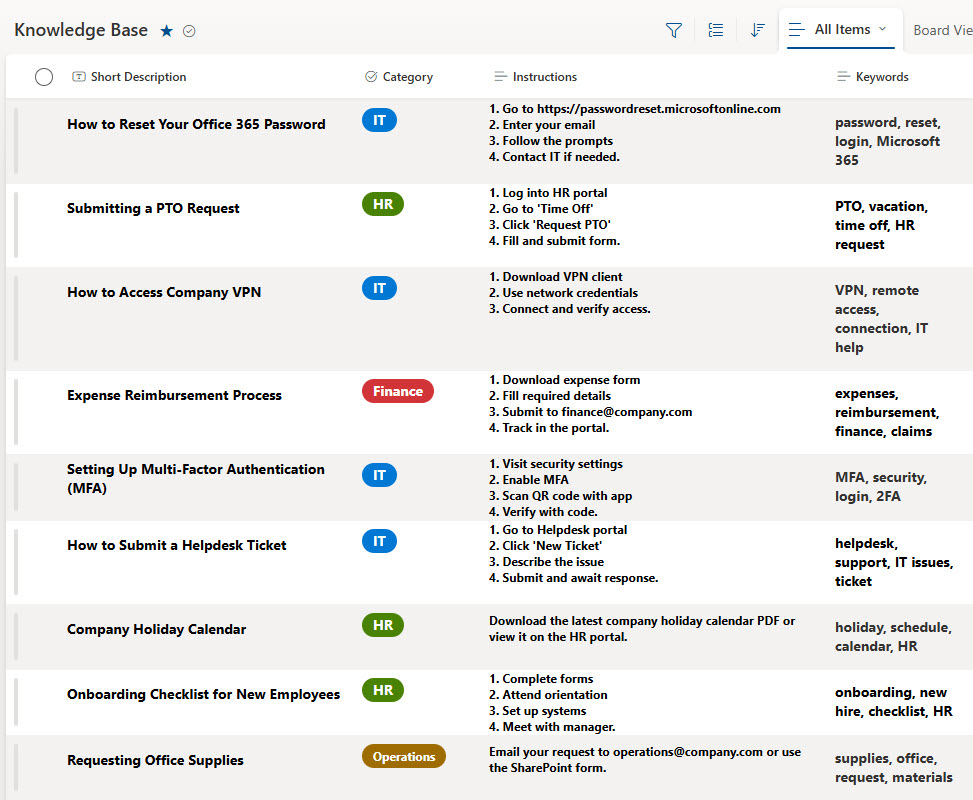
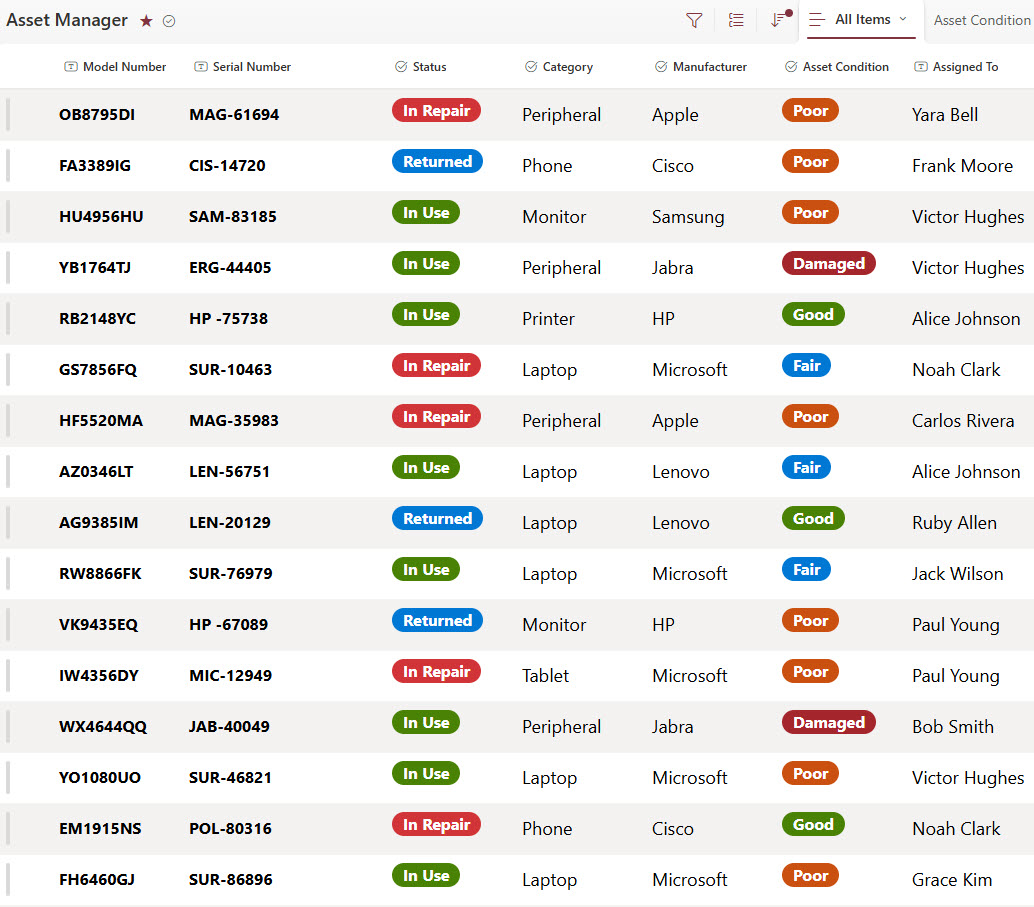
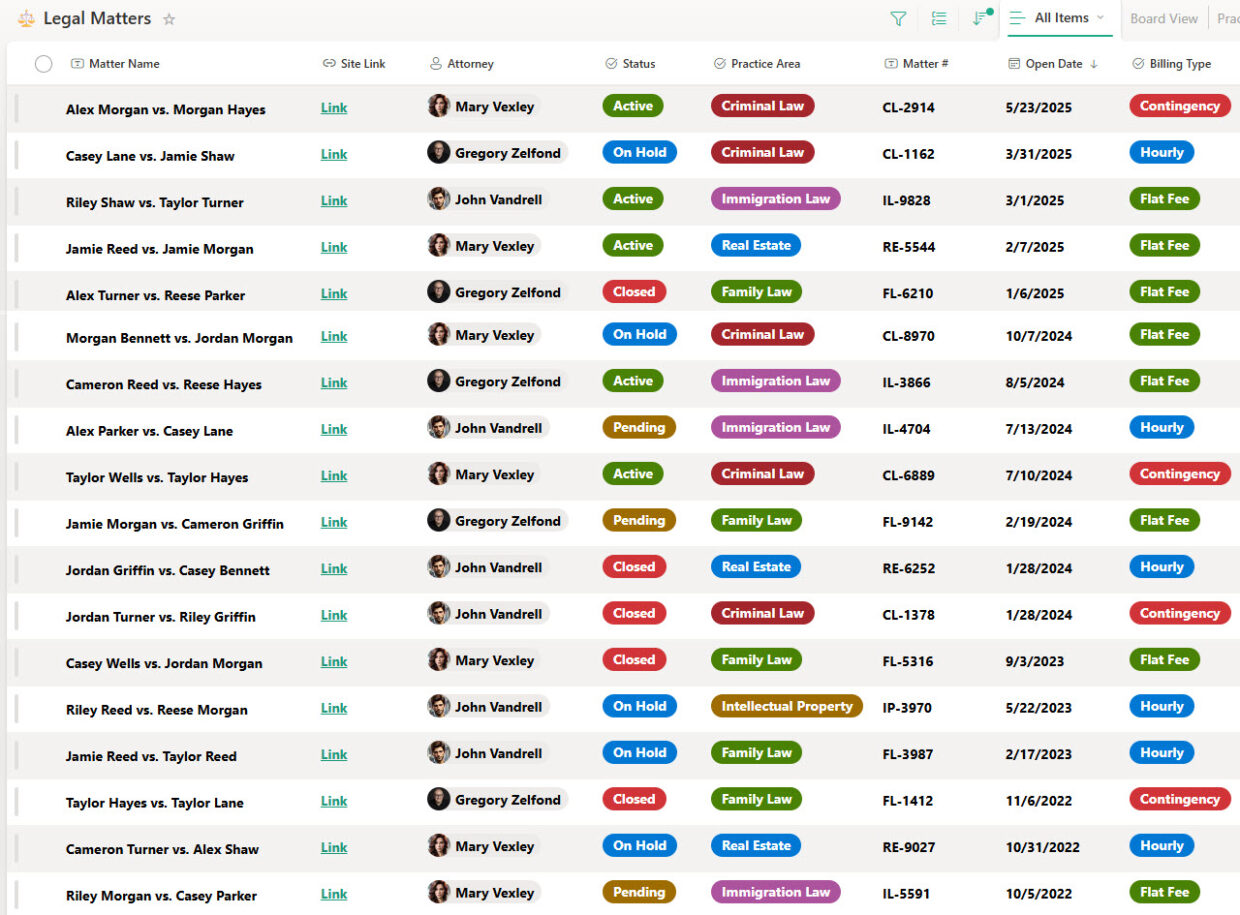
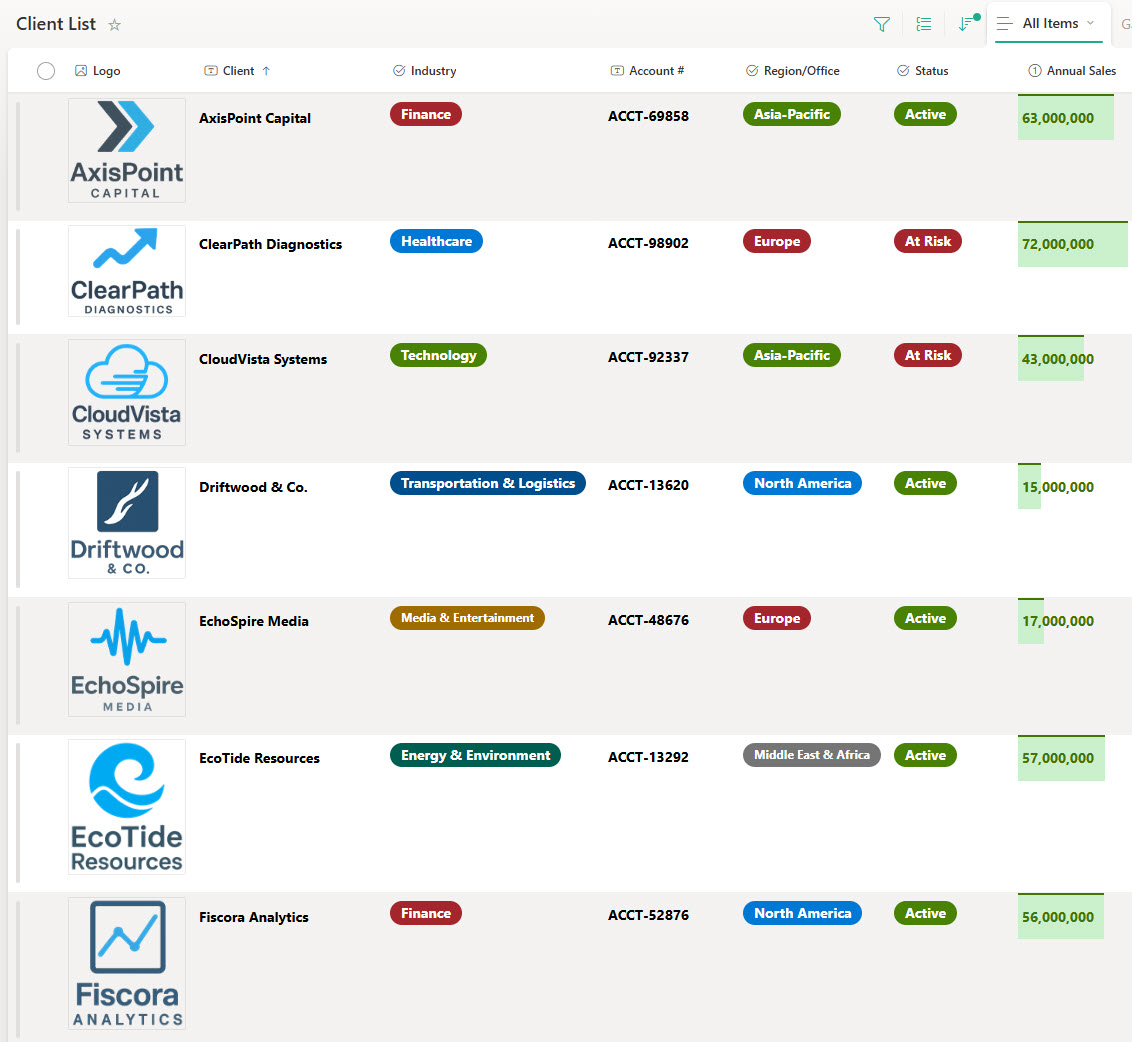
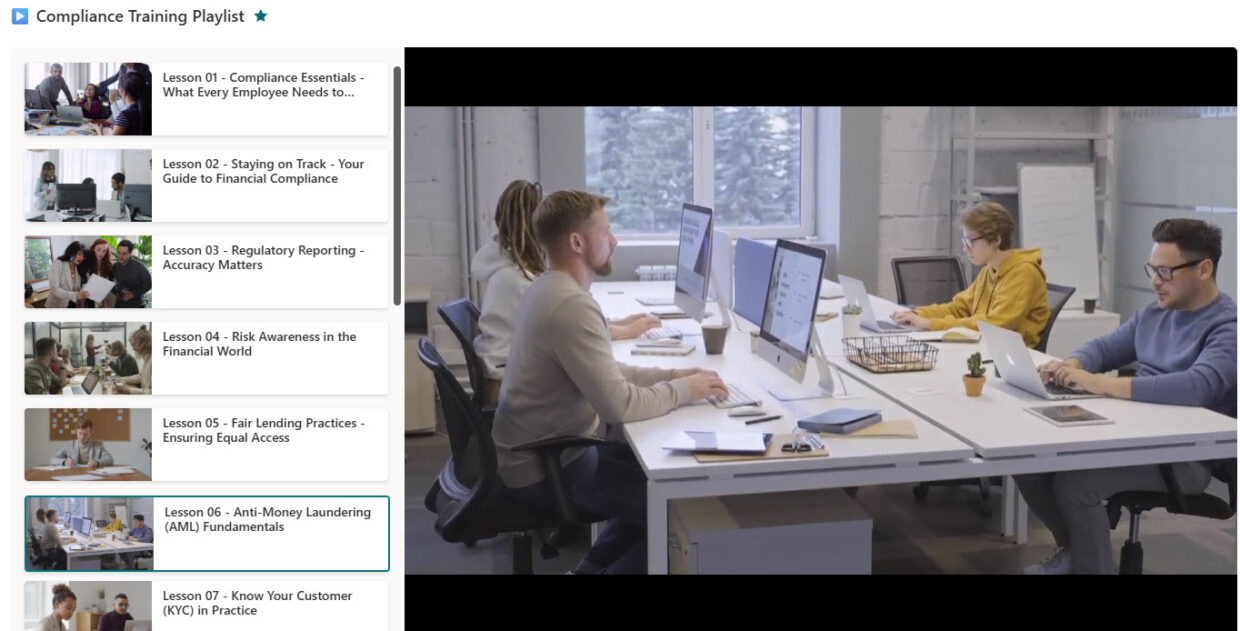
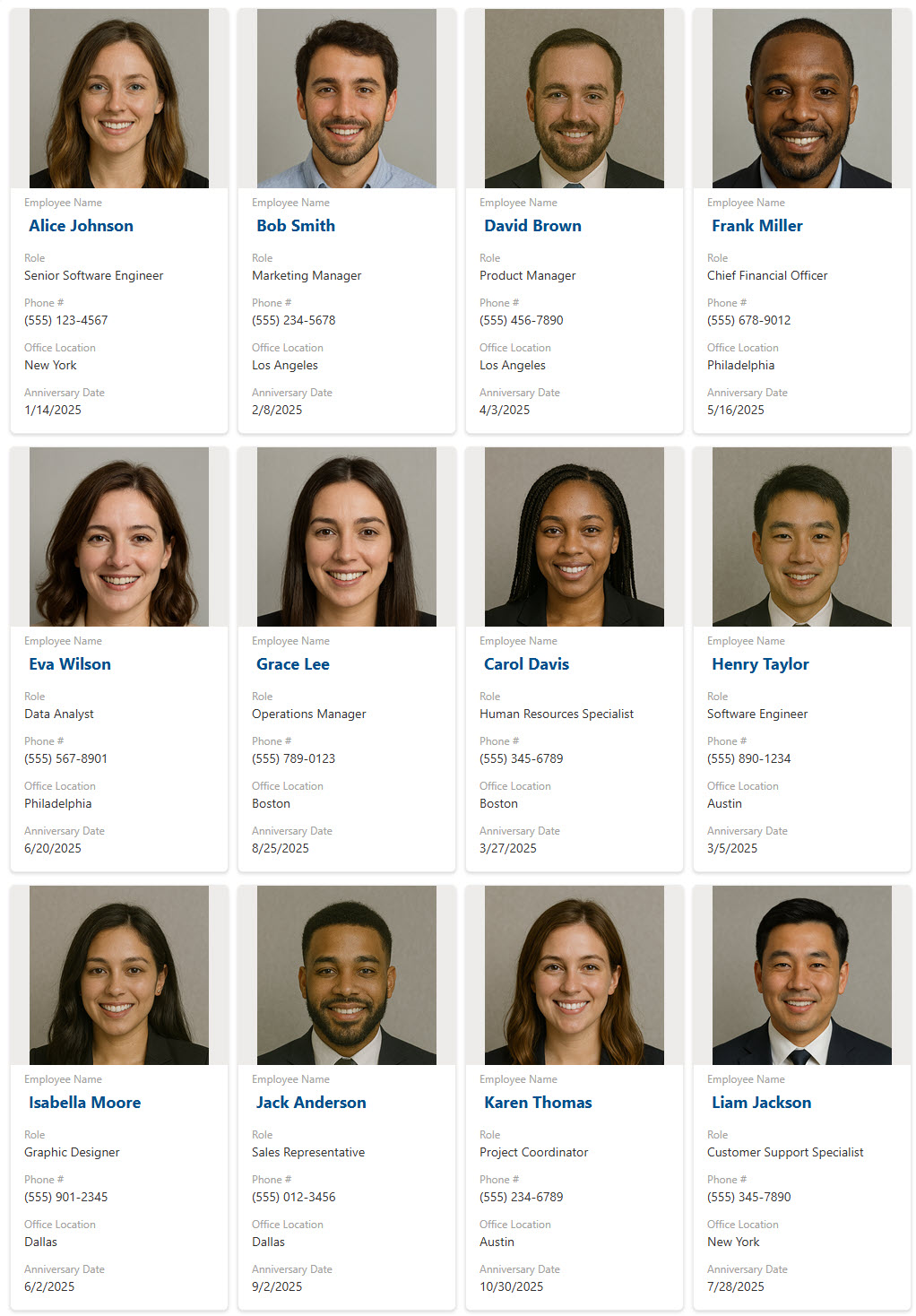
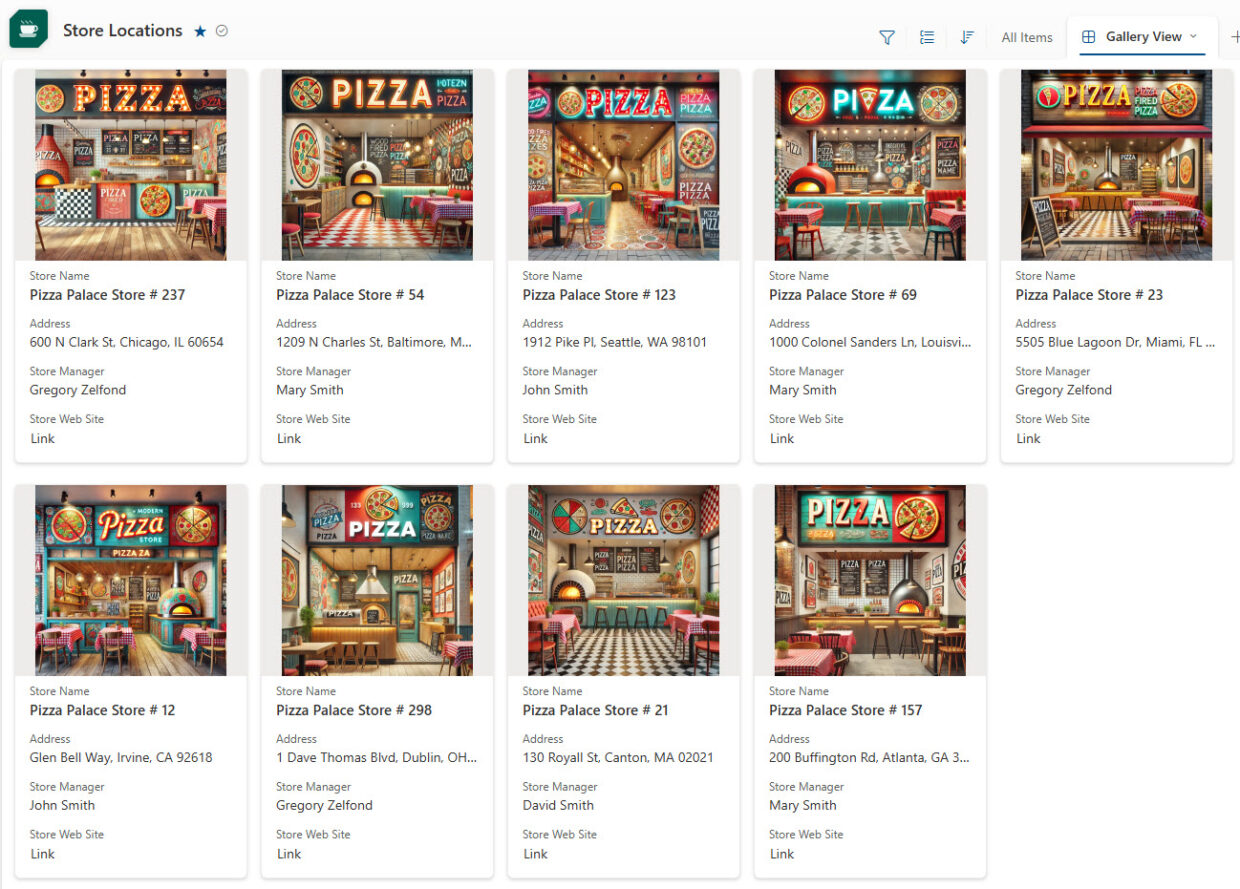
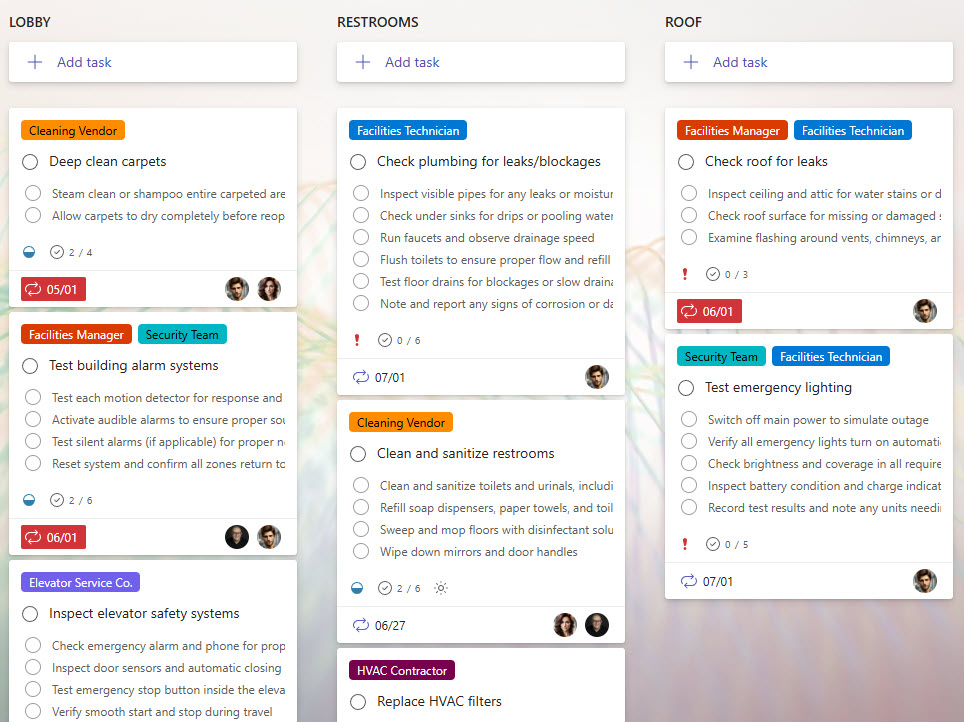
The gallery includes onboarding and offboarding checklists, asset and equipment trackers, audit schedules, certification trackers, issue and RAID logs, CAPA and non-conformance registers, and more. Each example shows a real, working design and is tagged with the specific Microsoft 365 app, web parts, and features Greg Zelfond used to build it.
Microsoft Lists is the Microsoft 365 app for tracking information in structured rows and columns – think of a smart, shareable table with views, filters, formatting, and reminders. It powers many of the trackers in this gallery and runs natively inside SharePoint and Teams, with no custom code or extra licensing required.
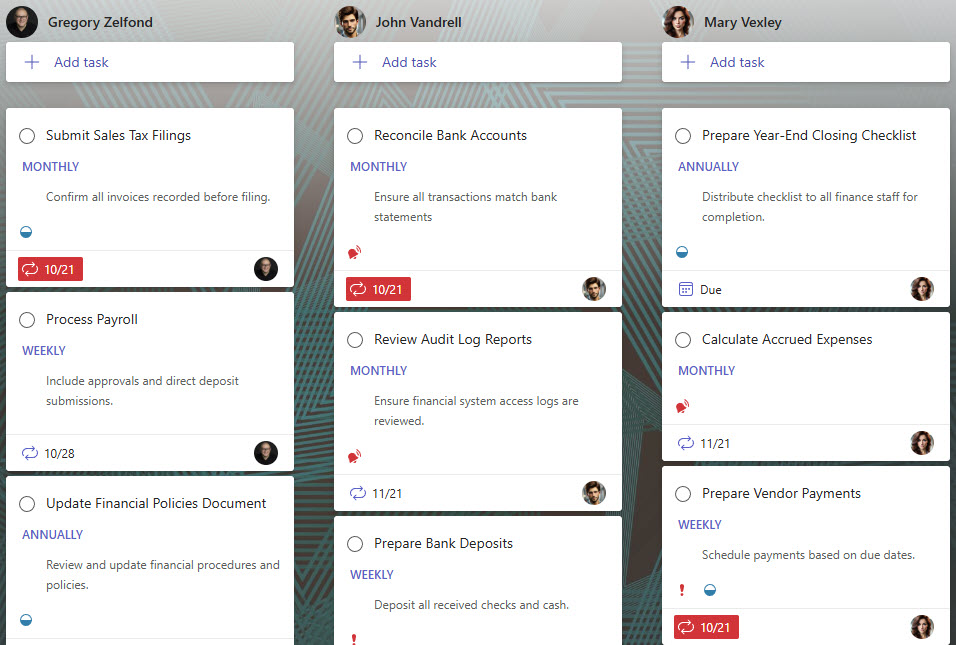
It depends on the job. Microsoft Lists suits structured data with many columns and views; Planner suits task and assignment tracking on boards; Loop suits lightweight, collaborative checklists inside a document or Teams chat. Greg Zelfond picks the right tool for each tracker, and the gallery shows examples built with all three.
No. Every checklist and tracker in the gallery is built using only out-of-the-box Microsoft 365 features – no custom code, no third-party add-ons, and no extra licenses. That keeps each tool stable, easy to maintain, and quick to set up, with nothing that breaks on Microsoft updates. Out-of-the-box is the only way Greg Zelfond builds.
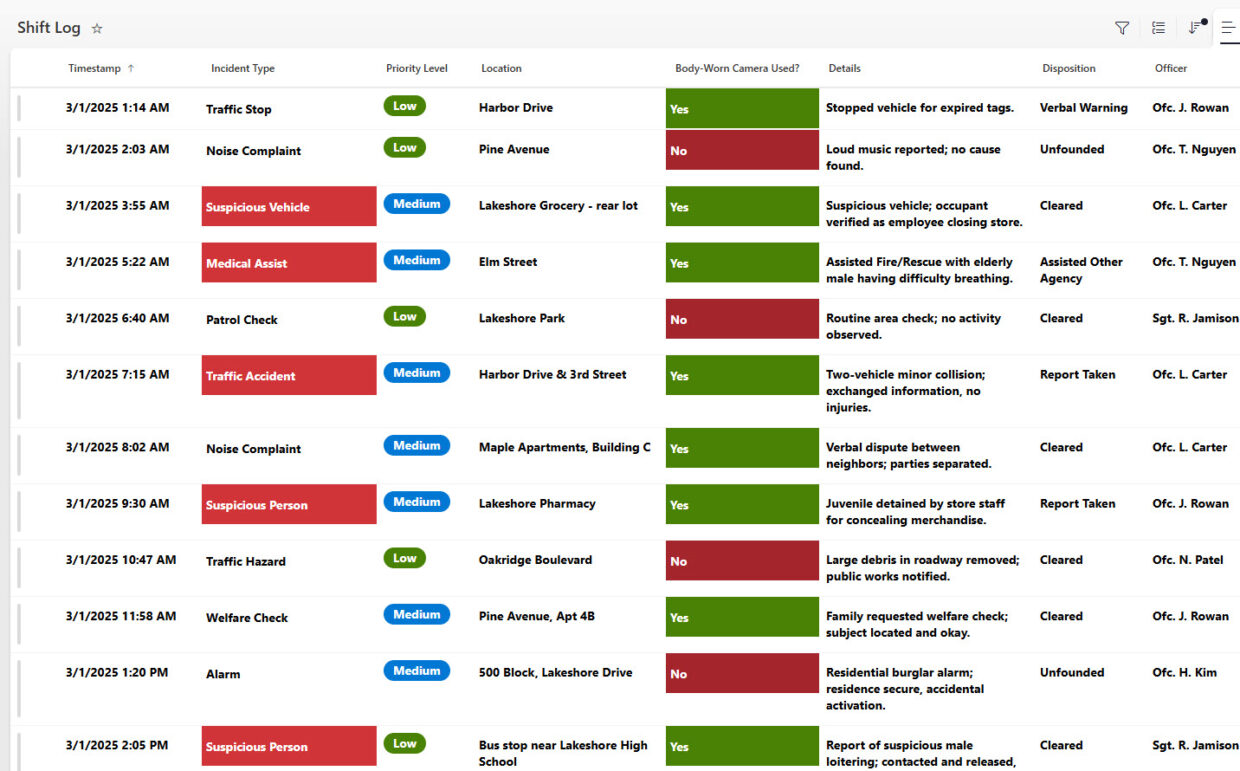
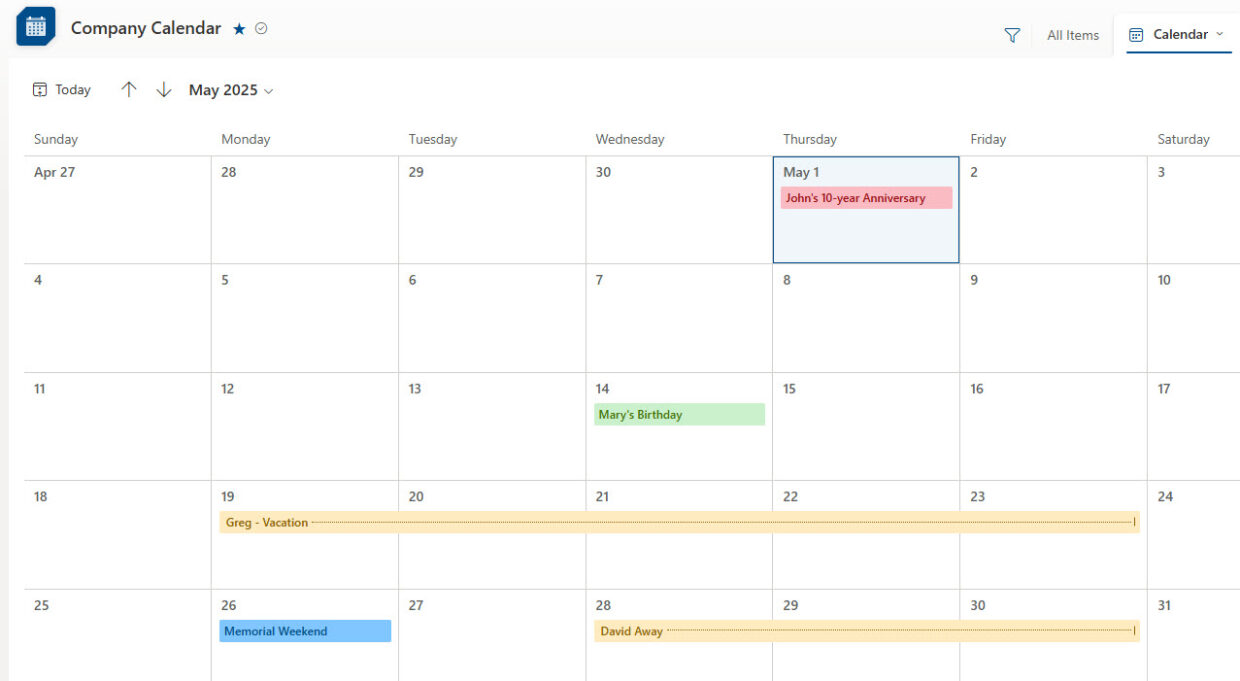
Yes. Microsoft Lists and Planner can color-code status, group by stage, and surface due dates, and you can layer in simple Power Automate flows for reminders and notifications – all out-of-the-box. Greg Zelfond configures these views and rules so a tracker stays useful at a glance rather than turning into a stale spreadsheet.
Choosing the Right Tracking Tool
Yes. Greg Zelfond tailors every checklist and tracker to your workflow – the columns, statuses, views, and rules that match how your team actually works. The gallery shows many examples because the same out-of-the-box tools flex to fit onboarding, audits, assets, issues, and almost any recurring process your organization runs.
Yes. Microsoft Lists, Planner, and Loop all plug directly into Microsoft Teams, so a tracker can live as a tab right where your team already works. They are also responsive on mobile. Greg Zelfond sets up trackers where your team will actually use them, whether that is SharePoint, Teams, or both.
A SharePoint list or Planner board gives you controlled columns, multiple views, filtering, permissions, version history, and reminders – things a shared spreadsheet handles poorly once several people are involved. It scales cleanly and keeps everyone on one current version. Greg Zelfond builds these structured trackers to replace fragile, error-prone spreadsheets.
Yes – that is the goal. Because every tracker is built out-of-the-box, your team can add items, adjust views, and update columns through the standard Microsoft 365 interface, with no developer needed. Greg Zelfond includes training so your team can run and tweak the tracker confidently once it is handed over.
Yes – this is exactly the kind of work Greg Zelfond does. As an independent SharePoint consultant and Microsoft MVP, he designs out-of-the-box checklists and trackers like the ones in this gallery, matched to your process. Reach out through the contact page and describe the workflow you want to track.
Yes. Many examples here – audit schedules, CAPA trackers, certification logs, and non-conformance registers – are built specifically for quality and compliance teams. Out-of-the-box SharePoint adds version history, permissions, and clear ownership, which support an auditable trail. Greg Zelfond builds these so regulated teams can track requirements without custom software.