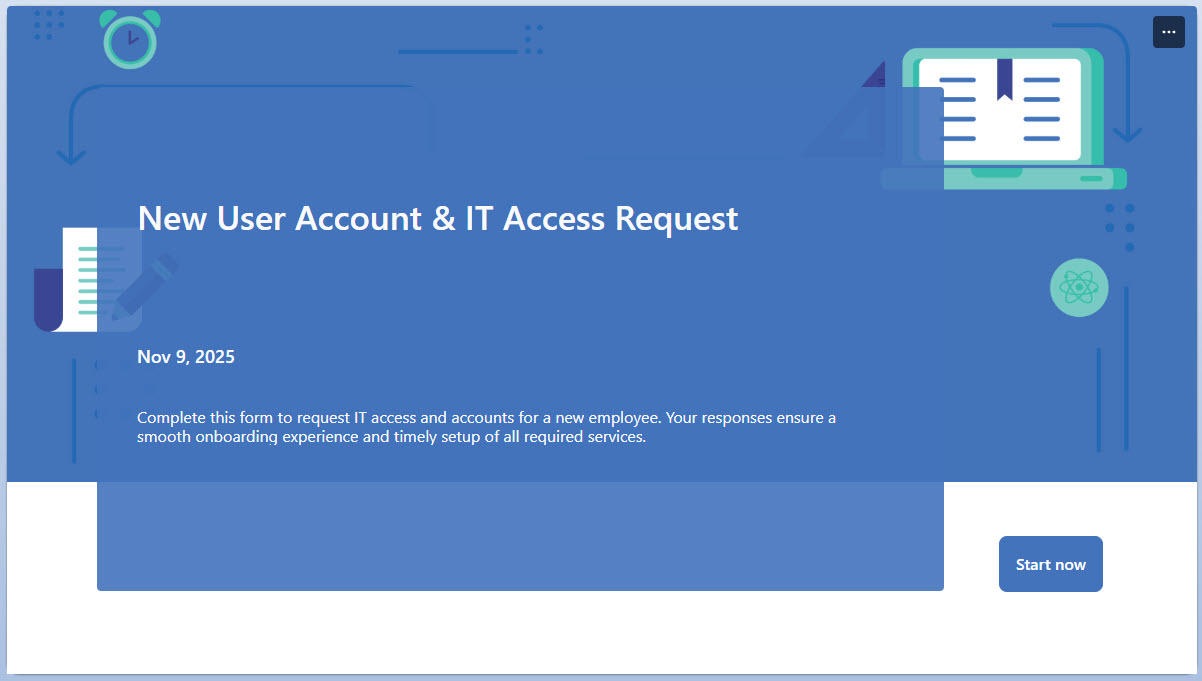
Help Desk Access Request (Form)

Overview
- Access requests in one place: employees submit requests for system, application, or network access through a simple form
- Key details captured: employee information, department, and the access level being requested
- Email notifications: confirmation and approval notifications are sent automatically via email
- Auditable record: every access request is stored for review, with built-in reporting on submissions
- 100% out-of-the-box: a standard Microsoft 365 solution with no custom code required
Benefits
- A standard process for access: IT access requests are simplified and consistent across the organization
- Less manual work: automated request collection reduces the email back-and-forth
- An auditable trail: a clear record of who requested access
- Faster onboarding: new employees and role changes get the access they need sooner
- Room to grow: the form integrates easily with SharePoint and Power Automate workflows
Common Questions About This IT User Access Request Form
What is this IT User Access Request Form built with?
The form is built entirely with Microsoft Forms, using standard capabilities – structured questions for system, application, or network access, email confirmation and approval notifications, and built-in response reporting. There is no custom code and no third-party form software involved. It is the kind of clean, maintainable form Greg Zelfond builds for IT teams inside Microsoft 365.
What’s included in the IT User Access Request Form?
The design includes a New User IT Access form with questions that capture employee details, department, and the access level requested, covering system, application, and network access. Confirmation and approval notifications are sent via email, every request is kept as an auditable record, and a built-in report summarizes submissions for the IT team.
Does this design use any custom code or third-party tools?
No. Everything in this form uses standard Microsoft Forms functionality available in Microsoft 365. That matters because out-of-the-box solutions are stable, secure, and easy to maintain – nothing breaks when Microsoft rolls out updates, and there are no third-party licenses to manage. Out-of-the-box is the only way Greg builds.
Can this form be customized for our organization?
Absolutely. The questions, access levels, departments, and notification settings can all be tailored to the systems and applications your organization actually uses. Greg adapts the form to your IT onboarding and role-change process, and because it integrates easily with SharePoint and Power Automate workflows, it can grow into a fuller request-tracking solution when you are ready.
What happens after someone submits an IT access request?
Confirmation and approval notifications are sent via email, so the requester and the IT team both know the request is in. Every submission becomes part of an auditable record of all access requests, and the built-in reporting gives IT a summary of what has been requested – speeding up onboarding for new employees and role changes.
Can Greg build this form for our organization?
Yes – this is exactly the kind of work Greg Zelfond does. As an independent SharePoint and Microsoft 365 consultant and Microsoft MVP, he designs and builds out-of-the-box forms like this one, tailored to your IT systems and access policies. If you want an access request process that is standardized and auditable, reach out through the contact page to get started.