Training Feedback (Survey)

Overview
- Simple web-based interface: easily accessible from any device without requiring a login
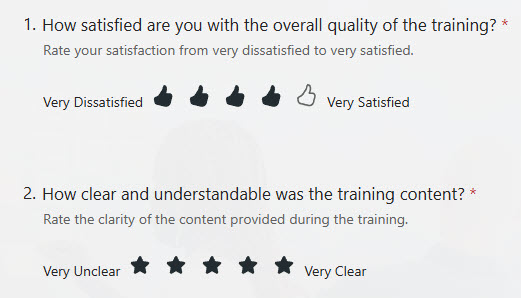
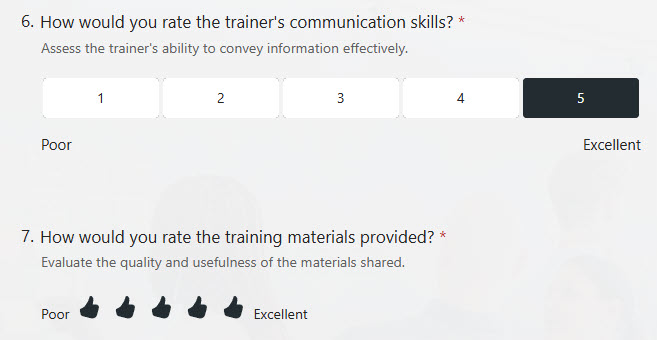
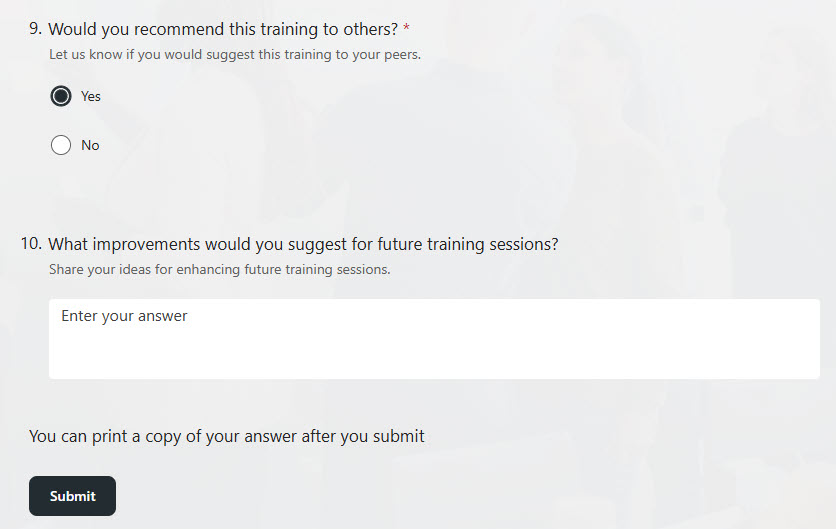
- Customizable questions: supports multiple choice, rating scales, and text input
- Real-time response collection: participant feedback is visible the moment it is submitted
- Branching logic: follow-up questions adapt based on previous answers to keep the survey relevant
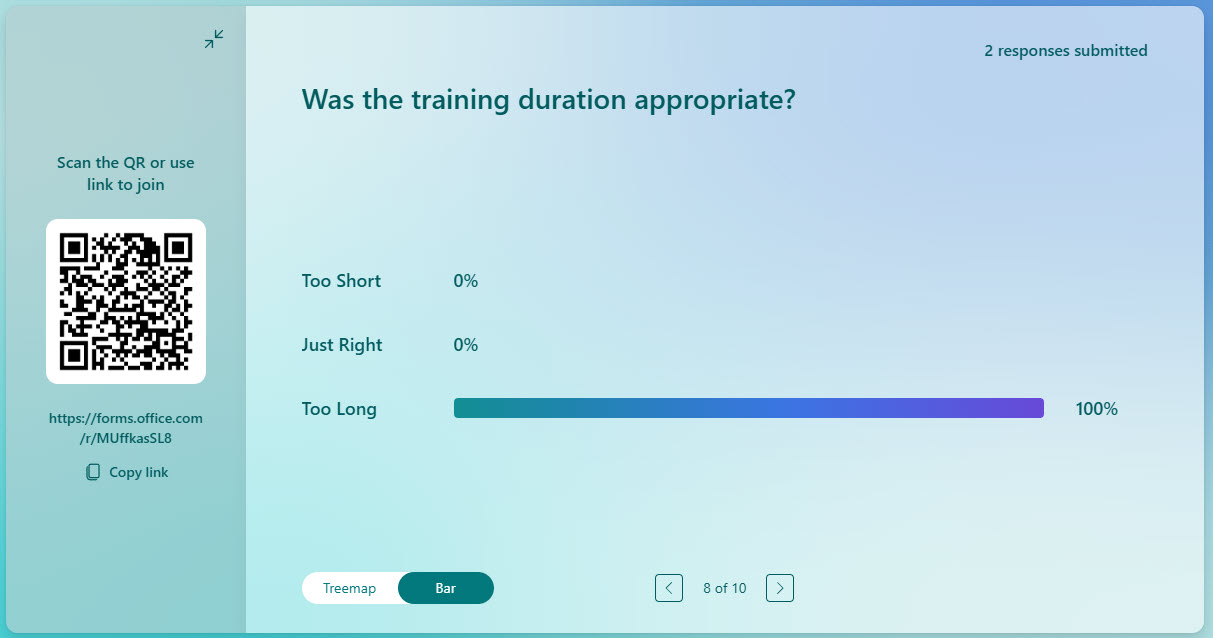
- Built-in analytics: automatic charts and summaries for quick analysis and reporting
Benefits
- Improves training effectiveness: helps identify what worked and what needs improvement
- Actionable insights in real time: collects honest, structured feedback from participants
- A streamlined evaluation process: replaces manual feedback collection with an automated, digital solution
- Higher employee engagement: shows that learner opinions are valued and shape future training
- Microsoft 365 integration: results are easy to share in Excel, SharePoint, Teams, or Power BI for deeper analysis
Common Questions About This Training Feedback Survey
What is this Training Feedback Survey built with?
The survey is built entirely with Microsoft Forms, using standard capabilities – multiple choice questions, rating scales, text input, branching logic, real-time response collection, and built-in analytics. There is no custom code and no third-party survey software involved. It is the kind of clean, maintainable survey Greg Zelfond builds for trainers and HR teams inside Microsoft 365.
What’s included in the Training Feedback Survey?
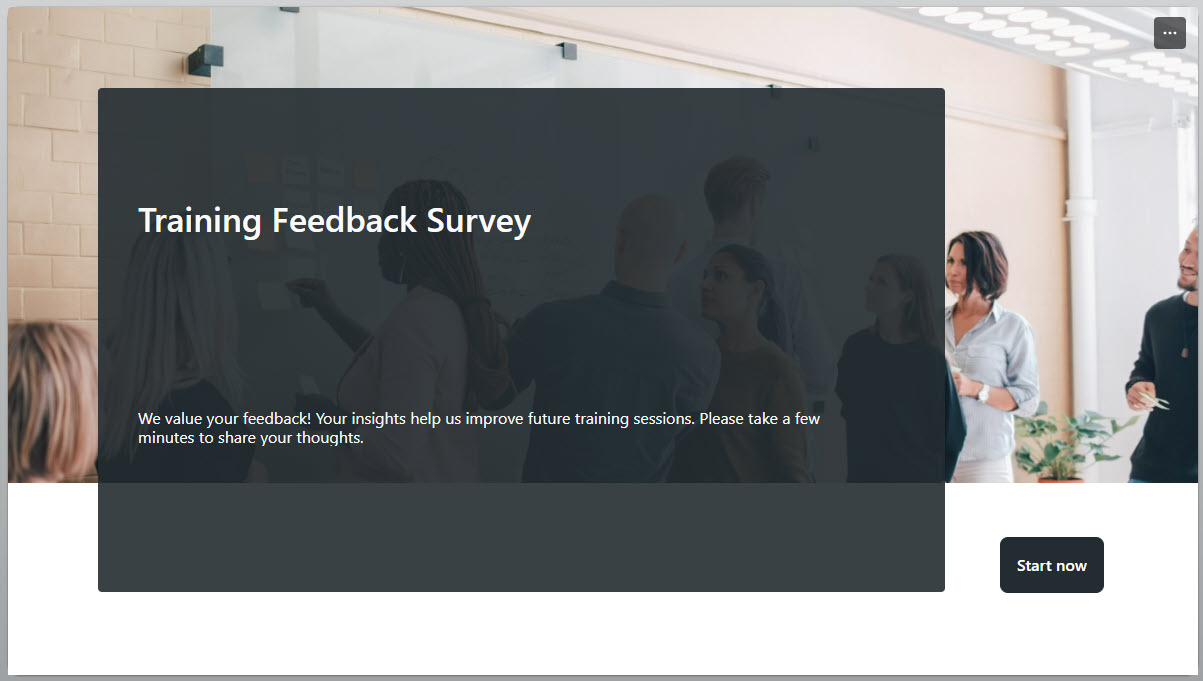
The design includes a clean survey start page, a full set of question types – rating scales, text entry, and choice responses – and branching logic that tailors follow-up questions to each participant’s previous answers. Responses are collected in real time, and built-in analytics automatically generate charts and summaries, with a presentation mode for sharing results. The survey is accessible from any device, with no login required.
Does this design use any custom code or third-party tools?
No. Everything in this survey uses standard Microsoft Forms functionality available in Microsoft 365. That matters because out-of-the-box solutions are stable, secure, and easy to maintain – nothing breaks when Microsoft rolls out updates, and there are no third-party licenses to manage. Out-of-the-box is the only way Greg builds.
Can this survey be customized for our training programs?
Absolutely. The questions, rating scales, branching logic, and overall design can all be tailored to your training sessions and what you want to learn from participants. Greg adapts the survey to the way your organization actually delivers training – whether that means instructor-led workshops, onboarding sessions, or recurring courses – so the feedback you collect is relevant and easy to act on.
How do we see and analyze the survey results?
Responses are collected in real time, so feedback is visible the moment participants submit it. Built-in analytics automatically generate charts and summaries for quick analysis, and results can be shown in a presentation mode for review sessions. For deeper analysis, results integrate with Microsoft 365 – they are easy to share in Excel, SharePoint, Teams, or Power BI.
Can Greg build this survey for our organization?
Yes – this is exactly the kind of work Greg Zelfond does. As an independent SharePoint and Microsoft 365 consultant and Microsoft MVP, he designs and builds out-of-the-box surveys like this one, tailored to your training programs and feedback goals. If you want training feedback your team will actually use to improve, reach out through the contact page to get started.