Simple CRM (Tracker)



Overview
- Simple CRM built in SharePoint using Lists and Libraries
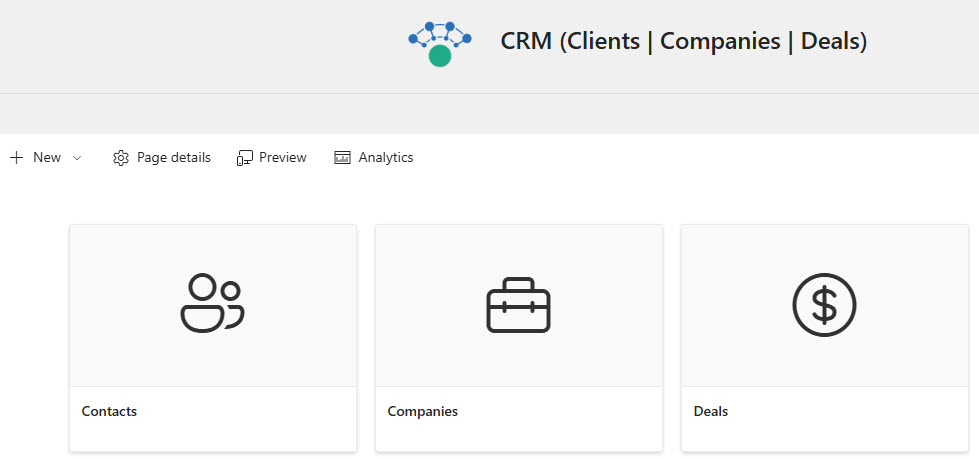
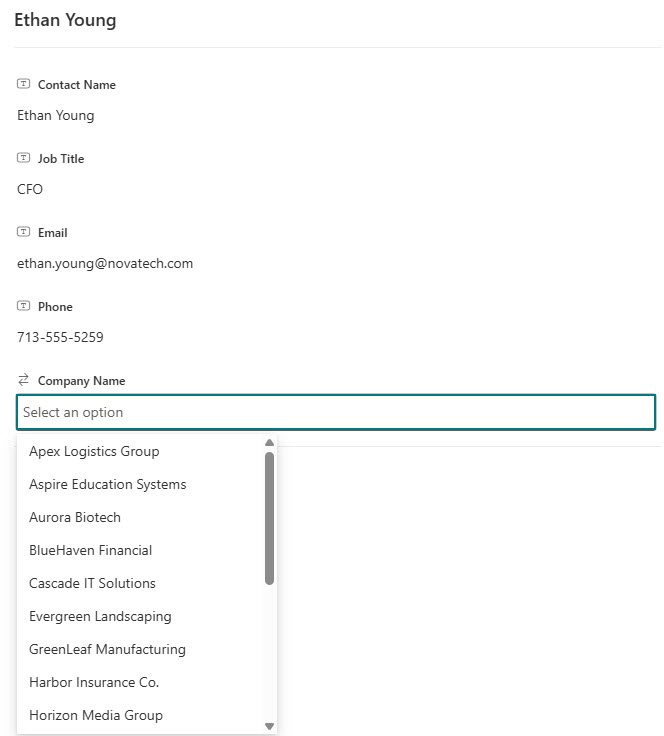
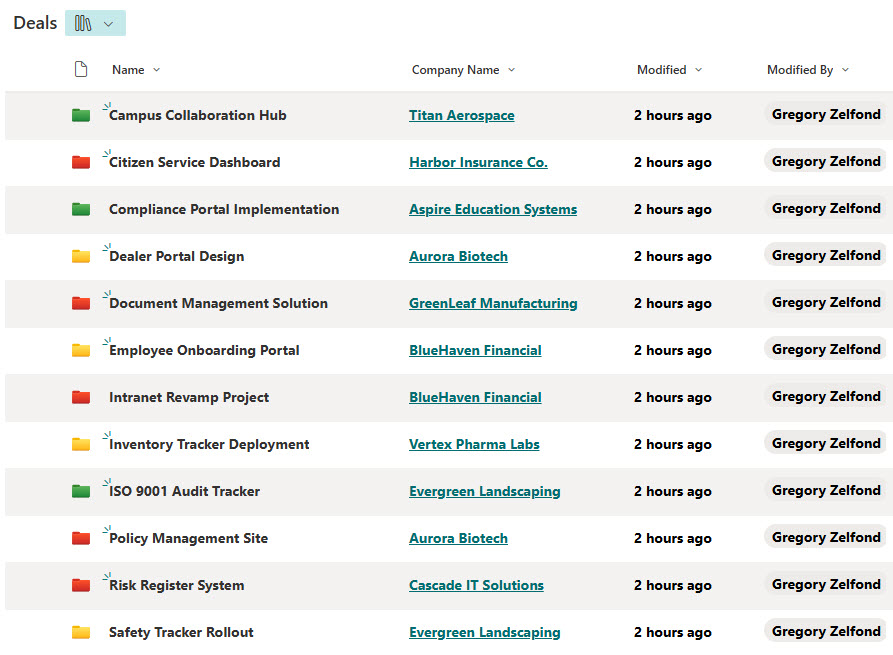
- Includes Contacts, Companies, and Deals: all linked via Lookup columns
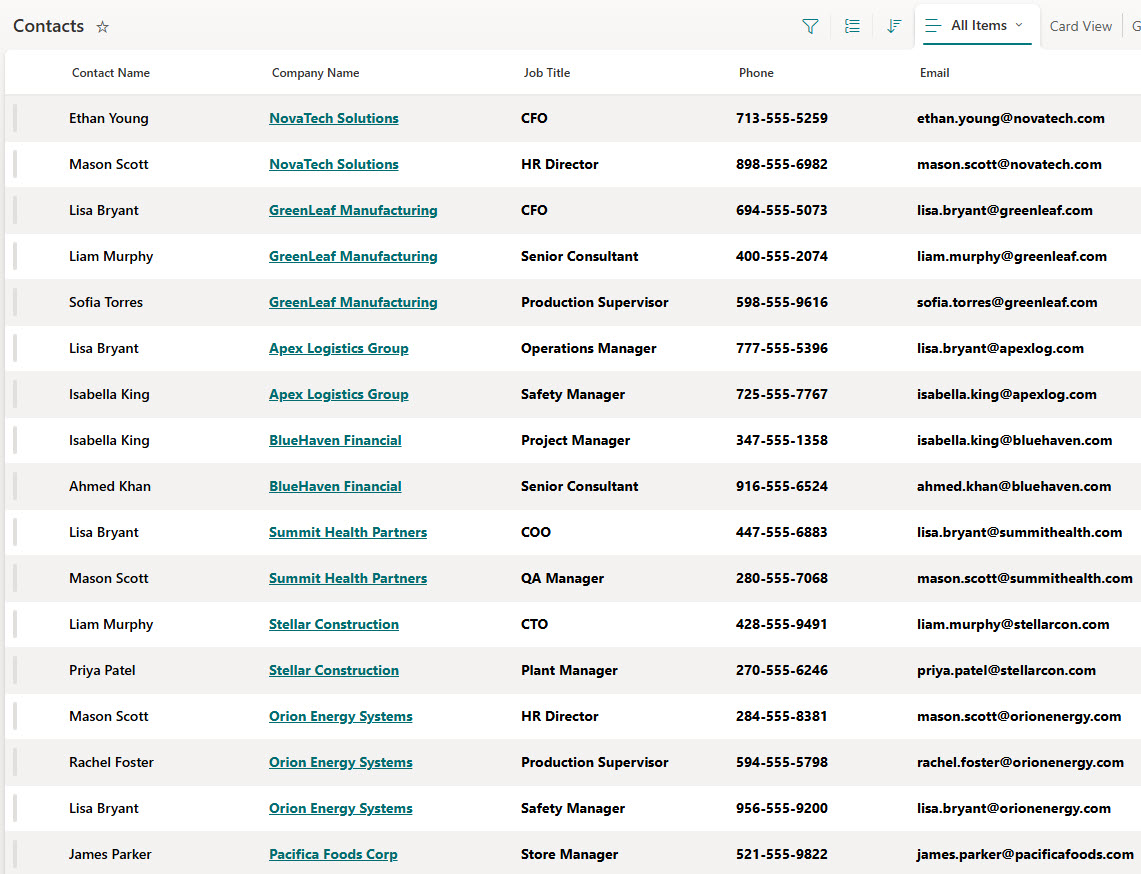
- Allows you to associate multiple contacts with each company and deals with specific clients
- Ideal for sales, marketing, or business development teams
- No third-party apps, just clean, out-of-the-box SharePoint functionality
Benefits
- Get a 360° view of all your customers and deals in one place
- Eliminate data silos: everyone works from the same connected system
- Improve team collaboration between Sales, Marketing, and Operations
- Replace scattered Excel trackers with a centralized, dynamic workspace
- Perfect for simple CRM needs: no need to purchase or maintain costly third-party CRM software
Common Questions About This Simple CRM
What is this Simple CRM built with?
The CRM is built entirely in SharePoint using the Microsoft Lists app and document libraries included with Microsoft 365 – structured as Contacts, Companies, and Deals lists connected to each other via Lookup columns. There is no custom code and there are no third-party tools. It is the kind of clean, collaborative tracker Greg Zelfond builds for sales, marketing, and business development teams.
What’s included in the Simple CRM?
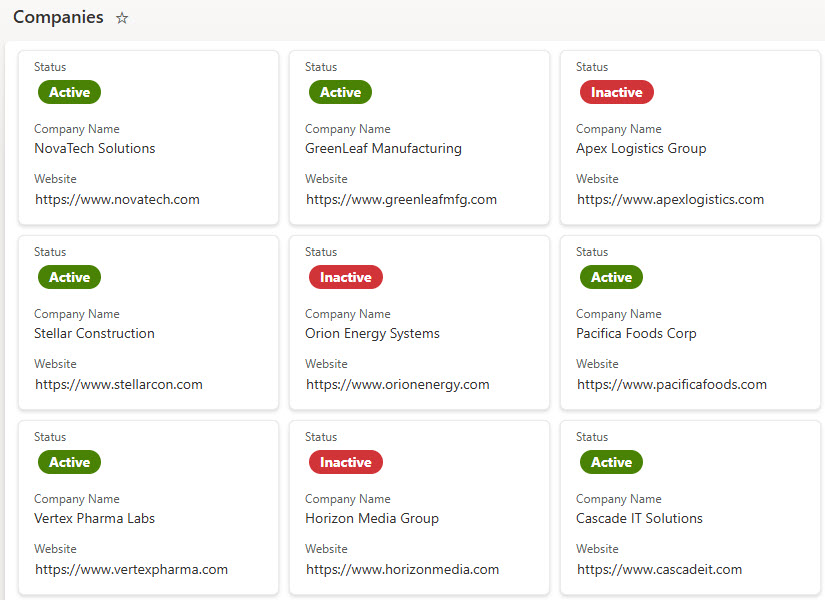
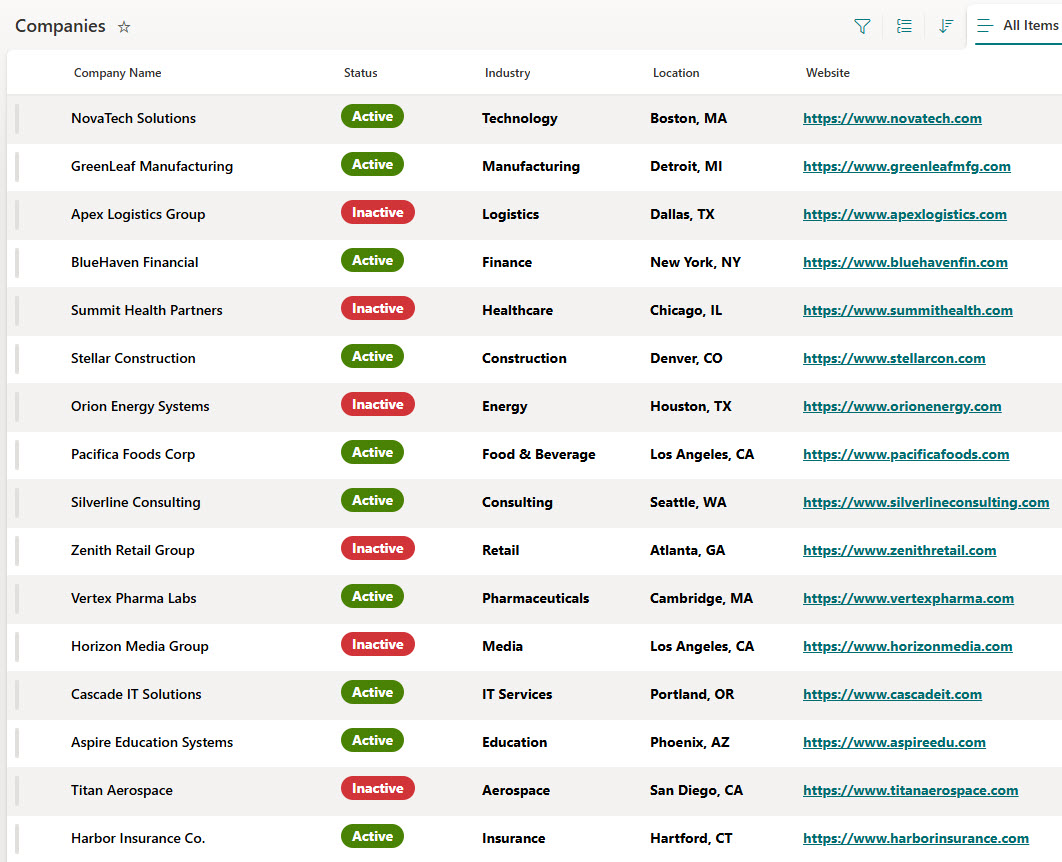
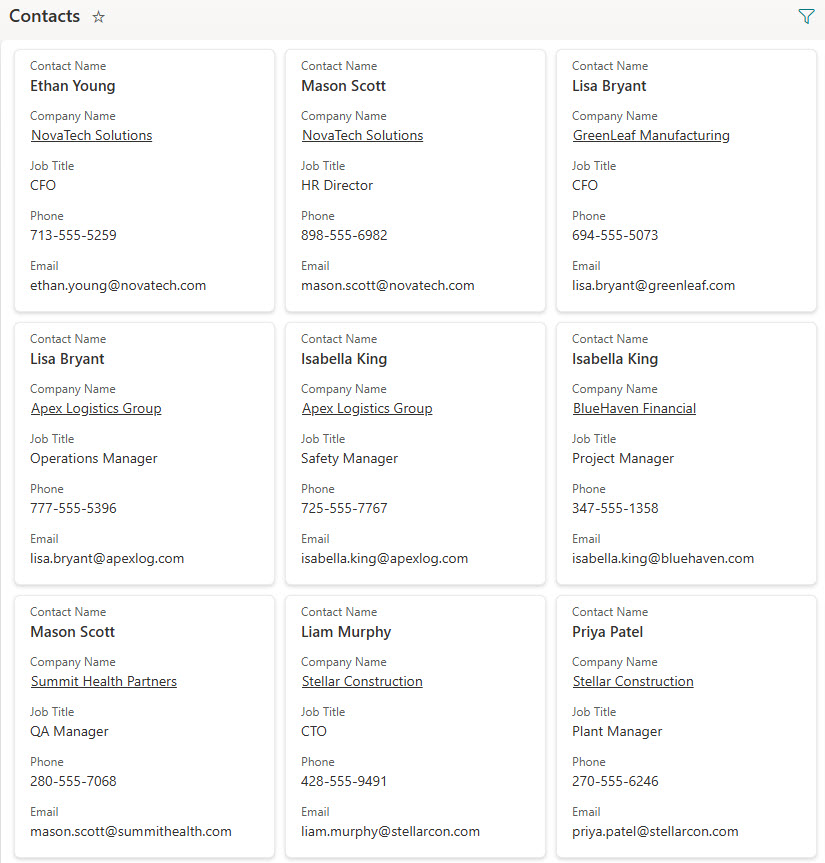
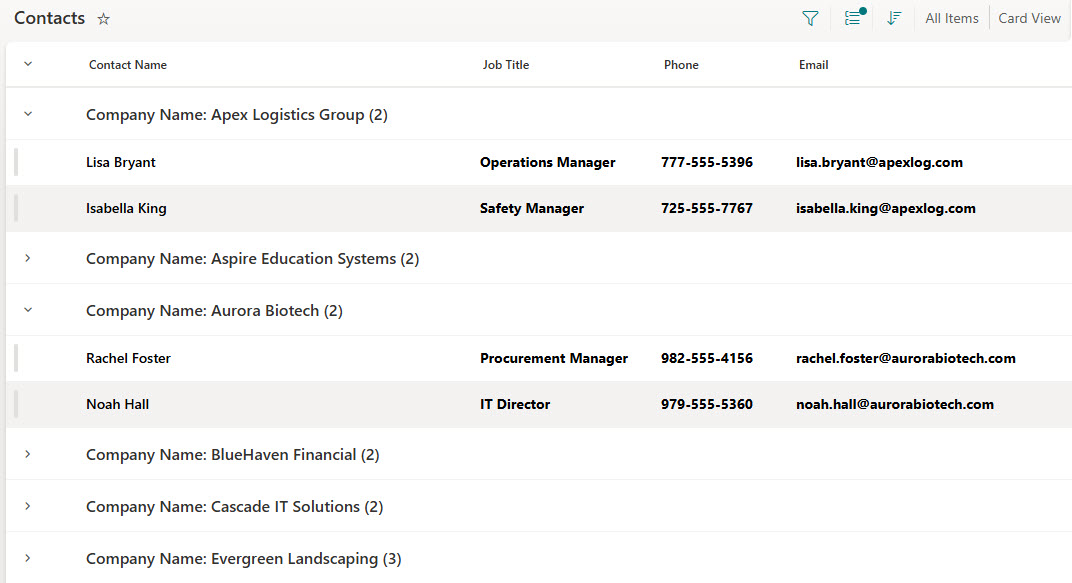
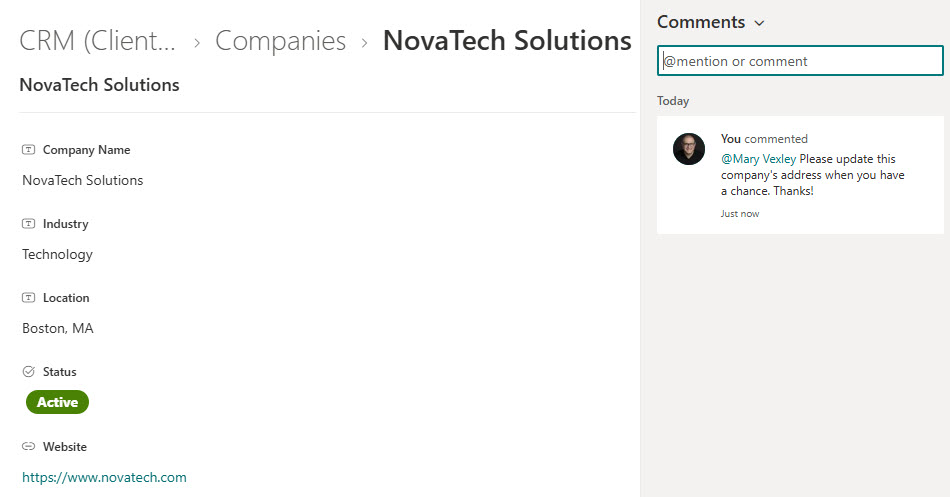
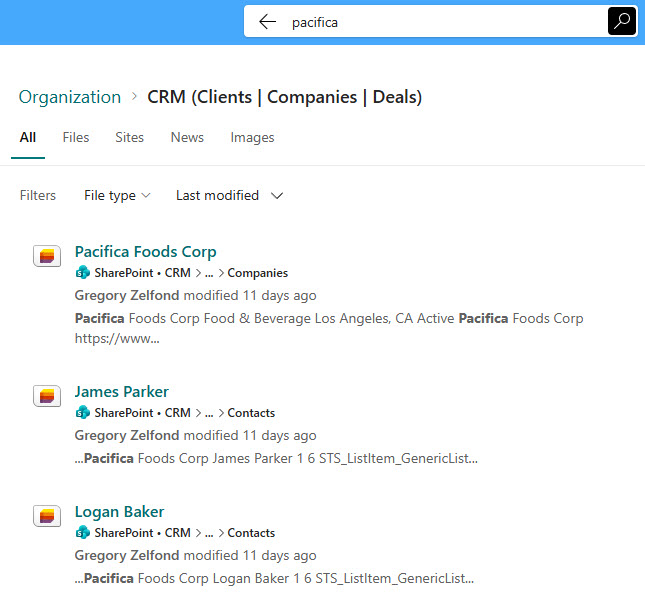
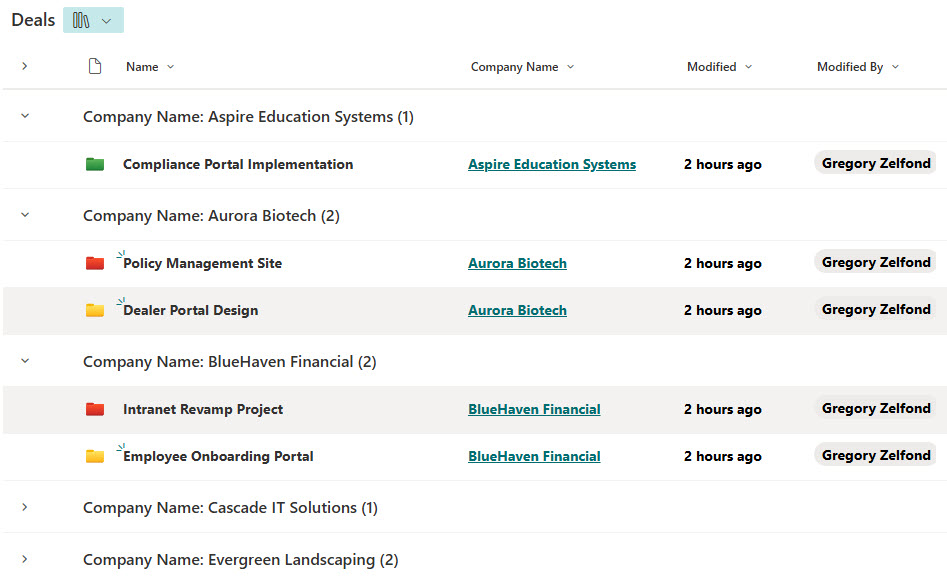
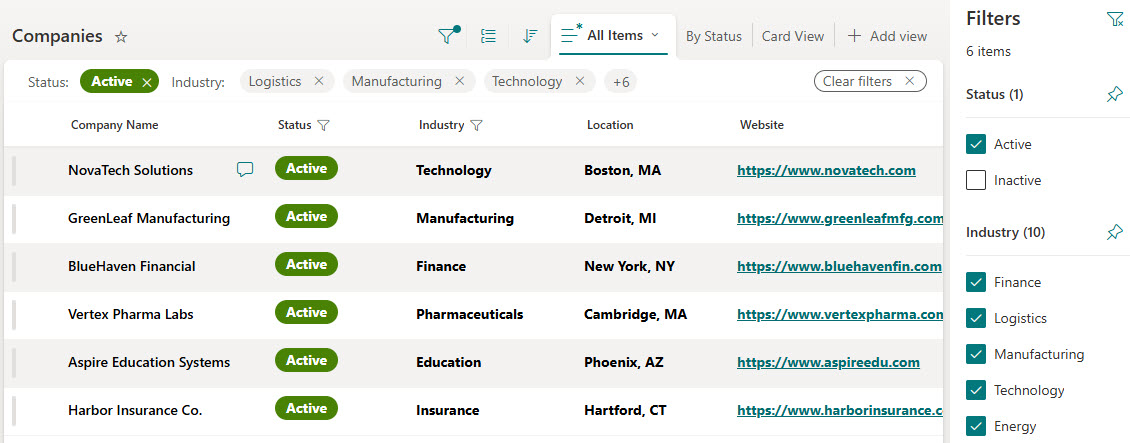
The design includes three connected pieces – a Contacts list, a Companies list, and a Deals library – all linked via Lookup columns so multiple contacts roll up to each company and deals tie to specific clients. A CRM site homepage brings everything together, with card views for companies and contacts, views grouped by company, list filtering, keyword search, and comments on individual records.
Does this design use any custom code or third-party tools?
No. The CRM is built entirely with Microsoft Lists and SharePoint, which are included with most Microsoft 365 business and enterprise plans – no custom code, no third-party add-ons, and nothing extra to buy. That keeps it stable, secure, and easy to maintain, with everything stored safely inside your Microsoft 365 environment. Out-of-the-box is the only way Greg builds.
Can this CRM be customized for our sales team?
Absolutely. The columns, lists, and views can all be tailored to your pipeline – deal stages, territories, lead sources, account owners, renewal dates, or whatever your team tracks today in scattered Excel files. Greg adapts the structure to your real sales process, so the CRM matches the way your Sales, Marketing, and Operations teams actually work together.
How do the views, grouping, and filtering work in this CRM?
Each list ships with multiple ready-made views. Companies and contacts can be browsed as visual card views or classic lists, contacts and deals can be grouped by company for an instant account-level rollup, and built-in filtering narrows any list to just the records you need. Keyword search finds a contact, company, or deal in seconds, so nobody digs through spreadsheets to answer a customer question.
Can Greg build this CRM for our organization?
Yes – this is exactly the kind of work Greg Zelfond does. As an independent SharePoint and Microsoft 365 consultant and Microsoft MVP, he designs and builds trackers like this one in Microsoft Lists, SharePoint, Loop, and Planner, tailored to the way your team manages customers and deals. Reach out through the contact page to get started.