Lists
Microsoft Lists is the Microsoft 365 application for tracking information – issues, assets, requests, events, inventory, and anything else that fits in rows and columns. It puts the proven SharePoint list engine into a friendly standalone app, with ready-made templates, multiple views, conditional formatting, and rules that send notifications automatically. Organizations use it to replace scattered spreadsheets with structured, shareable trackers, and many of the checklist and tracker examples on LookBook 365 are built with it.
Key Features
- Custom Lists: Create from scratch or use templates
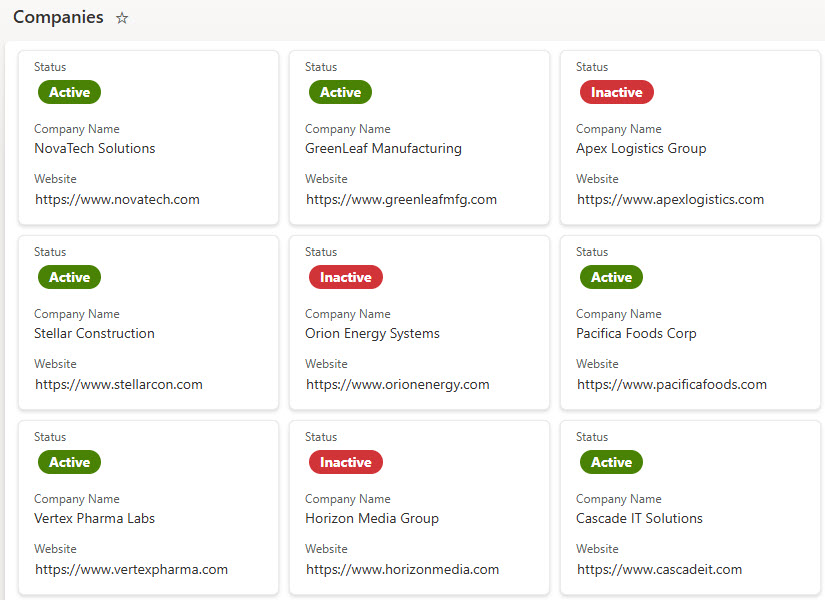
- Views: Switch between grid, gallery, board, and calendar views
- Rules & Alerts: Automate notifications for changes
- Formatting: Customize with conditional formatting and filters
- Integration: Connect with Power Automate and Power Apps
- Forms: collect information from others through a simple form that writes responses straight into the list
- Comments: discuss individual items with comments and @mentions instead of email threads
Common Use Cases
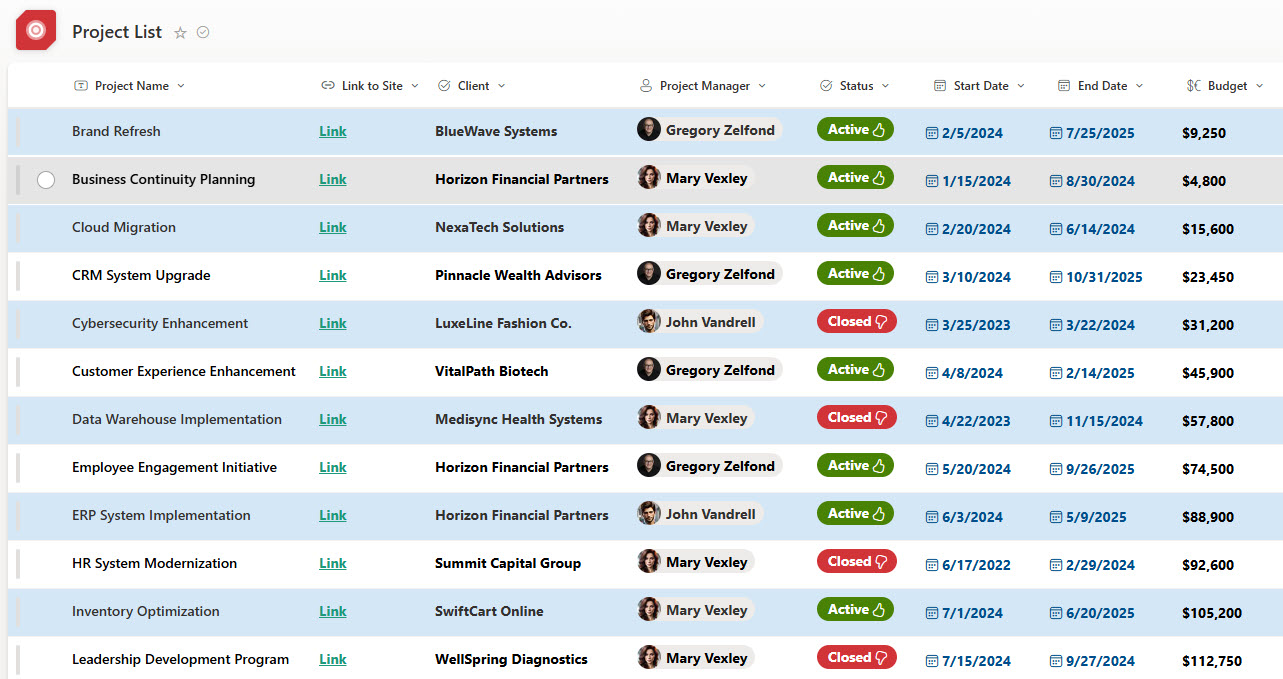
- Tracking project tasks or milestones
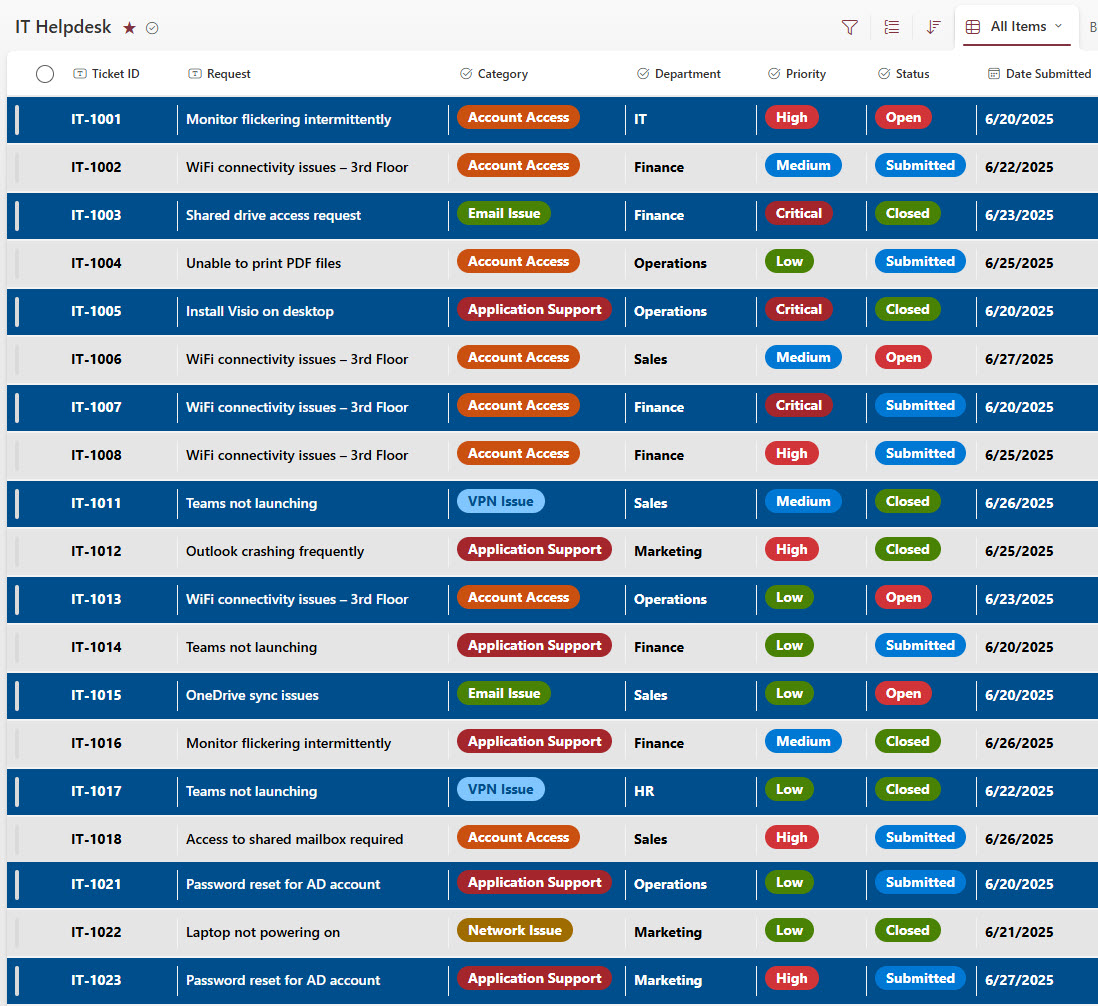
- Managing support tickets or service requests
- Inventory or asset tracking
- Event planning and scheduling
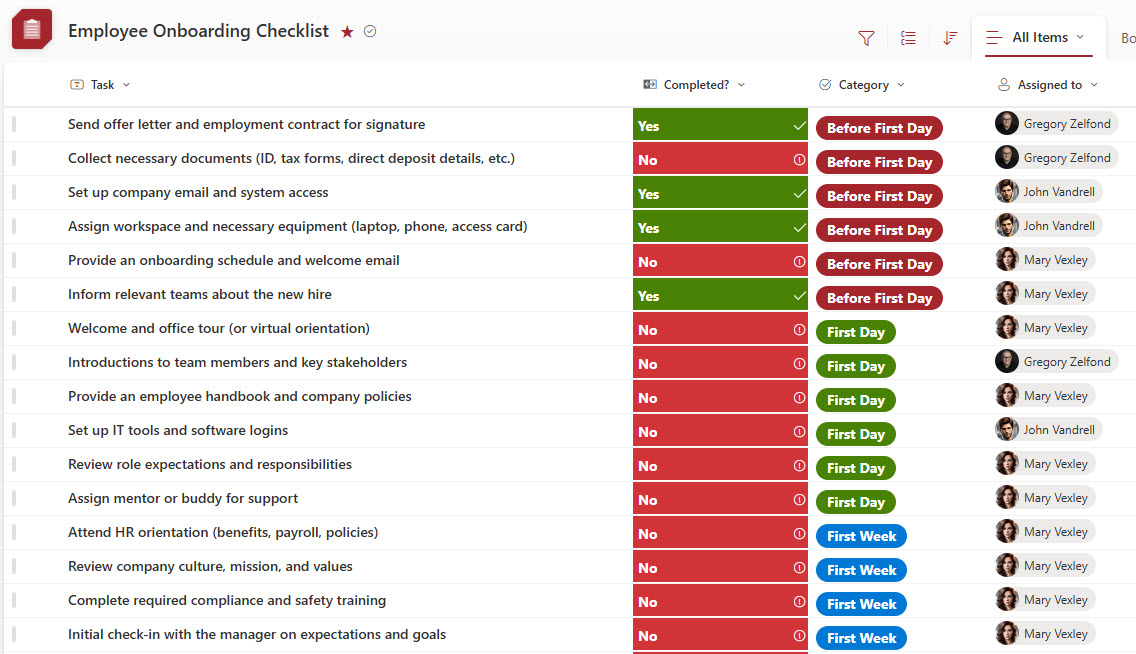
- Employee onboarding checklists
How Lists Fits Into Microsoft 365
- SharePoint: Microsoft Lists is the same list engine SharePoint has always had; a list saved to a team site is a SharePoint list, and the two stay in sync feature for feature
- OneDrive: personal lists created under My lists are stored in your own personal storage rather than on a shared site
- Teams: lists can be added to channels as tabs, so the team works on them without leaving Teams
- Power Automate: list changes can trigger approval flows, reminders, and notifications
- Power Apps: list forms can be customized, and full apps can be built on top of list data
- SharePoint pages: the List web part surfaces any list on an intranet page, which is how trackers appear in many LookBook 365 examples
Limits and Nuances
- Capacity: a single list can hold up to 30 million items
- View threshold: views that return more than 5,000 items at once need filters and indexed columns to stay fast, so plan views early on large lists
- Included: Lists comes with most Microsoft 365 business and enterprise plans at no extra cost, and a lightweight free version exists for personal Microsoft accounts
- Same engine as SharePoint: new list capabilities arrive in both places because they are the same technology underneath
- Versioning: version history is on by default, so changes to items can be reviewed and rolled back
- Rules: out-of-the-box rules send notifications when items change, with up to 15 rules per list
- Lists are not libraries: lists track rows of data with optional attachments; document-centric work belongs in a document library instead
Common Questions About Microsoft Lists
What is Microsoft Lists used for?
Lists is for tracking structured information – support tickets, assets, project tasks, event schedules, onboarding checklists, contact directories – anything that fits in rows and columns. Unlike a spreadsheet, every list comes with views, forms, version history, rules, and per-item permissions, and many people can work in it at once without overwriting each other. It turns scattered tracking spreadsheets into shared, structured tools.
Are Microsoft Lists and SharePoint lists the same thing?
Yes – Microsoft Lists is a friendlier front door to the same list engine SharePoint has always had. A list saved to a team site is a SharePoint list, fully visible in both places, while lists created under My lists are stored in your personal storage. Capabilities arrive in both simultaneously because they are the same technology, which is why list-based trackers fit so naturally into SharePoint intranets.
What is the difference between Microsoft Lists and Excel?
Excel is for calculation; Lists is for tracking. If the data needs formulas, pivot tables, and analysis, Excel wins. If it is a running log of items that several people update – tickets, tasks, assets – Lists is the better home: column types keep data clean, views slice it by status or owner, rules send notifications, and version history shows who changed what. Many teams move their tracking spreadsheets to Lists and keep Excel for the math.
Is Microsoft Lists included in Microsoft 365?
Yes – Lists is included with most Microsoft 365 business and enterprise plans at no extra cost, since it is built on SharePoint, which those plans already include. Microsoft also offers a lightweight free version for personal Microsoft accounts. For organizations, there is nothing additional to buy: every template, view, rule, and formatting option ships out-of-the-box.
How many items can a Microsoft list hold?
A single list can store up to 30 million items, so capacity is rarely the issue. The practical consideration is the view threshold: views that try to return more than 5,000 items at once need filters and indexed columns to perform well. Designed thoughtfully – with good columns and filtered views from the start – lists handle very large trackers comfortably.
Can Microsoft Lists replace dedicated tracking tools?
Often, yes. Help Desk tickets, asset registers, onboarding checklists, CRM-style contact tracking – all are regularly built in Lists without buying separate software, and several examples on LookBook 365 show exactly that. With conditional formatting, board and calendar views, built-in forms, and Power Automate flows, a well-designed list covers what many paid trackers do, while keeping the data inside Microsoft 365 where permissions and search already work.