Vendor Audit (Checklist)


Overview
- Streamline supplier and vendor audits in one centralized Microsoft Lists template
- Standardize audit steps from planning through corrective action follow-up
- Assign owners, set due dates, and track audit progress in real time
- Store evidence, findings, and reports directly in SharePoint for easy access
- Ensure ISO 9001 and quality management compliance across all suppliers
- Duplicate the checklist for recurring or category-specific vendor audits
Benefits
- Centralises audit tasks and documentation: eliminating scattered spreadsheets and email threads
- Promotes consistency: every supplier audit follows the same structured process, reducing oversight risk
- Increases accountability: clear task owners, due dates, and statuses show who’s responsible for what and when
- Enhances transparency: stakeholders can view audit progress, open nonconformances, corrective‑action tracking, and closure status in real time
- Supports scalability: as your supplier network grows, you can easily duplicate, adapt, or version the checklist for new vendor categories or regions
Common Questions About This Vendor/Supplier Checklist
What is this Vendor/Supplier Checklist built with?
The checklist is built entirely in Microsoft Lists, the no-code tracking app included with Microsoft 365 – structured as a centralized audit template with task owners, due dates, statuses, and multiple views, with evidence and reports stored in SharePoint. There is no custom code and there are no third-party tools. It is the kind of clean, collaborative checklist Greg Zelfond builds for quality and compliance teams.
What’s included in the Vendor/Supplier Checklist?
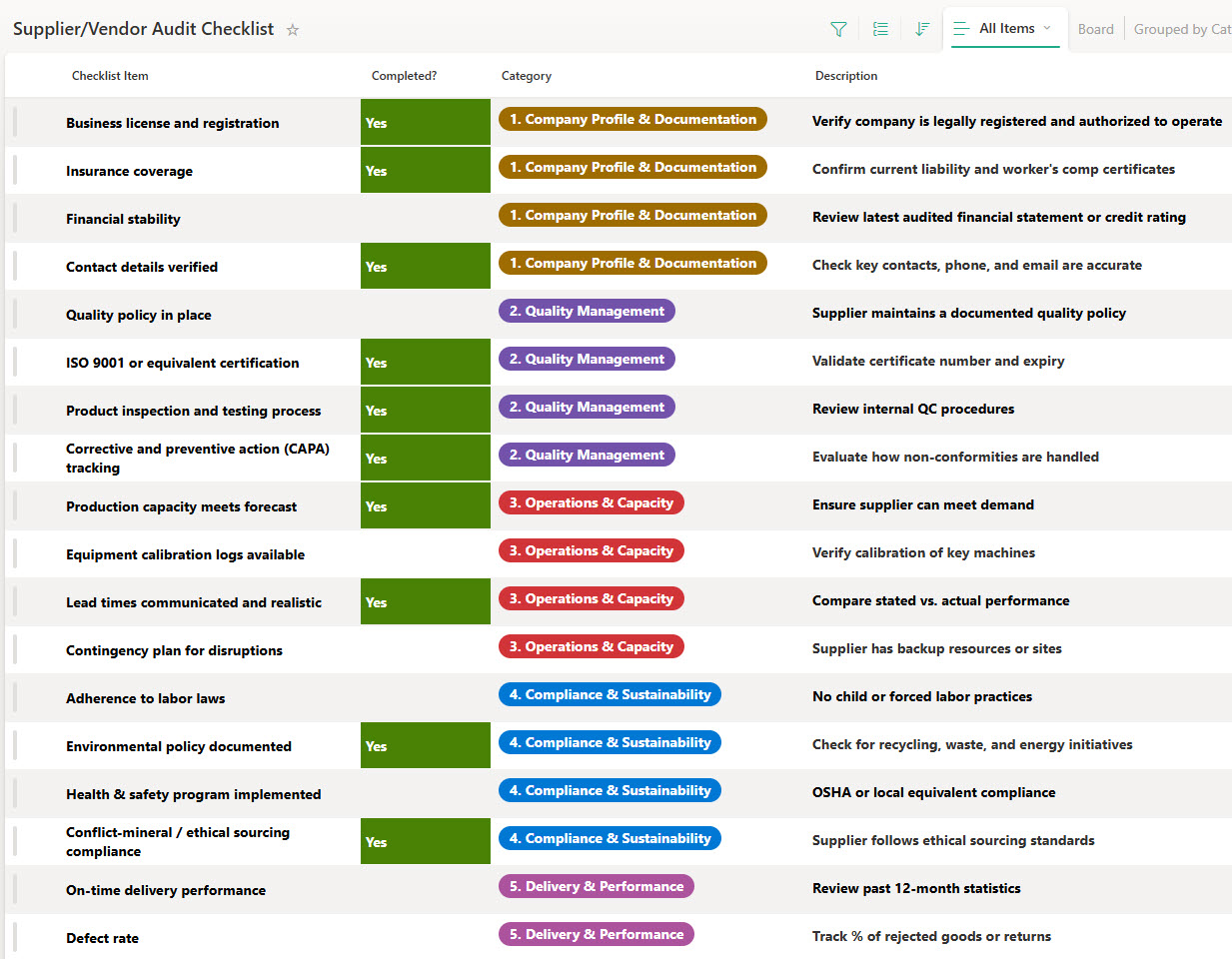
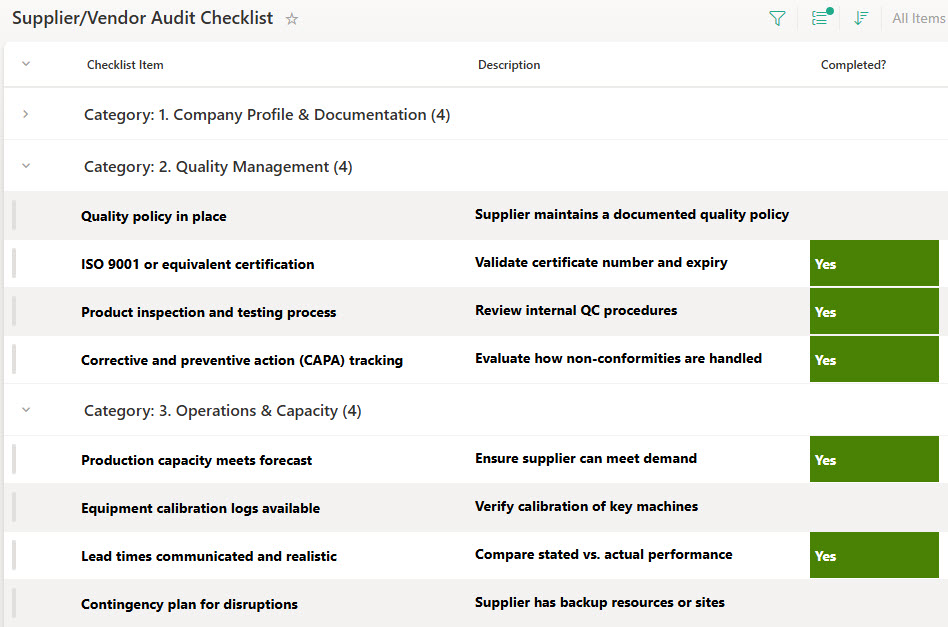
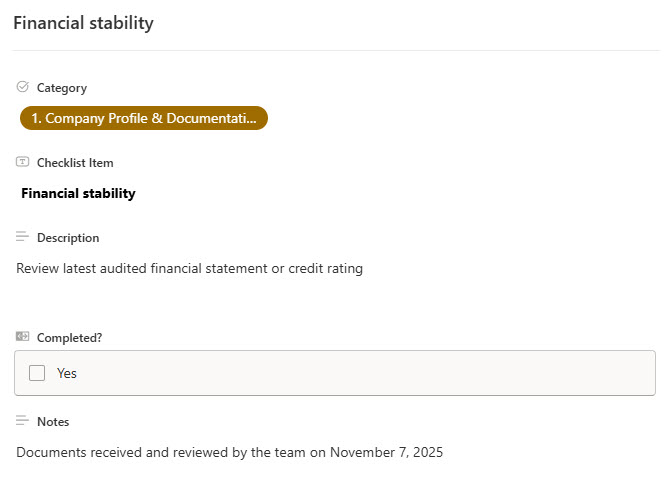
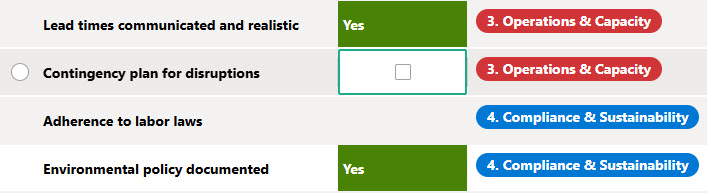
The checklist standardizes audit steps from planning through corrective action follow-up, with owners, due dates, and statuses on every task so progress is visible in real time. Evidence, findings, and reports are stored directly in SharePoint for easy access. The same audit data can be worked in a grid view, a grouped-by-category view, or a board view, with filtering for fast lookups, and the checklist duplicates easily for recurring or category-specific vendor audits.
Does this design use any custom code or third-party tools?
No. The checklist is built entirely with Microsoft Lists, which is included with most Microsoft 365 business and enterprise plans – no custom code, no third-party add-ons, and nothing extra to buy. That keeps it stable, secure, and easy to maintain, with everything stored safely inside your Microsoft 365 environment. Out-of-the-box is the only way Greg builds.
Can this checklist be customized for our supplier audit program?
Absolutely. The audit steps, categories, owners, and statuses can all be tailored to your vendor management process – ISO 9001 quality requirements, industry-specific compliance checks, or your own corrective action workflow. Greg adapts the checklist to the way your team actually audits suppliers, and as your supplier network grows you can duplicate, adapt, or version it for new vendor categories or regions.
Can the checklist be viewed in different ways for different audiences?
Yes – that is one of the strengths of Microsoft Lists. Auditors can work through tasks in the grid view, managers can scan the grouped-by-category view to see how each audit area is progressing, and the board view turns the same tasks into status cards for a quick visual read. Filtering narrows the checklist to one supplier, owner, or status, and every view stays current because they all draw from the same list.
Can Greg build this checklist for our organization?
Yes – this is exactly the kind of work Greg Zelfond does. As an independent SharePoint and Microsoft 365 consultant and Microsoft MVP, he designs and builds checklists and trackers like this one in Microsoft Lists, SharePoint, Loop, and Planner, tailored to the way your team manages supplier audits. Reach out through the contact page to get started.