Employees (Directory)


Overview
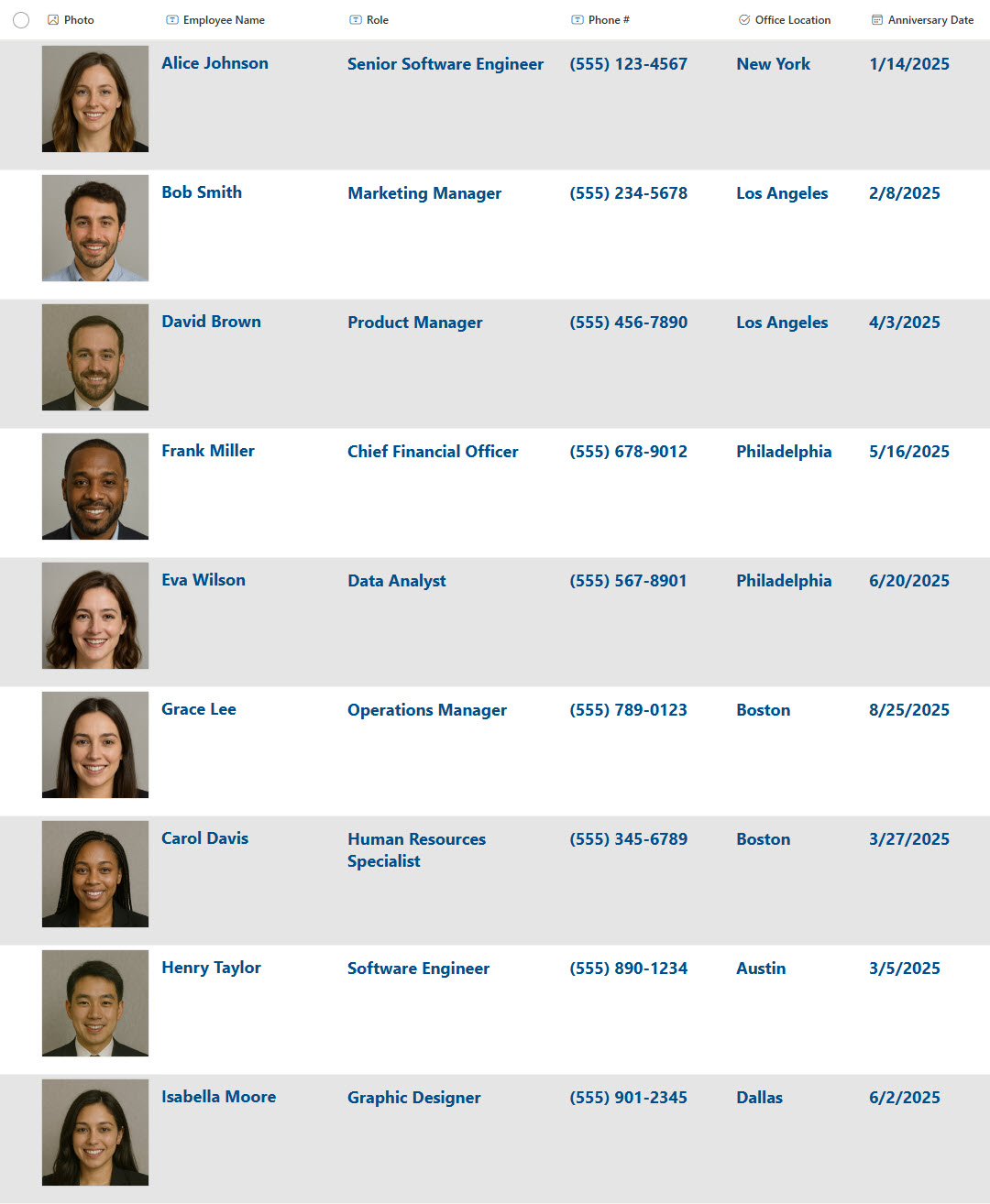
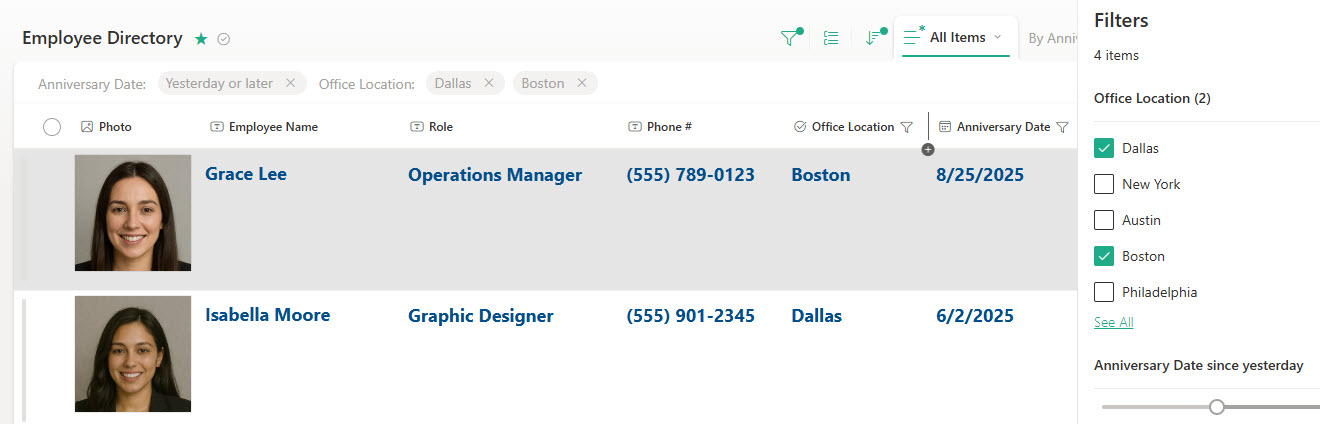
- List View for Sorting & Bulk Edits: Easily organize and update employee data at scale
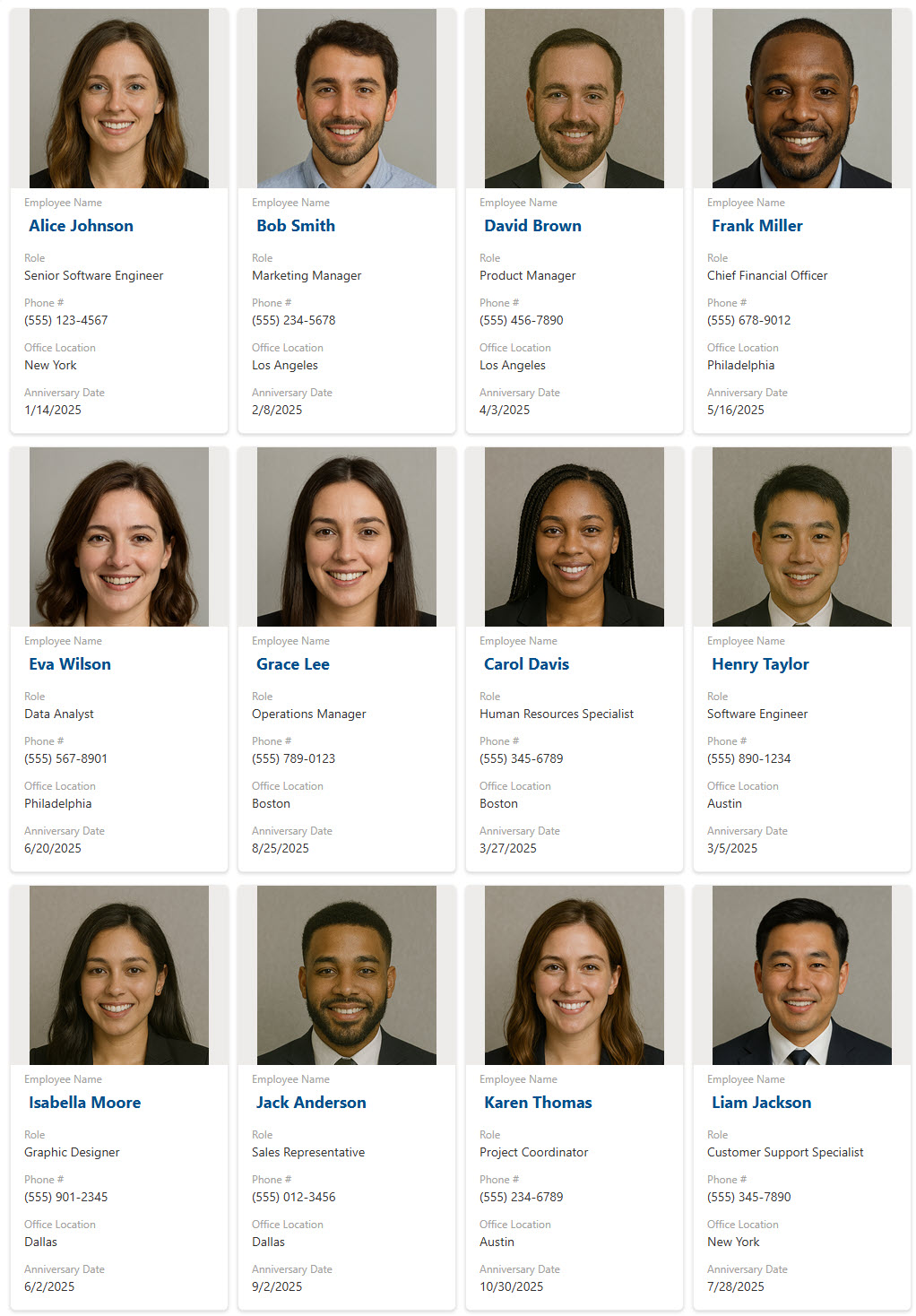
- Photo Column Support: Display employee photos for quick visual recognition
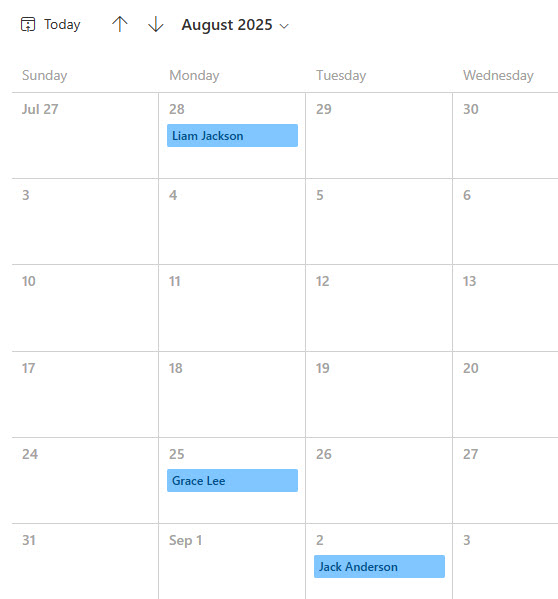
- Anniversary Calendar View: Track work anniversaries and birthdays in a familiar calendar layout
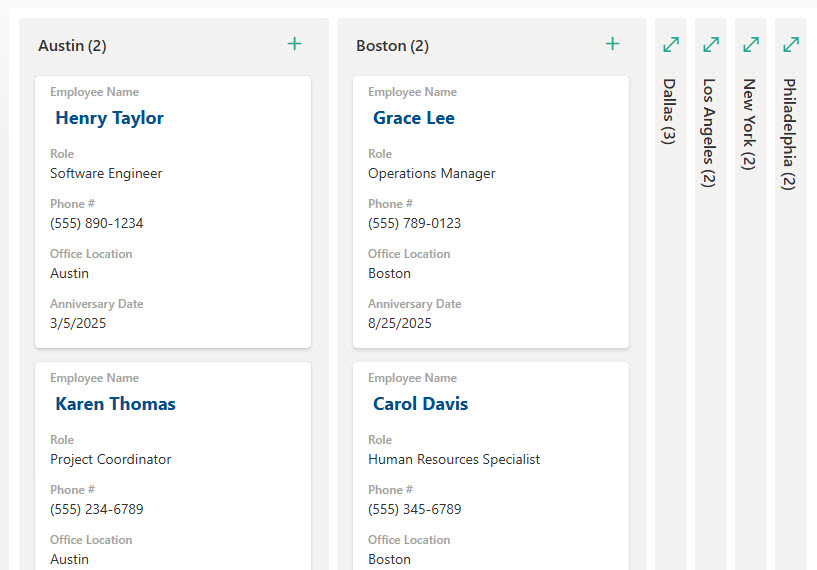
- Group by Office or Department: Quickly view employees by location or team structure
- Color-Coded Fields: Use conditional formatting to highlight roles, dates, or other key data points
Benefits
- Centralized Contact Info: Store phone numbers, emails, departments, and titles in one easily accessible location
- Customizable Fields: Tailor columns to track specific organizational needs like locations, skills, or project roles
- Search & Filter Functionality: Quickly find employees by name, department, or any other custom column using built-in list views
- Easy to Update: Enable HR or managers to make real-time edits without needing IT support or complex workflows
- Improves Internal Networking: Helps employees discover colleagues across departments or regions, boosting collaboration
Common Questions About This Employee Directory
What is this Employee Directory built with?
The directory is built entirely in Microsoft Lists, the list app included with Microsoft 365 – structured with custom columns for contact details and roles, a photo column, multiple views, and conditional formatting for color-coded fields. There is no custom code and there are no third-party tools. It is the kind of clean, collaborative directory Greg Zelfond builds for HR and operations teams.
What’s included in the Employee Directory?
The directory stores phone numbers, emails, departments, titles, and office locations in one centralized list, with employee photos for quick visual recognition. It includes a gallery view, a grid view for sorting and bulk edits, an anniversary calendar view for work anniversaries and birthdays, grouping by office or department, and built-in search and filtering across every column.
Does this design use any custom code or third-party tools?
No. The directory is built entirely with Microsoft Lists, which is included with most Microsoft 365 business and enterprise plans – no custom code, no third-party add-ons, and nothing extra to buy. That keeps it stable, secure, and easy to maintain, with everything stored safely inside your Microsoft 365 environment. Out-of-the-box is the only way Greg builds.
Can this directory be customized for our organization?
Absolutely. The columns can be tailored to track whatever matters to your organization – locations, skills, certifications, project roles, languages, or emergency contacts. Views, grouping, and color-coded formatting can all be adjusted to match how your teams actually look people up. Greg adapts the structure to your real org chart and the way HR maintains employee information today.
Can the directory be grouped and filtered by office or department?
Yes. The directory includes a view grouped by office, so employees in each location appear together, and the same approach works for departments or teams. Built-in filtering narrows the list by name, department, role, or any other column, and the anniversary calendar view displays work anniversaries and birthdays in a familiar monthly layout.
Can Greg build this directory for our organization?
Yes – this is exactly the kind of work Greg Zelfond does. As an independent SharePoint and Microsoft 365 consultant and Microsoft MVP, he designs and builds directories and trackers like this one in Microsoft Lists and SharePoint, tailored to the way your organization manages employee information. Reach out through the contact page to get started.