Single Line of Text Column
Common Use Cases
- Item titles: naming records, requests, and documents in trackers of every kind
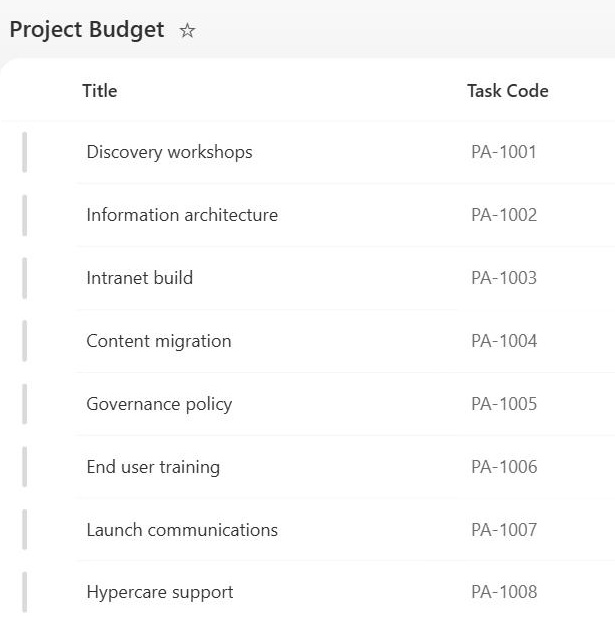
- Reference numbers: ticket IDs, PO numbers, and tracking codes
- Codes and SKUs: short identifiers that need exact, free-form entry
- Names: people, vendors, products, and projects entered as plain text
- Short descriptions: one-line summaries that fit comfortably in a view
- Unique identifiers: asset tags and employee IDs enforced with unique values
Benefits
- Fast entry: a plain text box with no learning curve at all
- Indexable: supports column indexing, the key to filtering very large lists
- Unique enforcement: optionally rejects duplicate values across the list
- Formula friendly: calculated columns can read, trim, and combine text values
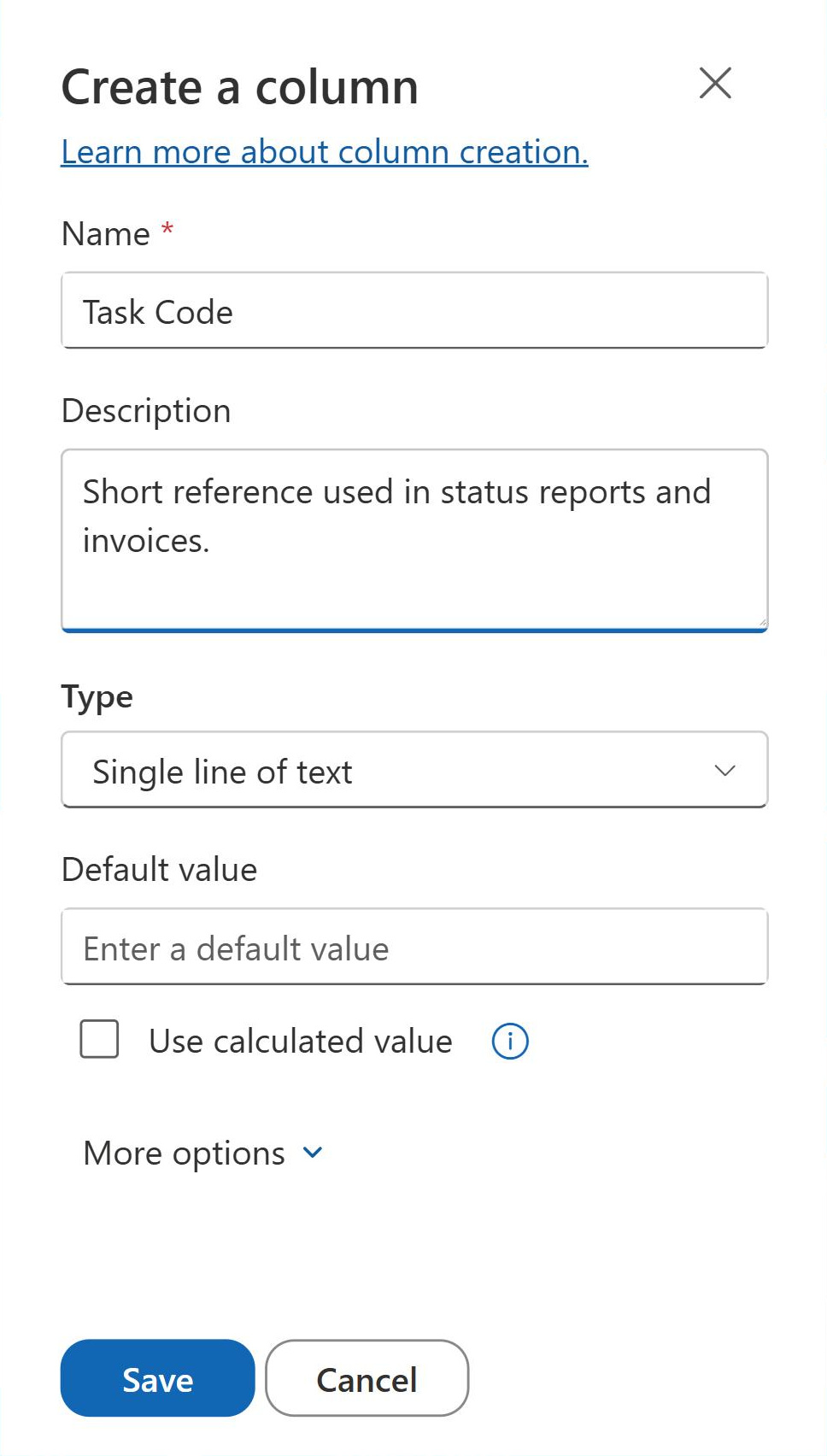
- Default values: new items can pre-fill with fixed text or a calculated value
- Universal compatibility: every view, filter, flow, and integration understands plain text
Details
- Feature Category: Columns & Views
How It Works
- Plain text on one line: no formatting, hyperlinks, or line breaks, just characters
- 255-character ceiling: the hard maximum, with a configurable lower limit per column
- Title connection: the built-in Title column on every list is a Single Line of Text column
- Sorting and filtering: values sort alphabetically and filter with equals and begins-with style comparisons
- Calculated values: both the column default and calculated columns can build text from other fields
Limits and Nuances
- 255 characters, period: the ceiling cannot be raised; longer content belongs in Multiple Lines of Text
- Free text drifts: repeated values arrive in variants like HR and Human Resources; Choice or Managed Metadata keeps them consistent
- Alphabetical sorting: numbers stored as text sort as text, so 10 lands before 2 unless values are zero-padded or moved to a Number column
- No rich content: links, bold, and line breaks require other column types
- Type conversions: switching between text column types can truncate content that exceeds the new limit
- Validation available: column validation formulas can enforce rules such as required prefixes or exact lengths
Common Questions About the Single Line of Text Column
What is a Single Line of Text column?
It is the simplest SharePoint column type: a free-text field holding up to 255 characters on a single line, with no formatting or line breaks. It suits names, codes, reference numbers, and short descriptions. The default Title column on every list is a Single Line of Text column, which makes it the most widely used column type in SharePoint.
Can I store more than 255 characters?
Not in this column type; 255 characters is a hard ceiling that cannot be raised. When content runs longer, the Multiple Lines of Text column is the answer, offering far more room plus optional rich text. The maximum-characters setting on a Single Line of Text column only lowers the limit, which is useful for enforcing code or ID lengths.
When should I use a Choice column instead?
Whenever the same values repeat across items. Free text drifts: one user types HR, the next types Human Resources, and filtering breaks. A Choice column locks entries to a defined set, and Managed Metadata scales that idea across sites. Reserve Single Line of Text for values genuinely unique to each item, like names and reference numbers.
Can a Single Line of Text column enforce unique values?
Yes. The enforce unique values setting rejects any entry that duplicates an existing item, which is ideal for asset tags, employee IDs, and ticket numbers. SharePoint indexes the column as part of enabling the setting. Combined with the required setting, it guarantees every item carries exactly one valid identifier that no other item shares.
Does it work with calculated columns and default values?
Yes on both counts. Calculated column formulas can read Single Line of Text columns with functions like CONCATENATE, LEFT, and TRIM, and a calculated column can return text built from other fields. The column’s own default value can be fixed text or a calculated value, so new items can start pre-filled with a standard prefix or code.
Is Single Line of Text the right default choice for new columns?
It is the right starting point only when values are truly free-form and unique. Greg Zelfond, the consultant behind LookBook 365, treats column type selection as the foundation of every tracker he builds: Choice for repeating values, Date for dates, Person for people, and Single Line of Text for the names, codes, and short descriptions nothing else fits.