Title Column
Common Use Cases
- List item name: serve as the primary label and open link for list items
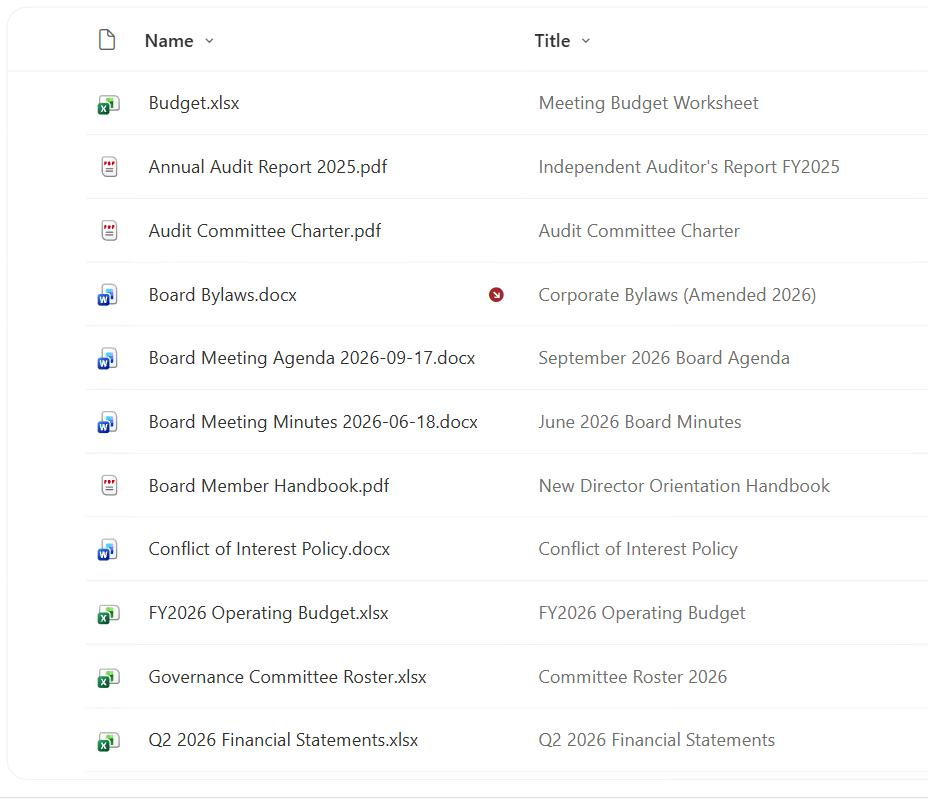
- Descriptive file label: add a friendly title alongside a file’s Name in a library
- Search and web parts: supply the text that many rollups and results display
- Required entry: force users to name each new list item
- Consistent headings: standardize how items read across views
- Renamed prompts: relabel Title to something like ‘Policy Name’ for clarity
How It Works
- Default primary column: created automatically on every new list
- Required by default in lists: users must fill it in unless you change the setting
- Links with the item menu: in lists, Title carries the open and edit callout
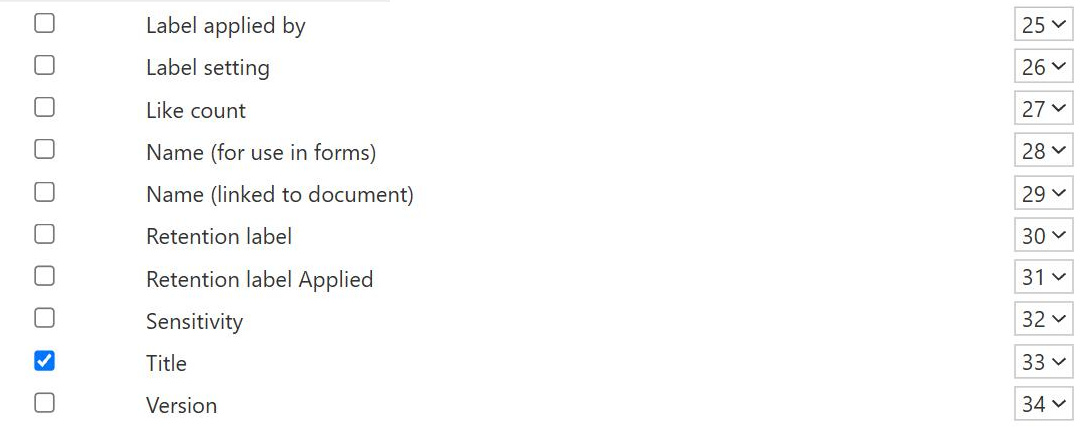
- Optional in libraries: hidden by default and separate from the file Name
- Single line of text: up to 255 characters, fully editable
- Internal name Title: referenced as Title in views, JSON, and flows
Benefits
- Immediate usability: every list starts with a working primary label
- Editable and flexible: rename its display label to fit the content
- Search visibility: commonly indexed and shown in results
- Web part friendly: many rollups display the Title by default
- Optional in libraries: use it as an extra label or hide it entirely
- No setup: present out-of-the-box on new lists
Details
- Feature Category: Columns & Views
Limits and Nuances
- Title is not Name: in libraries these are distinct, unrelated columns
- 255-character limit: long headings must fit the single-line ceiling
- Required trap: a required Title can block imports if left blank
- Hidden by default in libraries: users may not realize Title exists there
- Cannot be deleted in lists: you can hide or rename it but not remove it
- Editing Title never renames files: the file Name stays the same
Common Questions About the Title Column
What is the Title column in SharePoint?
Title is the default primary text column SharePoint creates on every new list. In a list it is the main label, required by default, and carries the open and edit menu, so it effectively names the item. In a document library, a separate optional Title column also exists but is hidden by default and does not affect the file’s Name. Title is a single line of text with a 255-character limit and is fully editable.
What is the difference between Title and Name?
In a document library they are completely separate. Name is the actual file name that controls storage and opening, while Title is an optional descriptive label that does not rename the file. Editing Title never changes the file Name, and renaming the file never changes Title. In a list there is no file Name, so Title alone acts as the item’s primary label. Many libraries hide Title and rely on Name.
Can I rename or hide the Title column?
Yes. You can change Title’s display label to something more meaningful, such as Policy Name or Request Title, and you can make it optional or hide it from views. In a list you cannot delete Title entirely, but hiding and renaming cover most needs. Importantly, renaming the display label does not change the internal name, which stays Title, so your existing views, formatting, and automations keep working.
Is the Title column required?
On a list, Title is required by default, so users must enter a value when creating an item. You can turn that requirement off in the column settings if a title is not essential. A required Title can trip up bulk imports or automation that does not supply a value, so it is worth deciding deliberately whether the field should be mandatory for your particular list or process.
How long can a Title be?
The Title column is a single line of text with a maximum of 255 characters. That is plenty for most names and headings, but it does mean very long descriptive titles will be cut off or rejected. If you need more room for a longer description, use a separate multiple lines of text column for the detail and keep Title as a concise, scannable label that displays well in views and web parts.
Should I use Title, Name, or a custom column as the main label?
It depends on whether you are in a list or a library and how people search. Greg Zelfond, the consultant behind LookBook 365, chooses deliberately, sometimes renaming Title to fit the content, sometimes hiding it in favor of a clear file Name, and sometimes adding purpose-built metadata columns, so the primary label matches how users actually recognize and find items rather than defaulting to whatever SharePoint created.