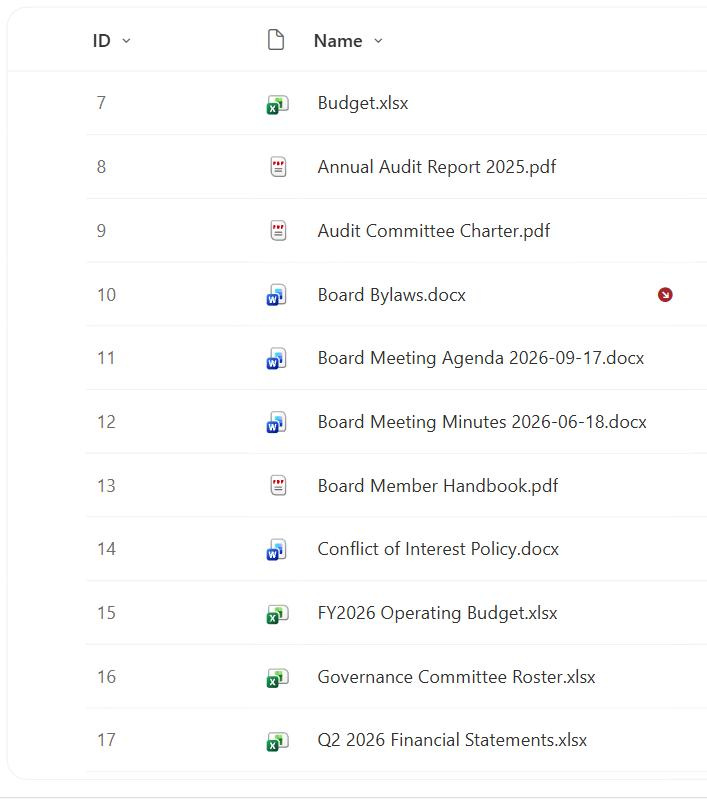
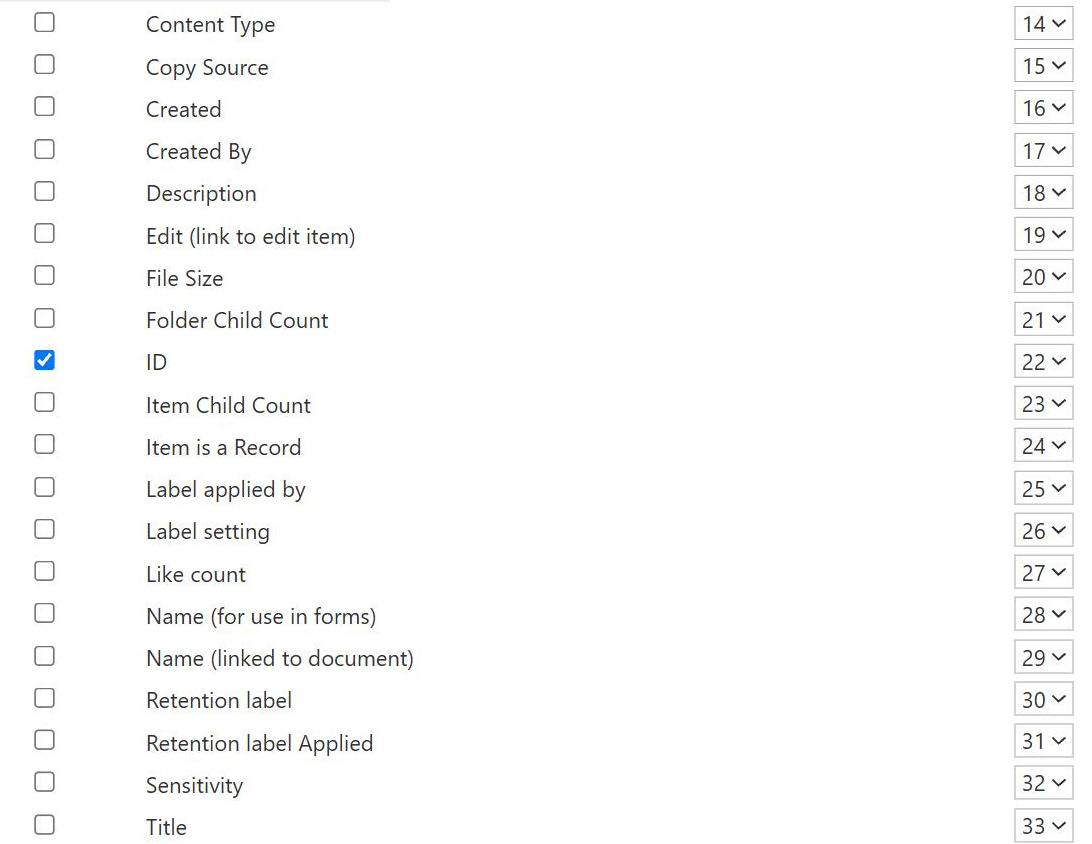
ID Column
Common Use Cases
- Stable record reference: point to an exact item even after its Title changes
- Deep links: build a URL that opens one specific item by its ID
- Power Automate keys: get, update, or delete an item by its unique ID
- Lookup relationships: connect lists using ID as the underlying key
- Ticket or case numbers: use the sequential ID as a simple reference number
- Troubleshooting: identify a precise item when several share a name
How It Works
- Assigned at creation: SharePoint sets the number automatically when the item is added
- Sequential per list: counts up from 1 within each individual list
- Unique to one list: the same number can exist in a different list
- Never reused: deleted IDs are retired, and the counter keeps climbing
- Read-only whole number: an integer you cannot edit or reset
- Internal name ID: referenced as ID in views, URLs, JSON, and flows
Benefits
- Guaranteed uniqueness: one dependable handle per item within a list
- Change-proof: stays constant even as Title and metadata change
- URL friendly: supports precise deep links to a single item
- Automation anchor: the reliable key for flows, scripts, and lookups
- No configuration: present and populated on every list and library
- Human-readable order: creation sequence is obvious from the number
Details
- Feature Category: Columns & Views
Limits and Nuances
- Not globally unique: ID is unique only inside one list, not across the tenant
- Gaps are normal: deletions leave permanent holes in the sequence
- Cannot be reset: you cannot restart numbering or renumber items
- Not a friendly reference alone: a bare number needs context to be meaningful
- Copies get new IDs: copying an item to another list assigns a fresh number
- Not the GUID: ID is the list-level integer, distinct from the item’s unique GUID
Common Questions About the ID Column
What is the ID column in SharePoint?
The ID column is a unique whole number that SharePoint assigns automatically to every item when it is created. It starts at 1 in each list and increments, giving each item a stable, read-only identifier. Because it never changes once set, the ID is the closest thing SharePoint offers to a primary key, and it appears in item URLs, lookups, and Power Automate as the reliable way to reference one exact record.
Is the ID unique across my whole site or just one list?
It is unique only within a single list or library, not across the site or tenant. Two different lists can each have an item numbered 1, 2, and 3. If you need a reference that is unique everywhere, SharePoint also gives each item a GUID, but for most day-to-day linking, filtering, and automation, the per-list ID is what you use, and its uniqueness inside that list is guaranteed.
What happens to the ID when I delete an item?
The number is retired and never reused. If you delete item 5, the counter does not go back, so the next new item still takes the next number in sequence and 5 stays permanently gone. This is why you often see gaps in the ID column. Those gaps are normal and expected, and they preserve the integrity of any links or references that pointed to deleted items.
Can I reset or renumber the ID column?
No. The ID is generated and controlled entirely by SharePoint, is read-only, and cannot be reset, renumbered, or edited. If you delete every item, the counter still does not restart in a way you can rely on. When you need a reference number you control, such as a formatted case number, create a separate calculated or text column for that purpose and leave the system ID to do its stable, behind-the-scenes job.
How do I use the ID to link directly to an item?
You append the item’s ID to the list URL as a query string, and SharePoint opens that exact item. Because the ID never changes, these deep links stay valid even after the item’s Title or metadata is edited, which makes them far more durable than links built on a name. The same ID is what Power Automate and lookup columns use under the hood to target a single record.
Should I use the ID as my business reference number?
It can work as a simple sequential reference, but the gaps from deletions and the lack of formatting sometimes make a dedicated number better. Greg Zelfond, the consultant behind LookBook 365, decides this per solution, sometimes using the raw ID and sometimes building a formatted reference column on top of it, so the system key stays reliable while users see a clean, meaningful number that fits the business process.