Parking & Building Access (Form)

Overview
- Streamlined access requests: one Microsoft Forms form handles both parking and building access requests
- Automatic routing: submissions go straight to Facilities or Security for quick approval
- Key details captured: vehicle information, access dates, and locations
- Lists integration ready: submissions can feed Microsoft Lists for tracking and reporting
- Notifications and approval: the form can trigger automated notifications and approval
- Works on any device: designed for desktop and mobile users, with no paper and no confusion
Benefits
- One central process: all parking and access requests flow through a single place
- Faster approvals: fewer manual steps between request and decision
- Better visibility: Security and Facilities get a clear audit trail of every request
- Compliance-ready records: digital records enhance both security and compliance
- Connected across Microsoft 365: the form integrates seamlessly with other Microsoft 365 apps
- Completely out-of-the-box: no custom development required
Common Questions About This Parking & Building Access Form
What is this Parking & Building Access Form built with?
The form is built entirely with Microsoft Forms, using standard capabilities – branching based on the type of access requested, fields for vehicle information, access dates, and locations, and built-in reporting. There is no custom code and no third-party form software involved. It is the kind of clean, maintainable form Greg Zelfond builds for Facilities and Security teams inside Microsoft 365.
What’s included in the Parking & Building Access Form?
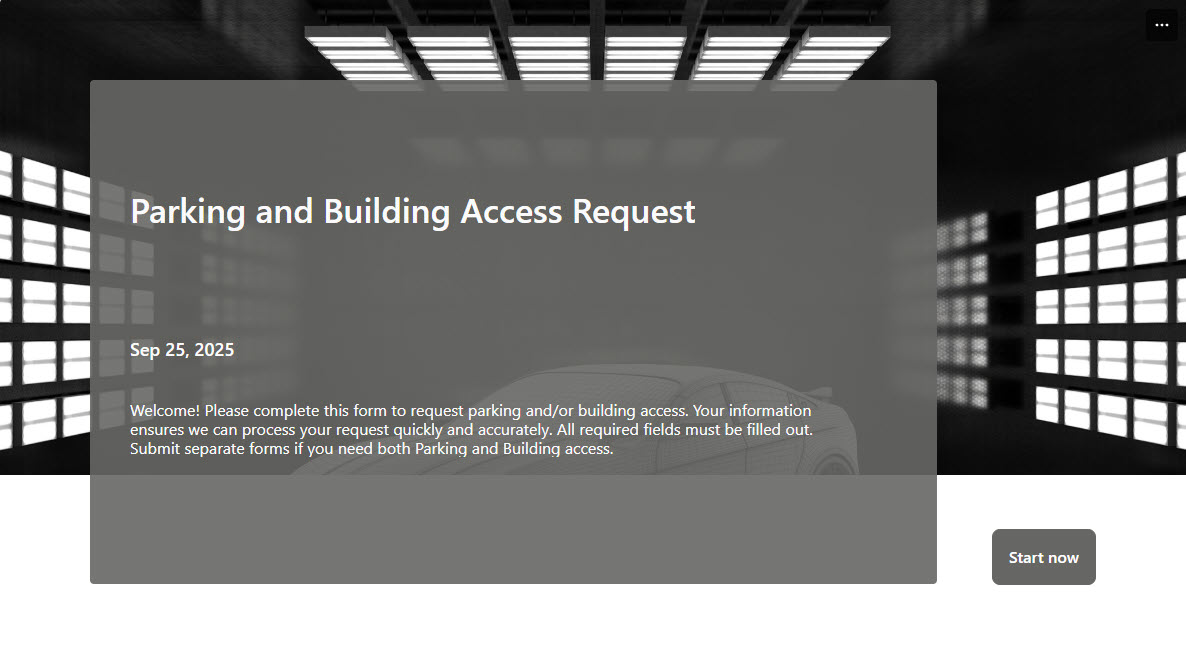
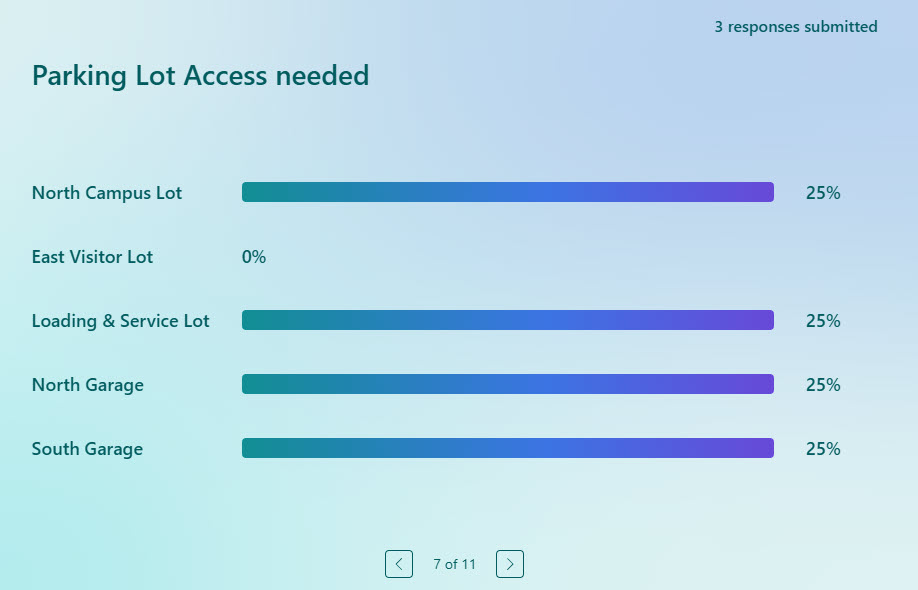
The design includes a branded cover page, a basic information section, and a type-of-access question with branching logic, so employees requesting parking see vehicle information questions while others skip them. Submissions route automatically to Facilities or Security for approval, and built-in reporting summarizes the responses. The form can also integrate with Microsoft Lists for tracking and trigger automated notifications.
Does this design use any custom code or third-party tools?
No. Everything in this form uses standard Microsoft Forms functionality available in Microsoft 365. That matters because out-of-the-box solutions are stable, secure, and easy to maintain – nothing breaks when Microsoft rolls out updates, and there are no third-party licenses to manage. Out-of-the-box is the only way Greg builds.
Can this form be customized for our organization?
Absolutely. The access types, branching paths, vehicle and location fields, and cover page design can all be tailored to your buildings, parking arrangements, and security procedures. Greg adapts the form to the way your Facilities and Security teams actually handle requests – whether that means multiple locations, temporary access dates, or separate approval paths for parking and building access.
What happens after someone submits a parking or building access request?
The submission routes automatically to Facilities or Security for quick approval, and the form can trigger automated notifications so requesters are not left guessing. Responses appear in the built-in reporting, and submissions can also feed Microsoft Lists for ongoing tracking – giving both teams a clear audit trail of every request.
Can Greg build this form for our organization?
Yes – this is exactly the kind of work Greg Zelfond does. As an independent SharePoint and Microsoft 365 consultant and Microsoft MVP, he designs and builds out-of-the-box forms like this one, tailored to your facilities, locations, and approval process. If you want a parking and building access process with no paper and no confusion, reach out through the contact page to get started.