Training (Register)


Overview
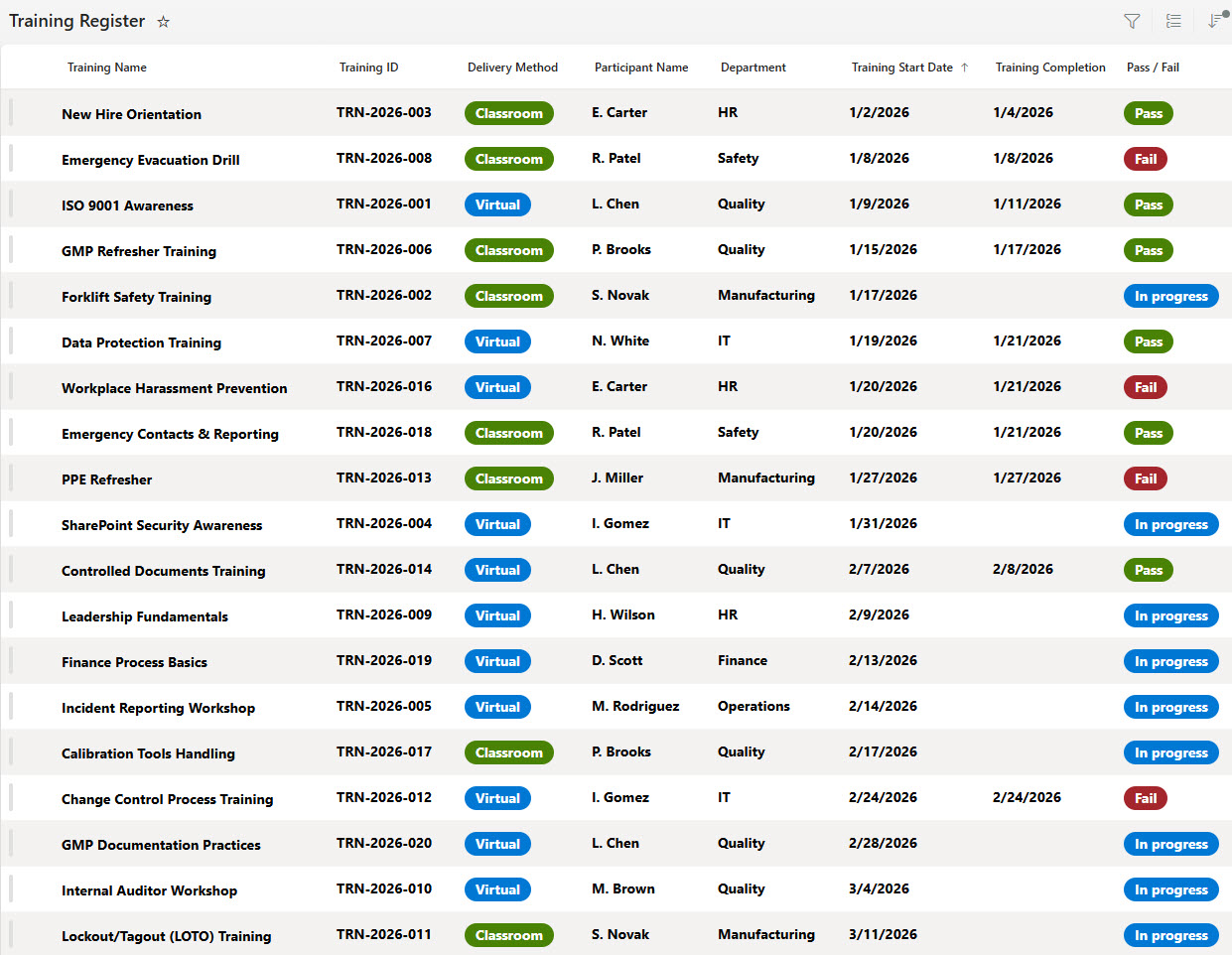
- Microsoft Lists solution for managing organizational training records
- Tracks participant name, department, course title, and training category
- Records start date, completion date, and pass/fail status
- Identifies mandatory vs. optional training for compliance tracking
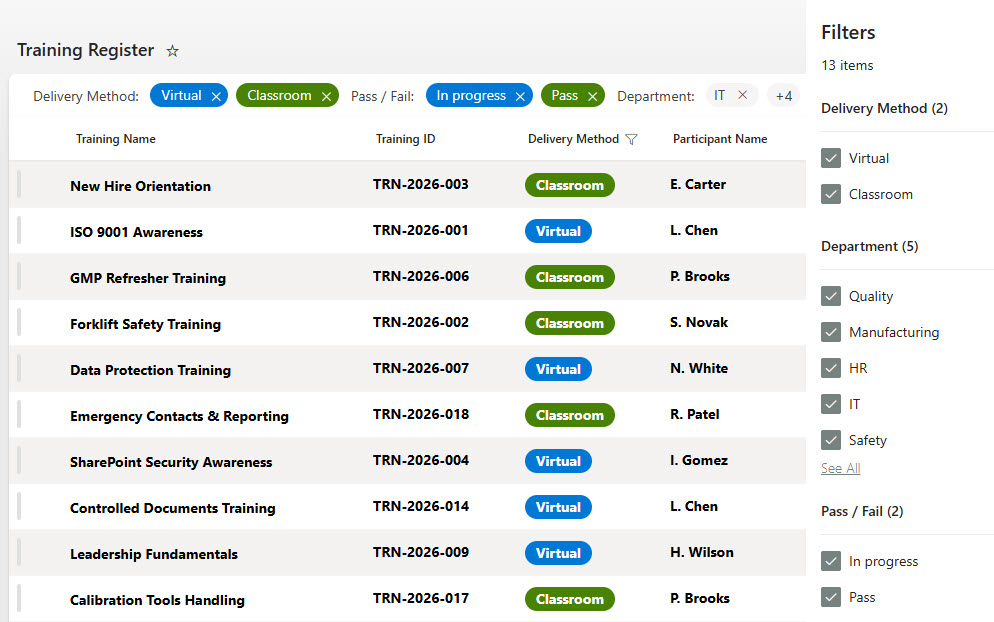
- Filter and group by department, course, or completion status
Benefits
- Single source of truth for HR and compliance departments
- Clear visibility of overdue, in-progress, and completed training
- Supports audit readiness and regulatory compliance reporting
- Reduces reliance on manual spreadsheets and duplicate tracking
- Improves accountability across departments
- Scalable structure to support additional fields and automation
Common Questions About This Training Register
What is this Training Register built with?
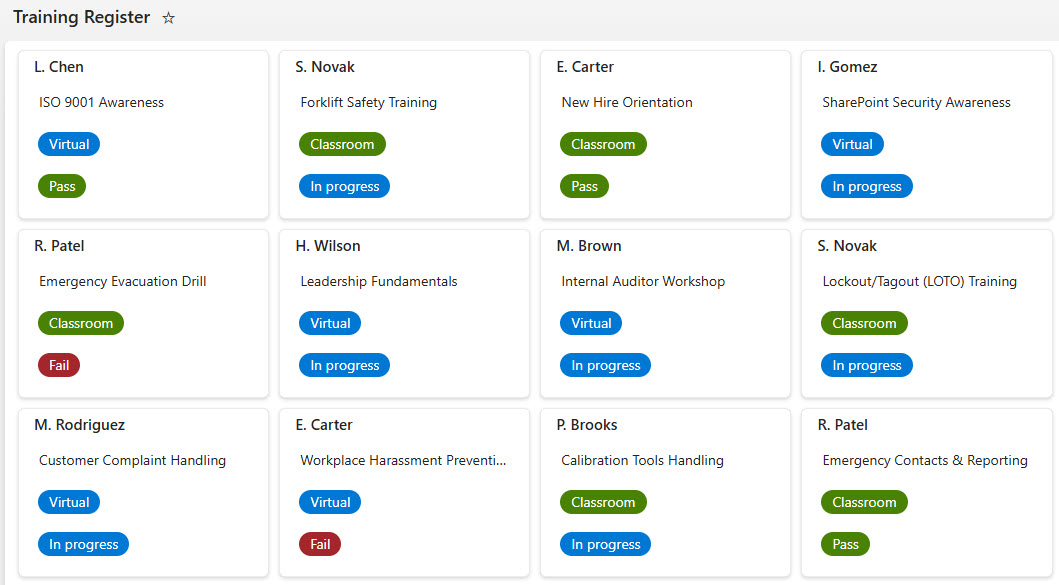
The register is built entirely in Microsoft Lists, the app included with Microsoft 365 – structured with columns for participant, department, course, category, dates, and pass/fail status, displayed in List, Card, and Calendar views. There is no custom code and there are no third-party tools. It is the kind of clean, collaborative tracker Greg Zelfond builds for HR and compliance teams.
What’s included in the Training Register?
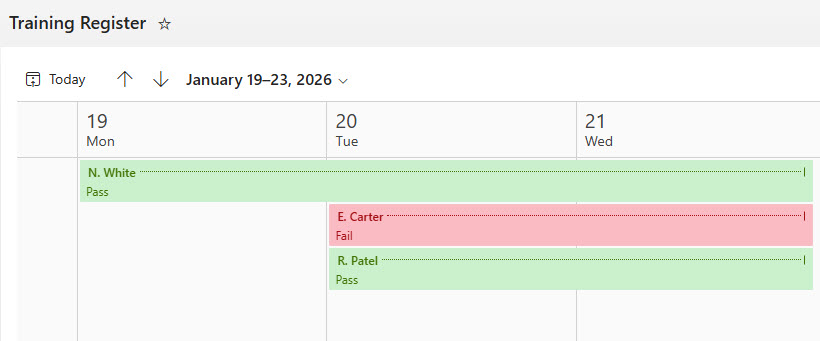
The register tracks participant name, department, course title, and training category, and records start date, completion date, and pass/fail status for every training record. It also identifies mandatory versus optional training for compliance tracking. Records can be filtered and grouped by department, course, or completion status, and viewed as a structured list, visual cards, or a calendar of training dates.
Does this design use any custom code or third-party tools?
No. The register is built entirely with Microsoft Lists, which is included with most Microsoft 365 business and enterprise plans – no custom code, no third-party add-ons, and nothing extra to buy. That keeps it stable, secure, and easy to maintain, with everything stored safely inside your Microsoft 365 environment. Out-of-the-box is the only way Greg builds.
Can this tracker be customized for our HR or compliance team?
Absolutely. The training categories, status fields, and mandatory versus optional designations can all be tailored to your organization’s training program – safety certifications, regulatory courses, onboarding curricula, or professional development. Greg adapts the structure to the way your team actually manages training, and the scalable design supports additional fields and automation as your needs grow.
Can we see this tracker in different views?
Yes. The register includes a structured List view for detailed records, a Card view for visual browsing, and a Calendar view that lays training dates out across the month. Filtering and grouping by department, course, or completion status give HR and compliance teams clear visibility of overdue, in-progress, and completed training without touching a spreadsheet.
Can Greg build this tracker for our organization?
Yes – this is exactly the kind of work Greg Zelfond does. As an independent SharePoint and Microsoft 365 consultant and Microsoft MVP, he designs and builds trackers like this one in Microsoft Lists, SharePoint, Loop, and Planner, tailored to the way your organization tracks training and compliance. Reach out through the contact page to get started.