Internal Audits (Schedule)


Overview
- Built using Microsoft Lists for flexible, no-code audit management
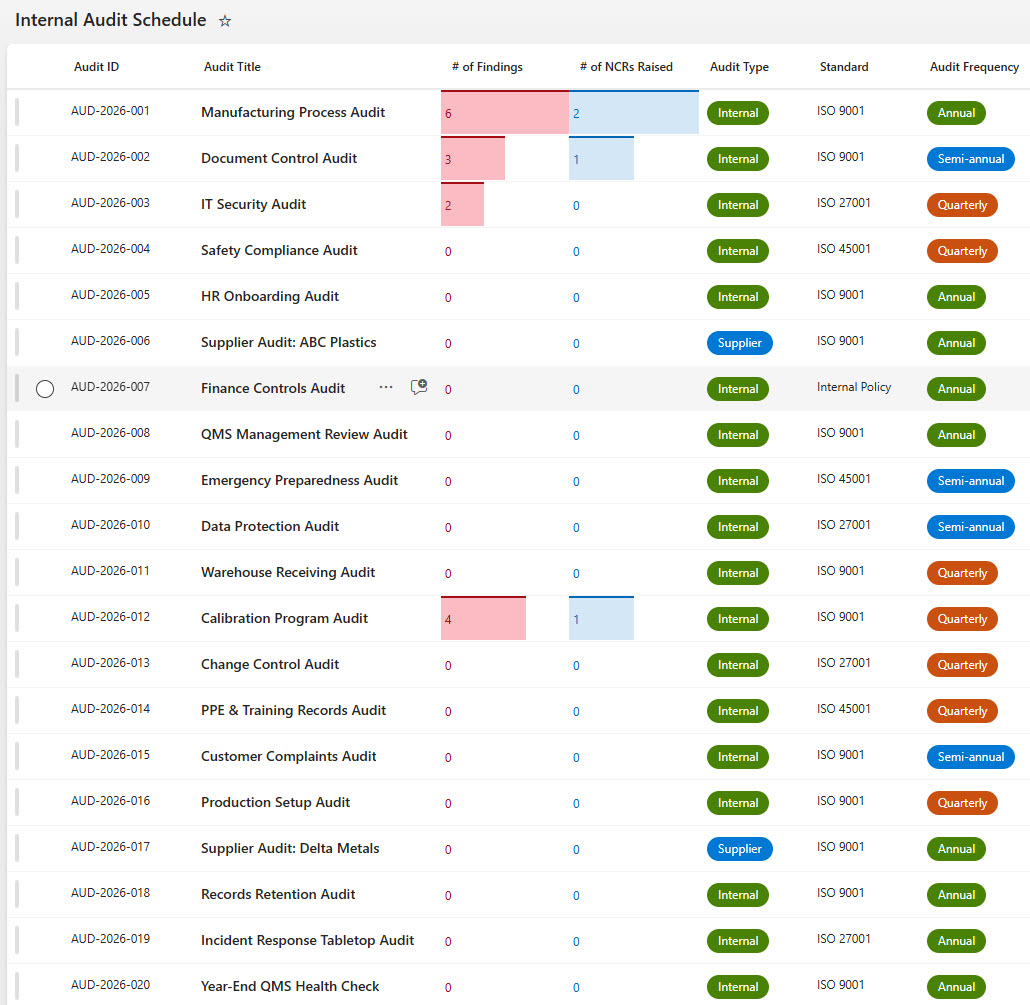
- Tracks internal and supplier audits across multiple ISO standards
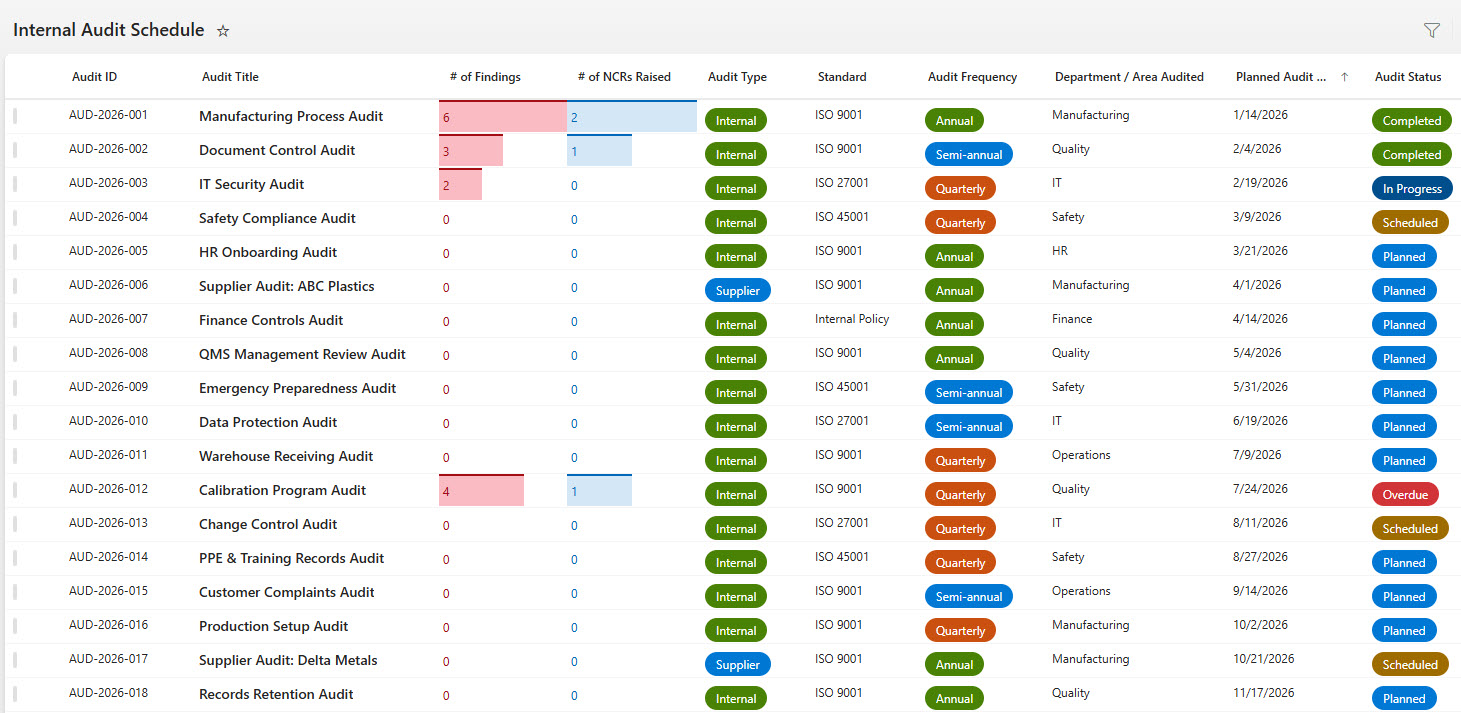
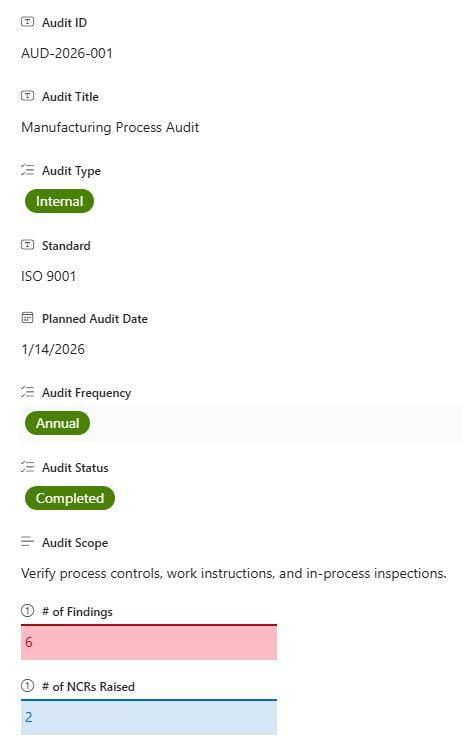
- Visual status indicators for audit progress, frequency, and completion
- Integrated findings and NCR counts for quick risk visibility
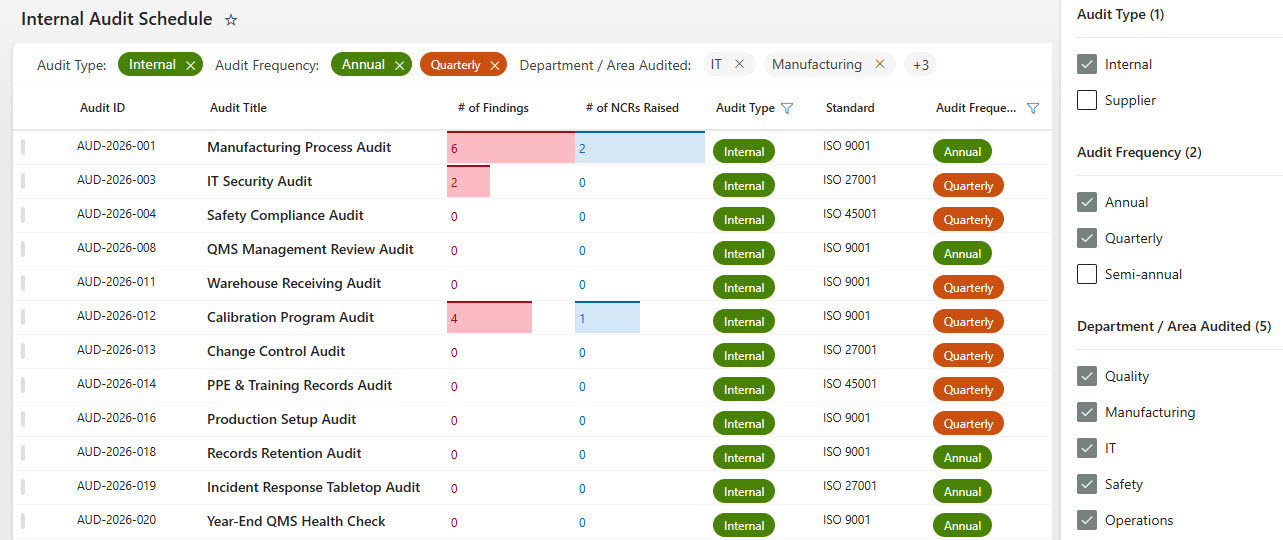
- Department-level filtering for targeted audit planning
- Designed for quality, compliance, and operations teams
Benefits
- Improves audit visibility and organizational accountability
- Simplifies compliance tracking for multiple ISO standards
- Reduces manual tracking with structured, standardized data
- Enables faster decision-making through real-time audit status
- Scales easily as audit programs and standards expand
Common Questions About This Internal Audit Schedule
What is this Internal Audit Schedule built with?
The schedule is built entirely in Microsoft Lists, the no-code tracking app included with Microsoft 365 – structured as a list with columns for audit type, ISO standard, department, status, findings, and NCR counts, plus filtering and a calendar view. There is no custom code and there are no third-party tools. It is the kind of clean, collaborative tracker Greg Zelfond builds for quality and compliance teams.
What’s included in the Internal Audit Schedule?
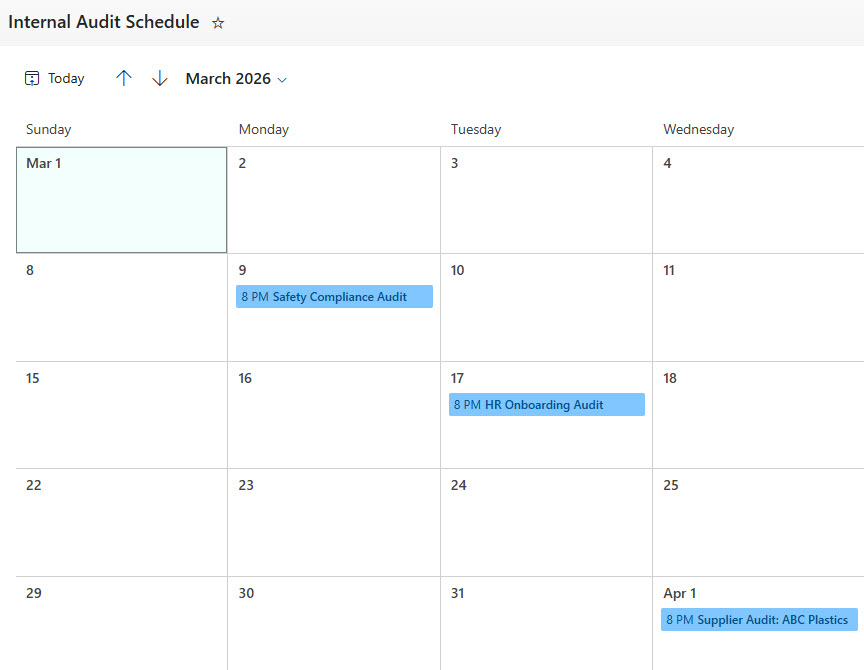
The tracker captures internal and supplier audits across multiple ISO standards, with visual status indicators for audit progress, frequency, and completion. Integrated findings and NCR counts give quick risk visibility for every audit, and department-level filtering narrows the schedule for targeted audit planning. Alongside the main list view and an all-columns view, a calendar view lays out upcoming audits by date, and a simple data entry form keeps records consistent.
Does this design use any custom code or third-party tools?
No. The schedule is built entirely with Microsoft Lists, which is included with most Microsoft 365 business and enterprise plans – no custom code, no third-party add-ons, and nothing extra to buy. That keeps it stable, secure, and easy to maintain, with everything stored safely inside your Microsoft 365 environment. Out-of-the-box is the only way Greg builds.
Can this audit schedule be customized for our compliance program?
Absolutely. The columns, status choices, ISO standards, and views can all be tailored to your audit program – different standards, certification bodies, audit frequencies, or department structures. Greg adapts the tracker to the way your quality and compliance team actually plans and runs audits, so the schedule reflects your real process rather than a generic template.
Can the audit schedule be viewed as a calendar or filtered by department?
Yes – that is one of the strengths of Microsoft Lists. The same audit data can be displayed as a standard list, an all-columns detail view, or a calendar view that lays out audits by date for planning. Built-in filtering lets you narrow the schedule to a single department, standard, or status in a click, and every view stays current because they all draw from the same list.
Can Greg build this audit schedule for our organization?
Yes – this is exactly the kind of work Greg Zelfond does. As an independent SharePoint and Microsoft 365 consultant and Microsoft MVP, he designs and builds trackers like this one in Microsoft Lists, SharePoint, Loop, and Planner, tailored to the way your quality and compliance team manages audits. Reach out through the contact page to get started.