HR Benefits (Agent)



Overview
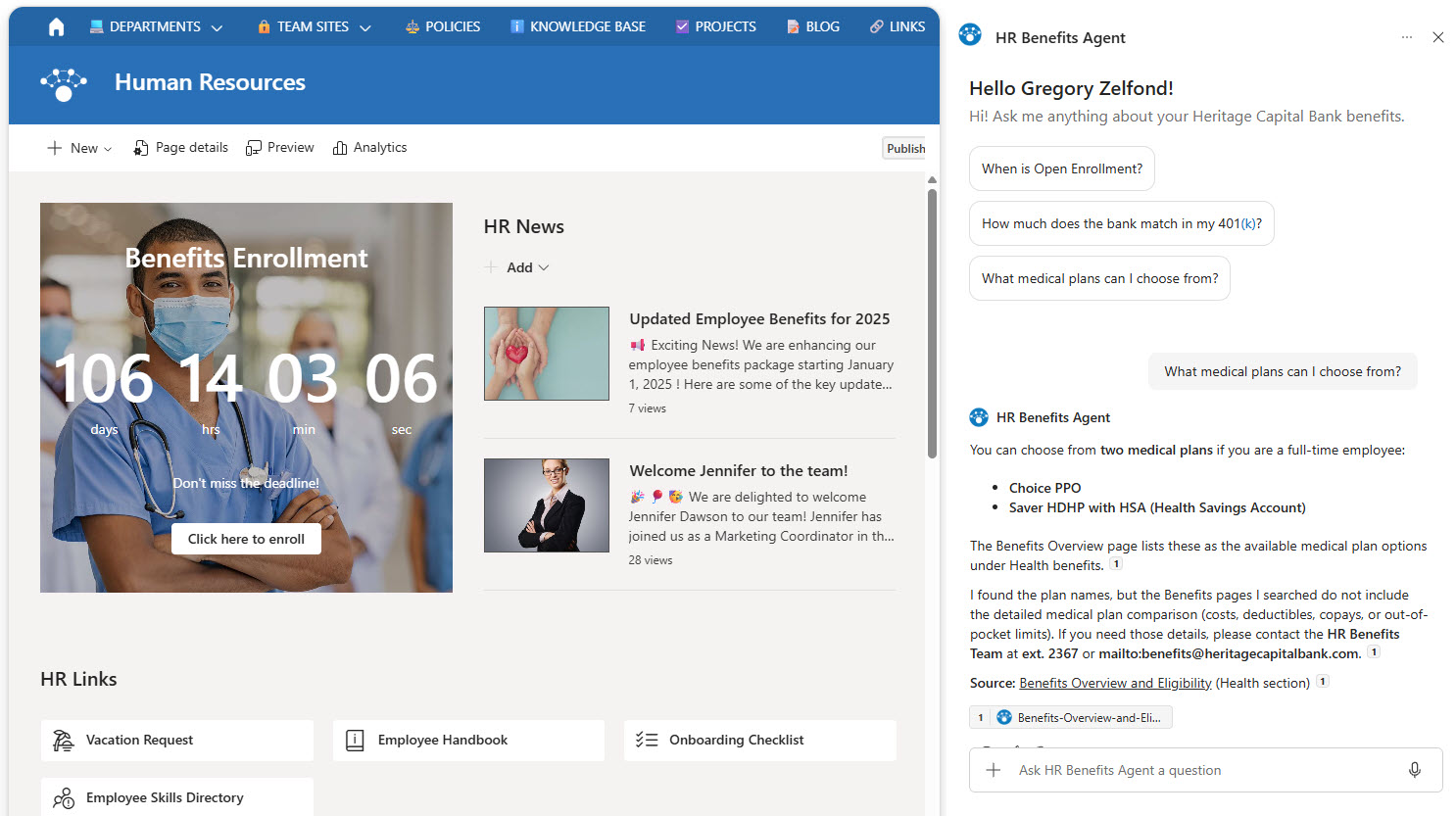
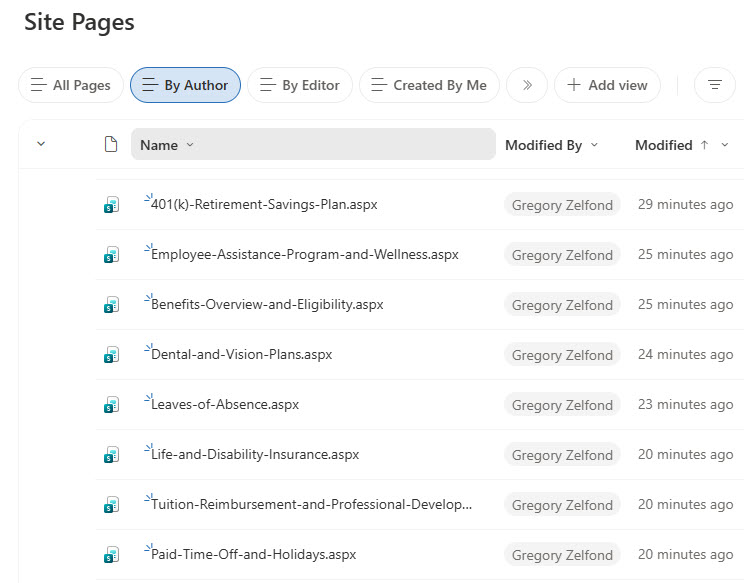
- SharePoint Pages Agent: Created in SharePoint and scoped to benefits pages in the Site Pages library
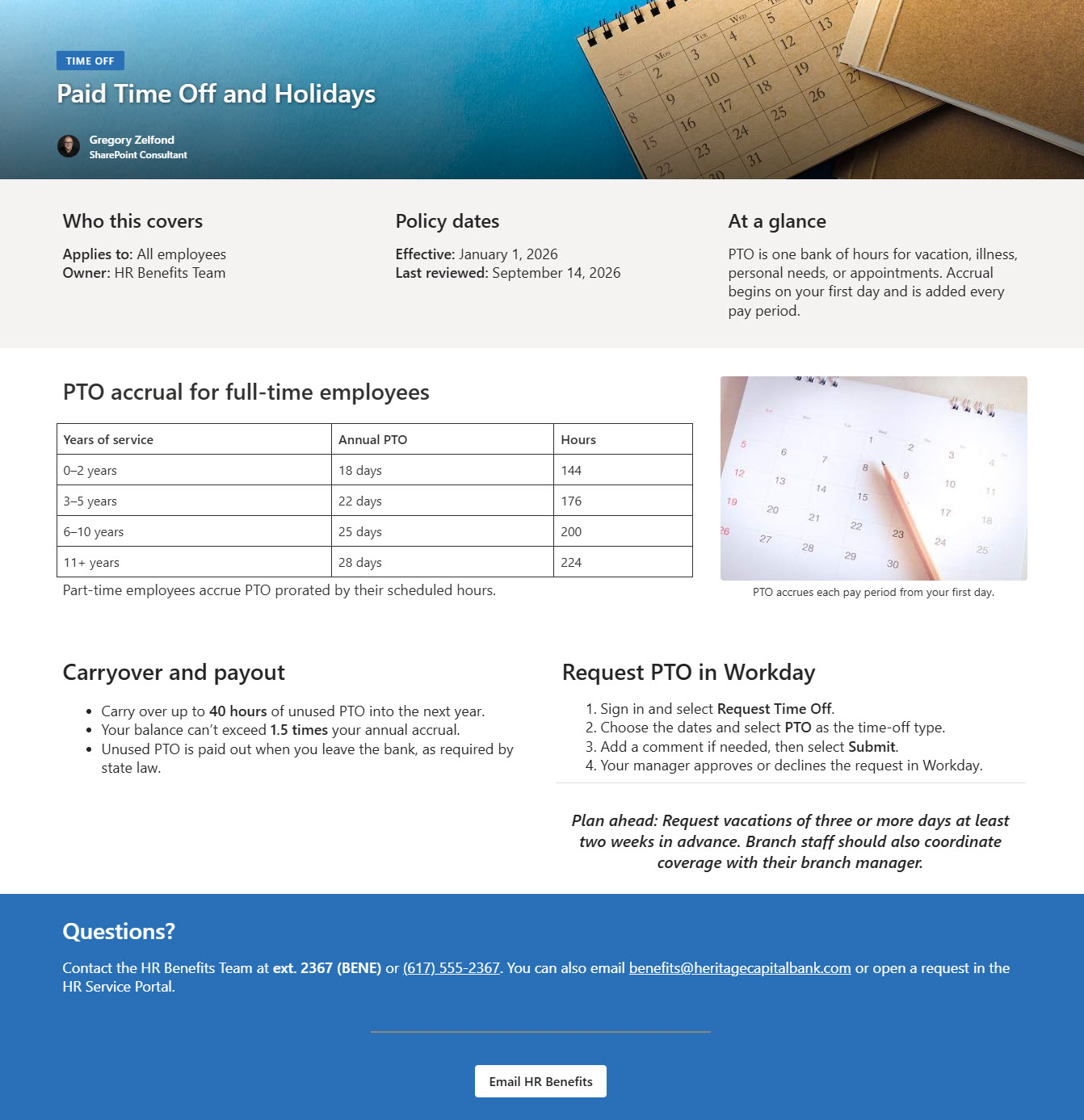
- Benefits Pages: Content pages covering eligibility, medical, dental, and vision, HSA and FSA, 401(k), PTO, leave, insurance, wellness, open enrollment, tuition, and perks
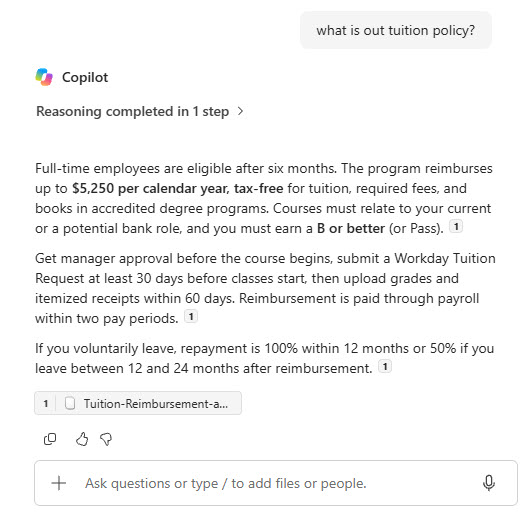
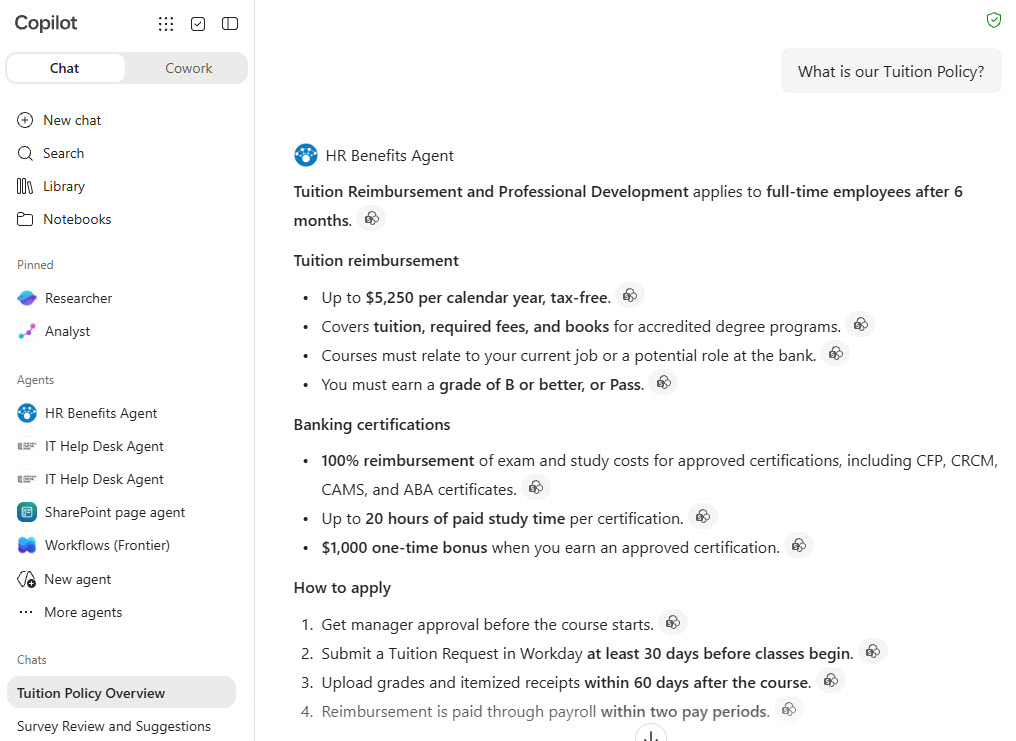
- Cited Answers: Responses include page citations so employees can open the full policy
- SharePoint and Microsoft 365 Copilot: The agent works in SharePoint and in the Microsoft 365 Copilot app
Benefits
- One Source of Truth: the intranet pages and the agent always say the same thing
- Fewer HR Emails: employees answer routine benefits questions on their own
- Easy Updates: HR edits and republishes a page and the agent’s answers change with it
- Builds Trust: every answer cites the benefits page it came from
- Helps During Open Enrollment: plan comparisons and deadlines in seconds
- Respects Permissions: the agent only uses pages each employee already has access to
Common Questions About This HR Benefits Agent
What is this HR Benefits Agent built with?
It is built with Copilot in SharePoint and grounded in benefits pages stored in the Site Pages library. The pages use standard Text, Image, and Button web parts, and the agent uses custom instructions and starter prompts. There is no custom code and no third-party tools – the kind of clean, maintainable Copilot agent Greg Zelfond builds for HR teams.
What’s included in the HR Benefits Agent?
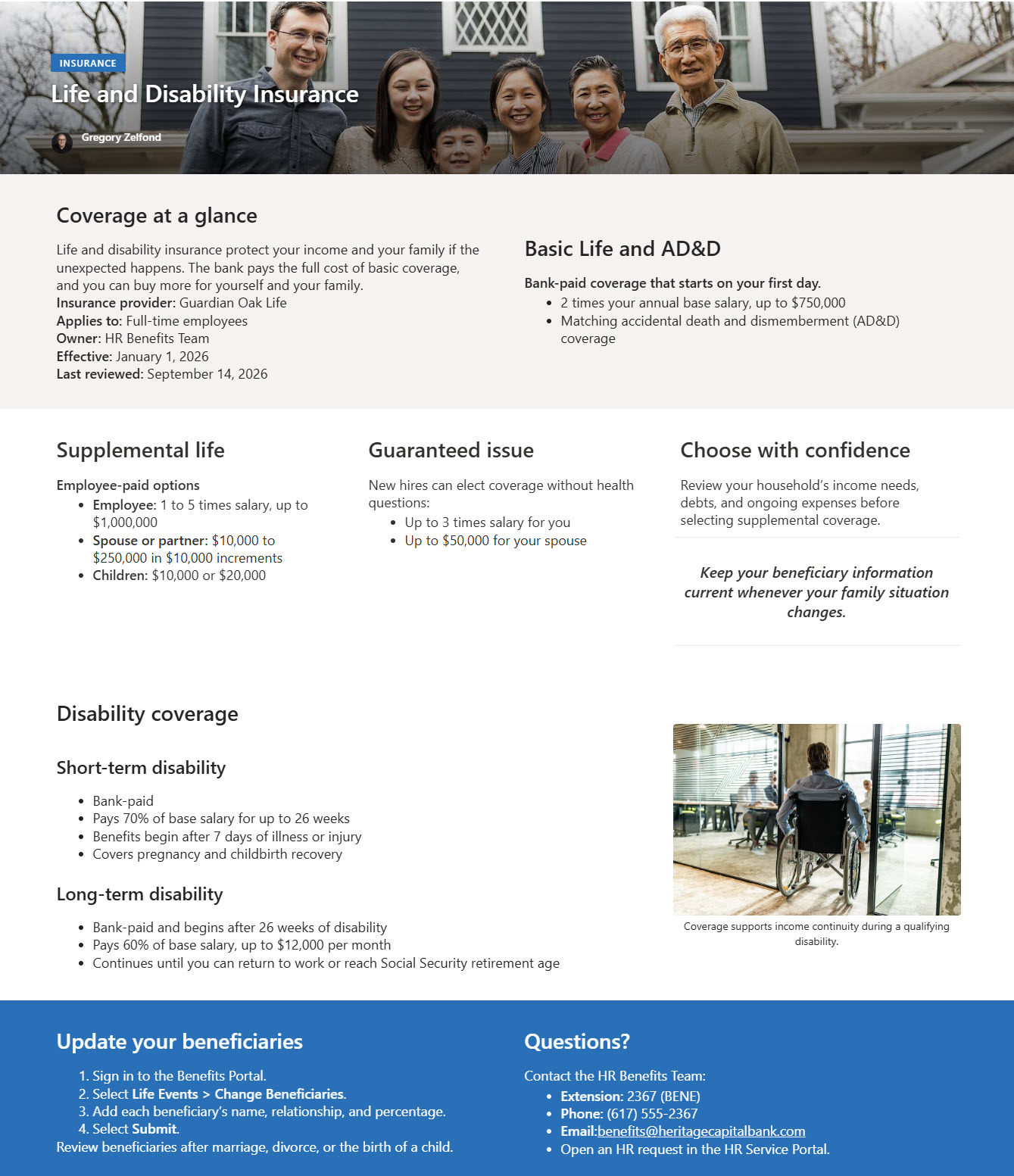
The example includes benefits pages covering eligibility, medical plans, dental and vision, HSA and FSA accounts, the 401(k), paid time off and holidays, leaves of absence, life and disability insurance, wellness, open enrollment, tuition reimbursement, and employee perks. The agent answers with exact figures and page citations in SharePoint and the Microsoft 365 Copilot app.
Why scope the agent to SharePoint pages instead of documents?
Benefits pages are what employees already browse on the HR intranet. Grounding the agent in those same pages means the site and the agent never contradict each other, and HR maintains content in one place. When a page is updated and republished, the agent’s answers reflect the change without anyone uploading new files.
Does this design use any custom code or third-party tools?
No. The agent and the benefits pages are created entirely with out-of-the-box SharePoint and Copilot in SharePoint – no Copilot Studio development, no custom code, and no add-ons. That keeps it stable, secure, and easy to maintain, and nothing breaks when Microsoft releases updates. Out-of-the-box is the only way Greg builds.
Can this agent be customized for our organization?
Absolutely. The benefits pages, plan details, agent name, welcome message, starter prompts, and instructions are all tailored to your organization, whether you offer different medical plans, a different retirement match, or unique leave policies. Greg structures the pages and writes the agent instructions so employees get accurate answers that match your actual benefits package.
Can Greg build this HR Benefits Agent for our organization?
Yes – this is exactly the kind of work Greg Zelfond does. As an independent SharePoint consultant and Microsoft MVP, he designs and builds out-of-the-box Copilot agents like this one, including the benefits pages, the agent instructions and starter prompts, and the rollout to SharePoint, Teams, and the Microsoft 365 Copilot app. Reach out through the contact page to get started.