Copilot
Key Features
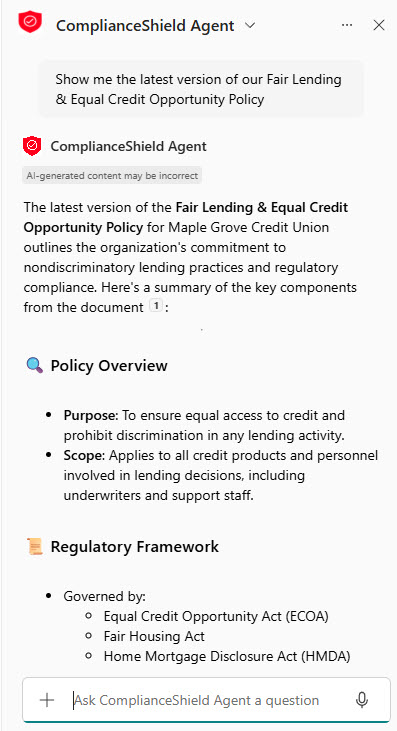
- Copilot Chat: Ask a question in plain language and get an answer grounded in your files, emails, and chats
- In-App Assistance: Draft in Word, write and explain formulas in Excel, build decks in PowerPoint, and clear the inbox in Outlook
- Meeting and Chat Recap: Summarize a Teams meeting or thread, surface the decisions, and list who owes what
- Grounding in Microsoft Graph: Every answer is built only from content the person asking already has permission to see
- Copilot Pages: Turn a chat answer into a living page colleagues can edit alongside you
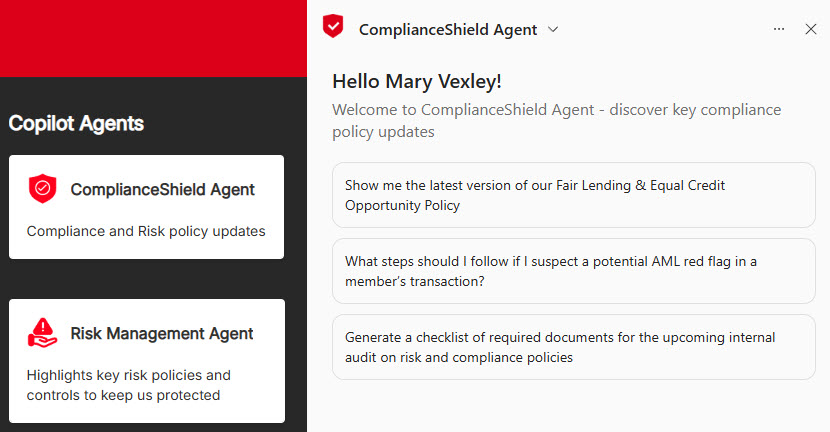
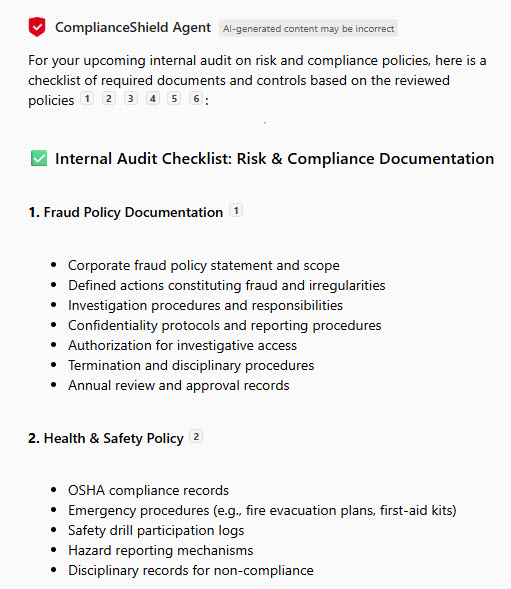
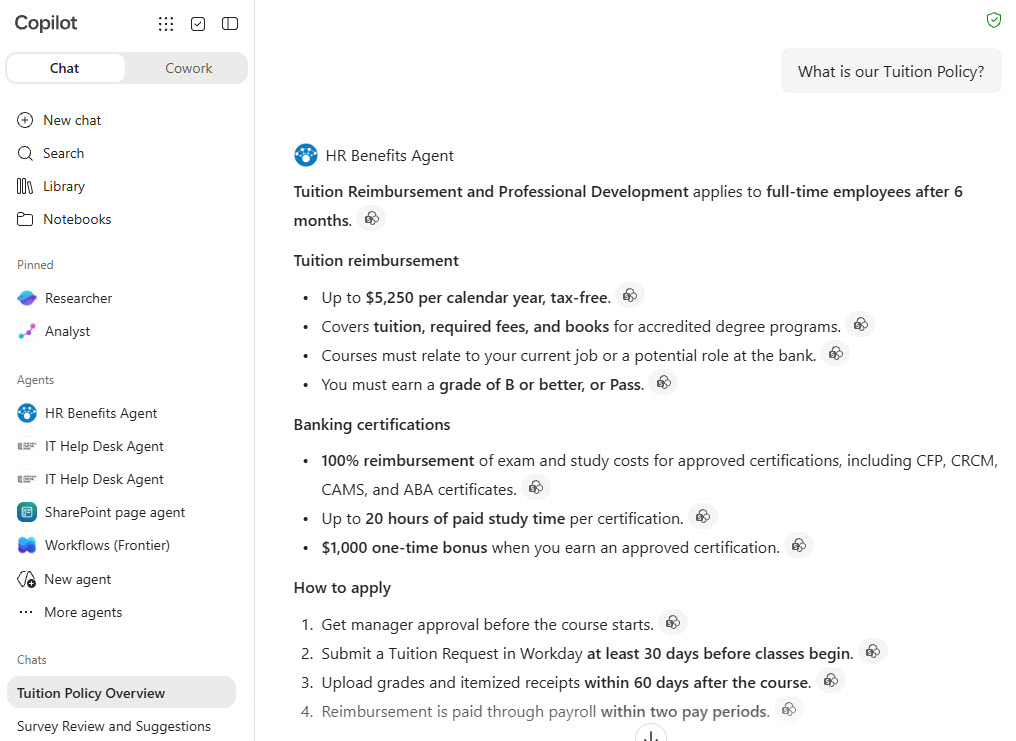
- Agents: Purpose-built assistants scoped to a specific site, library, or process rather than the whole tenant
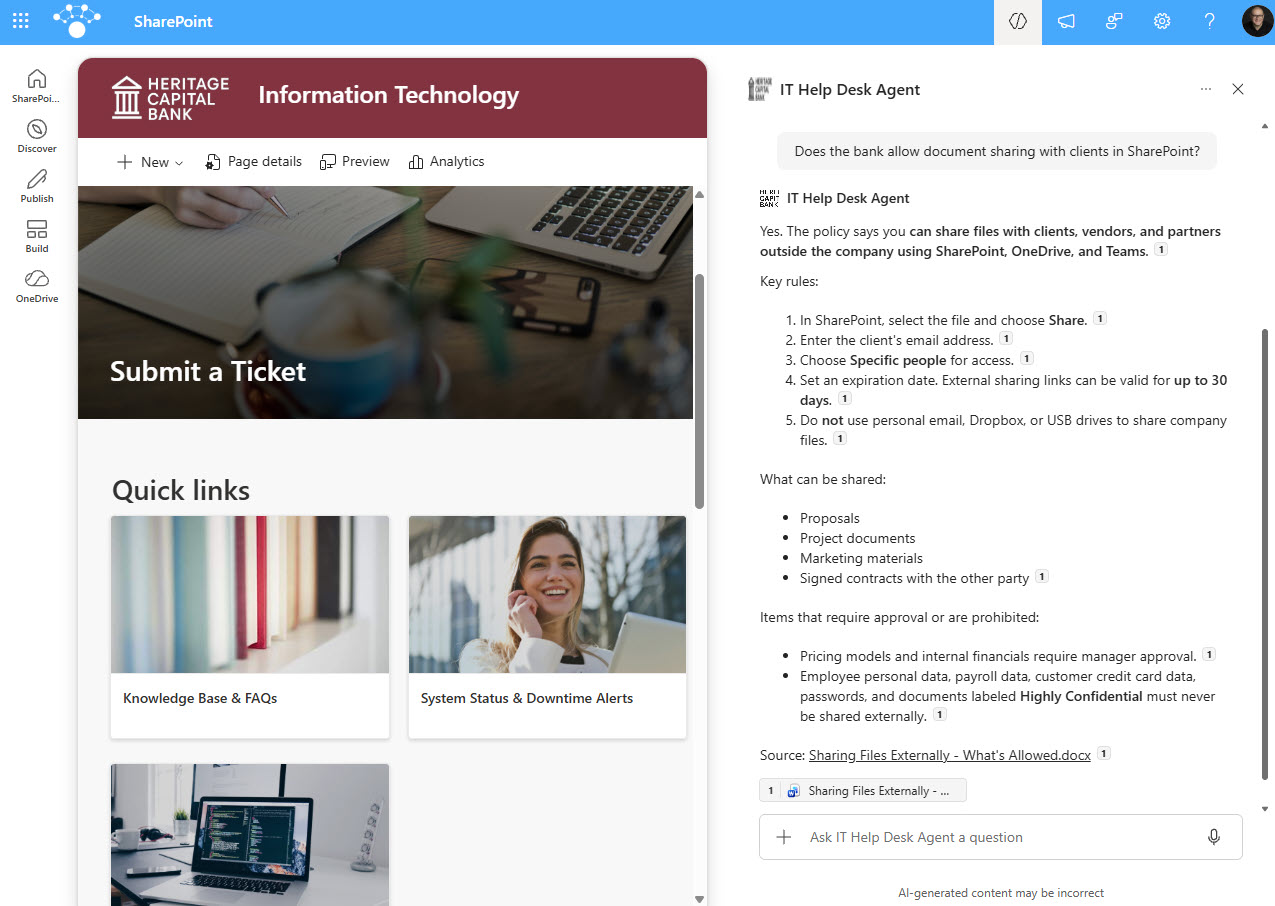
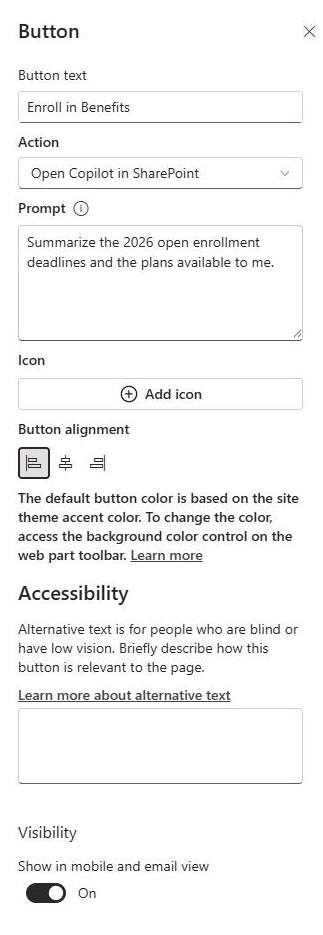
- Copilot in SharePoint: Generate sites and pages from a description, rewrite text in place, and build agents over site content
- Copilot Studio: Extend or build agents with your own knowledge sources and actions
Common Use Cases
- Summarizing a long email thread or a missed meeting before responding
- Drafting the first version of a document, deck, or reply
- Finding an answer buried across SharePoint, OneDrive, and Teams
- Turning list or spreadsheet data into charts and a dashboard page
- Standing up a new SharePoint site or news post from a short description
- Answering the same repeat questions through an agent scoped to one site
How Copilot Fits Into Microsoft 365
- SharePoint: creates sites and pages, rewrites text in the editor, and powers agents scoped to a site’s content
- Teams: recaps meetings and chats and answers questions about what was discussed and decided
- Outlook: summarizes threads, drafts replies, and coaches tone and clarity before you send
- Word, Excel, and PowerPoint: drafts documents, writes and explains formulas, and builds decks from a prompt
- OneDrive: personal files are part of the content Copilot draws on, always subject to permissions
- Lists: list data is what feeds the charts and dashboard pages Copilot generates
- Copilot Studio: where agents get extended with custom knowledge sources and actions
Limits and Nuances
- Full Copilot needs a paid per-user add-on license on top of a qualifying Microsoft 365 plan. Copilot Chat is included with most plans, but it is not grounded in your organization’s content the same way
- Copilot inherits permissions rather than bypassing them – it can only surface what the person asking could already open
- Weak permissions become visible fast. Content that was overshared before Copilot arrived starts showing up in answers
- Teams chat summaries reach back about 30 days, and Copilot works within a single thread rather than across chats
- SharePoint agents cap knowledge sources at 20 items and cannot use list data or the Site Pages library
- Answers are generated, not retrieved. They need a human check before they go anywhere that matters
- Meeting and call features assume both parties are in the same Microsoft 365 tenant
- Pricing and packaging change often, so confirm current terms with Microsoft or your reseller rather than a blog post
Common Questions About Microsoft 365 Copilot
What is Microsoft 365 Copilot used for?
Copilot is the AI assistant inside Microsoft 365. People use it to summarize long email threads and meetings, draft a first version of a document or deck, write and explain Excel formulas, and find answers scattered across SharePoint, OneDrive, and Teams. Because it is grounded in your own content rather than the open internet, the answers reference your files, your projects, and your people.
What is the difference between Copilot and Copilot Chat?
Copilot Chat is the tier included with most Microsoft 365 plans – a secure chat window that answers general questions and, through agents, some work questions. Microsoft 365 Copilot is the paid add-on that puts the assistant inside Word, Excel, PowerPoint, Outlook, and Teams and grounds every answer in your organization’s own files, emails, and meetings through Microsoft Graph.
Can Copilot see files a person should not have access to?
No. Copilot inherits the permissions the person already has, so it can only surface content they could have opened themselves. What it does expose is oversharing that was already there – a library everyone was granted access to years ago now turns up in answers. That is a permissions problem Copilot reveals rather than one it creates, and it is worth cleaning up before rollout.
Do you need a license for Copilot?
Full Microsoft 365 Copilot requires a paid per-user add-on on top of a qualifying Microsoft 365 plan. Copilot Chat comes with most plans at no extra cost, and organizations can turn on pay-as-you-go billing so unlicensed users can still use agents. Pricing and packaging shift regularly, so confirm the current terms with Microsoft or your reseller.
What can Copilot do in SharePoint?
In SharePoint, Copilot can generate a site or a page from a short description, rewrite and retune text directly in the editor, summarize and compare files, autofill columns, and build agents scoped to a site’s content. It is the fastest route from a plain-language description to a working page, though the result still needs an editor’s eye before it goes live.
Can Copilot build a dashboard from a SharePoint list?
Yes. Point Copilot at a SharePoint list and describe the dashboard you want, and it will generate a page with KPI tiles, trend lines, breakdown charts, and filters. The result is a snapshot rather than a live-refreshing report, which suits an executive summary page. When live refresh matters, the Quick Chart web part or Power BI is the better fit.