Performance Review (Agent)



Overview
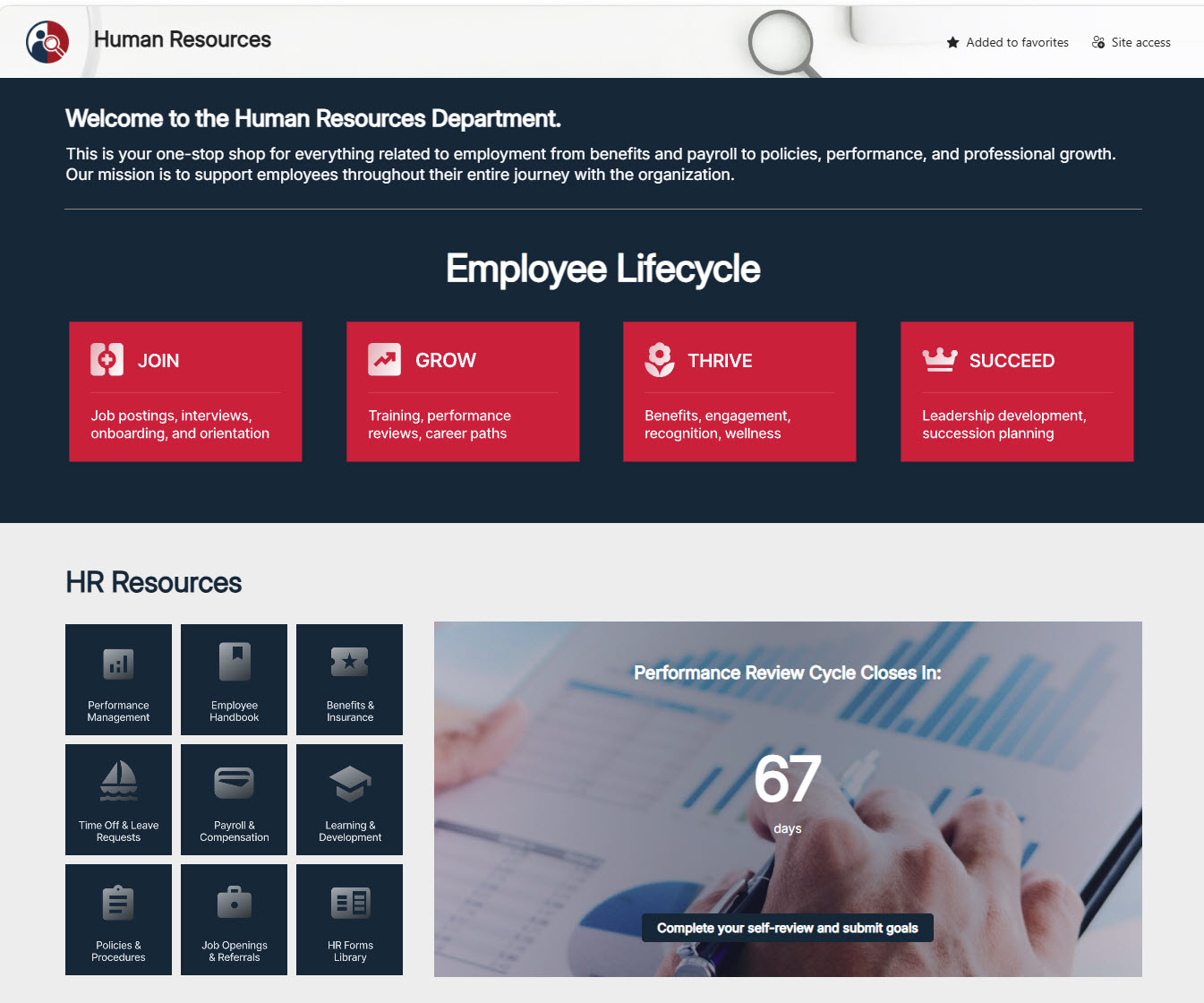
- Copilot Agent: Created in SharePoint and scoped to a single Performance Management Documents library on the HR site
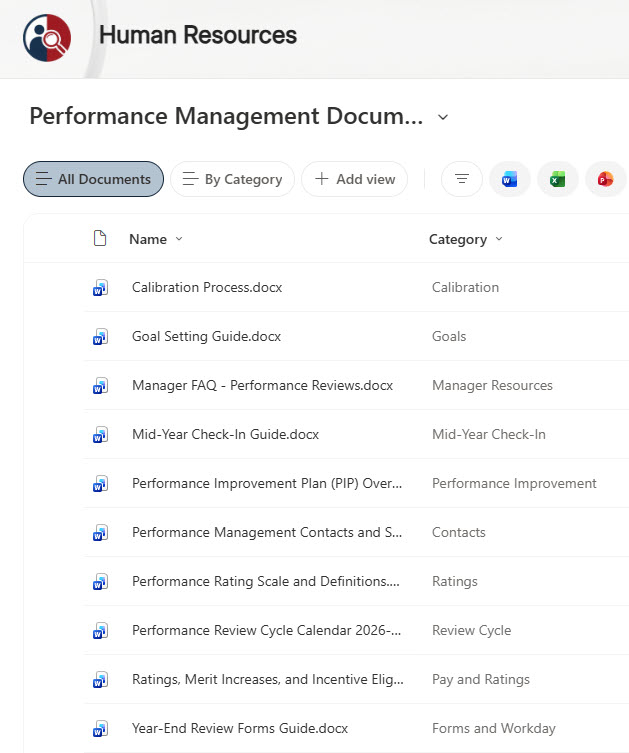
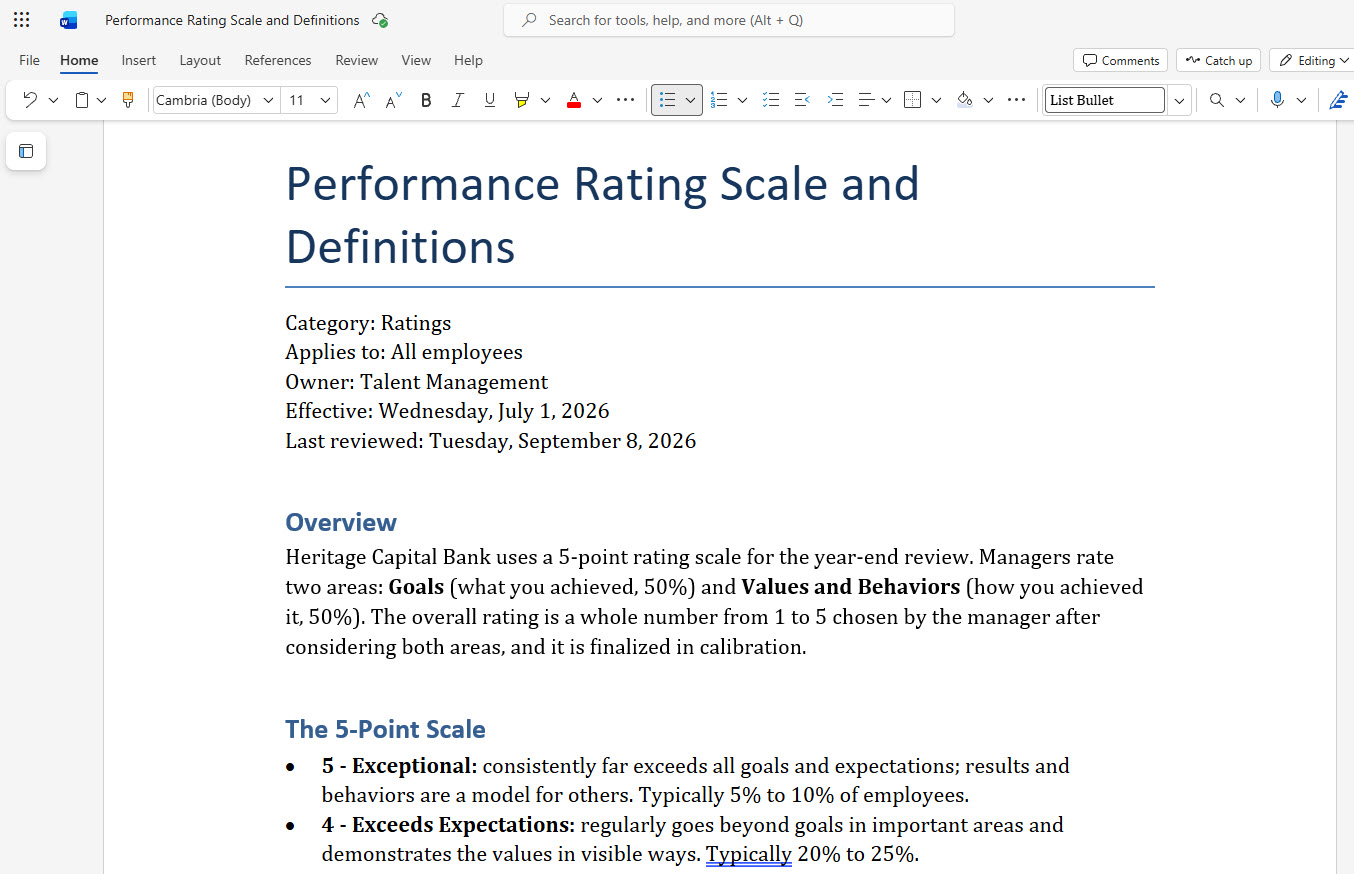
- Policy Documents: The 2026-2027 review calendar, rating scale, goal setting, mid-year check-ins, year-end forms, calibration, PIPs, merit and incentives, a manager FAQ, and contacts
- Library Metadata: Category, Audience, Owner, and Last Reviewed columns, with a view grouped by Category
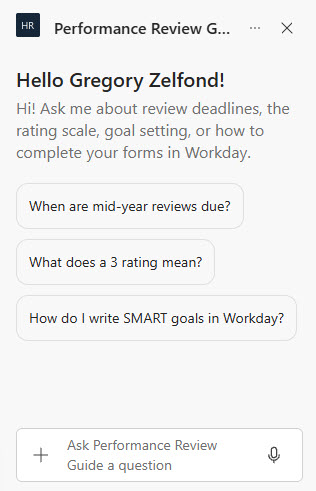
- Welcome and Starter Prompts: Three prompts for deadlines, ratings, and SMART goals
- Custom Instructions: Require exact dates and percentages and refuse to predict or discuss any individual rating, PIP, or pay
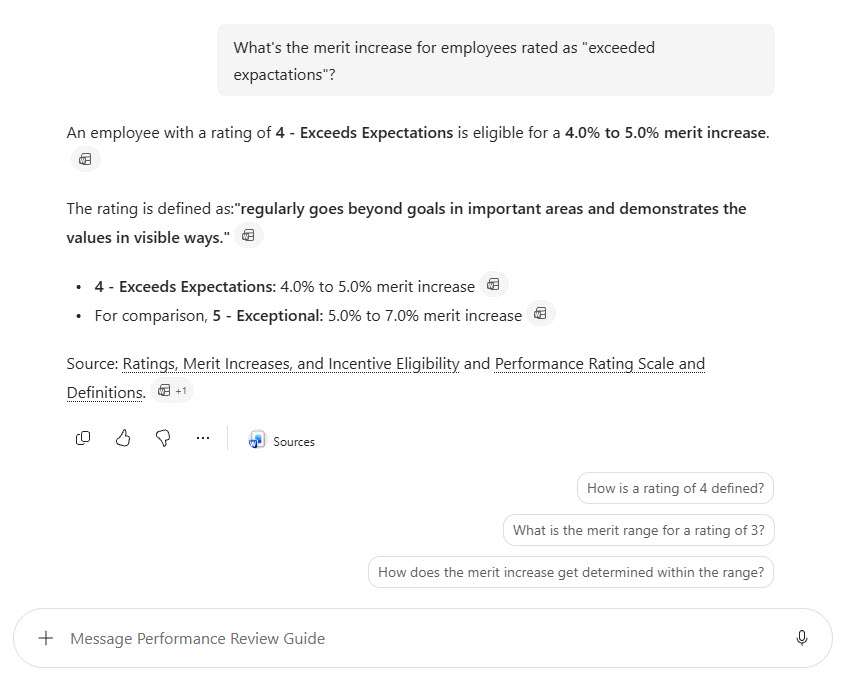
- Cited Answers: Every answer links to its policy document, in SharePoint and in the Microsoft 365 Copilot app
Benefits
- Fewer HR Tickets: Deadlines and definitions are answered on demand during review season
- Consistent Answers: Every manager gets the same rating definitions and merit ranges
- Exact Figures: Dates, percentages, and form steps come straight from the approved policies
- Protects Privacy: The agent never discusses an individual employee’s performance or pay
- Easy Updates: HR replaces the calendar and merit guidelines each year, and the agent follows
- Trustworthy: Answers link to the source document so people can read the full policy
- Respects Permissions: Confidential calibration results stay in a separate library the agent cannot use
Common Questions About This Performance Review Agent
What is this Performance Review Agent built with?
It is built with Copilot in SharePoint and grounded in one document library of Word policy documents, organized with Category, Audience, Owner, and Last Reviewed columns. The agent uses a welcome message, starter prompts, and custom instructions. There is no custom code and no third-party tools – the kind of clean, maintainable Copilot agent Greg Zelfond builds for HR and Talent Management teams.
What’s included in the Performance Review Agent?
The example includes ten policy documents: the 2026-2027 review cycle calendar, the 5-point rating scale, a goal setting guide, a mid-year check-in guide, a year-end forms guide, the calibration process, a PIP overview, merit and incentive eligibility, a manager FAQ, and contacts. The agent answers questions like when mid-year reviews are due or what a 3 rating means, with citations.
Why scope the agent to one document library?
Performance policies are formal documents with an owner and a review date, so HR already keeps them as versioned Word files. Pointing the agent at one approved library means it only answers from current policy, not from old emails, drafts, or pages elsewhere on the site. Confidential material such as calibration results stays in a separate library that is never a source.
Does this design use any custom code or third-party tools?
No. The agent and the document library are created entirely with out-of-the-box SharePoint and Copilot in SharePoint – no Copilot Studio development, no custom code, and no add-ons. That keeps it stable, secure, and easy to maintain, and nothing breaks when Microsoft releases updates. Out-of-the-box is the only way Greg builds.
Can this agent be customized for our organization?
Absolutely. The review calendar, rating scale, merit guidelines, forms, library columns, agent name, welcome message, starter prompts, and instructions are all tailored to your organization, whether you run annual reviews, quarterly check-ins, or a different rating model. Greg structures the library and writes the agent instructions so employees and managers get answers that match your actual performance process.
Can Greg build this Performance Review Agent for our organization?
Yes – this is exactly the kind of work Greg Zelfond does. As an independent SharePoint consultant and Microsoft MVP, he designs and builds out-of-the-box Copilot agents like this one, including the policy library and metadata, the agent instructions and starter prompts, and the rollout to SharePoint, Teams, and the Microsoft 365 Copilot app. Reach out through the contact page to get started.