New Hire Onboarding (Agent)



Overview
- Copilot Agent: Created in SharePoint and scoped to an Onboarding folder in the Site Pages library, so it only reads onboarding content
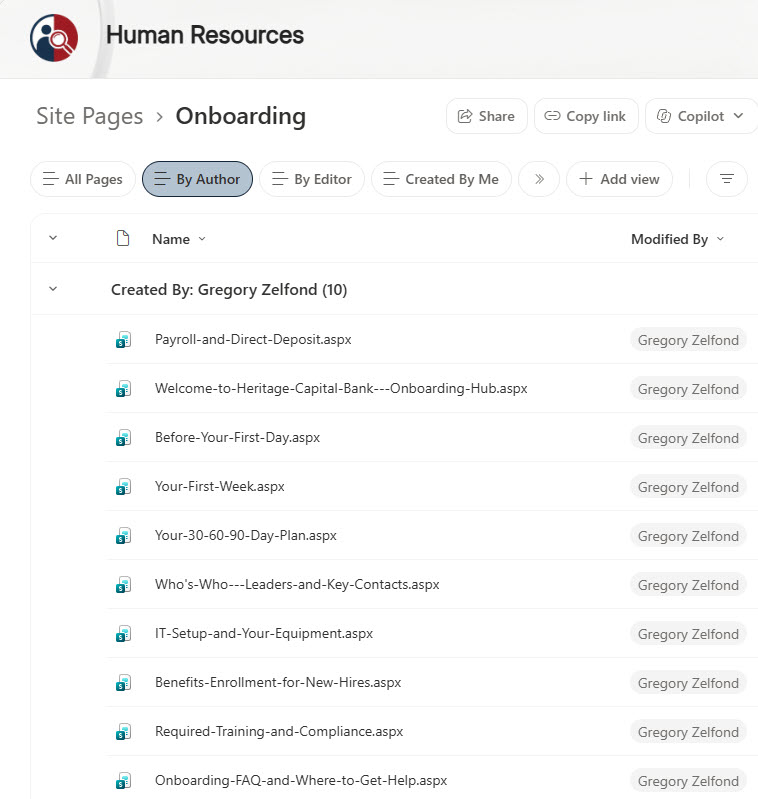
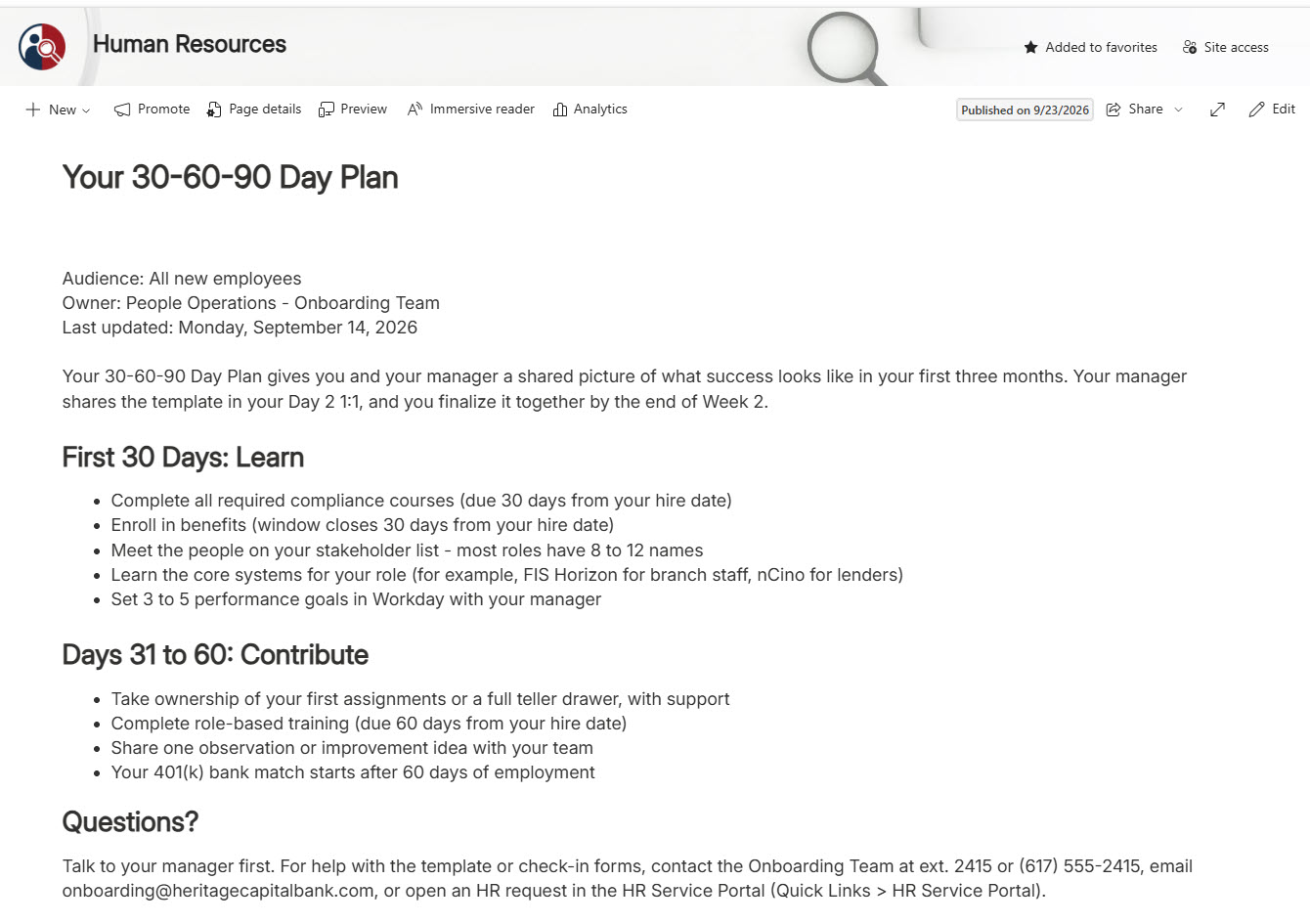
- Ten Onboarding Pages: The welcome hub, pre-boarding, the first week, the 30-60-90 day plan, key contacts, IT setup, payroll, benefits enrollment, required training, and an FAQ
- Text Web Parts: Every page is built with the Text web part – the same content new hires browse on the HR site
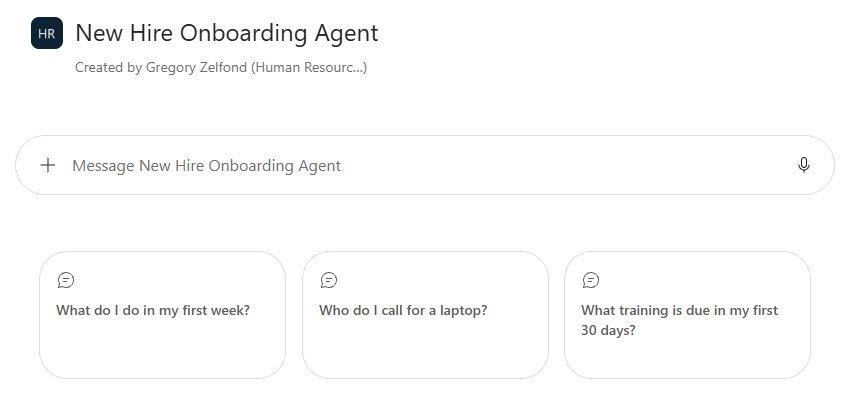
- Welcome and Starter Prompts: A welcome message and three prompts for the questions new hires ask most
- Custom Instructions: Require exact dates, extensions, and deadlines, never ask for personal information, and redirect anything off-topic to the Onboarding Team
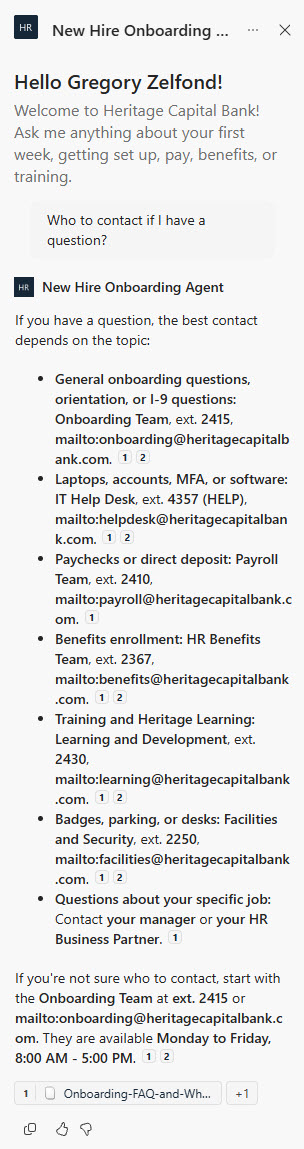
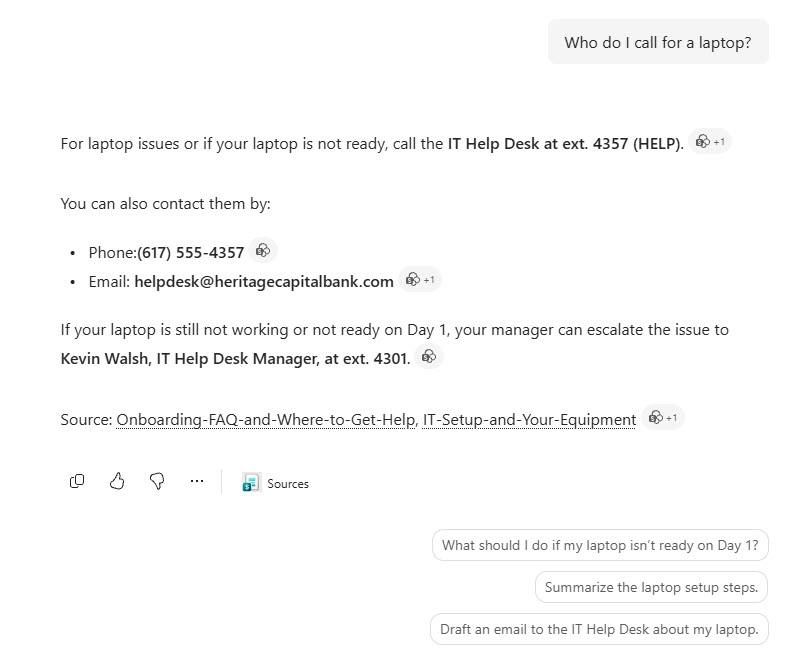
- Cited Answers: Every answer links to its source page, in SharePoint and in the Microsoft 365 Copilot app
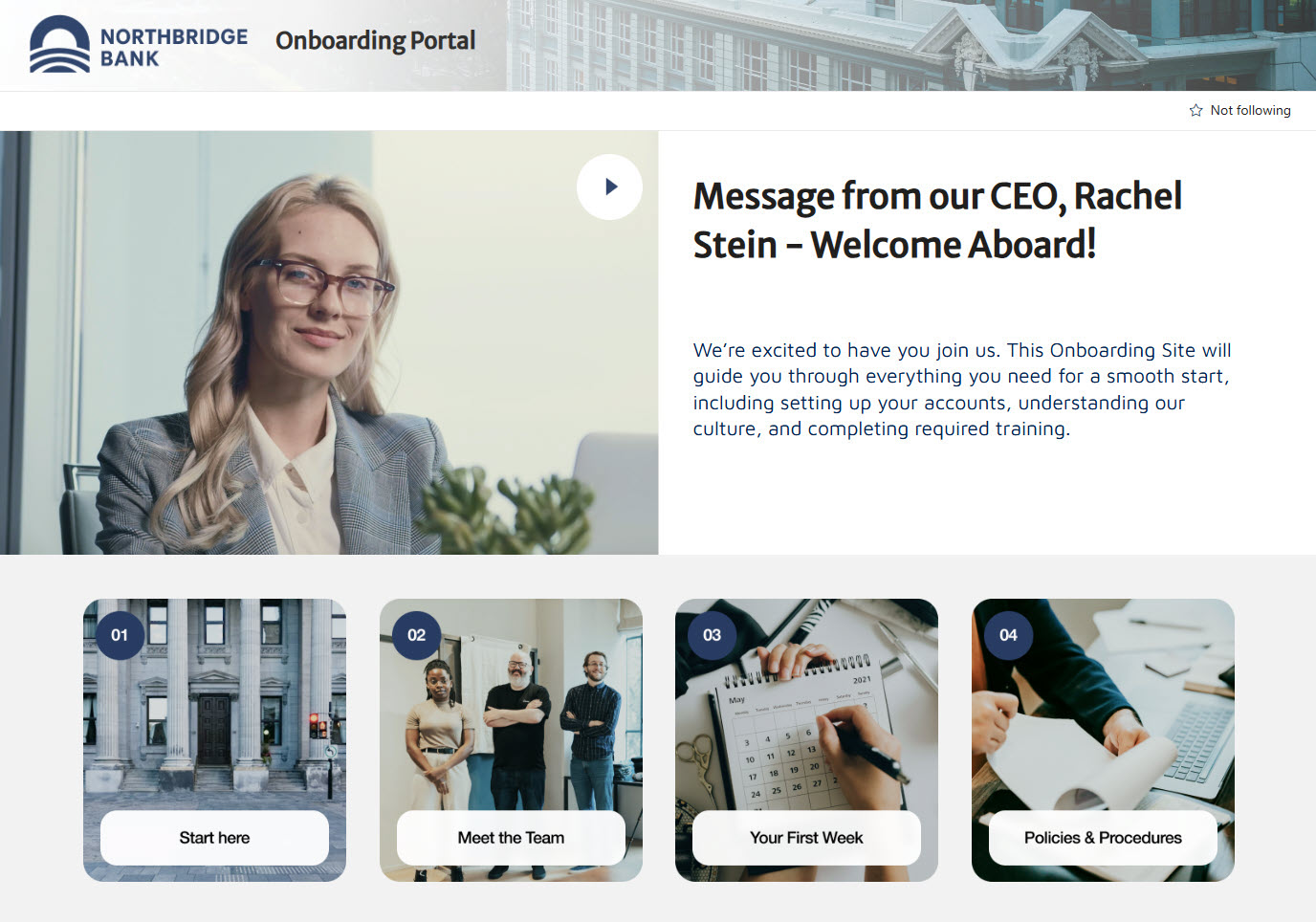
- Onboarding Portal Ready: Can be added to an onboarding portal page so new hires find it on day one
Benefits
- Faster Ramp-Up: New hires get answers in seconds instead of waiting on email
- Fewer Repeat Questions: Less load on HR, IT, and managers during the busiest weeks
- Exact Answers: Orientation times, pay dates, and training deadlines come straight from the published pages
- Multi-Topic Answers: One question can pull from several pages, each one cited
- Easy Updates: People Operations edits and republishes a page and the agent’s answers change with it
- Safer by Design: The agent never collects Social Security numbers, bank details, or I-9 documents
- Respects Permissions: The agent only uses pages each employee can already see
Common Questions About This New Hire Onboarding Agent
What is this New Hire Onboarding Agent built with?
It is built with Copilot in SharePoint and grounded in ten onboarding pages stored in a dedicated Onboarding folder of the Site Pages library. The pages use the standard Text web part, and the agent uses custom instructions, a welcome message, and starter prompts. There is no custom code and no third-party tools – the kind of clean, maintainable Copilot agent Greg Zelfond builds for HR and People Operations teams.
What’s included in the New Hire Onboarding Agent?
The example includes an onboarding hub page plus pages for pre-boarding tasks, the first week schedule, the 30-60-90 day plan, leaders and key contacts, IT setup and equipment, payroll and direct deposit, benefits enrollment, required training, and an onboarding FAQ. The agent answers questions like who to call for a laptop or when the first paycheck arrives, with page citations.
Why scope the agent to an Onboarding folder instead of the whole site?
An HR site holds news, policies, and pages for current employees, so a whole-site agent can mix in content that does not apply to a new hire. Keeping the onboarding pages in their own folder in the Site Pages library gives the agent a clean, focused source, and the onboarding hub and the agent always say the same thing.
Does this design use any custom code or third-party tools?
No. The agent and the onboarding pages are created entirely with out-of-the-box SharePoint and Copilot in SharePoint – no Copilot Studio development, no custom code, and no add-ons. That keeps it stable, secure, and easy to maintain, and nothing breaks when Microsoft releases updates. Out-of-the-box is the only way Greg builds.
Can this agent be customized for our organization?
Absolutely. The onboarding pages, schedules, contacts, systems, agent name, welcome message, starter prompts, and instructions are all tailored to your organization, whether you onboard branch staff, remote employees, or seasonal hires. Greg structures the pages and writes the agent instructions so new hires get accurate answers that match your actual onboarding process.
Can Greg build this New Hire Onboarding Agent for our organization?
Yes – this is exactly the kind of work Greg Zelfond does. As an independent SharePoint consultant and Microsoft MVP, he designs and builds out-of-the-box Copilot agents like this one, including the onboarding pages, the agent instructions and starter prompts, and the rollout to SharePoint, Teams, and the Microsoft 365 Copilot app. Reach out through the contact page to get started.