Quick Links Web Part

Benefits
- Simplifies navigation by giving users one-click access to frequently used pages, tools, or documents, saving time and reducing frustration
- Enhances the user experience by providing a clean, organized layout with visually appealing buttons or tiles that make sites easier to browse
- Improves productivity by reducing the number of clicks and time needed to access important resources
- Makes customization and updates easy, allowing site owners to add, remove, or rearrange links without needing help from IT
- Supports branding and communication goals by allowing the use of icons, images, and styles that align with your organization’s look and feel
- Increases the visibility of important content by highlighting key resources right on the homepage or landing page so they don’t get overlooked
Settings
Web part level:
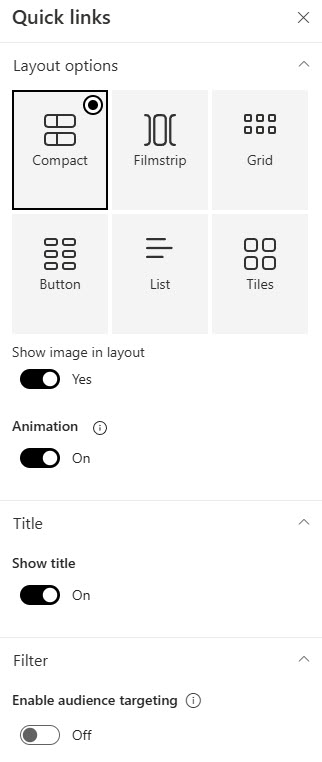
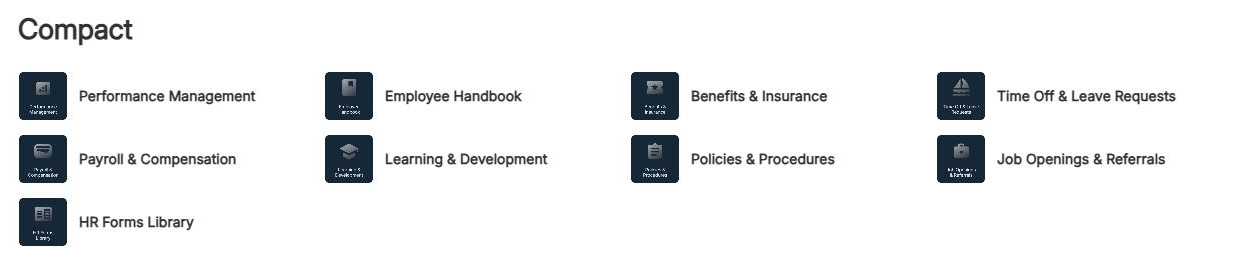
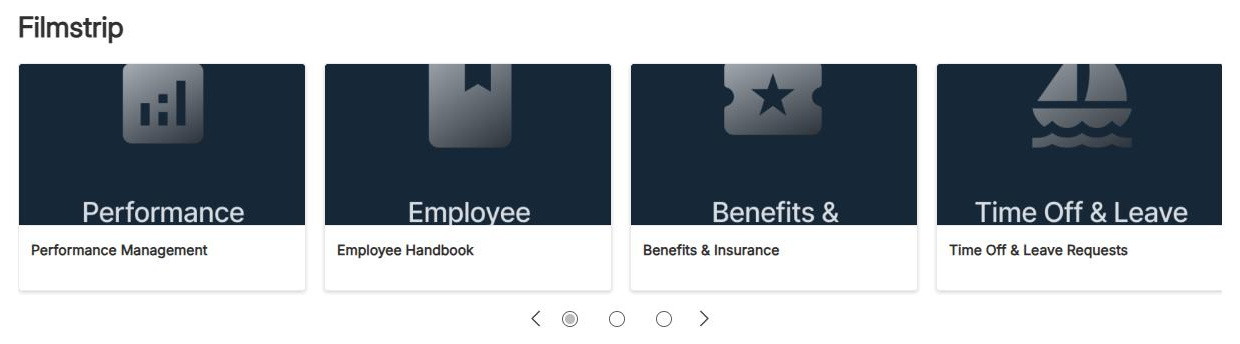
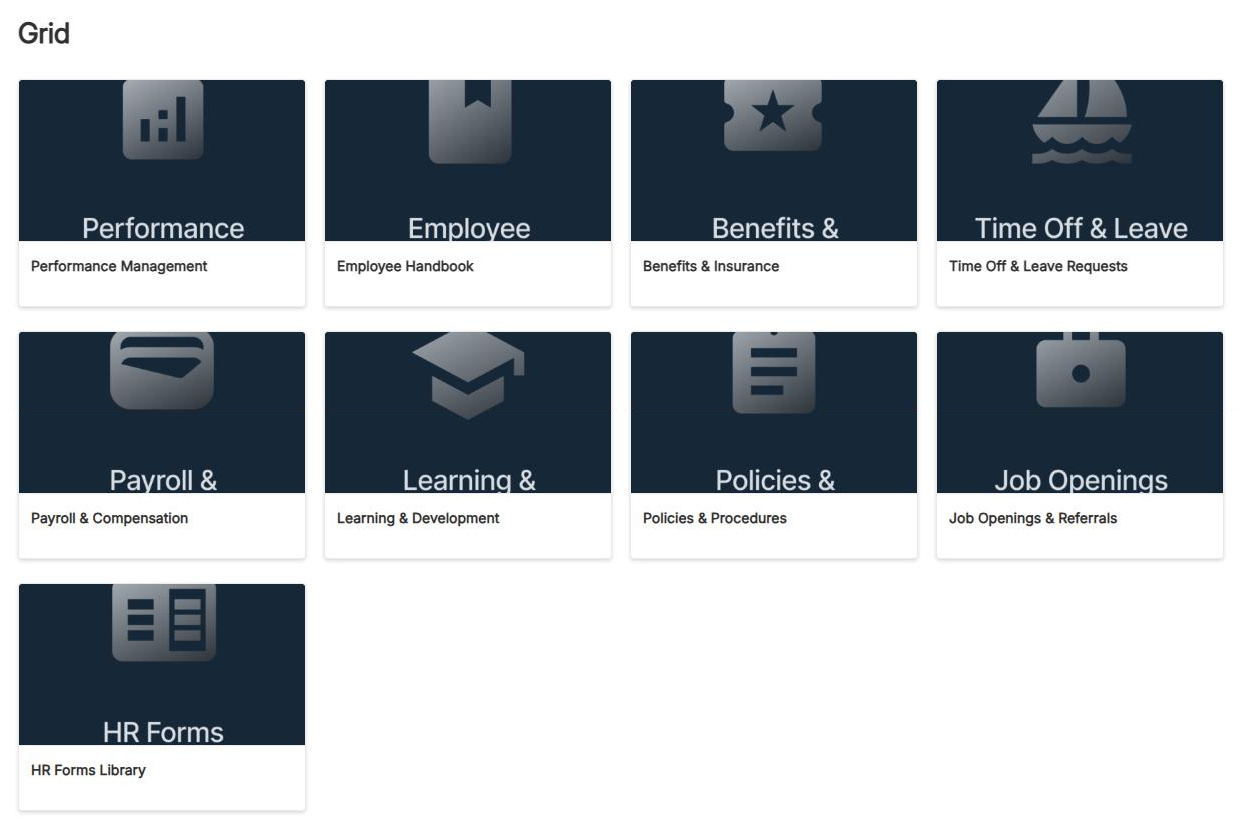
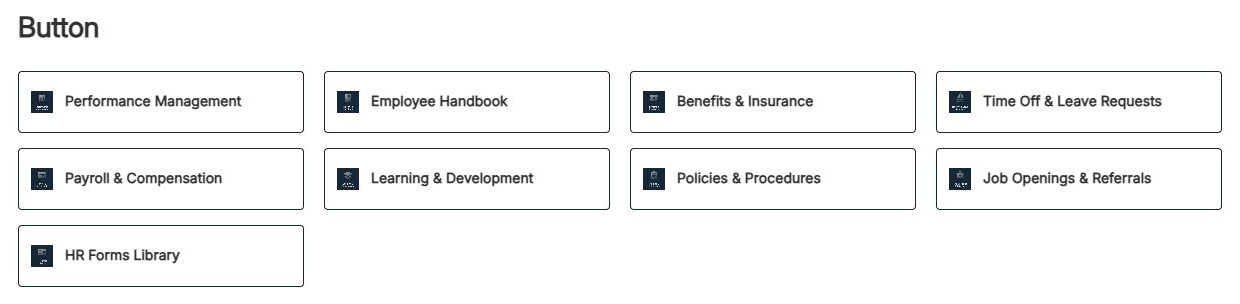
- Layout: one of six choices: Compact for long utility lists in tight spaces (icons at 48 x 48 px); Filmstrip for image-forward links in a horizontal carousel (212-286 px wide at 16:9); Grid for a responsive wall of image links; Button for a small set of prominent calls to action; List for text-heavy links that need context; and Tiles for the app-launcher look on most homepages.
- Layout options: show image, show descriptions, and icon and button size, varying by layout. Descriptions appear in the List and Button layouts only.
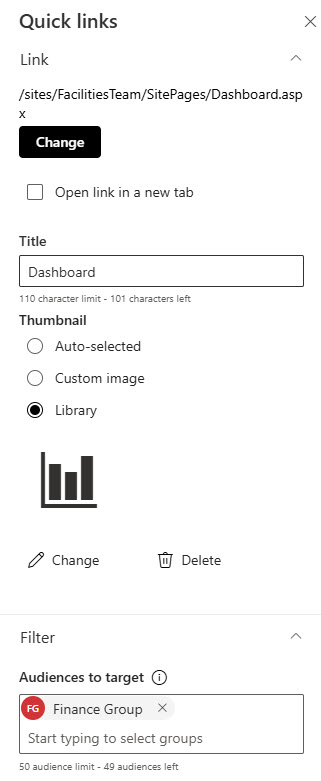
- Enable audience targeting: must be on before any per-link audiences work.
Per link:
- Display name and URL: link to pages, documents, folders, or any external address.
- Thumbnail: an auto-generated image, custom uploaded image, stock image, icon from the built-in library, or an approved image from your organization assets library.
- Alternative text: set it every time; it is what screen readers announce.
- Open in a new tab and audiences: a per-link new-tab toggle for external links, plus up to 10 target audiences per link.
Limits and Nuances
- Audience targeting hides links: it does not secure them. Always set permissions on the destination itself.
- Target groups, not people: Entra ID security groups and Microsoft 365 groups only.
- Targeting limits: 10 audiences per link, 50 per web part; new groups can take up to 24 hours to apply.
- Links are stored in the page, not in a list: to show the same links on multiple pages, add them to each page or use hub navigation instead.
- No automatic sorting: arrange links manually with drag and drop or Ctrl + Left/Right arrow keys. Filmstrip locks the order, so build and arrange your links in another layout first, then switch to Filmstrip.
- No documented limit on the number of links: but keep it to 8-12 per web part so people actually scan them.
- No per-link click analytics: page analytics show visits, not which link was clicked.
- No custom code required: the look comes from your layout choice, site theme, and fonts.
Quick Links vs. the Alternatives
- Quick Links vs. site navigation: navigation is persistent across every page of the site; Quick Links exist on one page. Use navigation for wayfinding, Quick Links for emphasis on key tools and resources.
- Quick Links vs. Hero: Hero showcases up to five large promotional items; Quick Links handles many small utility links. They work best together: Hero on top, Quick Links below.
- Quick Links vs. text links: links inside a Text web part are fine in prose, but they get no icons, no layouts, and no audience targeting.
- Quick Links vs. Highlighted Content: Highlighted Content populates itself dynamically by source, type, or search query; Quick Links is always a manually curated set. Curation is the point – it is the difference between a homepage and a search result.
Common Questions About the Quick Links Web Part
How many links can you add to the Quick Links web part?
Microsoft does not document a hard limit, so the practical answer is: more than you should use. A Quick Links web part works best with roughly 8 to 12 links. Past that, readers stop scanning and start ignoring. If you need more, split them into multiple Quick Links web parts with clear titles – Tools, HR Resources, Safety – the way the intranet examples on LookBook 365 do.
Does the Quick Links web part support audience targeting?
Yes. Turn on the Enable audience targeting toggle in the web part’s settings, then assign audiences to each link individually. Targeting supports Microsoft Entra ID security groups and Microsoft 365 groups – not individual users – with up to 10 audiences per link and up to 50 per web part. Newly created groups can take up to 24 hours to take effect.
Are quick links security trimmed?
No, and this surprises many site owners. Audience targeting only hides a link from view – it does not secure the destination. A user outside the target audience can still open the resource if they have permissions to it, and a user who can see the link still gets access denied if they lack permissions. Always set permissions on the content itself; use targeting purely to reduce clutter.
Can you customize how the Quick Links web part looks?
Yes, more than most people realize – without any custom code. You choose from six layouts, upload custom icons or images per link, show or hide descriptions, and the web part automatically inherits your site’s theme colors and custom fonts. Every Quick Links example on LookBook 365 gets its polished look from exactly these out-of-the-box settings – that is the only way Greg Zelfond builds.
Why can’t I reorder links in the Filmstrip layout?
It is a documented Microsoft limitation – Filmstrip is the one layout where drag-and-drop reordering is disabled. The practical workaround is to build and arrange your links in another layout first, using drag and drop or Ctrl + Left/Right arrow keys, and switch to Filmstrip once the order is final. Switching layouts preserves your links and their order.
What is the difference between Quick Links and site navigation?
Site navigation is persistent – it appears on every page of the site and handles wayfinding. Quick Links lives on a single page and handles emphasis: the tools and resources you want people to notice right now, with icons, layouts, and audience targeting that navigation menus do not offer. A well-designed intranet homepage uses both, which is exactly how the designs on LookBook 365 are built. Quick Links Example Grid Layout Quick Links Example Tiles Layout Quick Links Example Button Layout Quick Links Example Compact Layout Quick Links Web Part Settings Individual Link Settings