News Web Part

Benefits
- Keeps everyone informed by sharing updates, announcements, and key information in a central, visible location
- Increases engagement by promoting stories, news, or wins that highlight team efforts and achievements
- Supports communication strategies by aligning messaging with leadership updates, project milestones, or upcoming events
- Allows for scheduling and versioning of posts to align with business timelines and approval processes
- Offers customization options like images, headlines, and rich text formatting to create more visual and appealing content
- Enhances discoverability by using audience targeting, metadata, and categorization to surface relevant news to the right users
Settings
Web part level:
- News source: This site, Select sites, All sites in the hub (when the site belongs to a hub), or Recommended for current user.
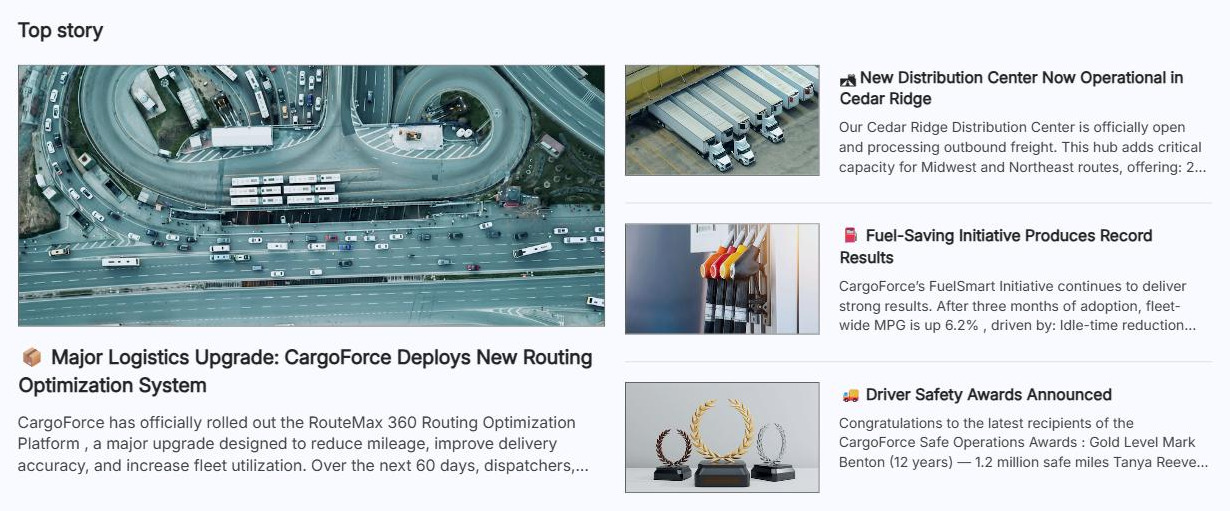
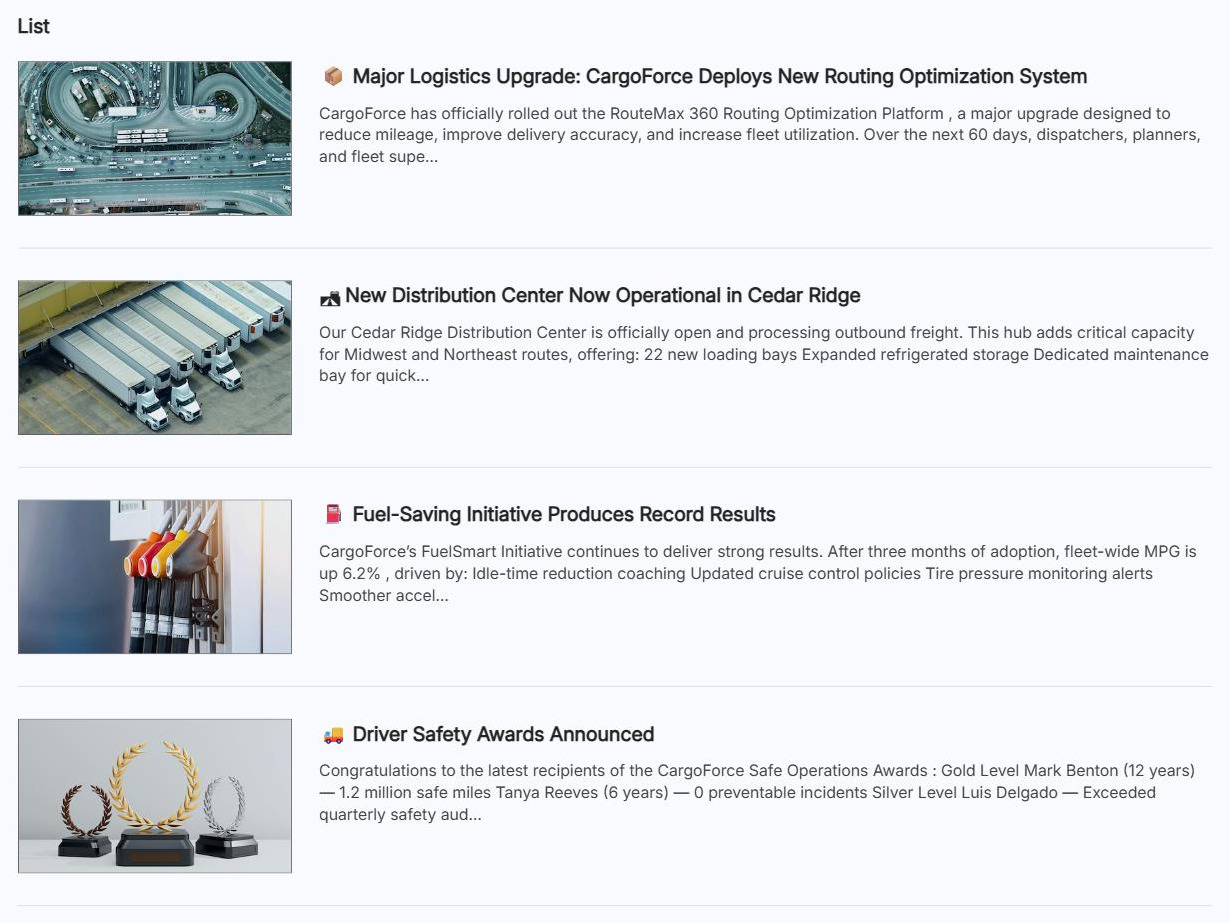
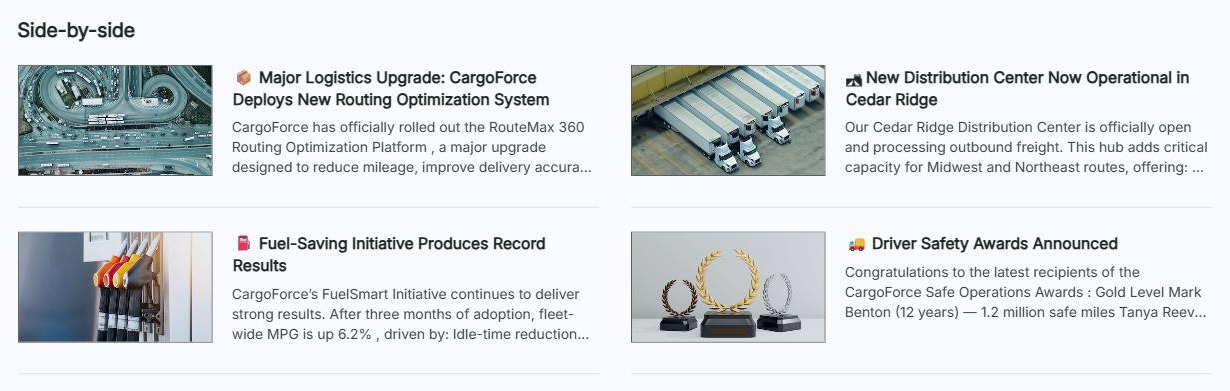
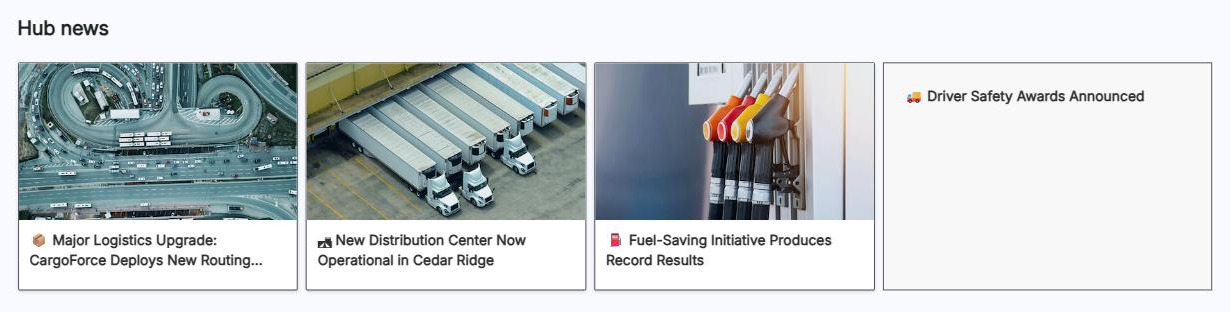
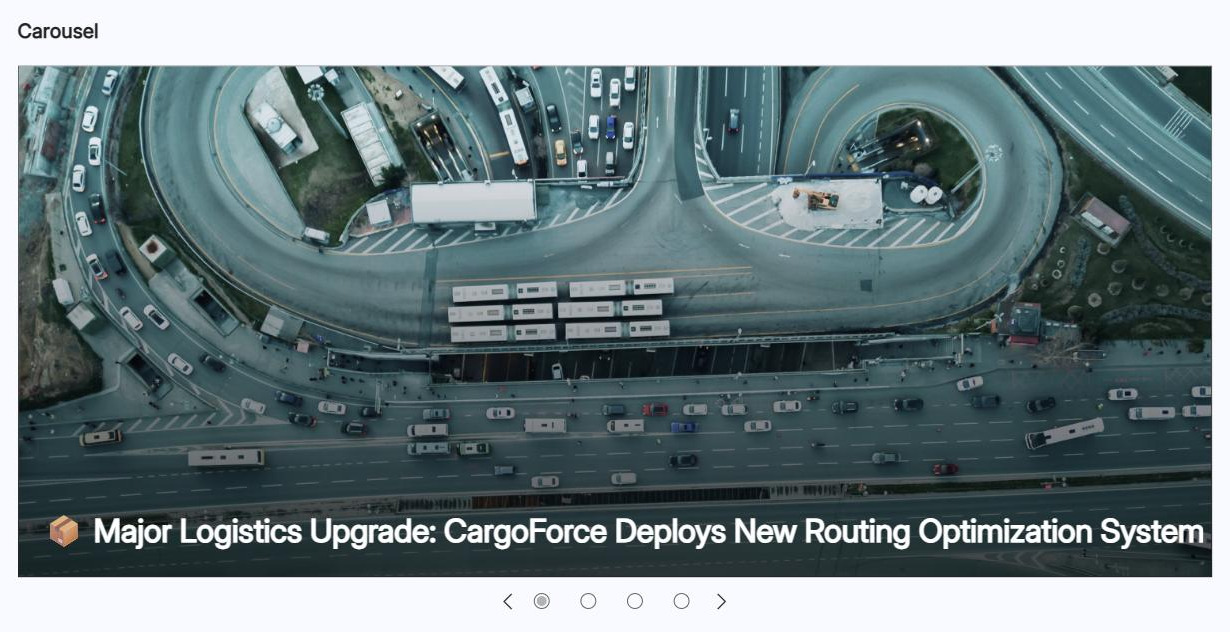
- Layout: choose from Top story (one large featured image plus three stories, the team-site default), Side-by-side (two-column list, the communication-site default), List (a single column, with an optional image-free compact view), Hub news (story columns plus a headline sidebar, the hub-site default), Carousel (one large rotating visual with back and next buttons that can cycle automatically), or Tiles (a grid of up to five posts).
- Number of news items to show: a slider available for the List, Carousel, and Tiles layouts.
- Show title and commands, hide when empty, compact view: show or hide the title and See all link, let the web part hide itself when there is nothing to show, and drop images for tight spaces or mobile.
- Organize: pin posts into numbered positions; unpinned positions stay Automatic and fill newest first.
- Filter and audience targeting: filter by title, recently added or changed, created or modified by, or page properties, and show each viewer only the posts targeted to their groups.
Per news post:
- Per-post options: set up to 50 audiences, customize the thumbnail and page header (also title and description for News link reposts), and schedule a post to publish at a future date and time.
Limits and Nuances
- Pinned posts bypass audience targeting and permissions: the title, description, and thumbnail of a pinned post are visible to every site user, so pin only content everyone can see.
- Posts display by initial publish date: editing a post later does not move it back to the top; use Organize to pin it instead.
- Audience targeting takes three steps and only hides content: enable it on the Site Pages library, set audiences on each post, and switch it on in the web part; miss one and everyone sees everything, and even when set it hides content rather than securing it – anyone with permissions and the link can still open the post.
- Filtering has one exception: it is not available when the source is Recommended for current user.
- The This site source can fail at 12 lookup columns: if the Site Pages library reaches 12 lookup columns and you see ‘Sorry, something went wrong’, switch the source to Select sites and pick the current site; news source selection is also limited in GCC High, DoD, and 21Vianet tenants.
- News posts are just pages: they live in the Pages library; manage, delete, or restore them there, and a page only appears once you select Post rather than Publish – drafts and regular pages never show.
- Organization news is opt-in: the colored block on the title only comes from sites a SharePoint admin has designated as official news sites.
- News can travel by email or repost external content: every post has a send by email option and several can be bundled into a news digest, and a News link reposts an external page with its own title, thumbnail, and description.
News vs. the Alternatives
- News vs. Hero: News refreshes itself as posts are published; Hero is manually curated. Use Hero for evergreen destinations and News for fresh stories.
- News vs. Highlighted Content: Highlighted Content rolls up any documents or pages by criteria; News is purpose-built for posts, with pinning, targeting, and email.
- News vs. Text: typing an announcement into a Text web part gives it no date, author, rollup, or email option; publish it as a news post instead.
- News vs. Viva Engage: News is top-down communication from the site; Viva Engage is two-way community conversation. Strong intranets use both.
Common Questions About the News Web Part
What is the News web part in SharePoint?
It is the web part that turns a SharePoint page into a living news feed. Authors publish news posts – announcements, updates, stories – and the web part automatically displays them, newest first, in your choice of six layouts. It is the engine behind the news section on almost every intranet homepage, including the homepage designs on LookBook 365 that Greg Zelfond builds entirely out-of-the-box.
Which sites can the News web part pull posts from?
Four sources are available: This site (posts from the current site), Select sites (posts from specific sites you choose), All sites in the hub (when your site belongs to a hub), and Recommended for current user (posts picked based on the people and sites each person works with). That last option personalizes the feed per viewer, but filtering options are not available with it.
How do I control the order of news posts?
By default, posts appear newest first based on their initial publish date – editing a post later does not move it back to the top. To override the order, use the Organize option in the web part to pin posts into numbered positions. Any position you do not pin stays Automatic and keeps filling with the latest posts by date.
Can I show different news to different people?
Yes, through audience targeting. Enable it on the Site Pages library, assign up to 50 audiences to each post, then switch on audience targeting in the web part – all three steps are required. One caution: targeting hides content, it does not secure it. And pinned posts bypass targeting entirely – their title and thumbnail are visible to every site visitor.
Why is my news post not showing in the News web part?
The usual culprits: the post is still a draft (a news post needs the Post button, not Publish – pages and posts are different), the web part’s news source does not include the site where the post lives, or viewers do not have permission to that site. If the source is This site and you see an error, switch to Select sites and choose the current site.
Can I email a news post to people?
Yes. Every news post has a Send by email option that delivers a link, thumbnail preview, and description with an optional message. Recipients must already have permission to view the page – emailing does not grant access. SharePoint can also send news digests, bundling several posts into one email, which works well for a weekly company update. News Web Part (Side-by-Side Layout) News Web Part (List Layout) News Web Part (Hub News Layout) News Web Part Settings