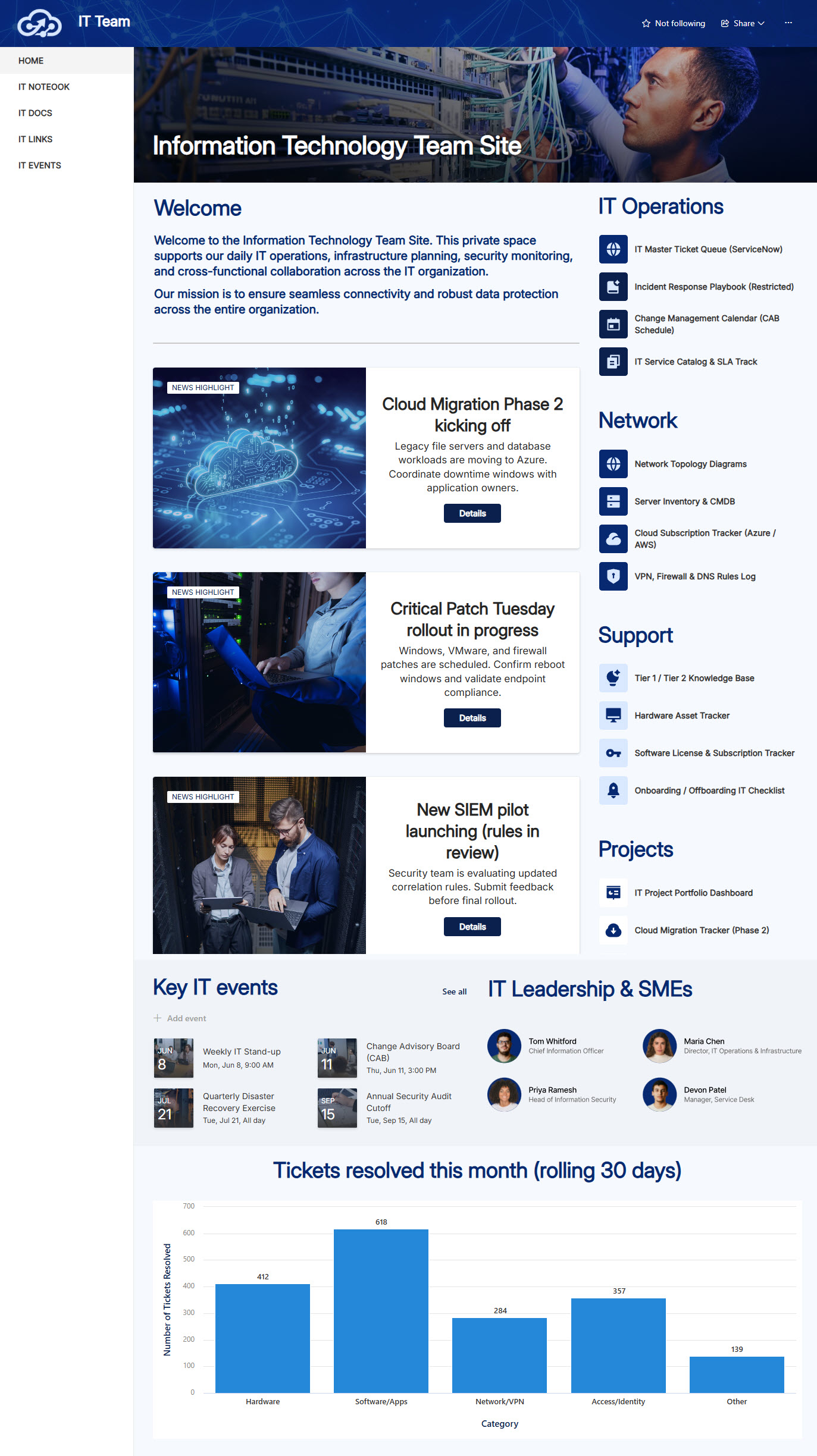
Information Technology (Private Team Site)


Overview
- Restricted IT team site designed exclusively for IT personnel and secure internal collaboration
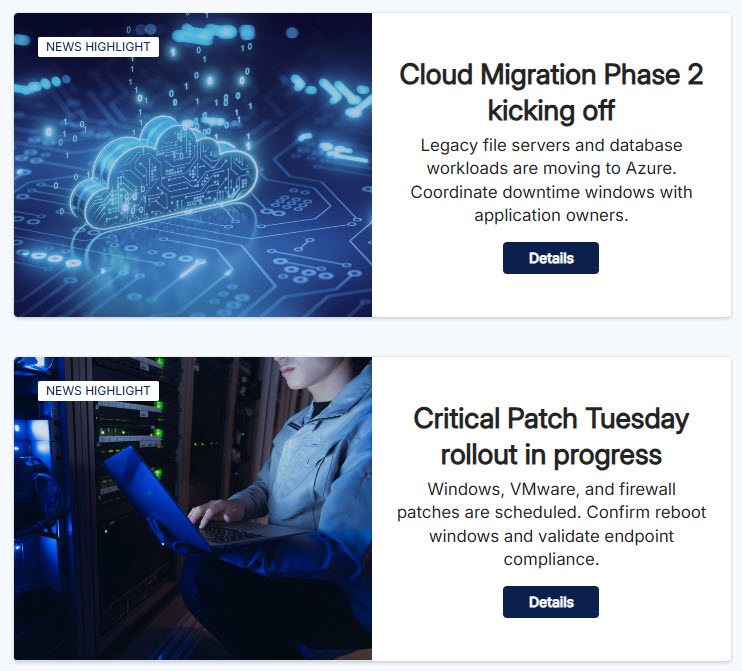
- News section delivering system updates, infrastructure announcements, and project status changes
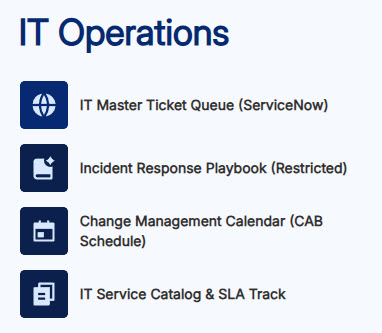
- Centralized links to IT resources, admin portals, ticketing systems, and frequently used internal tools
- Document library structured for technical documentation, runbooks, policies, and version-controlled file management
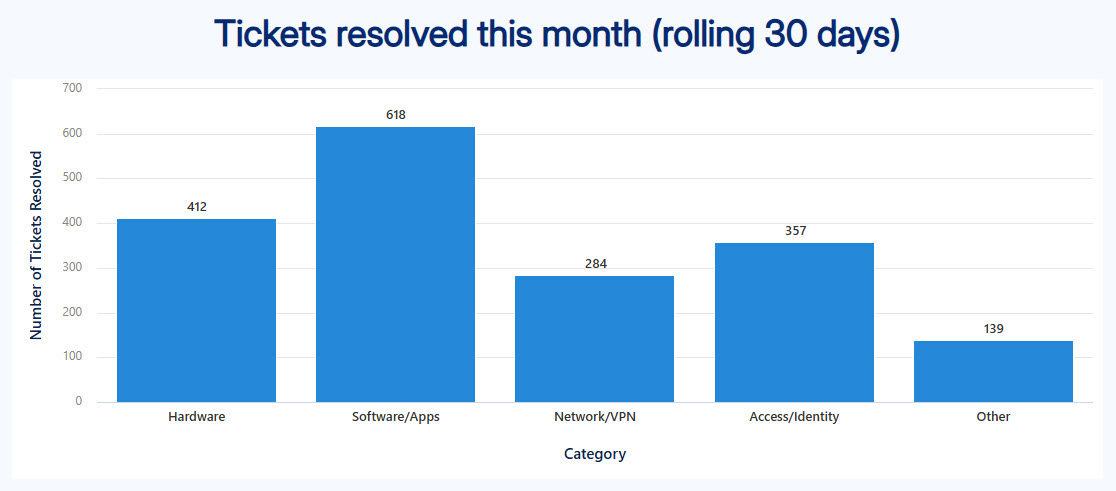
- Dashboard powered by the Chart Web Part, visualizing key IT metrics and operational data at a glance
- Access controls limiting visibility to authorized IT team members only
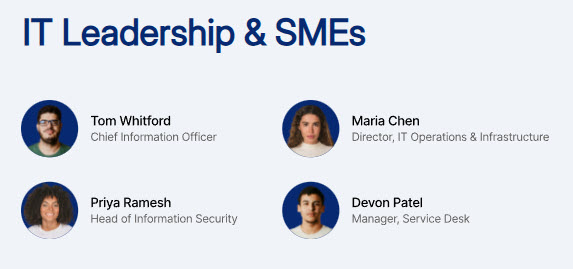
- Team members section: showcases IT staff, roles, and contact details for easy team visibility
Benefits
- Provides IT staff with a secure, dedicated workspace separate from general employee-facing portals
- Improves team coordination through shared visibility into news, documents, and live performance data
- Reduces email clutter by centralizing technical references, links, and announcements in one place
- Drives data-informed decisions with charts and metrics surfaced via the Chart Web Part
- Strengthens collaboration through co-authoring and a well-organized technical document library
- Scales effortlessly as IT projects, infrastructure, and team responsibilities grow
Common Questions About This IT Team Site
What is this IT team site built with?
The site is built entirely with standard SharePoint web parts – Banner, Divider, Document Library, Editorial, Events, People, Quick Chart, Quick Links, and Text – combined with a custom theme and custom fonts. There is no custom code and no third-party tools anywhere on the site. This is the kind of clean, maintainable team site Greg Zelfond builds for IT departments, who appreciate that more than anyone.
What’s included on the IT team site?
The site features a news section for system updates and infrastructure announcements, centralized links to admin portals, ticketing systems, and frequently used tools, a document library structured for runbooks, technical documentation, and policies, a dashboard powered by the Chart Web Part that visualizes key IT metrics, and a team section with staff roles and contact details. Access is restricted, so everything stays visible to authorized IT team members only.
Does this design use any custom code or third-party tools?
No. Everything you see is built with out-of-the-box SharePoint – no custom code, no third-party add-ons. That matters because out-of-the-box sites are stable, secure, and easy to maintain, and nothing breaks when Microsoft rolls out updates. Out-of-the-box is the only way Greg Zelfond builds, which keeps the site dependable for years without ongoing developer costs.
Can this design be customized for our IT team?
Absolutely. The colors, fonts, logo, and section layout are all tailored to your organization’s brand. Greg adapts the quick links to the admin portals, ticketing system, and monitoring tools your team actually uses, points the dashboard at the metrics that matter to your operation, and structures the document library around your runbooks, policies, and technical documentation.
What is the difference between this team site and an IT department landing page?
A department landing page serves the whole organization – it is where employees go for the help desk, how-to guides, and IT announcements. This team site is the opposite: a restricted workspace just for the IT team itself, where staff collaborate on runbooks, metrics, and internal updates away from the employee-facing intranet. Many organizations Greg works with end up with both, each serving a different audience.
Can Greg build this IT team site for our organization?
Yes – this is exactly the kind of work Greg Zelfond does. As an independent SharePoint consultant and Microsoft MVP, he designs and builds out-of-the-box team sites like this one for IT teams, tailored to your brand, your tools, and the way your team works. Reach out through the contact page to get the conversation started.