Finance (Department)


Overview
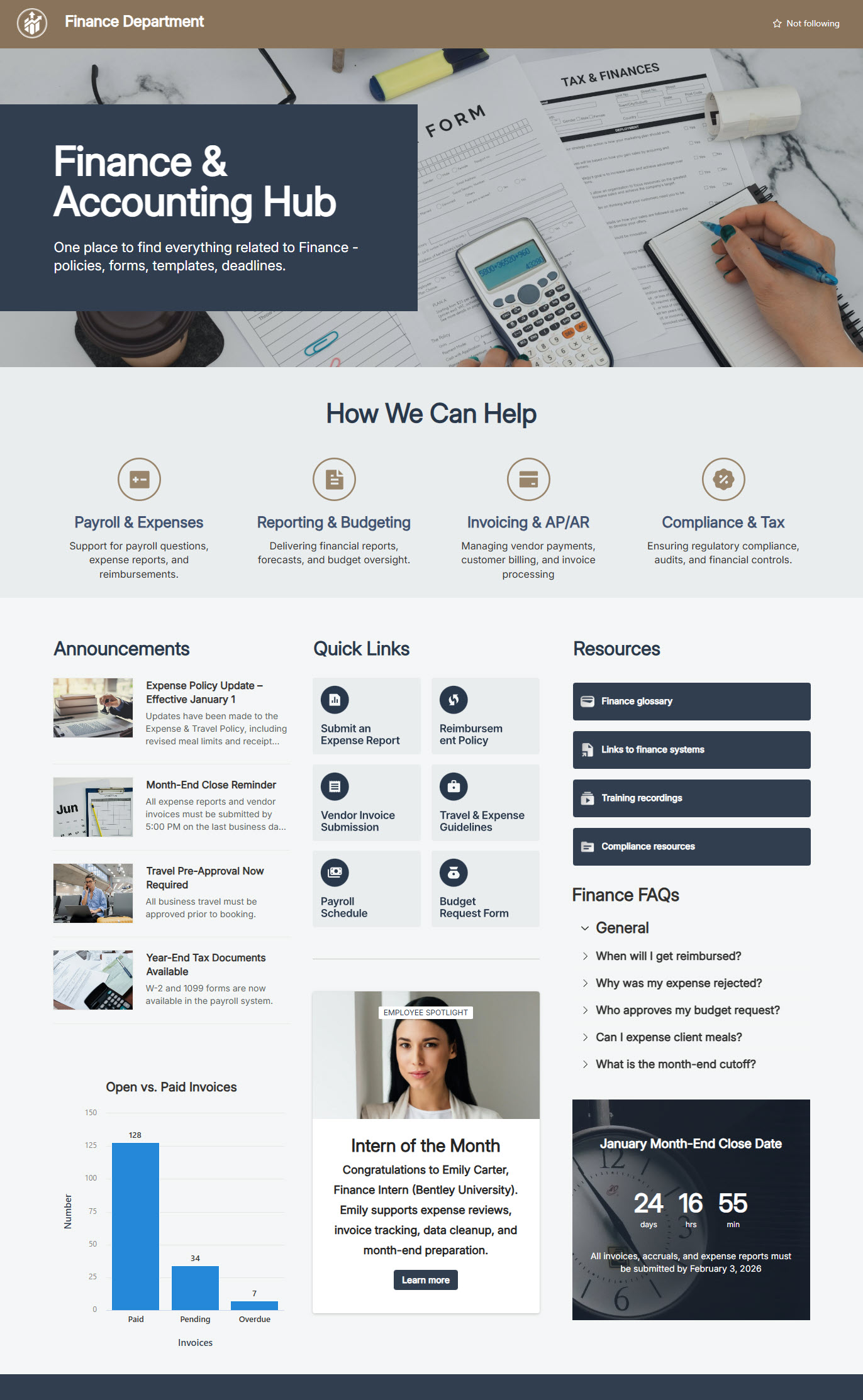
- Central Finance landing page designed for the entire organization
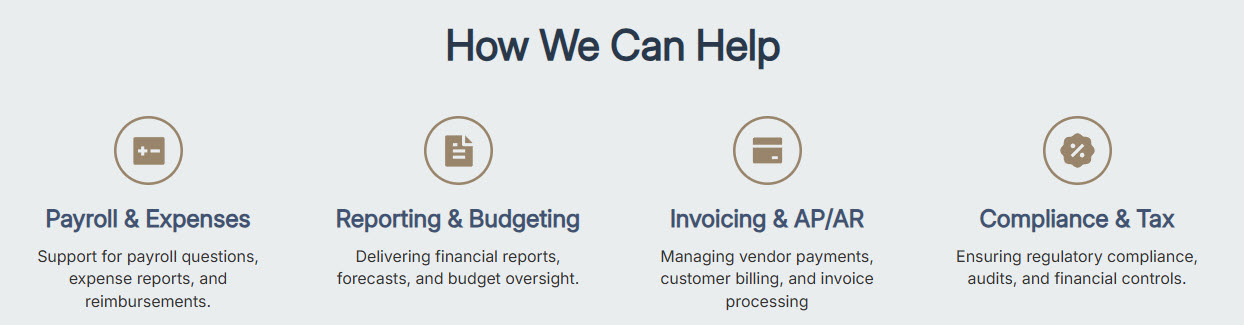
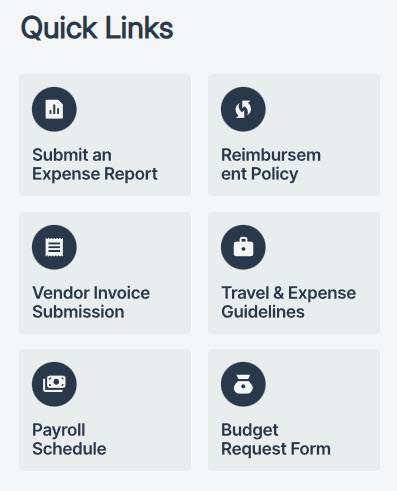
- Clear navigation to financial tools, policies, and self-service resources
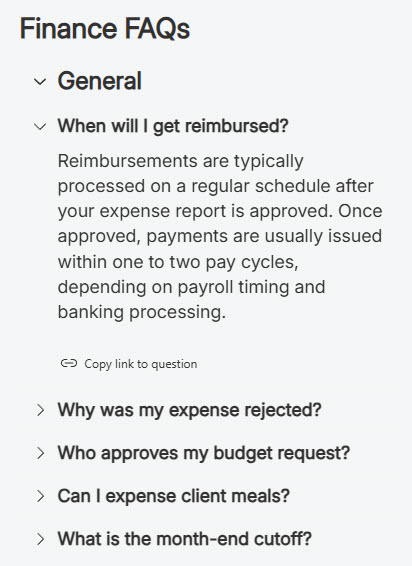
- Built-in FAQs section to answer common employee finance questions
- Employee Spotlight area highlighting Finance team members and roles
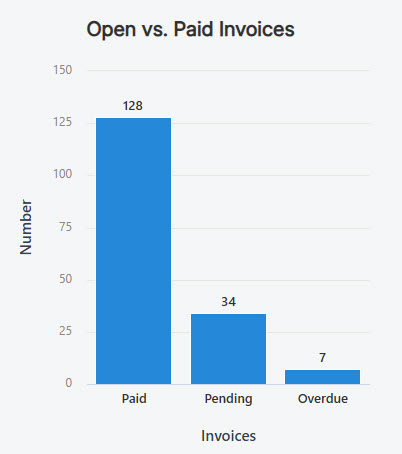
- Embedded charts and visuals for quick financial insights and status updates
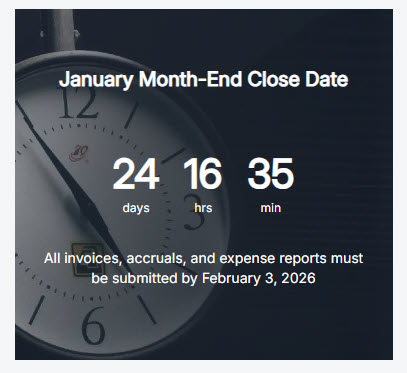
- Countdown timer for key deadlines such as month-end and expense submissions
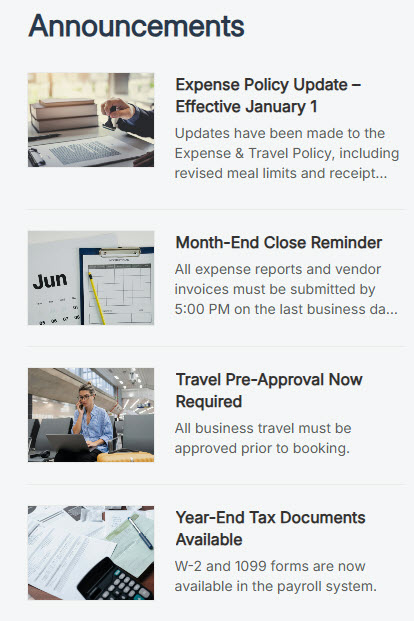
- Finance news feed: department announcements and updates employees can scan at a glance
Benefits
- Faster answers: visible FAQs and guidance handle common employee finance questions on the spot
- Fewer missed deadlines: countdown timers keep month-end and expense submission dates impossible to overlook
- Trust and transparency: embedded charts share financial insights and status updates with the whole organization
- Fewer support requests: clear, self-service information answers questions before they reach the Finance inbox
- Better engagement: an intuitive, easy-to-navigate homepage with an Employee Spotlight puts a face on Finance
Common Questions About This Finance Department Site
What is this Finance Department site built with?
The site is built entirely with standard SharePoint web parts – FAQ, Quick Chart, Countdown Timer, News, Quick Links, Events, Editorial, Image, and Text – arranged in flexible sections, with a custom theme, custom fonts, and audience targeting. There is no custom code and there are no third-party tools, which makes it the kind of clean, maintainable department site Greg Zelfond builds for Finance teams.
What’s included on the Finance Department site?
The homepage is a central Finance landing page for the whole organization, with clear navigation to financial tools, policies, and self-service resources. Built-in FAQs answer common employee finance questions, embedded charts share quick financial insights and status updates, and a countdown timer tracks deadlines like month-end and expense submissions. A news feed and an Employee Spotlight highlighting Finance team members complete the page.
Does this design use any custom code or third-party tools?
No. Every element on this site is out-of-the-box SharePoint – standard web parts, a custom theme, and custom fonts. That matters because out-of-the-box sites are stable, secure, and easy to maintain, and nothing breaks when Microsoft rolls out updates. Out-of-the-box is the only way Greg builds, so what you see here can run in any Microsoft 365 environment without added cost or risk.
Can this design be customized for our Finance department?
Absolutely. The colors, fonts, imagery, and section layout are tailored to your brand, and the content is shaped around your finance calendar and processes. Greg adapts the FAQs, quick links, charts, and countdown timers to your actual deadlines and systems – expense submissions, month-end close, budgeting cycles – so employees see your numbers and your dates, not placeholder content.
Will this site work on mobile devices?
Yes. SharePoint sites are responsive by design, so this layout adapts automatically to phones and tablets through the browser or the SharePoint mobile app. That helps a Finance audience in practice – employees can check a deadline, scan a chart, or look up an expense FAQ from anywhere, not just at their desks. No extra configuration is needed to make it work.
Can Greg build this department site for our organization?
Yes – this is exactly the kind of work Greg Zelfond does. As an independent SharePoint consultant and Microsoft MVP, he designs and builds out-of-the-box department sites like this Finance hub for organizations of every size. He handles the structure, branding, and content layout, and leaves you with a site your own team can maintain. Reach out through the contact page to get started.