Procurement & Purchasing (Department)


Overview
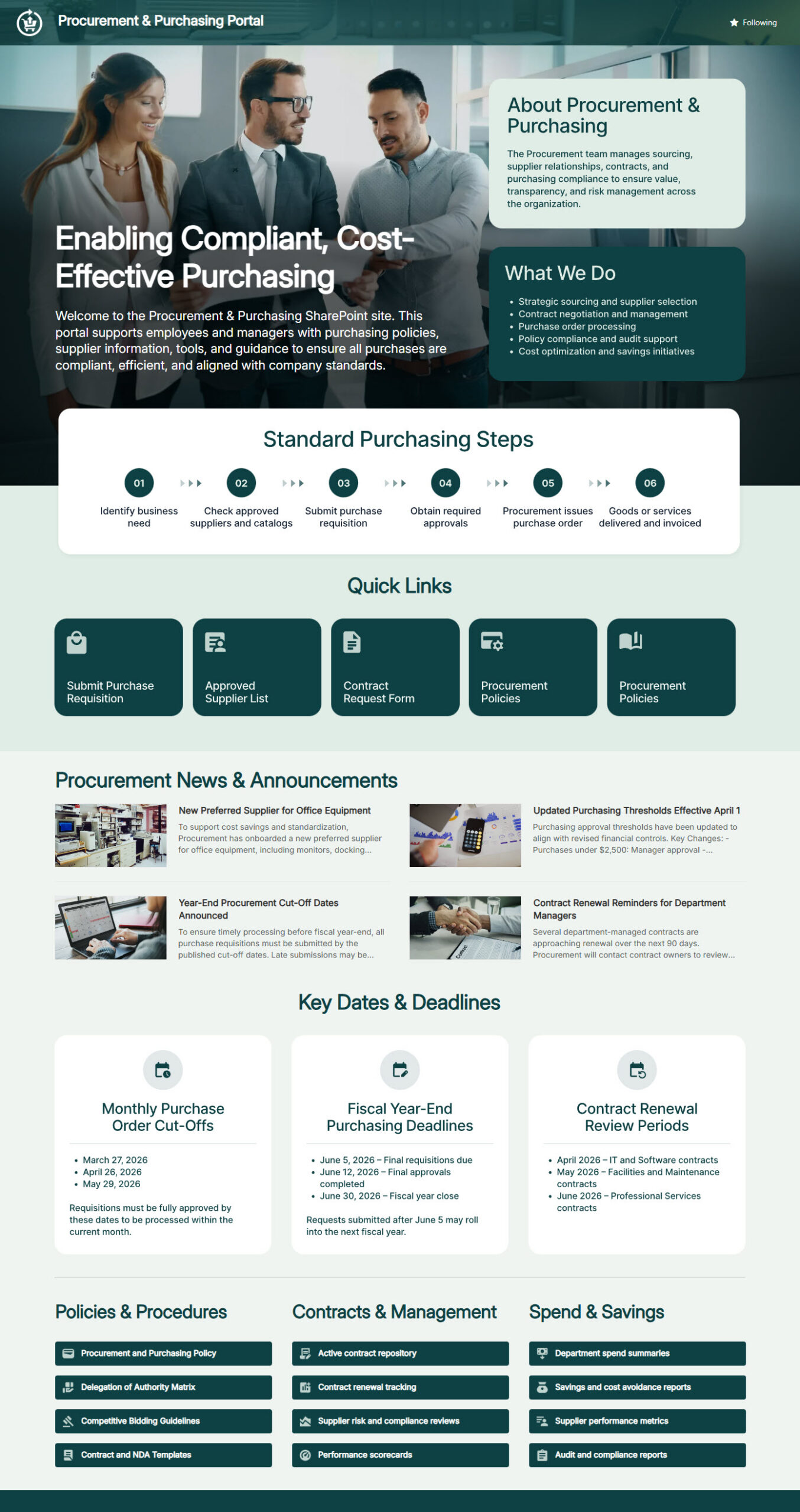
- Employee-facing SharePoint portal designed for Procurement and Purchasing operations
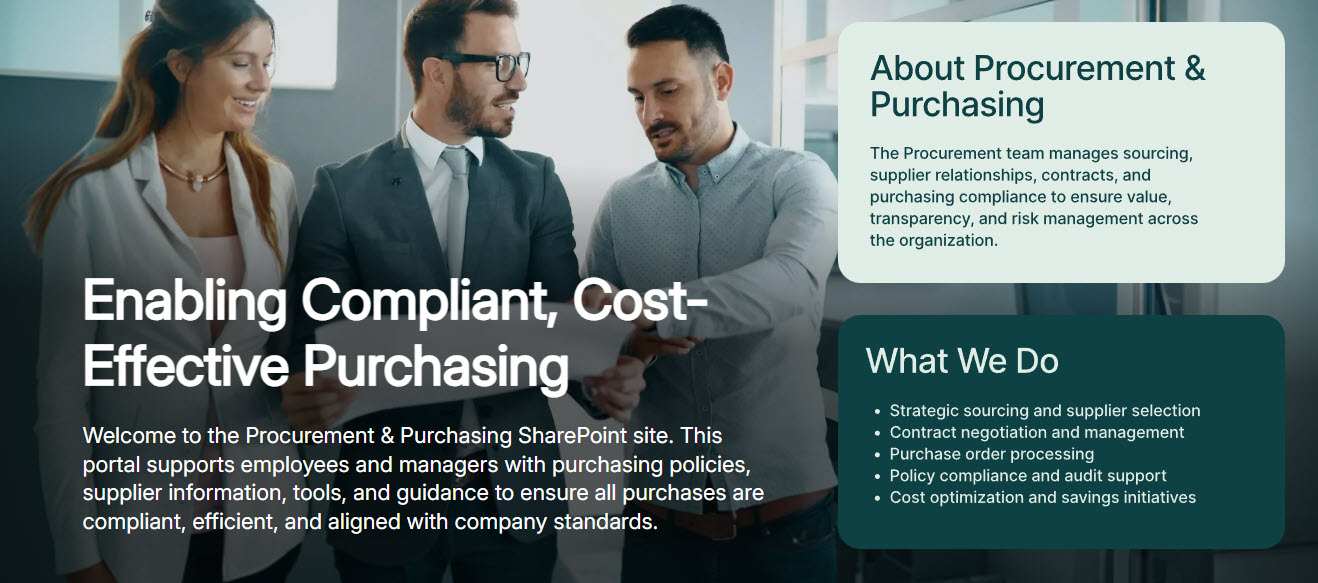
- Detailed department description outlining purpose, responsibilities, and service scope
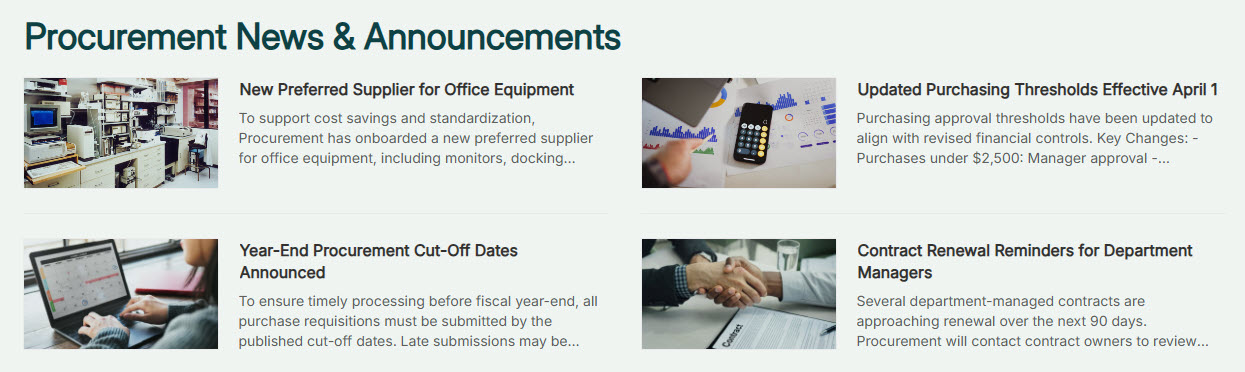
- News section highlighting purchasing updates, policy changes, and announcements
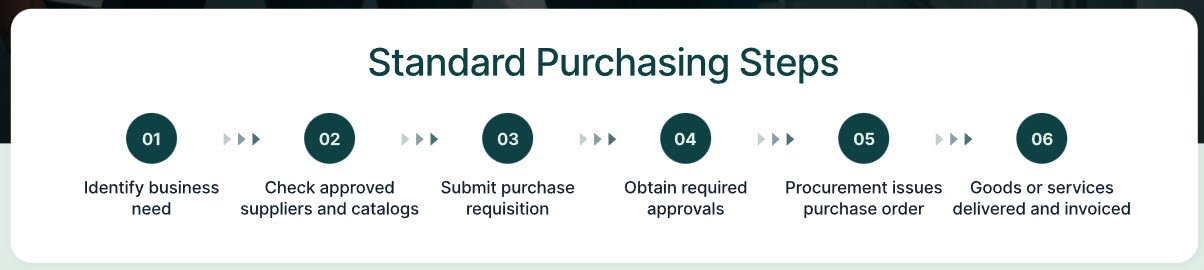
- Step-by-step guide for procuring products and services via a Purchase Order (PO)
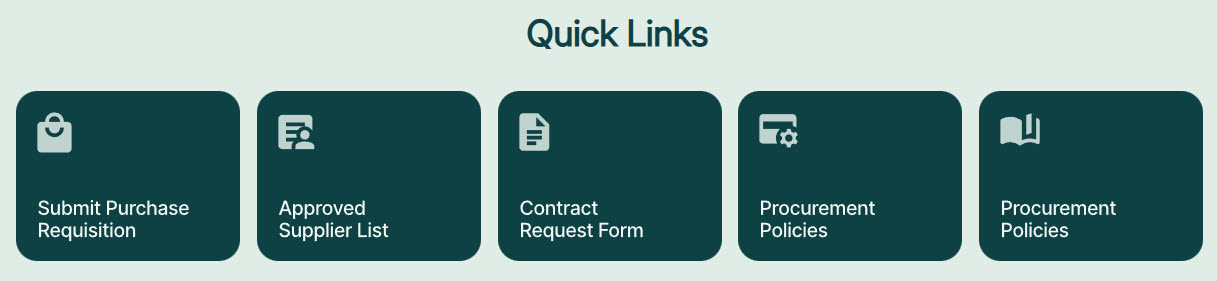
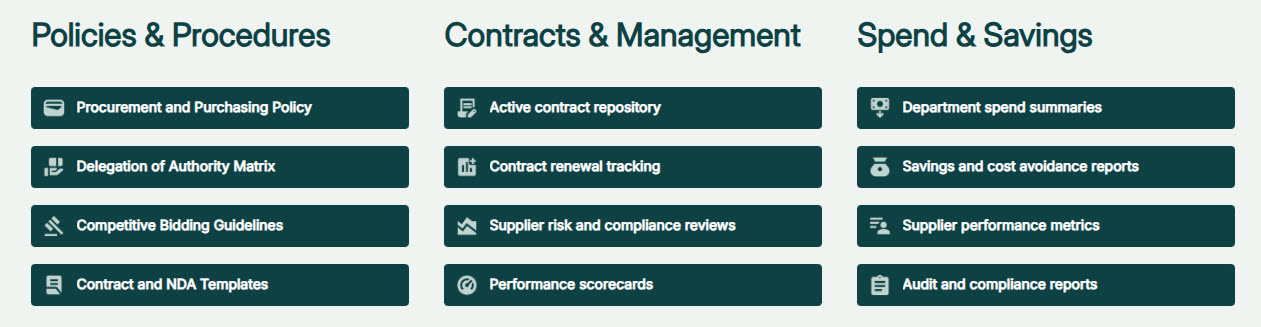
- Centralized links to required forms, policies, templates, and supplier performance metrics
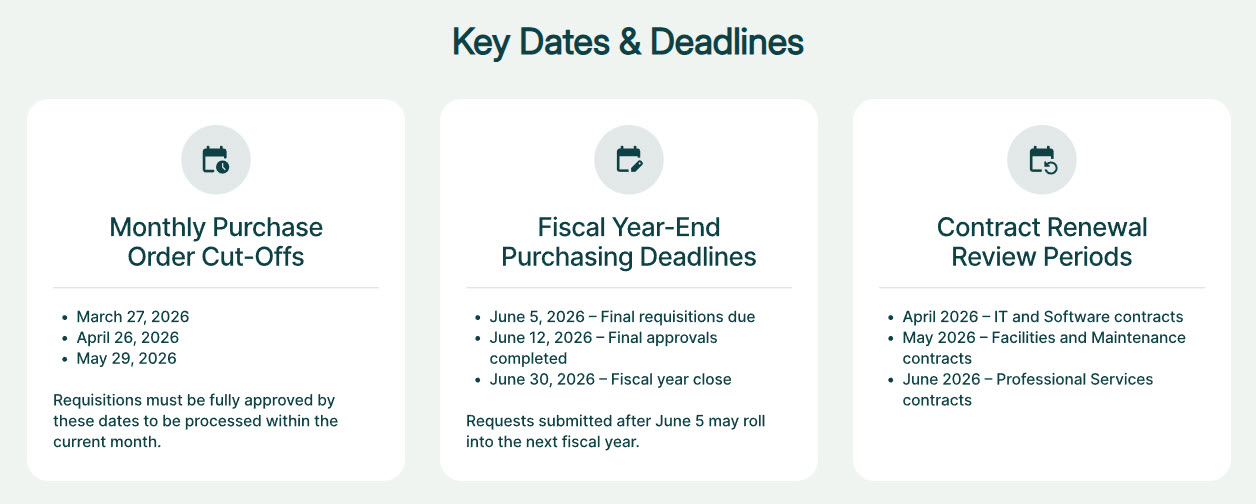
- Key dates section featuring monthly purchase cut-off deadlines and fiscal year milestones
Benefits
- Simpler purchasing: clear, structured PO instructions walk employees through every step
- Fewer delays: forms, templates, and policies are easy to find, so requests move faster
- Stronger compliance: transparent guidelines and documented procedures keep purchases by the book
- Better planning: visible cut-off and fiscal year deadlines keep budgets on schedule
- Vendor accountability: supplier performance metrics are accessible to everyone who needs them
- One reliable source: all procurement news, policies, and updates live in a single place
Common Questions About This Procurement & Purchasing Site
What is this Procurement & Purchasing site built with?
The site uses standard SharePoint web parts – Image, News, Quick Links, and Text – combined with a custom theme and custom fonts for the professional look. There is no custom code and there are no third-party tools anywhere on the page. It is the kind of clean, maintainable employee-facing portal Greg Zelfond builds for procurement and purchasing teams.
What’s included on the Procurement & Purchasing site?
The homepage opens with a department description and mission statement, then walks employees through the purchasing process with step-by-step purchase order instructions. A News section covers purchasing updates and policy changes, a Key Dates section lists monthly cut-off deadlines and fiscal year milestones, and quick links connect to required forms, policies, templates, and supplier performance metrics.
Does this design use any custom code or third-party tools?
No. Everything on this site is built with standard SharePoint capabilities included in Microsoft 365. That keeps it stable, secure, and easy to maintain – nothing breaks when Microsoft rolls out updates, and there are no extra licenses to manage. Out-of-the-box is the only way Greg builds, because it gives procurement teams a portal they can rely on every day.
Can this design be customized for our procurement department?
Absolutely. The purchase order steps, forms, policies, key dates, and supplier metrics all get tailored to your actual procurement process and fiscal calendar. Greg adapts the layout to the approval steps, thresholds, and systems your organization already uses, and applies your branding – so employees see their company’s real purchasing process, not a generic template.
Will this site work on mobile devices?
Yes. SharePoint sites are responsive by design, so this site adjusts automatically to phones and tablets without any extra setup. That helps everyone involved in purchasing – an employee can review the PO steps, check a monthly cut-off date, or open a required form from wherever they are, not just from a desk.
Can Greg build this procurement site for our organization?
Yes – this is exactly the kind of work Greg Zelfond does. As an independent SharePoint consultant and Microsoft MVP, he designs and builds out-of-the-box department sites like this one for organizations of all sizes. He handles the structure, design, and rollout, and tailors everything to your procurement team’s process and policies. Reach out through the contact page to start the conversation.