Facilities (Department)


Overview
- Hero section featuring a concise Facilities department description
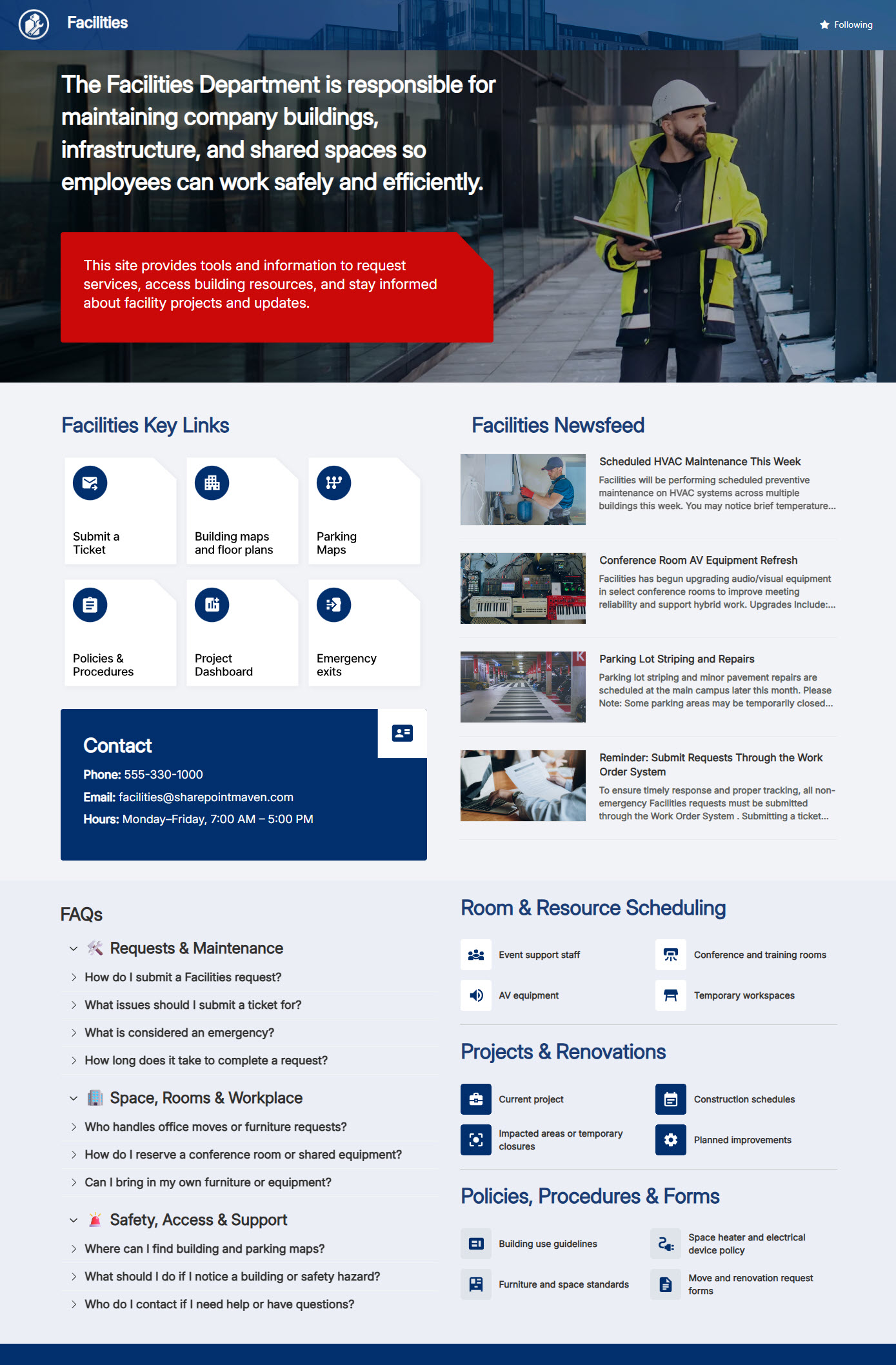
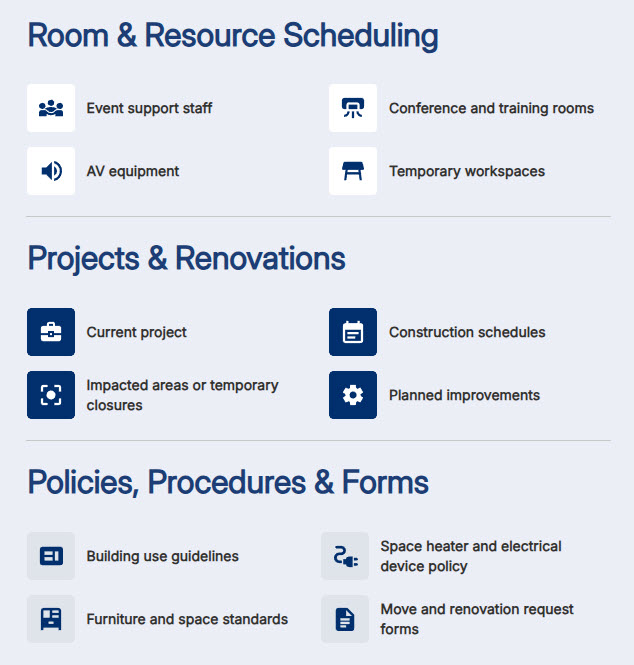
- Quick Links for instant access to requests, tools, and resources
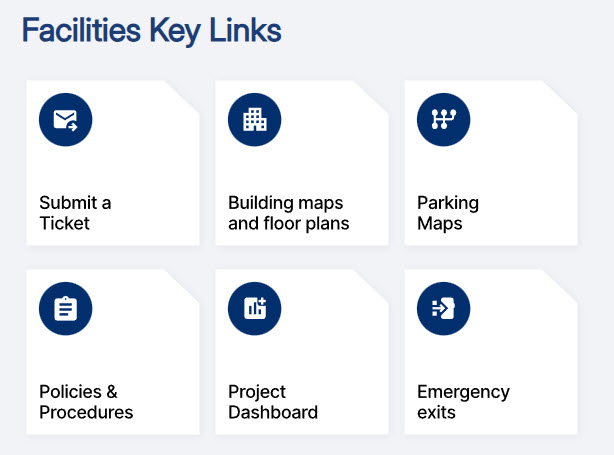
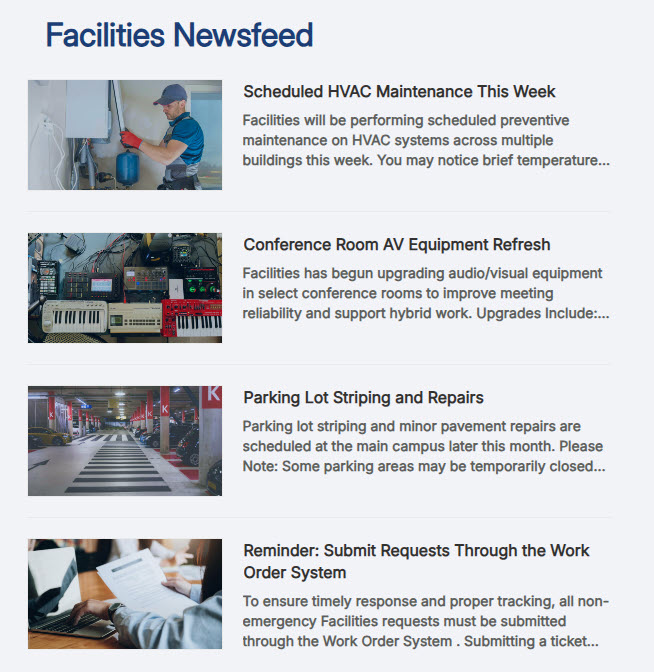
- News feed showcasing announcements and operational updates
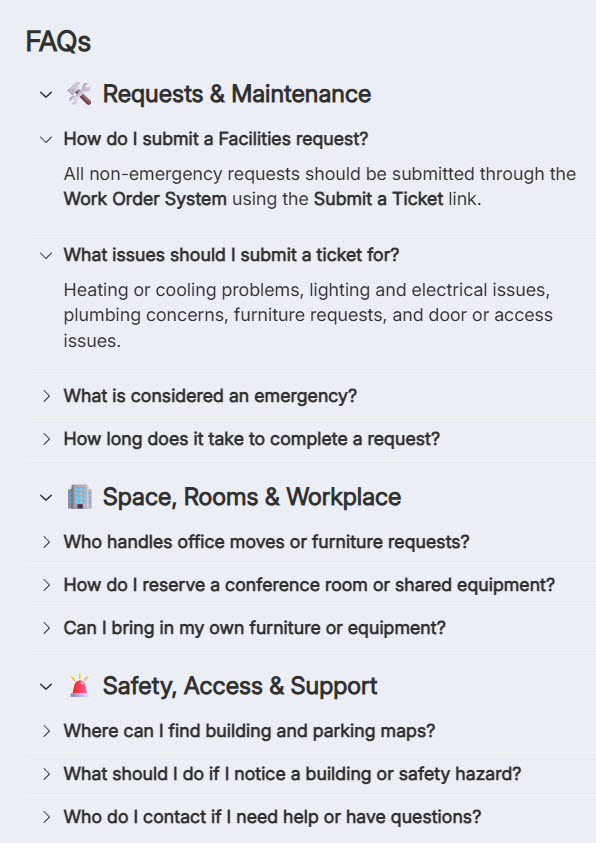
- FAQ section addressing common Facilities inquiries
- Contact area with clear ownership and communication paths
- Clean, structured layout optimized for SharePoint usability
Benefits
- Faster access to Facilities services: quick links put requests, tools, and resources one click away
- Employees stay informed: a visible news feed surfaces announcements and operational updates as they happen
- Fewer repetitive inquiries: self-serve FAQs answer the common questions before they reach the Facilities inbox
- A clear department presence: a polished hub with visible ownership and contact paths strengthens engagement with Facilities
- Intuitive navigation: a clean, structured layout helps employees find what they need without hunting
- Easy to evolve: sections can be added or rearranged as Facilities needs change, no rebuild required
Common Questions About This Facilities Department Site
What is this Facilities Department site built with?
The site is built entirely with standard SharePoint web parts – Quick Links, News, FAQ, Image, and Text – arranged in flexible sections, with a custom theme and custom fonts for the department’s look. There is no custom code and there are no third-party tools, which makes it the kind of clean, maintainable department site Greg Zelfond builds for Facilities teams.
What’s included on the Facilities Department site?
The homepage opens with a hero section describing the department, followed by quick links to requests, tools, and resources. A news feed carries announcements and operational updates, a FAQ section answers the most common Facilities questions, and a contact area makes ownership and communication paths clear. Everything sits in a clean, structured layout designed so employees can get help in seconds.
Does this design use any custom code or third-party tools?
No. Every element on this site is out-of-the-box SharePoint – standard web parts, a custom theme, and custom fonts. That matters because out-of-the-box sites are stable, secure, and easy to maintain, and nothing breaks when Microsoft rolls out updates. Out-of-the-box is the only way Greg builds, so what you see here can run in any Microsoft 365 environment without added cost or risk.
Can this design be customized for our Facilities team?
Absolutely. The colors, fonts, imagery, and section layout are all tailored to your organization’s brand, and the quick links, FAQs, and contact details are built around how your Facilities team actually works. Greg adapts the layout to your real services – work orders, maintenance requests, office moves, or whatever your team supports – so the site reflects your operation, not a generic template.
Will this site work on mobile devices?
Yes. SharePoint sites are responsive by design, so this layout adapts automatically to phones and tablets through the browser or the SharePoint mobile app. That is especially useful for a Facilities audience – employees can submit a request or check an announcement from anywhere in the building, not just from their desks. No extra configuration is needed to make it work.
Can Greg build this department site for our organization?
Yes – this is exactly the kind of work Greg Zelfond does. As an independent SharePoint consultant and Microsoft MVP, he designs and builds out-of-the-box department sites like this Facilities hub for organizations of every size. He handles the structure, branding, and content layout, and leaves you with a site your own team can maintain. Reach out through the contact page to get started.