Employee Benefits (Department)


Overview
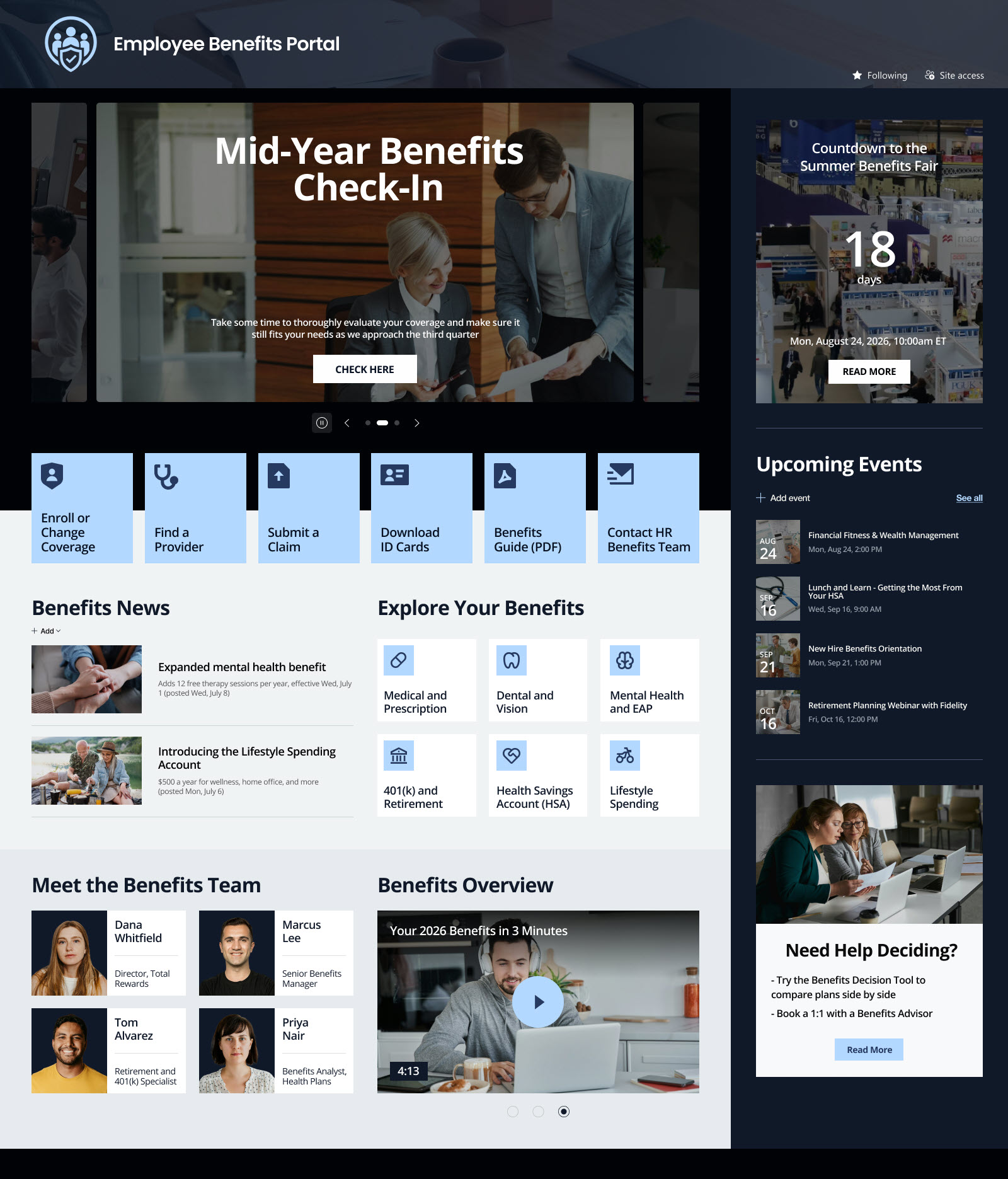
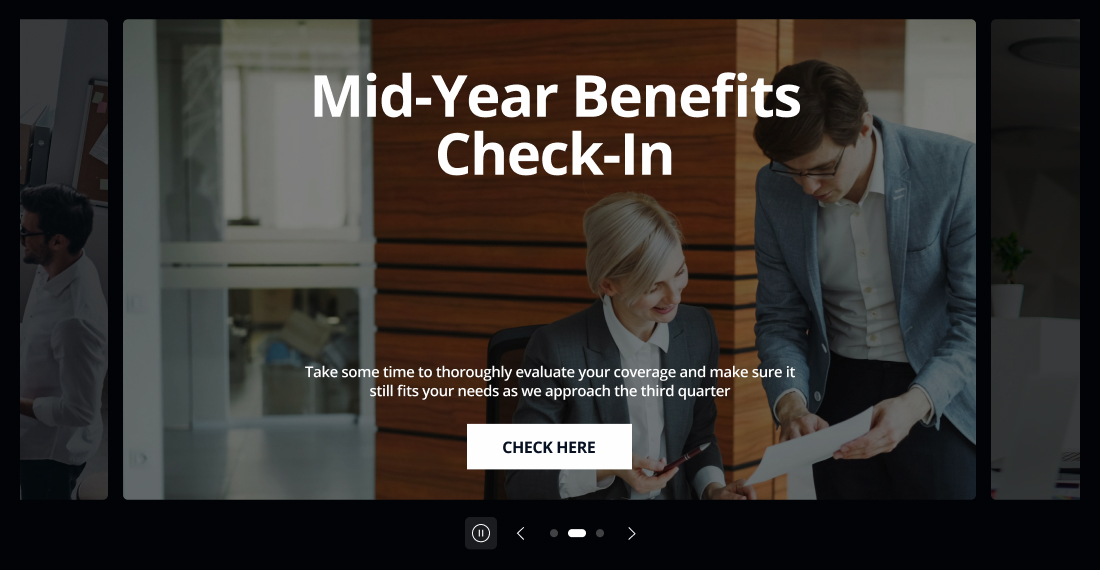
- Rotating hero carousel that surfaces the most important benefits updates and calls to action.
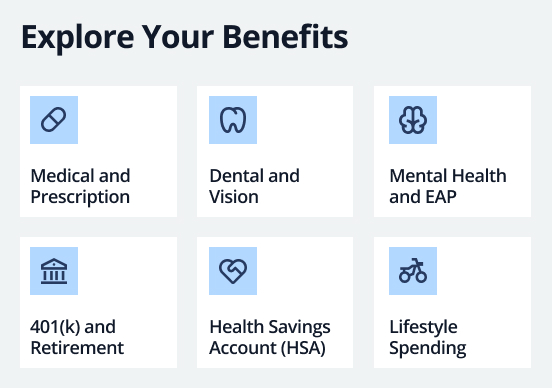
- Quick links to key resources such as plan documents, enrollment forms, and provider portals, gathered in one place.
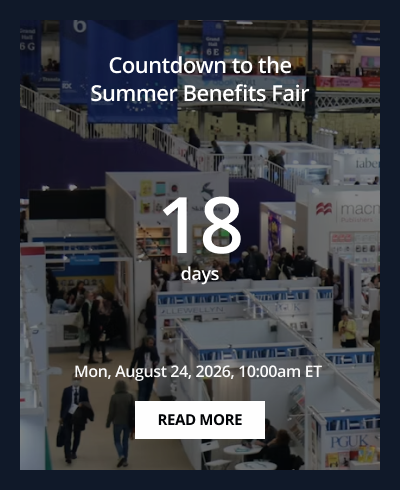
- Countdown timer that keeps open enrollment and other benefits deadlines front and center.
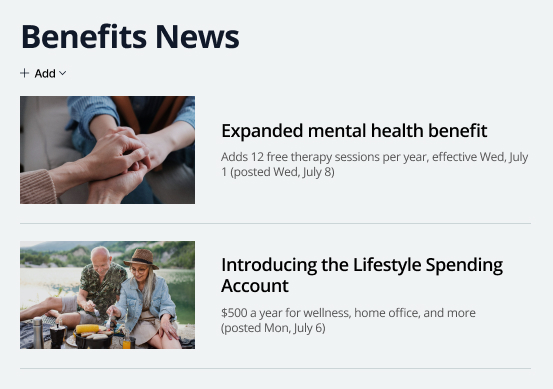
- News section for benefits announcements, plan changes, and timely reminders.
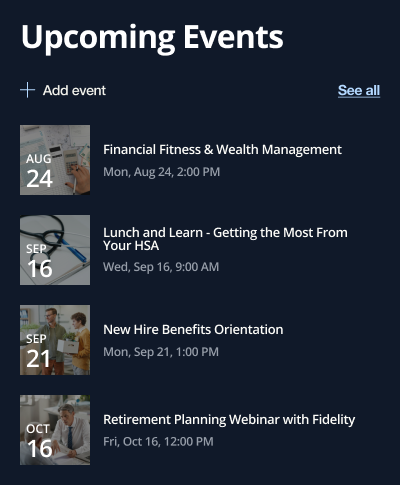
- Events calendar for enrollment sessions, wellness webinars, and benefits fairs.
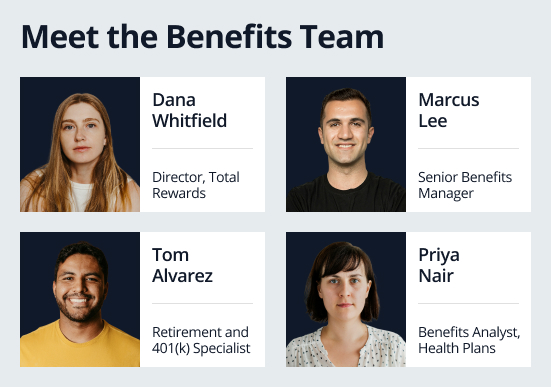
- Meet-the-team area introducing the HR and benefits contacts employees can reach.
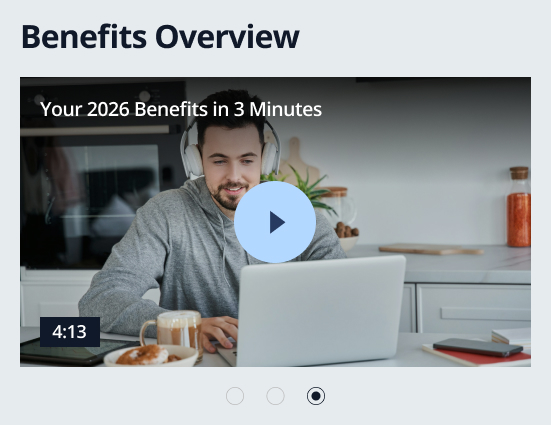
- Video section for benefits explainers, onboarding clips, and welcome messages.
Benefits
- One place for answers: employees get a single trusted hub for benefits information, cutting down repetitive questions to HR.
- Fewer missed deadlines: time-sensitive dates like open enrollment stay front and center, so fewer people miss them.
- Less confusion: consistent, up-to-date information reduces costly enrollment mistakes.
- More time for HR: self-service resources free the team to focus on higher-value work.
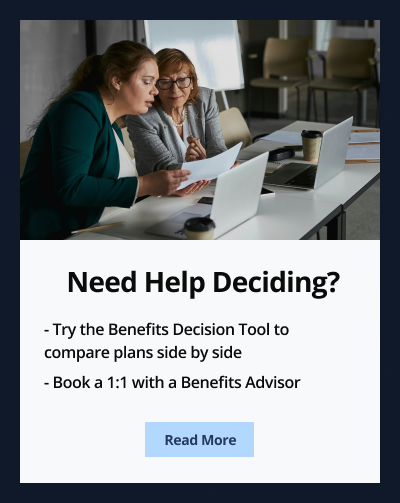
- Approachable, not bureaucratic: a friendly layout with photos and video makes benefits feel human.
- Stable and low-maintenance: built entirely out-of-the-box, so the portal stays reliable and easy to maintain over time.
Common Questions About This Employee Benefits Portal
What is this Employee Benefits Portal built with?
It is built entirely with standard SharePoint web parts – a Hero carousel, Editorial, Countdown Timer, News, Events, and Video – finished with a custom theme and custom fonts. There is no custom code and no third-party tools involved. It is the kind of clean, maintainable SharePoint portal Greg Zelfond builds for HR and benefits teams.
What’s included on the Employee Benefits Portal?
The portal opens with a rotating hero carousel highlighting key updates and calls to action, followed by quick links to important resources. It includes a countdown timer for enrollment deadlines, a news section for announcements, an events calendar for sessions and webinars, a meet-the-team area for HR contacts, and a video section for benefits explainers and welcome messages.
Does this design use any custom code or third-party tools?
No. The Employee Benefits Portal is built entirely with out-of-the-box SharePoint web parts and standard theming. That keeps it stable, secure, and easy to maintain, and nothing breaks when Microsoft rolls out updates. Any SharePoint administrator can manage it. Out-of-the-box is the only way Greg builds, because it gives organizations a portal they can rely on for years.
Can this design be customized for our organization?
Absolutely. The colors, fonts, logo, hero images, resource links, and section content are all tailored to your organization and benefits program. Greg adapts the layout to the plans you offer, the enrollment calendar you follow, and the HR contacts your employees reach, so the portal reflects your benefits, your branding, and your people.
What is the difference between this benefits portal and an HR department site?
An HR department site is a broad home base for everything the HR team owns, such as policies, onboarding, time off, and internal news. This Employee Benefits Portal is more focused: a dedicated hub built specifically around benefits, enrollment, and the resources employees need to make benefits decisions. Many organizations run both, with the portal linked from the wider HR site.
Can Greg build this Employee Benefits Portal for our organization?
Yes – this is exactly the kind of work Greg Zelfond does. As an independent SharePoint consultant and Microsoft MVP, he designs and builds out-of-the-box portals like this one, tailored to your benefits program and branding. Whether you are launching open enrollment or refreshing your HR hub, he can build a portal your employees actually use. Reach out through the contact page.