Legal (Private Team Site)


Overview
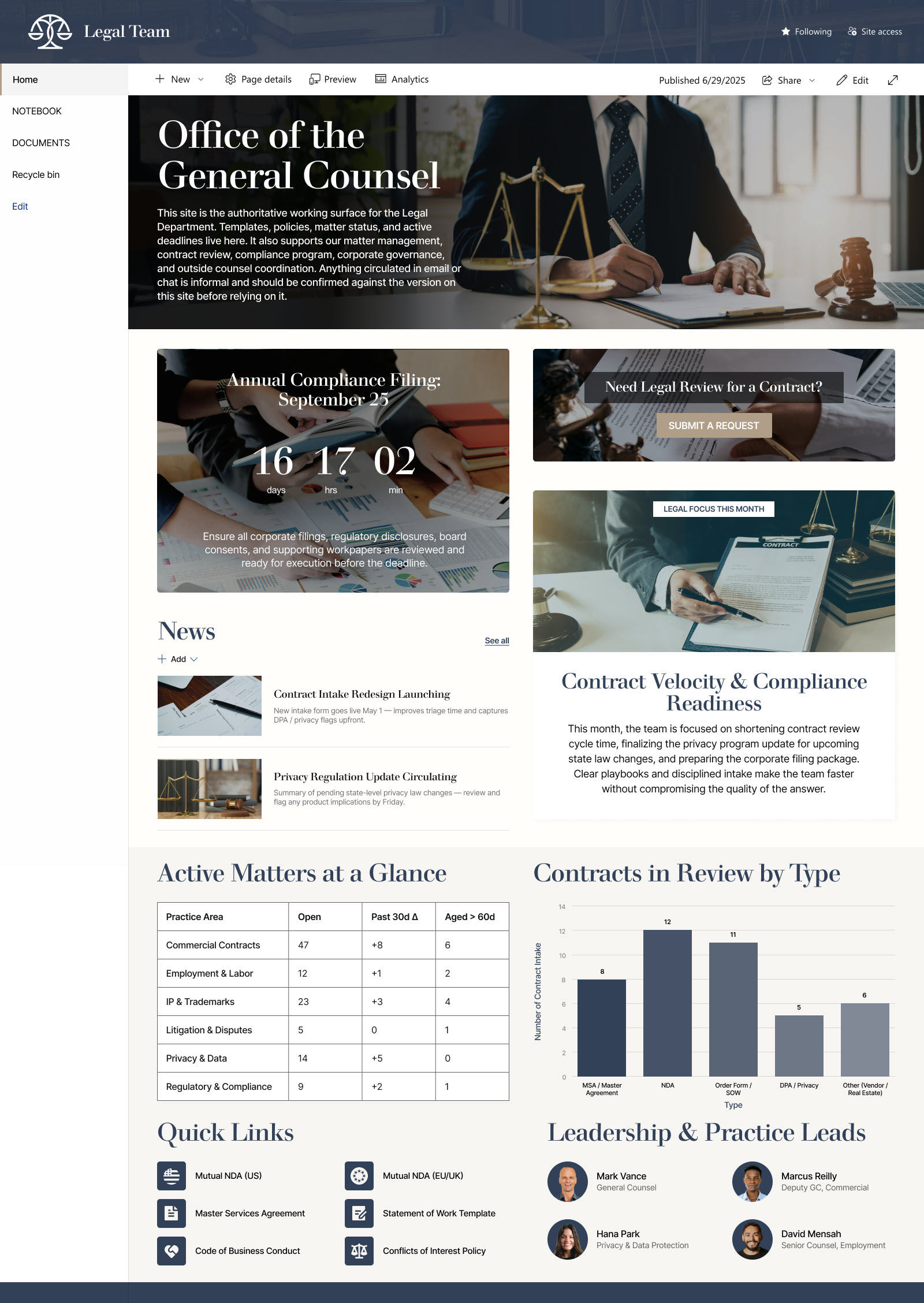
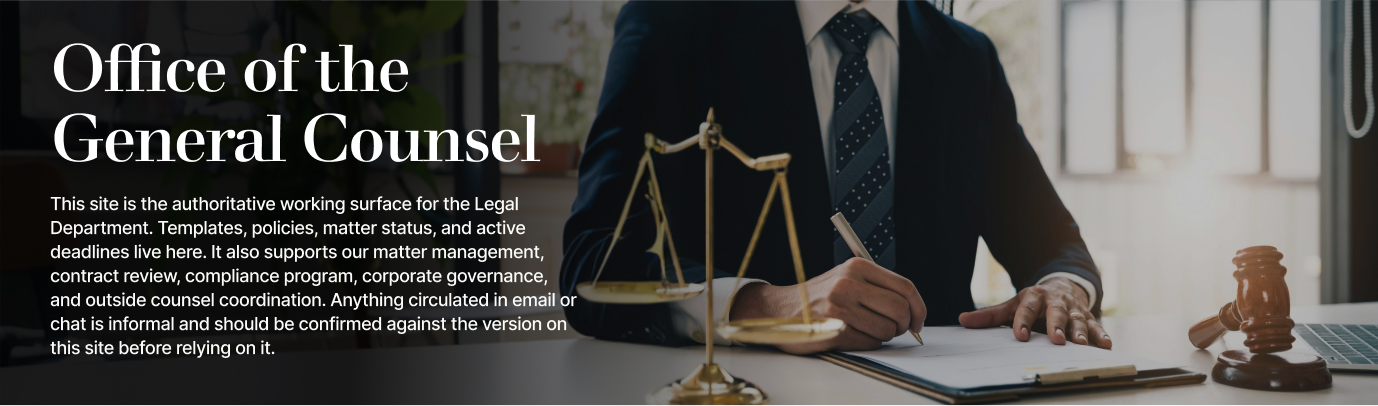
- Welcome message that orients the team and explains how to use the site
- Countdown Timer counting down to a key legal deadline, such as a filing or compliance cutoff
- Call to Action button that points the team to the most important task, like submitting a legal intake or matter request
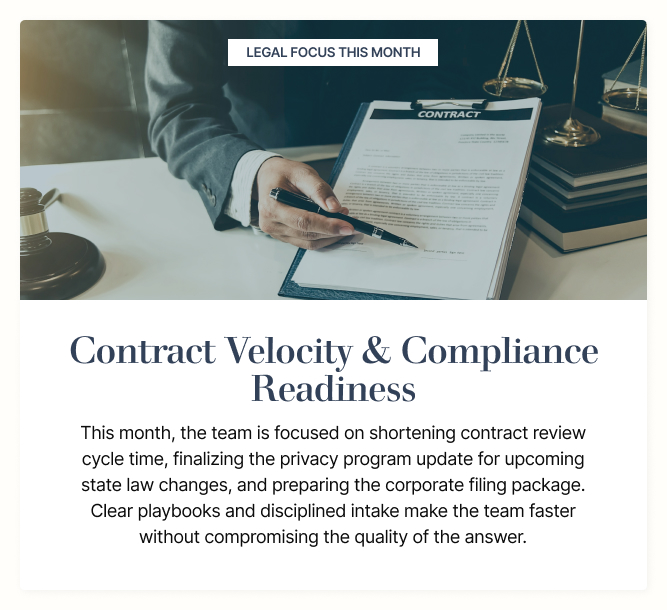
- Editorial section highlighting the legal focus or priority for the month
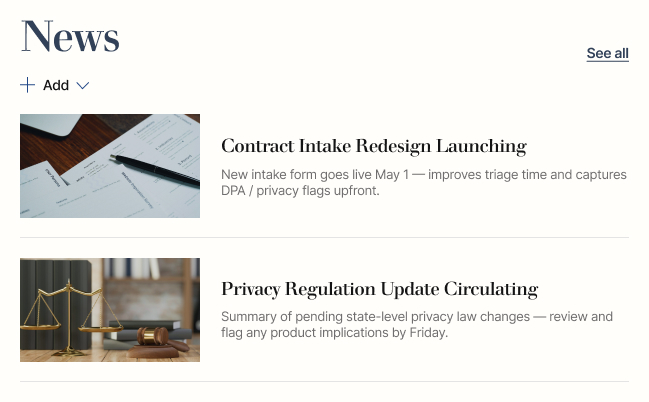
- News web part sharing matter updates, regulatory changes, and team announcements
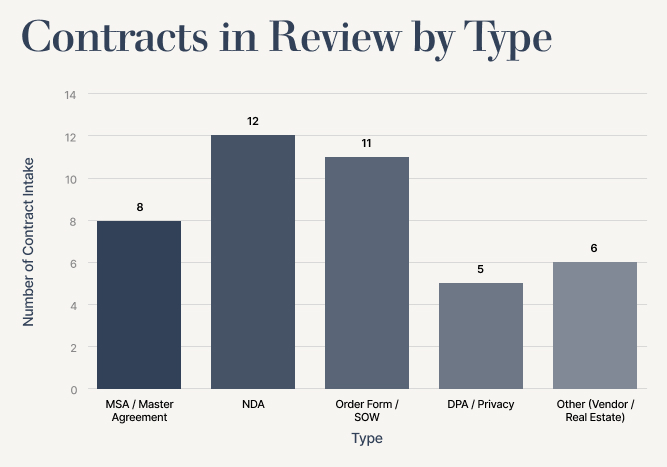
- Quick Chart visualizing caseload, matter status, or workload at a glance
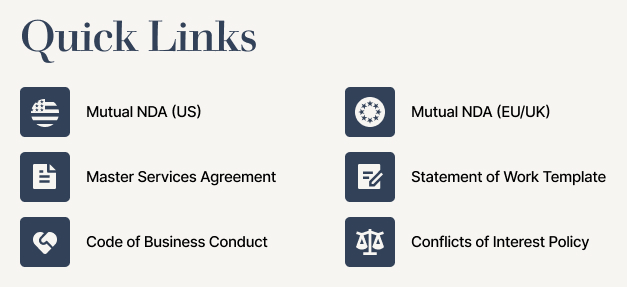
- Quick Links and a People section bringing together key resources and attorney, paralegal, and operations contacts
Benefits
- Keeps the legal team aligned with a single private workspace for matters, deadlines, and resources
- Surfaces critical deadlines with a visible countdown so nothing slips through the cracks
- Guides the team to the right next action with a clear call to action
- Reduces email back-and-forth by centralizing matter news and announcements in one place
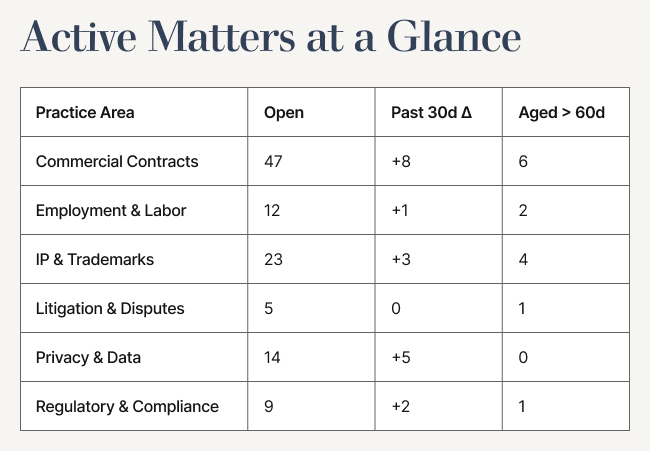
- Gives leadership an at-a-glance view of caseload and workload through the chart
- Speeds up everyday work with curated quick links to templates, policies, and intake forms
- Makes it easy to reach the right attorney or paralegal through an organized contact directory
Common Questions About This Legal Team Site
What is this Legal Team Site built with?
This Legal Team Site is built entirely with standard SharePoint web parts – Text, News, Countdown Timer, Call to Action, Editorial, Quick Chart, Quick Links, and People – paired with a custom theme and custom fonts. There is no custom code and no third-party tools involved. It is the kind of clean, maintainable team site Greg Zelfond builds for legal and attorney teams.
What’s included on the Legal Team Site?
The Legal Team Site brings together a welcome message, a countdown timer for a key legal deadline, and a call-to-action button for the most important task. It also features an editorial section on the monthly legal focus, a news feed for matter updates, a quick chart of caseload or matter status, curated quick links, and a people directory of attorneys, paralegals, and operations contacts.
Does this design use any custom code or third-party tools?
No. This Legal Team Site uses only out-of-the-box SharePoint web parts, a custom theme, and custom fonts – no custom code and no third-party tools. That keeps the site stable, secure, and easy to maintain, and nothing breaks when Microsoft rolls out updates. Out-of-the-box is the only way Greg builds, because it is what holds up over the long run.
Can this design be customized for our law firm or legal department?
Absolutely. The layout, theme, fonts, and section content can all be tailored to your firm or legal department. The news, deadline countdown, caseload chart, quick links, and contacts are adapted to your practice areas, matter types, and team structure. Greg adapts the layout to the tools and workflows your attorneys and paralegals rely on every day.
What is the difference between this team site and a legal department landing page?
A team site like this one is a private workspace where your legal team manages day-to-day matters, deadlines, and resources together. A legal department landing page is a public-facing hub that introduces the department to the wider organization and routes people to legal services. This design is the private, team-facing option for the people doing the work.
Can Greg build this Legal Team Site for our organization?
Yes – this is exactly the kind of work Greg Zelfond does. As an independent SharePoint consultant and Microsoft MVP, he designs and builds out-of-the-box team sites like this Legal Team Site for legal and attorney teams, with no custom code and no third-party tools. Reach out through the contact page to talk through what your team needs.