Training (Department)





Overview
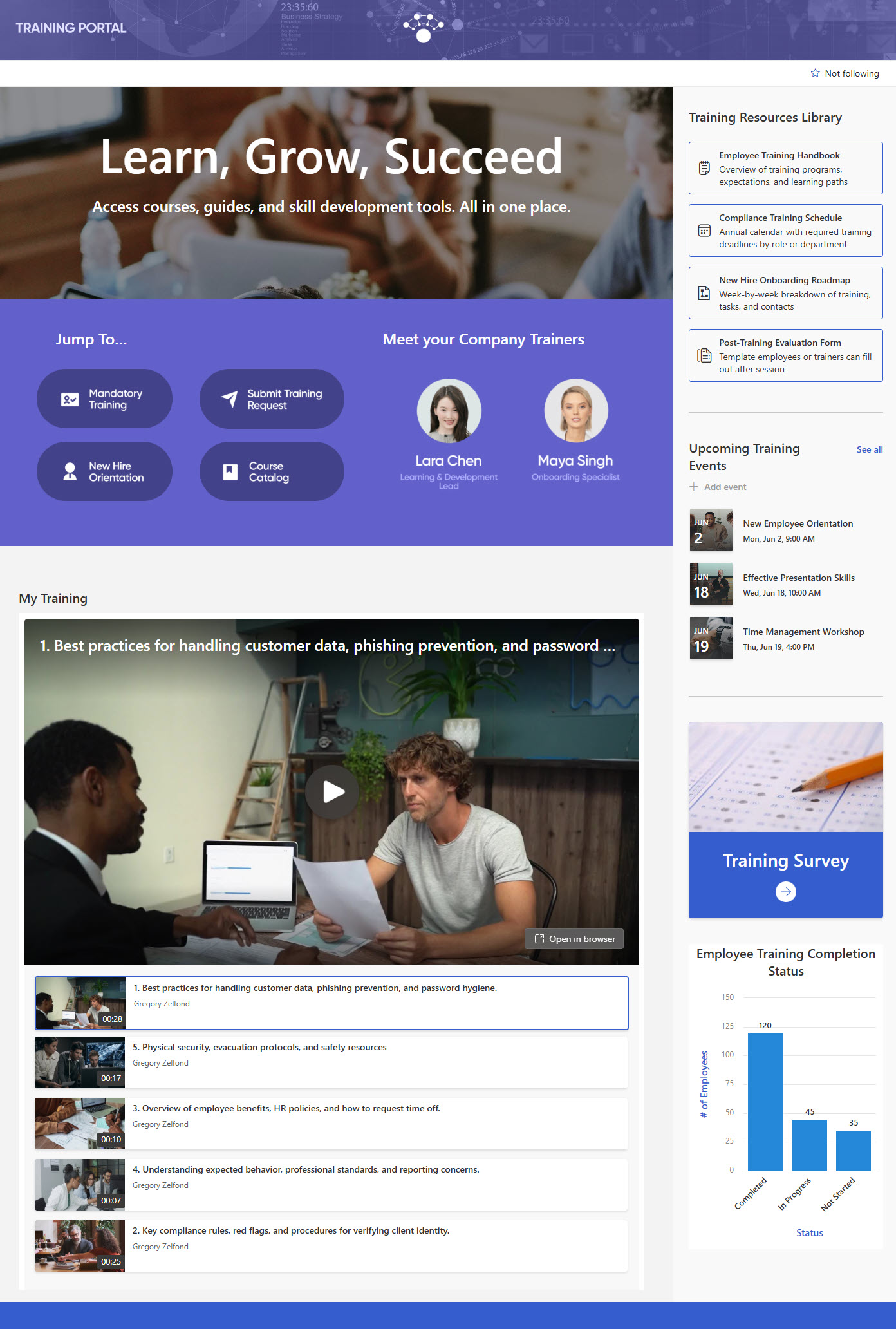
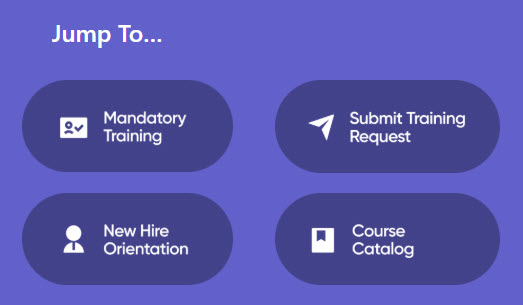
- Streamlined access to resources: Quickly navigate to the most frequently used training tools and documents
- Curated playlist of training videos: Watch topic-specific videos organized for easy viewing and progressive learning
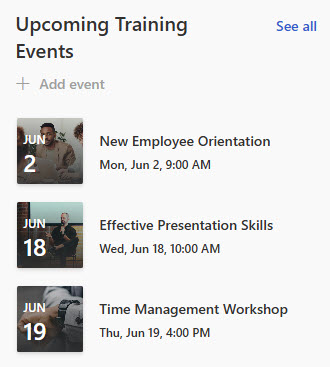
- Interactive training calendar: Stay informed about upcoming sessions, workshops, and certification deadlines
- Built-in training feedback survey: Share input after each course to help improve future training experiences
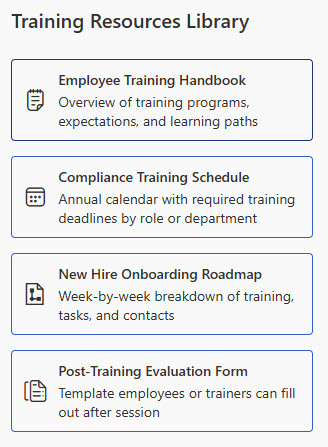
- Centralized training resource library: Access all documents, guides, and reference materials in one organized location
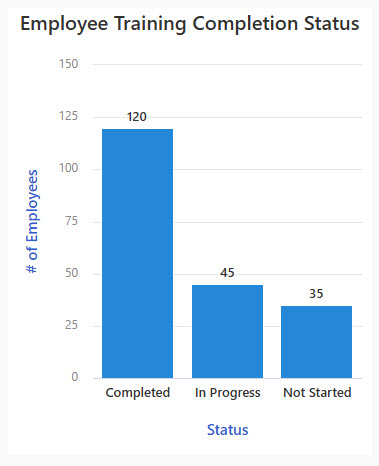
- Meet the Team & training chart: introduces the training team and visualizes training data in a simple at-a-glance chart
Benefits
- Centralized learning hub: videos, documents, surveys, and calendars consolidated in one easy-to-access location
- Seamless video integration: training videos embedded and organized directly into pages, playlists, and learning paths
- Improved engagement: interactive content and on-demand access let employees learn at their own pace
- Tracking and feedback built in: surveys, calendars, and version control track progress and gather learner insights
- Secure, permission-based access: SharePoint’s built-in security keeps training materials limited to the right audiences
- Fully out-of-the-box: a branded, structured experience with no third-party tools and no custom code
Common Questions About This Training Portal
What is this Training Portal built with?
It is built entirely with standard SharePoint web parts – Editorial, Events, Image, List, Quick Chart, Quick Links, and Text – alongside Microsoft Forms for surveys, Lists, and Clipchamp for training videos, plus an extended header and flexible sections. Everything comes from Microsoft 365, with no custom code and no third-party tools. It is the kind of clean, maintainable portal Greg Zelfond builds for training teams.
What’s included on the Training Portal?
The portal includes a curated playlist of training videos organized by topic, an interactive training calendar for upcoming sessions, workshops, and certification deadlines, a centralized resource library with documents, guides, and reference materials, quick links to frequently used training tools, a Meet the Team section, a chart that visualizes training data at a glance, and a built-in feedback survey for each course.
Does this design use any custom code or third-party tools?
No. Every section is built with out-of-the-box Microsoft 365 capabilities – SharePoint, Forms, Lists, and Clipchamp. That matters because out-of-the-box portals stay stable, secure, and easy to maintain – nothing breaks when Microsoft rolls out updates, and there are no third-party licenses or developers to depend on. Out-of-the-box is the only way Greg Zelfond builds, and this design proves how polished that approach can look.
Can this design be customized for our organization?
Absolutely. The branding, imagery, and structure are tailored to your organization, and the content adapts to your training program – your courses and video playlists, the sessions and deadlines on your calendar, the resources in your library, and the audiences who should see each section through permission-based access. Greg adapts the layout to the way your team actually trains employees.
Will this Training Portal work on mobile devices?
Yes. SharePoint is responsive by design, so the portal adjusts automatically to phones and tablets through the SharePoint mobile app or a browser. That is especially valuable for training, since employees can watch videos, register for sessions, and complete feedback surveys at their own pace – on a commute, between meetings, or from a frontline location without a desk.
Can Greg build this training portal for our organization?
Yes – this is exactly the kind of work Greg Zelfond does. As an independent SharePoint consultant and Microsoft MVP, he designs and builds out-of-the-box training portals like this one for HR and learning teams, tailored to your courses, calendar, and resources. Reach out through the contact page to discuss your Training Portal project.