Customer Service (Department)


Overview
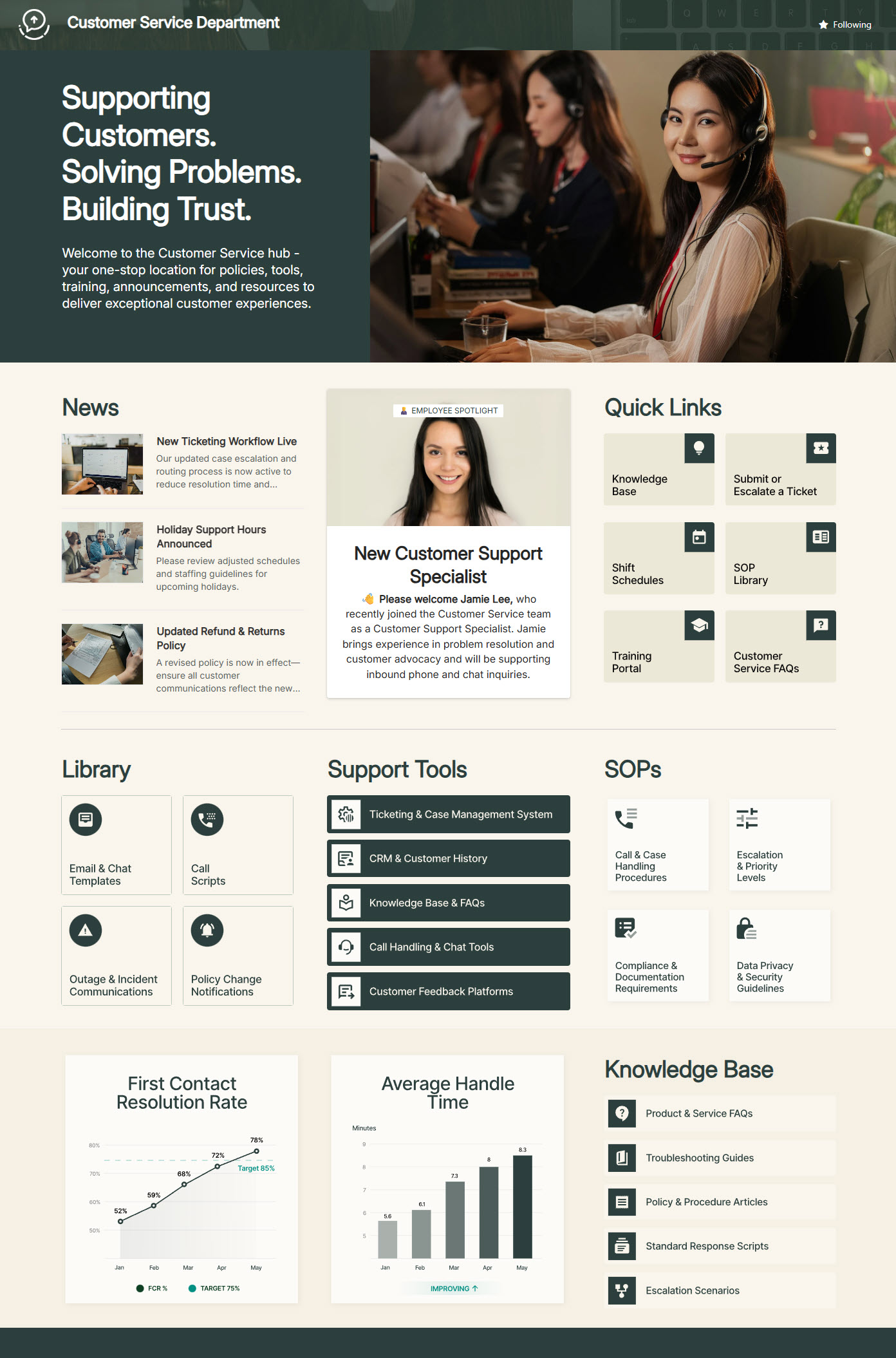
- SharePoint hub built for daily Customer Service workflows
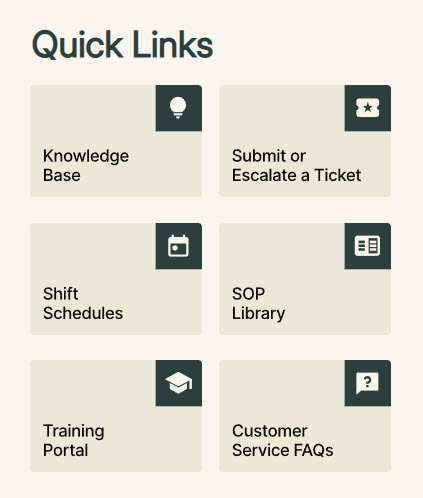
- Quick Links panel for fast access to key tools and frequent actions
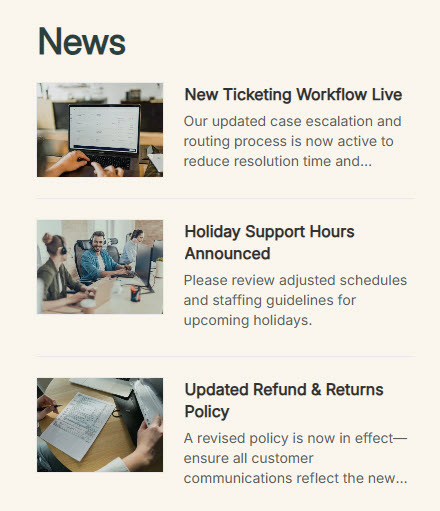
- News section highlighting updates, launches, and process changes
- Employee Spotlight feature to recognize teams and share wins
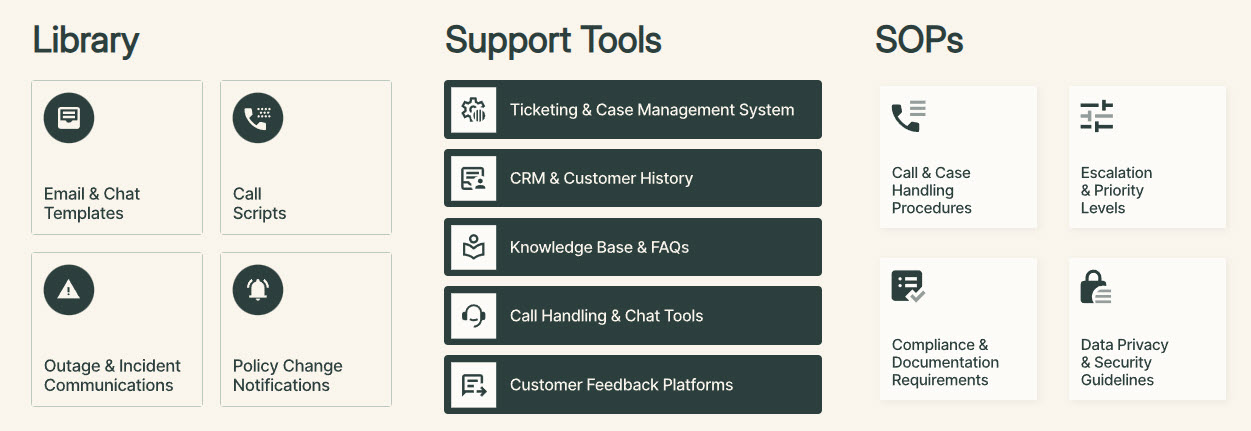
- Links to SOPs, support platforms, and core resources
- Visual dashboard elements (graphs) to surface performance at a glance
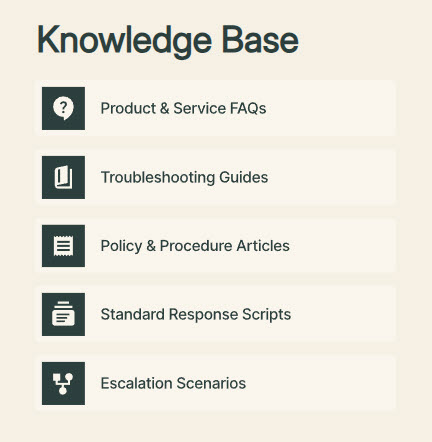
- Knowledge Base section: easy-to-find reference content that supports consistency and onboarding
Benefits
- Less time searching: critical resources like SOPs, support tools, and the knowledge base live in one consolidated place
- Teams stay aligned: timely announcements and department news reach everyone through the News section
- Recognition builds culture: the Employee Spotlight celebrates teams and shares wins
- Better tool adoption: clear, consistent Quick Links navigation makes support platforms easy to reach
- Data-driven decisions: lightweight KPI visuals surface performance at a glance
- Faster onboarding: an easy-to-find Knowledge Base keeps answers consistent for new and seasoned agents
Common Questions About This Customer Service Department Site
What is this Customer Service Department site built with?
The site uses standard SharePoint web parts – Editorial, Events, Image, News, Quick Links, and Text – combined with a custom theme and custom fonts for the polished look. There is no custom code and there are no third-party tools anywhere on the page. It is the kind of clean, maintainable department site Greg Zelfond builds for customer service teams.
What’s included on the Customer Service Department site?
The homepage features a Quick Links panel for the tools agents use every day, a News section for updates, launches, and process changes, and an Employee Spotlight that recognizes teams and shares wins. It also links to SOPs, support platforms, and core resources, surfaces performance with lightweight dashboard visuals, and connects to a Knowledge Base that keeps answers consistent across the team.
Does this design use any custom code or third-party tools?
No. Everything on this site is built with standard SharePoint capabilities included in Microsoft 365. That keeps it stable, secure, and easy to maintain – nothing breaks when Microsoft rolls out updates, and there are no extra licenses to manage. Out-of-the-box is the only way Greg builds, because it gives customer service teams a site they can rely on every single day.
Can this design be customized for our customer service team?
Absolutely. The quick links, news categories, SOP libraries, dashboard visuals, and knowledge base structure all get tailored to the way your team works. Greg adapts the layout to the support platforms, ticketing tools, and procedures your agents actually use, and applies your colors, fonts, and branding – so the finished site feels like it was built just for your department, because it was.
Will this site work on mobile devices?
Yes. SharePoint sites are responsive by design, so this site adjusts automatically to phones and tablets without any extra configuration. That matters for customer service teams where agents and supervisors are not always at a desk – they can check announcements, look up an SOP, or find a quick link from wherever they happen to be working.
Can Greg build this customer service site for our organization?
Yes – this is exactly the kind of work Greg Zelfond does. As an independent SharePoint consultant and Microsoft MVP, he designs and builds out-of-the-box department sites like this one for organizations of all sizes. He handles the structure, design, and rollout, and tailors everything to your customer service team’s tools and processes. Reach out through the contact page to start the conversation.