Board of Directors (Department)


Overview
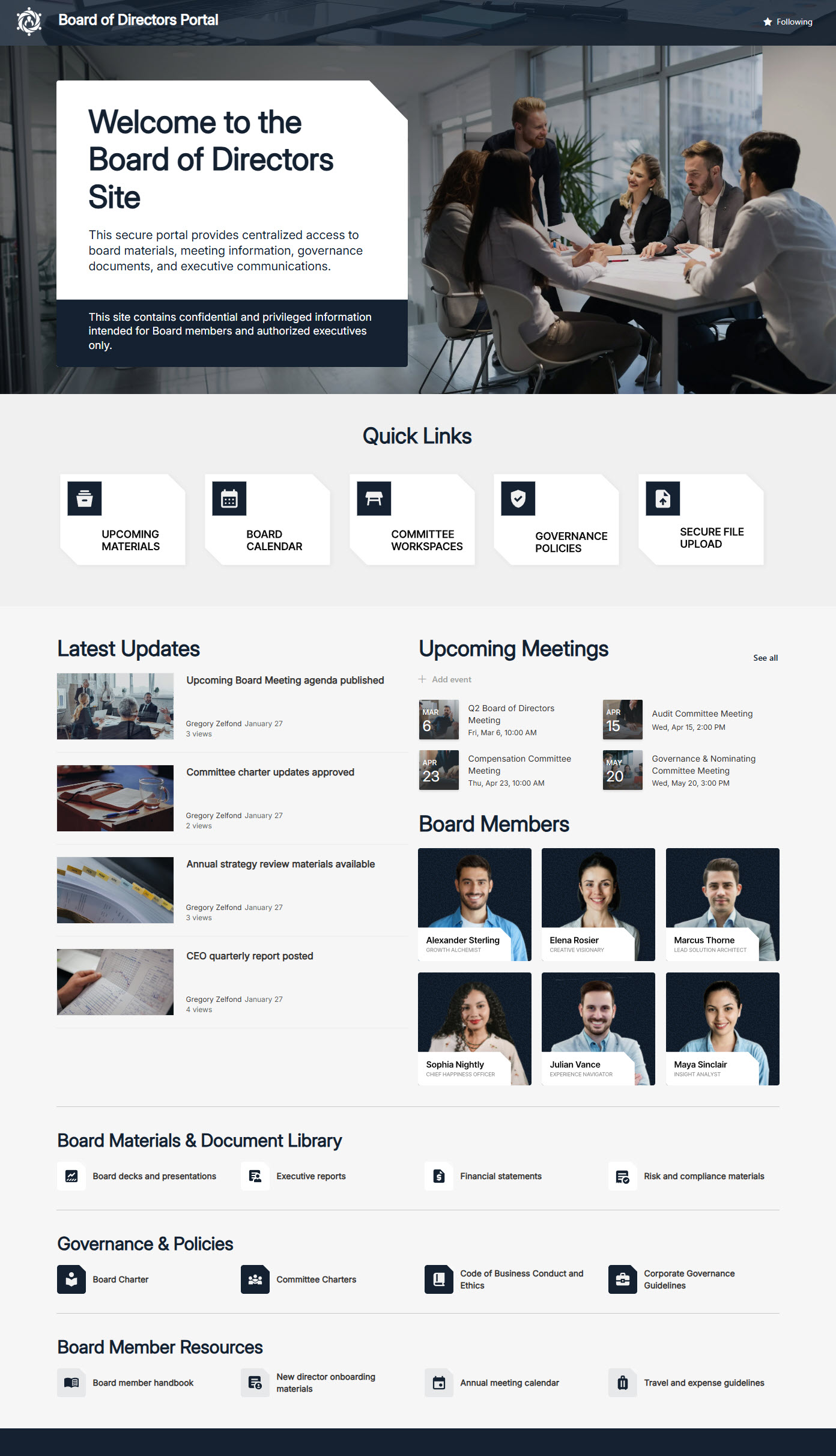
- Employee-facing Board of Directors site presenting clear, organized governance information
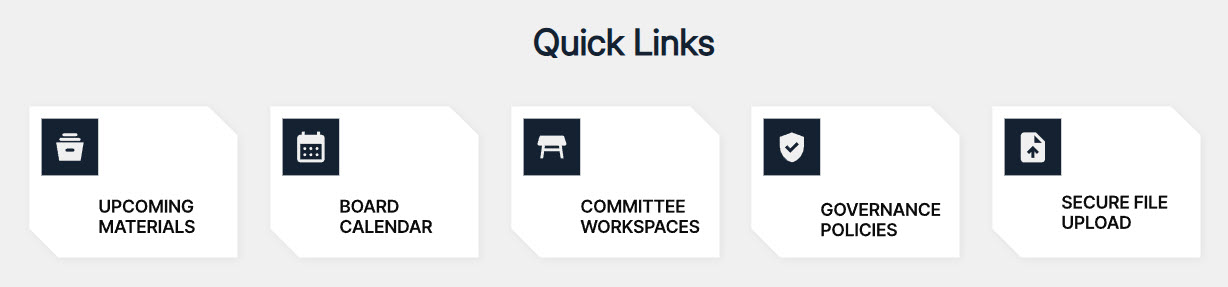
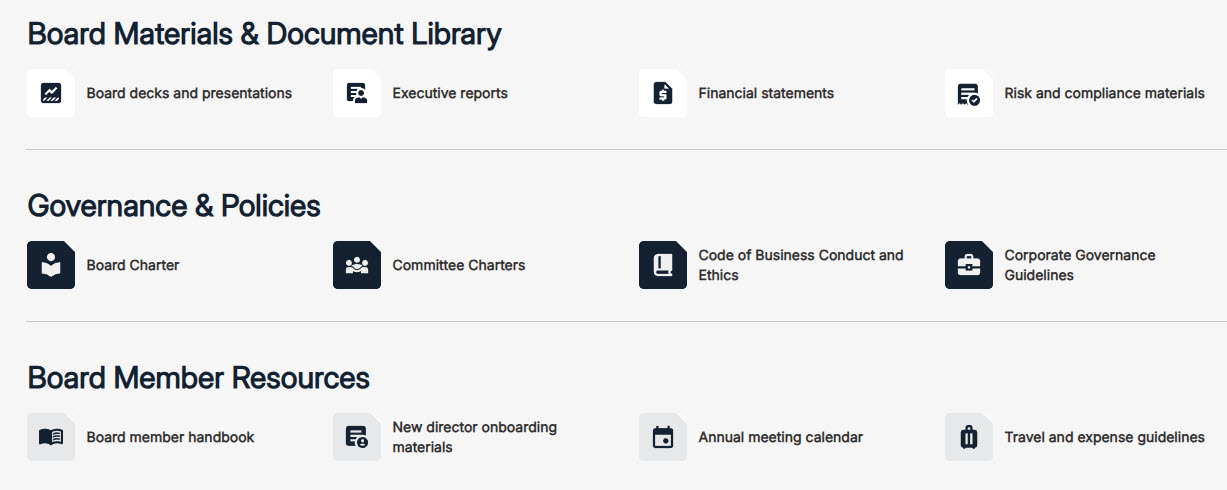
- Direct links to key resources, including policies, reference documents, and organizational updates
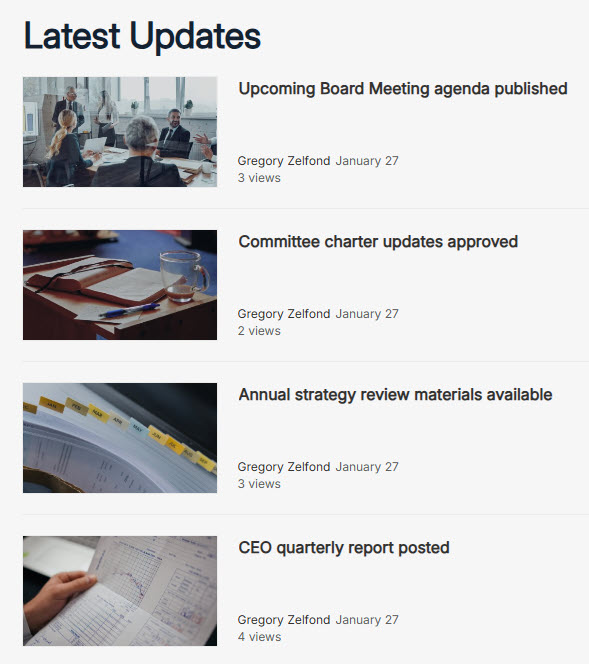
- Access to the latest board meeting agendas and approved meeting notes
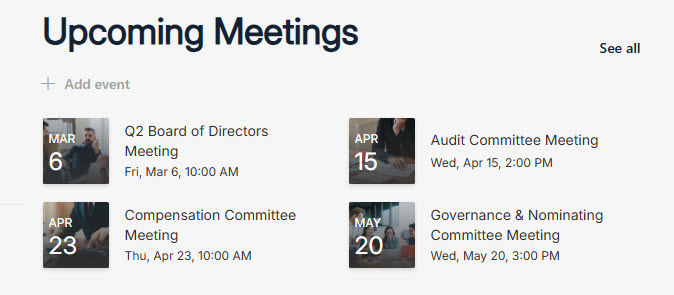
- Dedicated calendar of board meetings for transparent scheduling visibility
- Board member directory featuring names, roles, and leadership positions
- Structured navigation to committee information and governance materials
- Announcements section: board news and organizational updates posted in one visible place
Benefits
- Greater transparency: board activities and documentation are easy for everyone to access
- One organized source: agendas, meeting notes, and updates live in a single place
- Stakeholder trust: visible leadership and governance structure build confidence
- Streamlined access: policies and committee information are a quick link away
- Meeting awareness: the board calendar makes upcoming meeting dates clear to all
- Professional presence: a structured, brand-aligned site elevates how governance is presented
Common Questions About This Board of Directors Site
What is this Board of Directors site built with?
The site uses standard SharePoint web parts – Events, Image, News, Quick Links, and Text – combined with a custom theme and custom fonts for the executive-level look. There is no custom code and there are no third-party tools anywhere on the page. It is the kind of clean, maintainable governance site Greg Zelfond builds for boards and leadership teams.
What’s included on the Board of Directors site?
The homepage presents board announcements, the latest meeting agendas and approved meeting notes, and a dedicated calendar of board meetings for scheduling visibility. A board member directory lists names, roles, and leadership positions, while quick links and a key resources section provide structured navigation to policies, reference documents, and committee information.
Does this design use any custom code or third-party tools?
No. Everything on this site is built with standard SharePoint capabilities included in Microsoft 365. That keeps it stable, secure, and easy to maintain – nothing breaks when Microsoft rolls out updates, and there are no extra licenses to manage. Out-of-the-box is the only way Greg builds, because it gives boards a site that stays dependable year after year.
Can this design be customized for our board or organization?
Absolutely. The member directory, committee structure, meeting calendar, and resource links all get tailored to how your board actually operates. Greg adapts the layout to your governance model – committees, roles, and reporting structure – and applies your organization’s branding, so the site presents leadership with the professionalism stakeholders expect.
Will this site work on mobile devices?
Yes. SharePoint sites are responsive by design, so this site adjusts automatically to phones and tablets without any extra setup. That suits board members and executives who are often traveling – they can review an agenda before a meeting, check the board calendar, or pull up a policy from a phone or tablet wherever they are.
Can Greg build this Board of Directors site for our organization?
Yes – this is exactly the kind of work Greg Zelfond does. As an independent SharePoint consultant and Microsoft MVP, he designs and builds out-of-the-box governance and department sites like this one for organizations of all sizes. He handles the structure, design, and rollout, and tailors everything to your board’s needs. Reach out through the contact page to start the conversation.