Sales (Private Team Site)


Overview
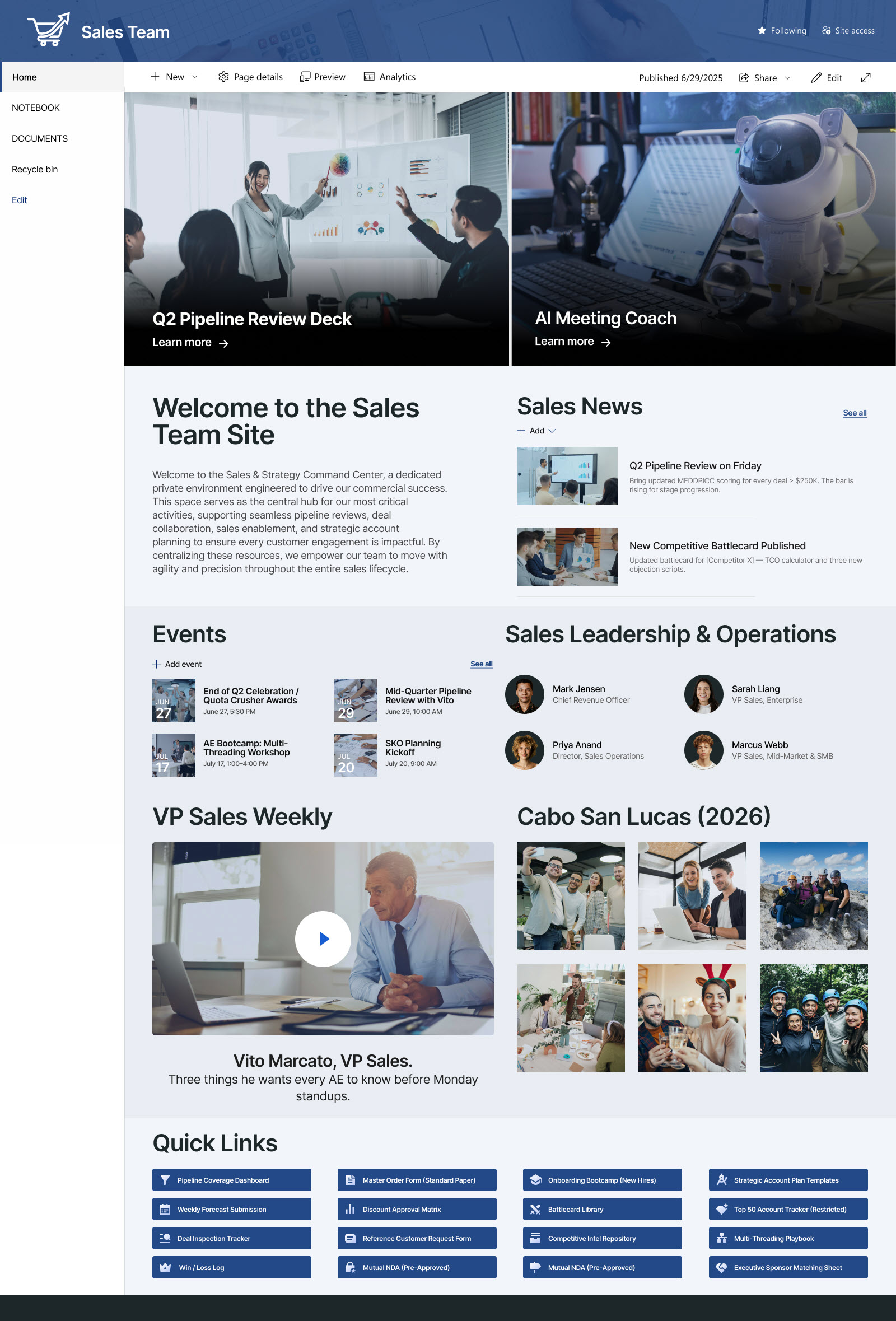
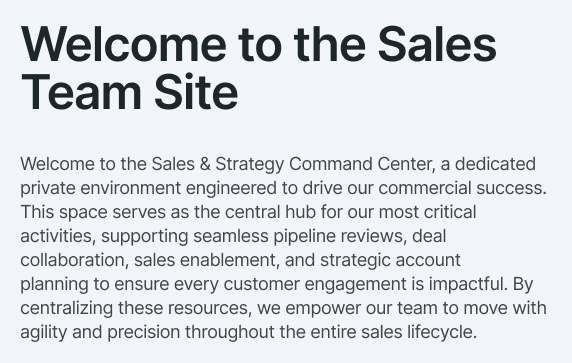
- Welcome message, orienting the team to the site and how to use its sections
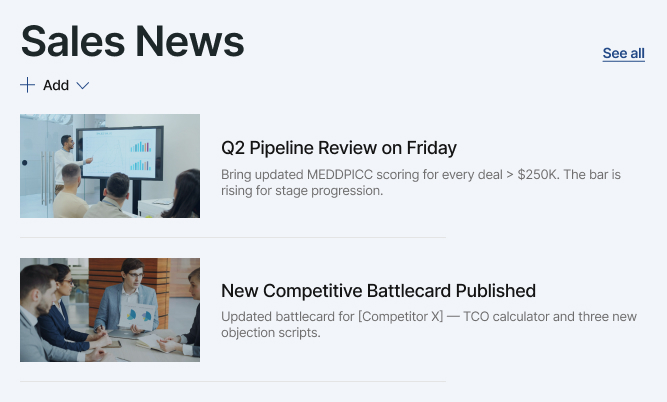
- News web part sharing pipeline reviews, newly published battlecards, and top-deal SWAT updates
- Video web part delivering a short weekly message from the VP of Sales
- Image gallery showcasing the President’s Club and incentive-trip highlights for top performers
- People web part introducing sales leadership, operations, and enablement contacts
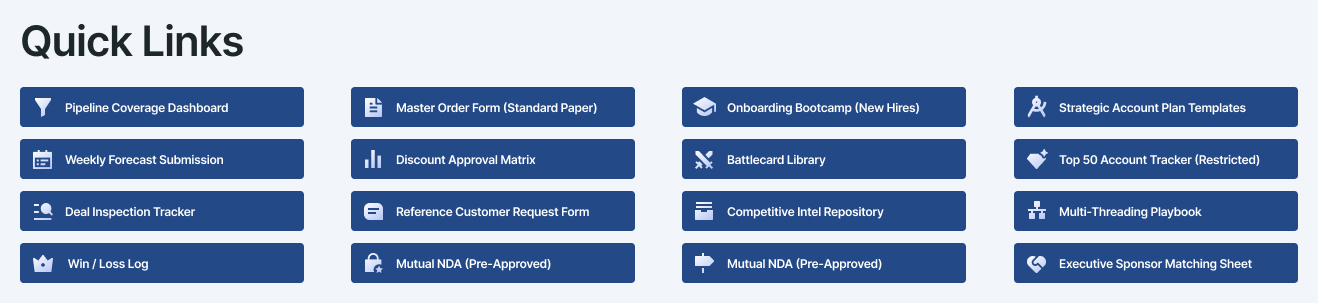
- Quick links centralizing pipeline dashboards, deal resources, enablement, and account plans
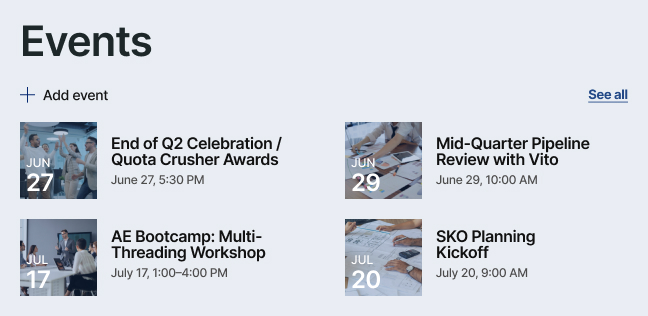
- Events web part listing pipeline reviews, workshops, and sales kickoff planning dates
Benefits
- Provides sales staff with a secure, dedicated workspace separate from the employee-facing intranet
- Improves deal coordination through shared visibility into pipeline news, priorities, and resources
- Keeps everyone aligned with shared review dates and key sales events posted in one place
- Speeds up selling with fast access to battlecards, order forms, and account-plan templates via quick links
- Reinforces focus and motivation through the weekly leadership video and recognition gallery
- Scales effortlessly as the pipeline, team, and selling motions grow
Common Questions About This Sales Team Site
What is this sales team site built with?
The site is built entirely with standard SharePoint web parts – a hero banner, Text, News, People, Events, a Video web part, an Image Gallery, and Quick Links – combined with a custom theme and custom fonts for a polished, professional look. There is no custom code and no third-party tools anywhere on the site. This is the kind of clean, maintainable team site Greg Zelfond builds for sales organizations.
What’s included on the sales team site?
The homepage brings together a welcome message, a hero banner for the headline asset of the week, news on pipeline reviews and battlecards, a weekly VP of Sales video, a President’s Club photo gallery, a sales leadership directory, quick links to pipeline dashboards and deal resources, and an upcoming events list. Because it is a private team site, everything stays visible to sales personnel only.
Does this design use any custom code or third-party tools?
No. Everything you see is built with out-of-the-box SharePoint – no custom code, no third-party add-ons. That matters because out-of-the-box sites are stable, secure, and easy to maintain, and nothing breaks when Microsoft rolls out updates. Out-of-the-box is the only way Greg Zelfond builds, which keeps the site dependable for years without ongoing developer costs.
Can this design be customized for our sales team?
Absolutely. The colors, fonts, logo, and section layout are all tailored to your organization’s brand, and the content adapts to the way your sales team works. Greg adapts the quick links to the CRM, forecasting, and enablement tools your reps actually use, shapes the events list around your real quota and quarter-end dates, and tailors the news and hero content to your selling priorities.
What is the difference between this team site and a sales department landing page?
A department landing page is built for the whole organization – it is where employees go to find sales-related policies, forms, and contacts. This team site is the opposite: a private workspace just for the sales team itself, where reps collaborate on pipeline, deal news, battlecards, and internal updates away from the employee-facing intranet. Many organizations Greg works with end up with both, each serving a different audience.
Can Greg build this sales team site for our organization?
Yes – this is exactly the kind of work Greg Zelfond does. As an independent SharePoint consultant and Microsoft MVP, he designs and builds out-of-the-box team sites like this one for sales teams, tailored to your brand, your tools, and the way your team sells. Reach out through the contact page to get the conversation started.