Office Location Page


Overview
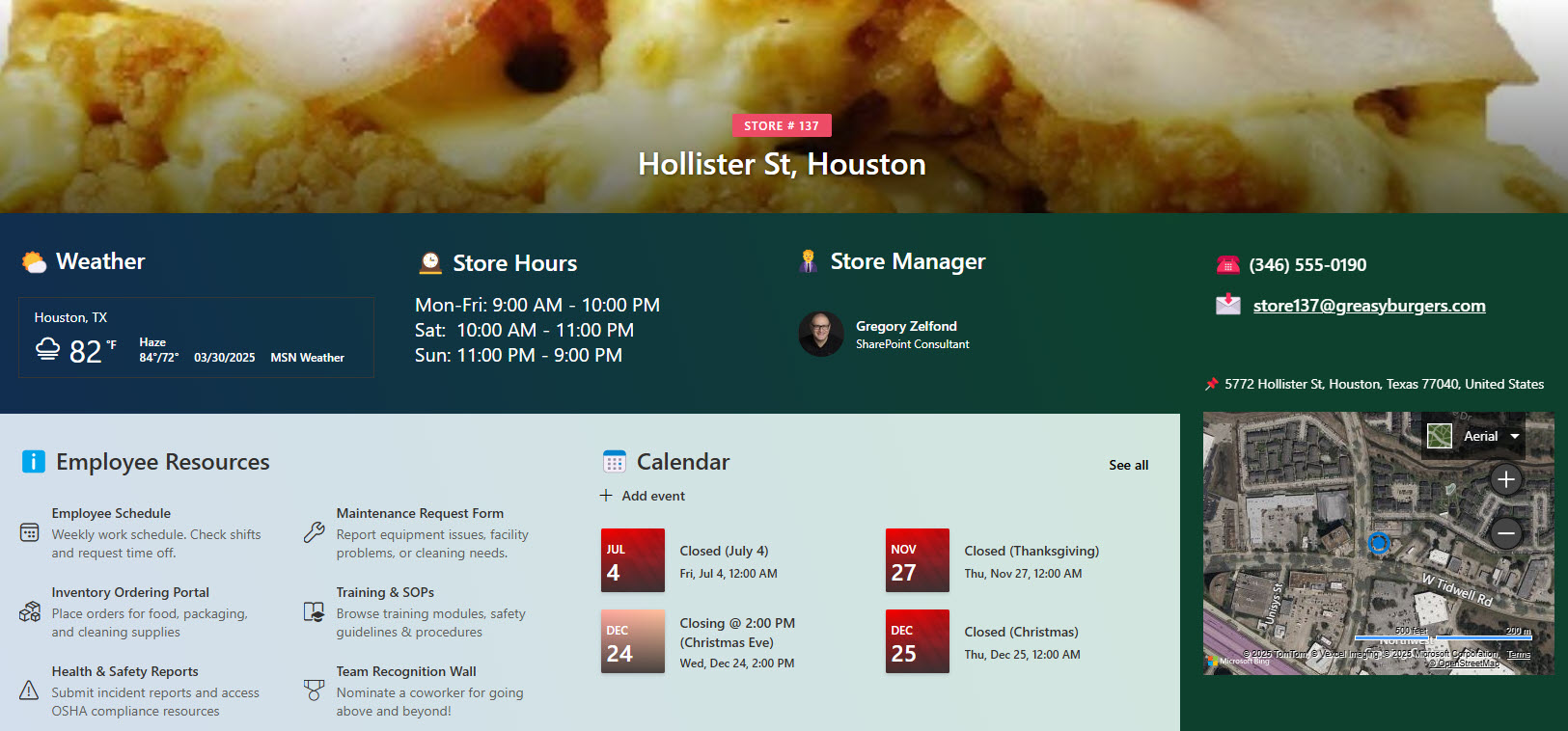
- Consistent Page Template: A standardized layout for each office or store location to ensure a cohesive look and feel across all pages
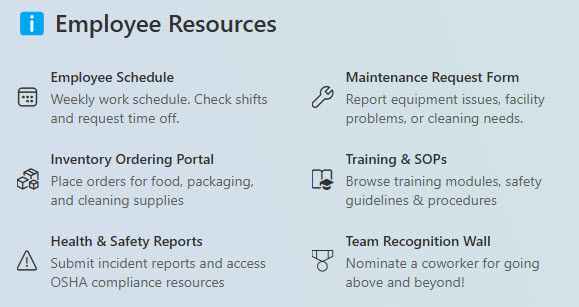
- Links Section: Showcases key resources and frequently accessed content for quick and easy reference
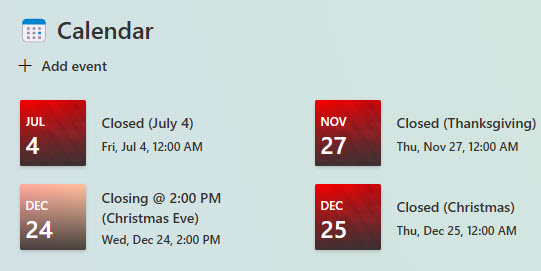
- Calendar of Events: Displays important office-specific dates, including closures, holidays, or special events
- Contact & Address Information: Provides up-to-date location details and key contacts for each site
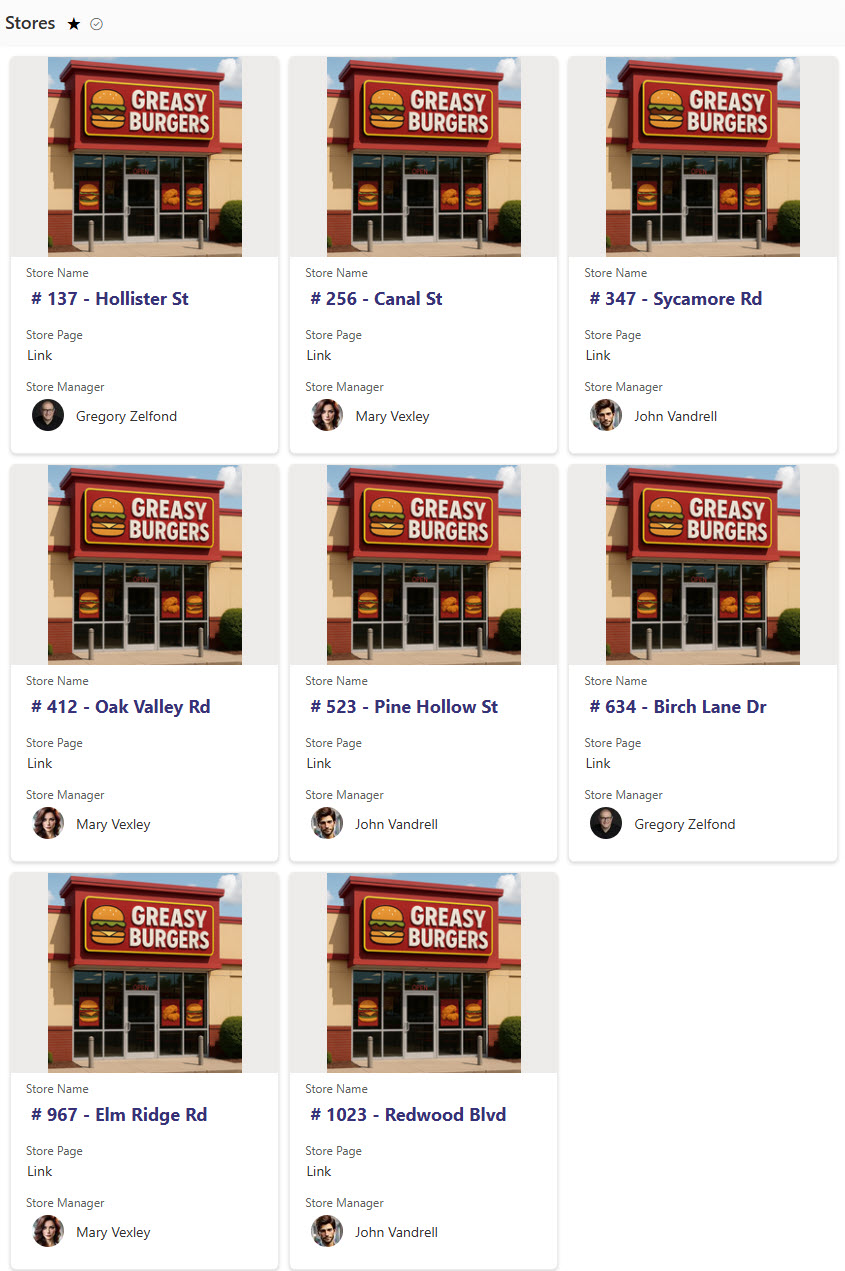
- Connected via Central List: All location pages are linked through a master list for streamlined management and easy navigation
Benefits
- Improves Information Accessibility by allowing staff to quickly find location-specific details like contacts, addresses, and events
- Ensures a Consistent User Experience through standardized templates that make navigation familiar and intuitive across all locations
- Supports Localized Communication by enabling each office or store to display relevant updates, closures, and event information
- Streamlines Onboarding and Support by providing new employees or visiting staff with quick access to essential location resources
- Reduces Repetitive Requests by making commonly asked location-specific info readily available to all employees
- Improves Operational Transparency by clearly displaying key dates, hours, and contacts for better coordination across teams
Common Questions About This Office Location Page
What is this Office Location Page built with?
The page is built with SharePoint pages and a central Microsoft Lists app, using out-of-the-box web parts – Bing Maps, Events, People, Quick Links, Text, and Weather – plus a Vertical Section for the sidebar. There is no custom code and there are no third-party tools. It is the kind of clean, maintainable page Greg Zelfond builds for multi-location organizations.
What’s included in the Office Location Page?
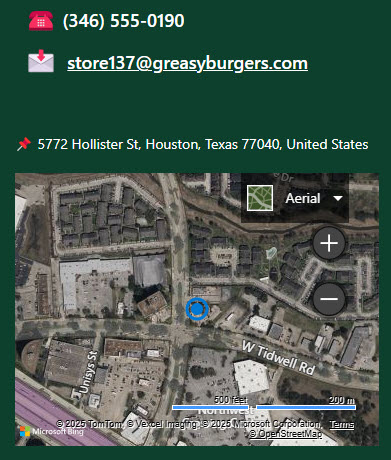
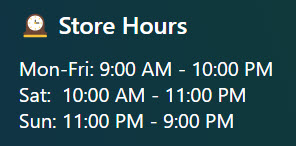
Each page shows a Bing Maps location map, the site address and key contacts, store hours, useful quick links, and a calendar of office-specific events such as closures and holidays. A standardized template keeps every location looking consistent, and a master Locations list connects all the pages so they are easy to manage and navigate from one place.
Does this design use any custom code or third-party tools?
No. Everything is out-of-the-box SharePoint and Microsoft Lists – the page layout, web parts, Vertical Section, and central list are all standard Microsoft 365 capabilities. That keeps the pages stable, secure, and easy to maintain, and nothing breaks when Microsoft updates SharePoint. Out-of-the-box is the only way Greg builds, which keeps a multi-location rollout simple.
Can this page be customized for our locations?
Absolutely. The template, web parts, and central Locations list all get tailored to your organization – branding, the contacts and hours each site shows, the quick links employees need, and the columns in the master list. Greg adapts the design so it scales cleanly from a handful of offices to a large network of stores or branches.
What does each location page actually show?
It opens with a banner and a Bing Maps map pinpointing the site, then lays out the address, key contacts through the People web part, and store hours. A Quick Links section surfaces frequently used resources, and an Events calendar shows location-specific dates like closures and holidays. Everything is driven from a central list, so updates stay consistent across every location page.
Can Greg build this for our organization?
Yes – this is exactly the kind of work Greg Zelfond does. As an independent SharePoint and Microsoft 365 consultant and Microsoft MVP, he designs and builds intranet pages and location hubs like this one, including the central list and web parts that keep every office or store page consistent. Reach out through the contact page to get started.