Information Technology (Department)


Overview
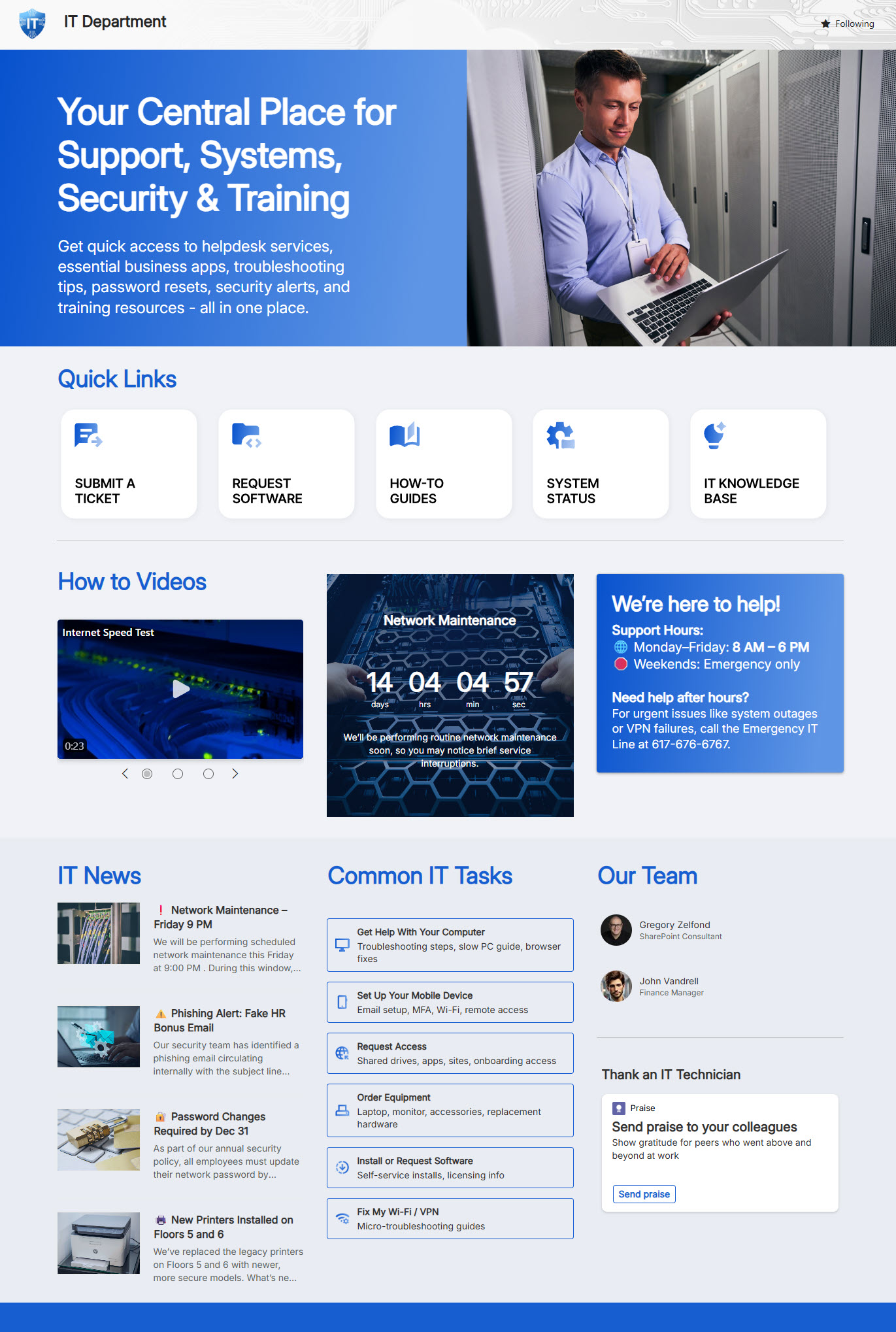
- Centralized IT homepage providing quick access to critical resources, support tools, and self-service content
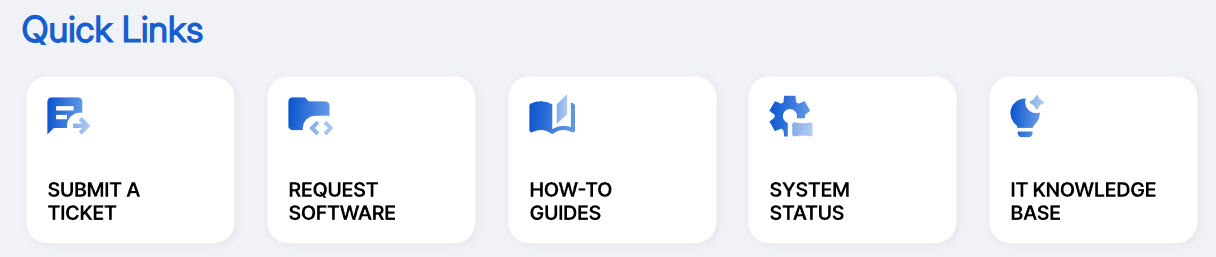
- Quick Links to important IT resources and commonly used systems
- How-to videos and visual guides to help employees resolve common issues independently
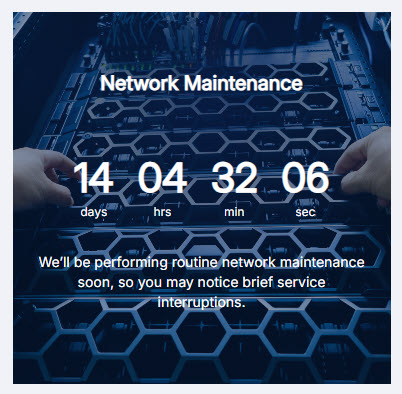
- Countdown timer highlighting upcoming network maintenance and planned outages
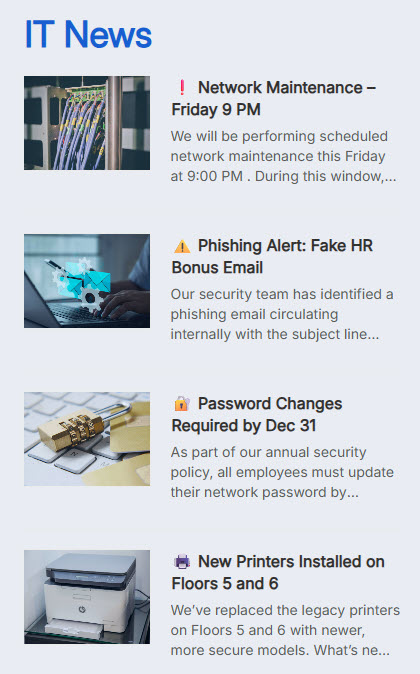
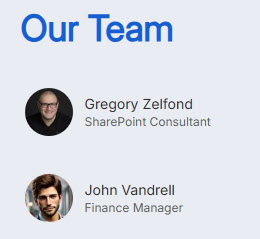
- Combines IT news, technician recognition, and an IT team directory in one easy-to-navigate location
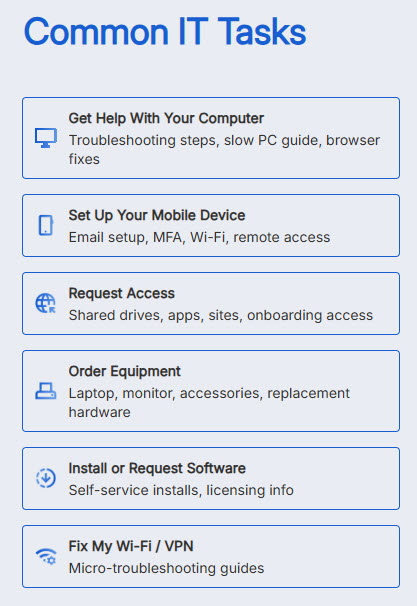
- Common IT Tasks section: one-click links to the requests employees submit most often
Benefits
- Fewer support tickets: self-service resources, how-to videos, and common IT task links resolve issues before they become tickets
- Clear outage communication: IT news and a network maintenance countdown keep planned downtime visible in advance
- Time saved every day: important IT resources, tools, and links live in one consistent location
- Transparency and trust: the team directory showcases IT members, roles, and areas of responsibility
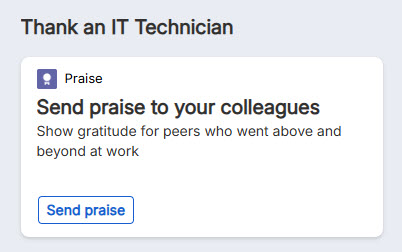
- Higher morale: technician recognition and Send a Praise celebrate outstanding contributions
Common Questions About This IT Department Portal
What is this IT Department portal built with?
The portal is built entirely with standard SharePoint web parts – Quick Links, News, Video, Countdown Timer, People, Dashboard, Events, and Image – arranged in flexible sections with a custom theme for the department’s look. There is no custom code and there are no third-party tools, which makes it the kind of clean, maintainable employee portal Greg Zelfond builds for IT teams.
What’s included on the IT Department portal?
The homepage centralizes quick links to important IT resources and commonly used systems, how-to videos that help employees resolve common issues on their own, and an IT news feed for updates and announcements. Common IT task links cover everyday requests, a countdown timer flags upcoming network maintenance and planned outages, and a team directory with technician recognition and Send a Praise showcases the people behind the support.
Does this design use any custom code or third-party tools?
No. Every element on this portal is out-of-the-box SharePoint – standard web parts arranged in flexible sections with a custom theme. That matters because out-of-the-box sites are stable, secure, and easy to maintain, and nothing breaks when Microsoft rolls out updates. Out-of-the-box is the only way Greg builds, so what you see here can run in any Microsoft 365 environment without added cost or risk.
Can this design be customized for our IT department?
Absolutely. The colors, imagery, and section layout are tailored to your brand, and the structure is built around your actual support model. Greg adapts the quick links, common task links, and how-to video library to the systems and requests your help desk handles most – so the portal deflects your real ticket volume, not a hypothetical one.
Will this portal work on mobile devices?
Yes. SharePoint sites are responsive by design, so this layout adapts automatically to phones and tablets through the browser or the SharePoint mobile app. That is especially handy for an IT audience – an employee whose computer is acting up can reach the portal from a phone, watch a how-to video, or check the maintenance countdown without waiting on the help desk.
Can Greg build this employee portal for our organization?
Yes – this is exactly the kind of work Greg Zelfond does. As an independent SharePoint consultant and Microsoft MVP, he designs and builds out-of-the-box employee portals like this IT site for organizations of every size. He handles the structure, branding, and content layout, and leaves you with a portal your own team can maintain. Reach out through the contact page to get started.