Marketing (Department)


Overview
- SharePoint communication site serving as the central hub for Marketing updates
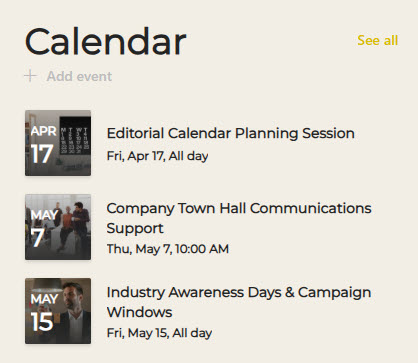
- Events Calendar highlighting campaign launches, corporate events, and key dates
- Dedicated Marketing Calendar outlining promotional schedules and major initiatives
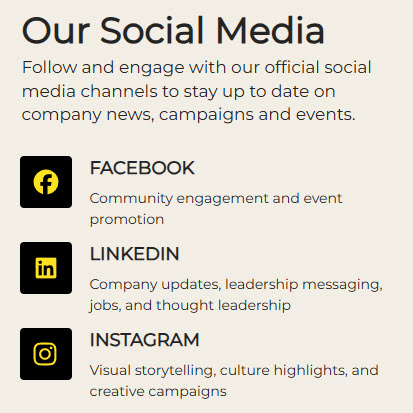
- Quick links to official company social media channels
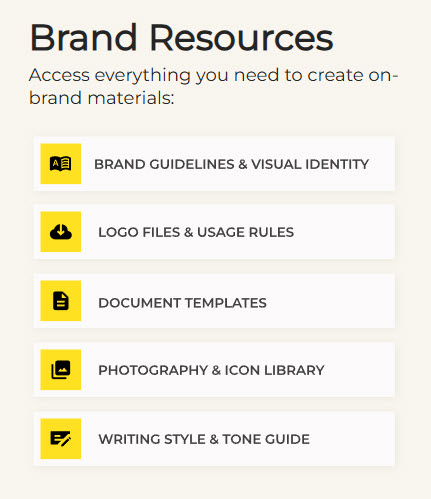
- Centralized Brand Resources library with logos, templates, and brand guidelines
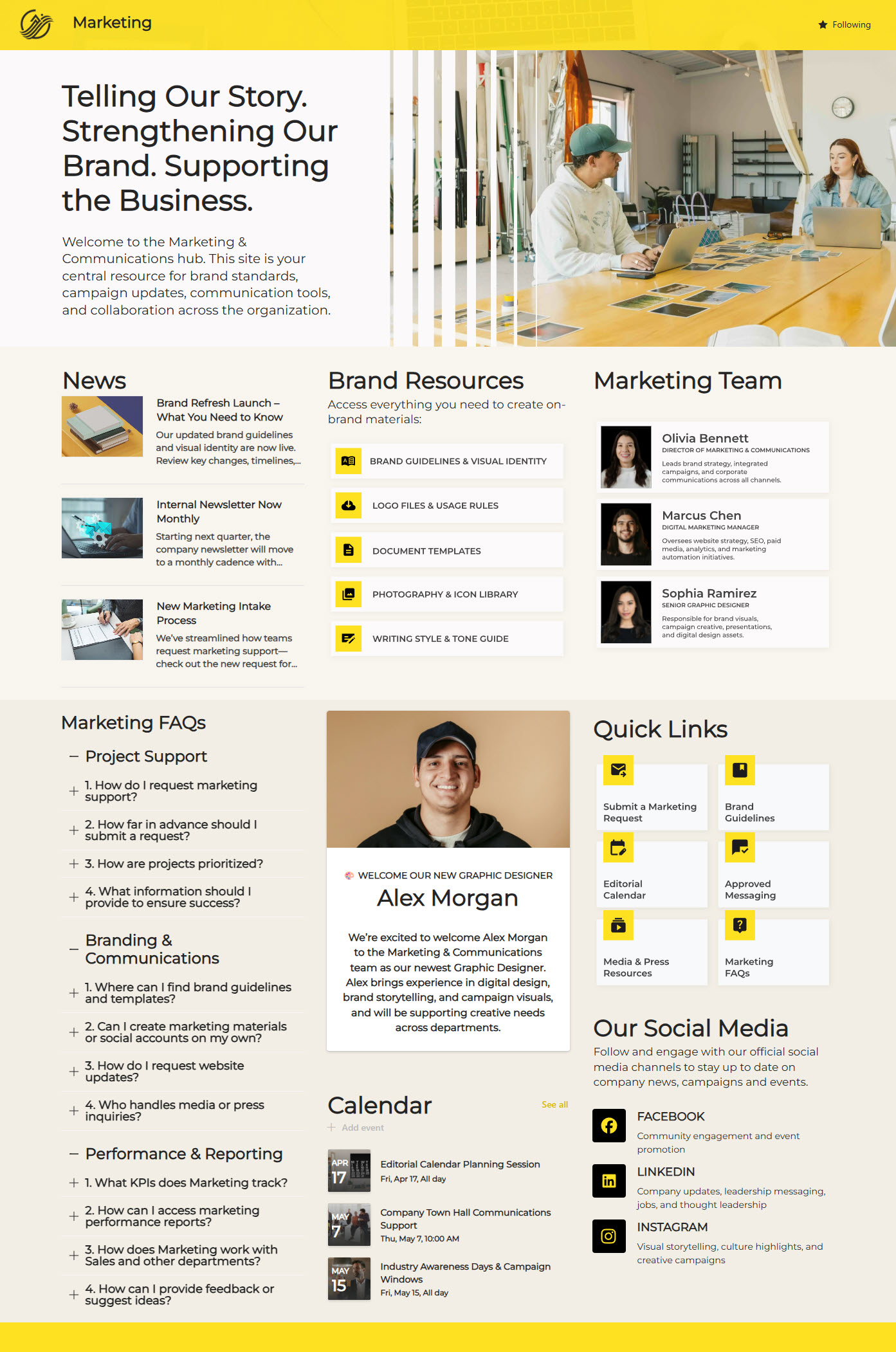
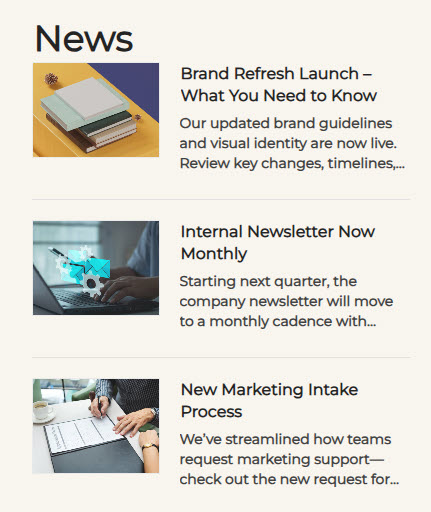
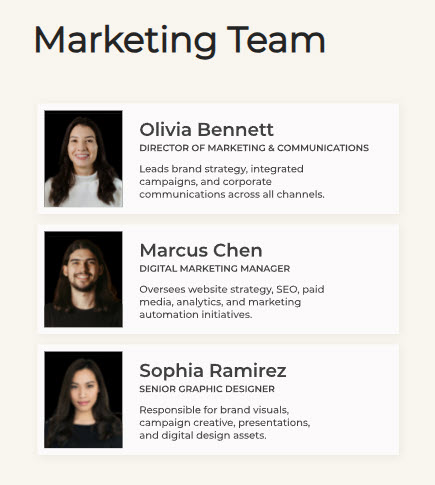
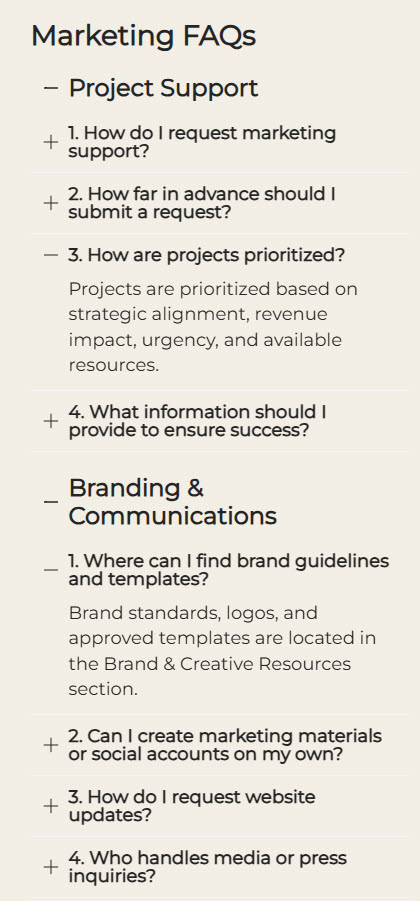
- News section, Marketing Team directory, FAQ area, and Employee Spotlight feature
- Quick Links panel: fast, one-click access to frequently used marketing tools and resources
Benefits
- Employees stay informed: news and the marketing calendar keep everyone current on campaigns and initiatives
- Brand consistency: approved logos, templates, and guidelines are one click away in Brand Resources
- Campaign transparency: the events and marketing calendars make timelines and key milestones visible
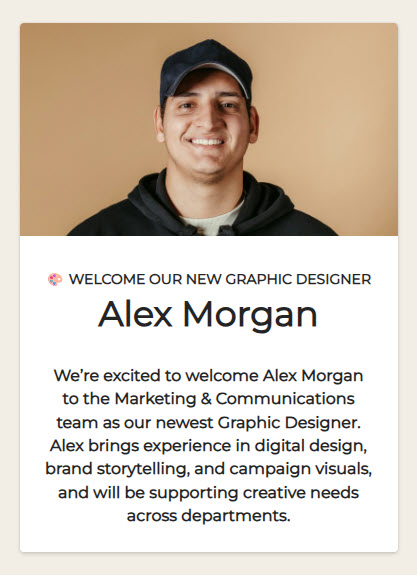
- Engagement through recognition: the Employee Spotlight celebrates the people behind the work
- Less time searching: social links and brand materials live in one organized place
- Company-wide awareness: the whole organization can follow marketing strategy and priorities
Common Questions About This Marketing Department Site
What is this Marketing Department site built with?
The site uses standard SharePoint web parts – Editorial, Events, FAQ, Image, News, Quick Links, and Text – combined with a custom theme and custom fonts for the branded look. There is no custom code and there are no third-party tools anywhere on the page. It is the kind of clean, maintainable department site Greg Zelfond builds for marketing teams.
What’s included on the Marketing Department site?
The homepage brings together a News section for department updates, an Events Calendar for launches and key dates, and a dedicated Marketing Calendar for promotional schedules. Employees also get a Brand Resources library with logos, templates, and guidelines, quick links to the company’s social media channels, a Marketing Team directory, an FAQ area, and an Employee Spotlight that celebrates the team.
Does this design use any custom code or third-party tools?
No. Everything on this site is built with standard SharePoint capabilities included in Microsoft 365. That keeps it stable, secure, and easy to maintain – nothing breaks when Microsoft rolls out updates, and there are no extra licenses to manage. Out-of-the-box is the only way Greg builds, because it gives marketing teams a site they can rely on every day.
Can this design be customized for our marketing department?
Absolutely. The calendars, brand resources library, social links, FAQ content, and news categories all get tailored to your team’s campaigns and tools. Greg adapts the layout to the platforms your marketers actually use, organizes the brand library around your real asset structure, and applies your colors and fonts – so the site reflects your brand as faithfully as the materials it stores.
Will this site work on mobile devices?
Yes. SharePoint sites are responsive by design, so this site adapts automatically to phones and tablets. That is handy for marketing teams on the move – employees can check the marketing calendar before an event, grab a social link, or read a campaign announcement from wherever the day takes them, without waiting to get back to a desk.
Can Greg build this marketing department site for our organization?
Yes – this is exactly the kind of work Greg Zelfond does. As an independent SharePoint consultant and Microsoft MVP, he designs and builds out-of-the-box department sites like this one for organizations of all sizes. He handles the structure, design, and rollout, and tailors everything to your marketing team’s calendars, brand assets, and channels. Reach out through the contact page to start the conversation.