FAQ Page

Overview
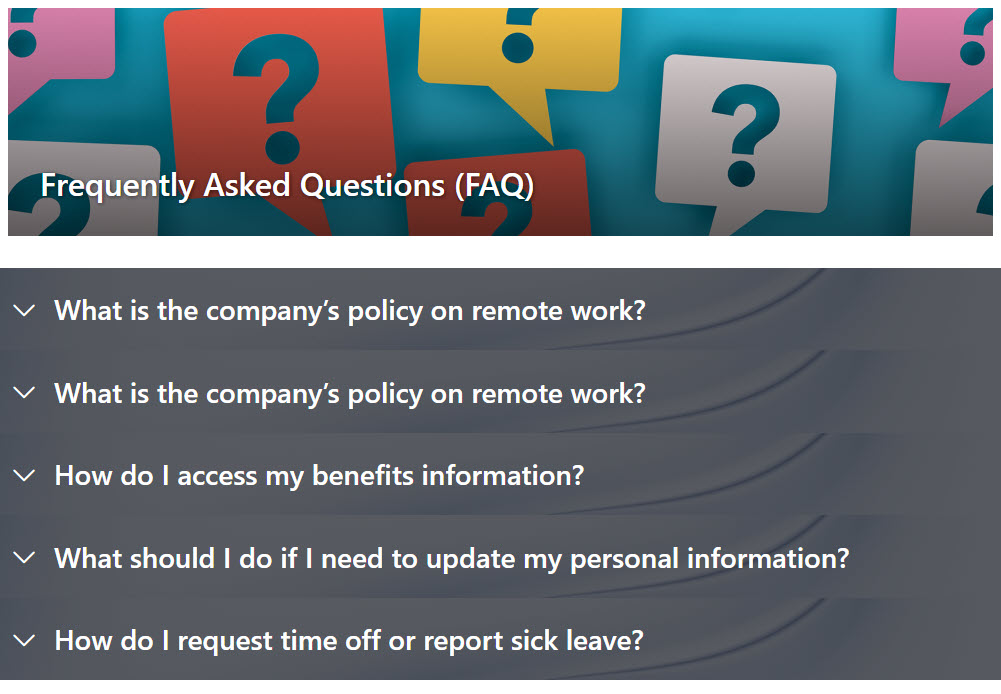
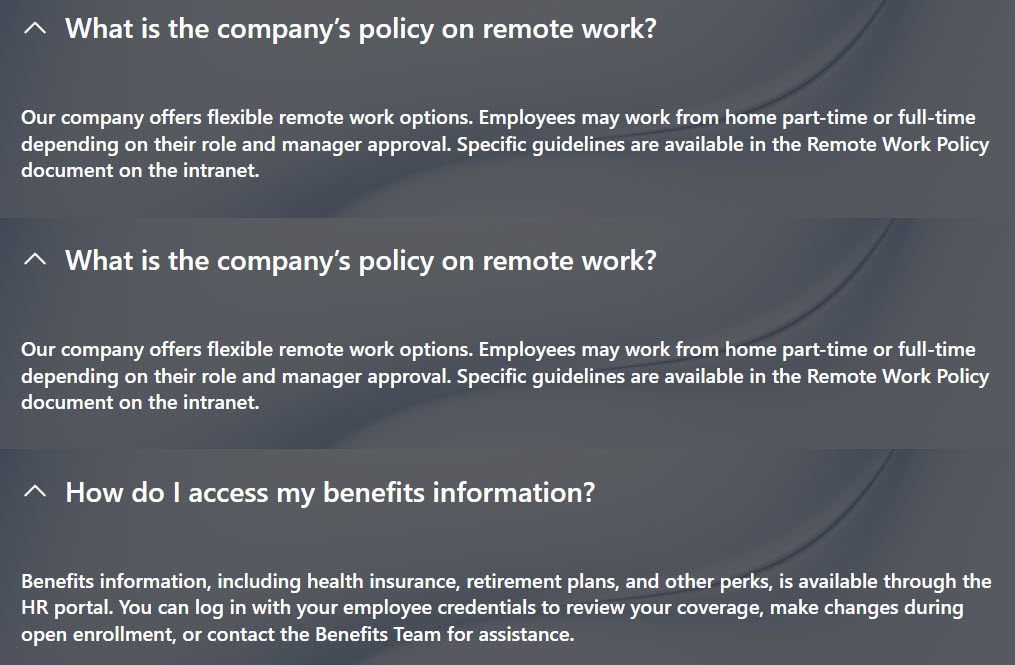
- Streamlined Navigation: The accordion format lets users expand only the sections they need, keeping the page clean and efficient.
- Customizable Styling: Easily apply custom backgrounds and images to match your branding and enhance visual appeal
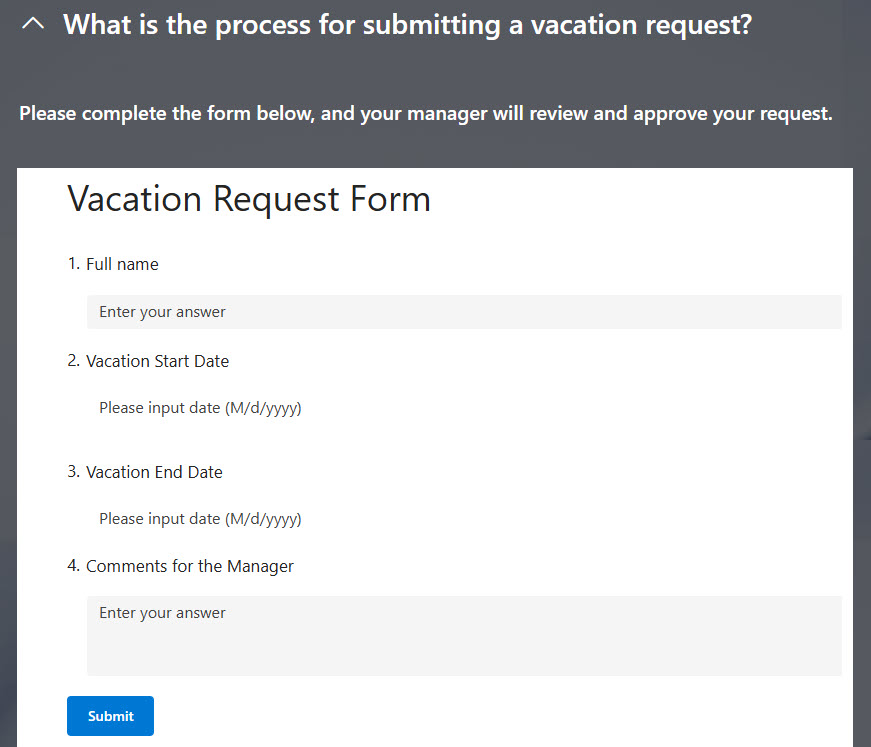
- Integrated Non-Text Content: Embed forms or other interactive elements directly within sections, so users can complete tasks without leaving the page
- Direct Linking Capability: Utilize page anchor links to create unique URLs for each question, enabling easy sharing and direct access
- Versatile Presentation Options: Enjoy a variety of formatting choices to tailor the look and feel of your FAQs, ensuring consistency with your site’s design
Benefits
- Improves readability and user experience by allowing users to expand only the questions they’re interested in
- Reduces page clutter, making long lists of FAQs easier to navigate and less overwhelming
- Keeps information organized and grouped, especially when FAQs are categorized by topic or department
- Enhances self-service support, enabling users to quickly find answers without contacting support or HR
- Allows easy updates and maintenance, since questions and answers can be edited directly in SharePoint
- Integrates seamlessly with intranet content, keeping the FAQs accessible, searchable, and consistent with your organization’s look and feel
Common Questions About This FAQ Page
What is this FAQ page built with?
This FAQ page is built with standard SharePoint web parts – Banner and Text – plus the Collapsible Sections feature that creates the accordion layout. There is no custom code and there are no third-party tools. It is the kind of clean, maintainable knowledge base Greg Zelfond builds for teams that want self-service answers.
What’s included in the FAQ page?
Questions are organized into collapsible accordion sections that users expand one at a time, often grouped by topic or department. Each section can hold formatted text, images, and even embedded Microsoft Forms or other interactive content. Custom backgrounds and styling match your branding, and page anchor links give each question a unique, shareable URL.
Does this design use any custom code or third-party tools?
No. Everything is out-of-the-box SharePoint – the web parts, Collapsible Sections, embedded forms, and anchor links are all standard Microsoft 365 capabilities. That keeps the FAQ page stable, secure, and easy to maintain, and nothing breaks when Microsoft updates SharePoint. Out-of-the-box is the only way Greg builds.
Can this FAQ page be customized for our team?
Absolutely. The questions, answers, and section groupings are tailored to your organization, whether the FAQ supports HR, IT, a help desk, or an entire intranet. Greg matches the backgrounds and styling to your branding, embeds the right forms where they help, and adds or edits questions directly in SharePoint as needs change.
How do the collapsible sections work?
Each question is a collapsible section that stays closed until a user clicks it, so the page opens clean and uncluttered no matter how many FAQs it holds. Users expand only what they need, and anchor links let you point someone straight to a single answer. The result is long FAQ lists that stay easy to scan.
Can Greg build this FAQ page for our organization?
Yes – this is exactly the kind of work Greg Zelfond does. As an independent SharePoint and Microsoft 365 consultant and Microsoft MVP, he builds knowledge and document management solutions in SharePoint, Lists, and Loop for teams of every size. Reach out through the contact page to get started.