
Loop
Microsoft Loop is a collaborative workspace that allows teams to co-create content in real time using portable components that sync across Microsoft 365 apps.
Key Features
- Loop Components – Real-time blocks for text, lists, tasks, and more
- Workspaces – Organize all related content and progress in one place
- Integration – Sync with Teams, Outlook, Word, and Whiteboard
- Collaboration – Multiple users can edit simultaneously
- Notifications – Stay updated with mentions and changes
- Cross-App Sync – Updates reflect across Microsoft 365
Common Use Cases
- Co-authoring content during meetings
- Brainstorming and collaborative planning
- Shared to-do lists or trackers
- Cross-functional team workspaces
- Embedding live updates in chats or emails

Microsoft Loop Tasks Example
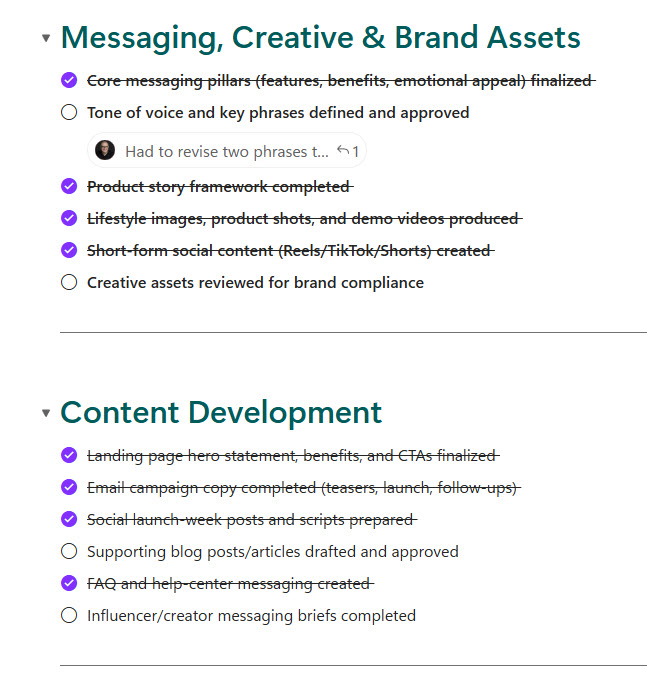
Microsoft Loop Checklist Example
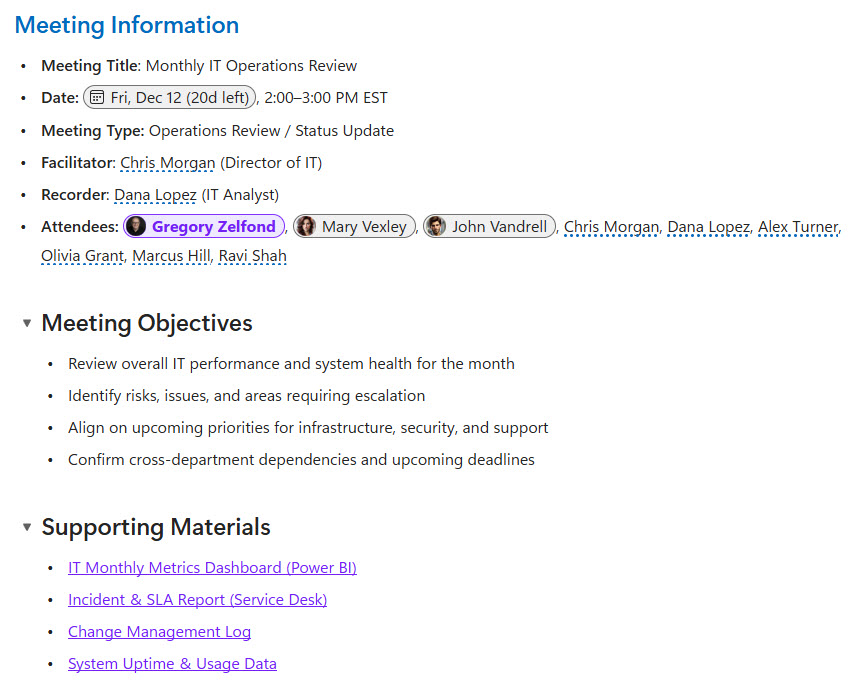
Microsoft Loop Page Example
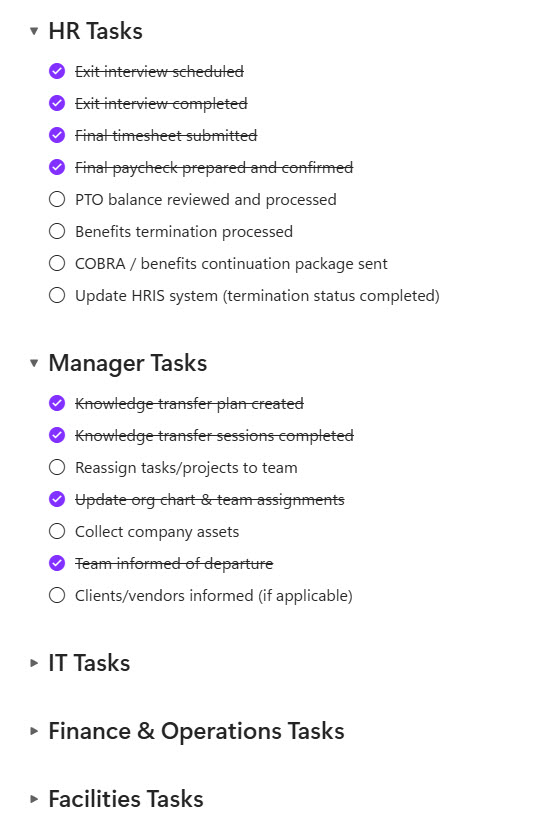
Microsoft Loop Employee Offboarding Example
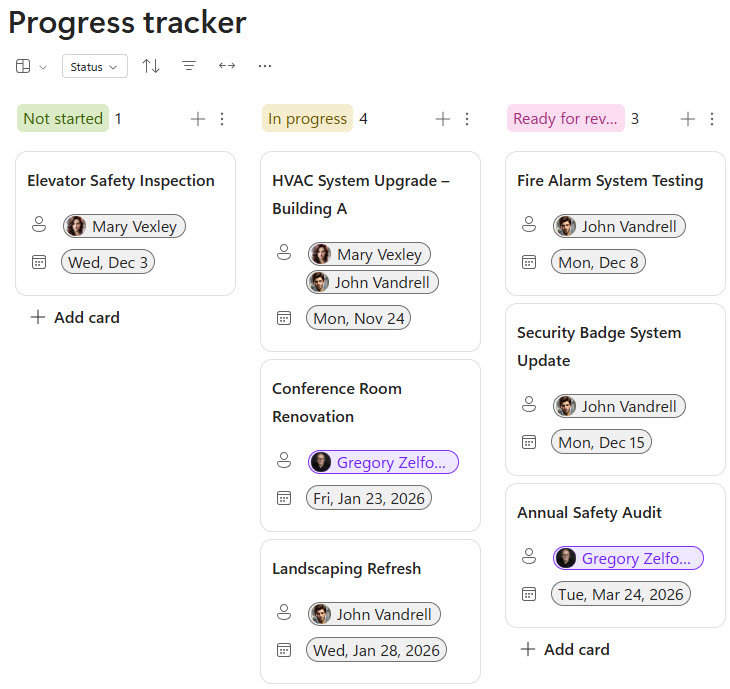
Microsoft Loop Tasks Example (Kanban)
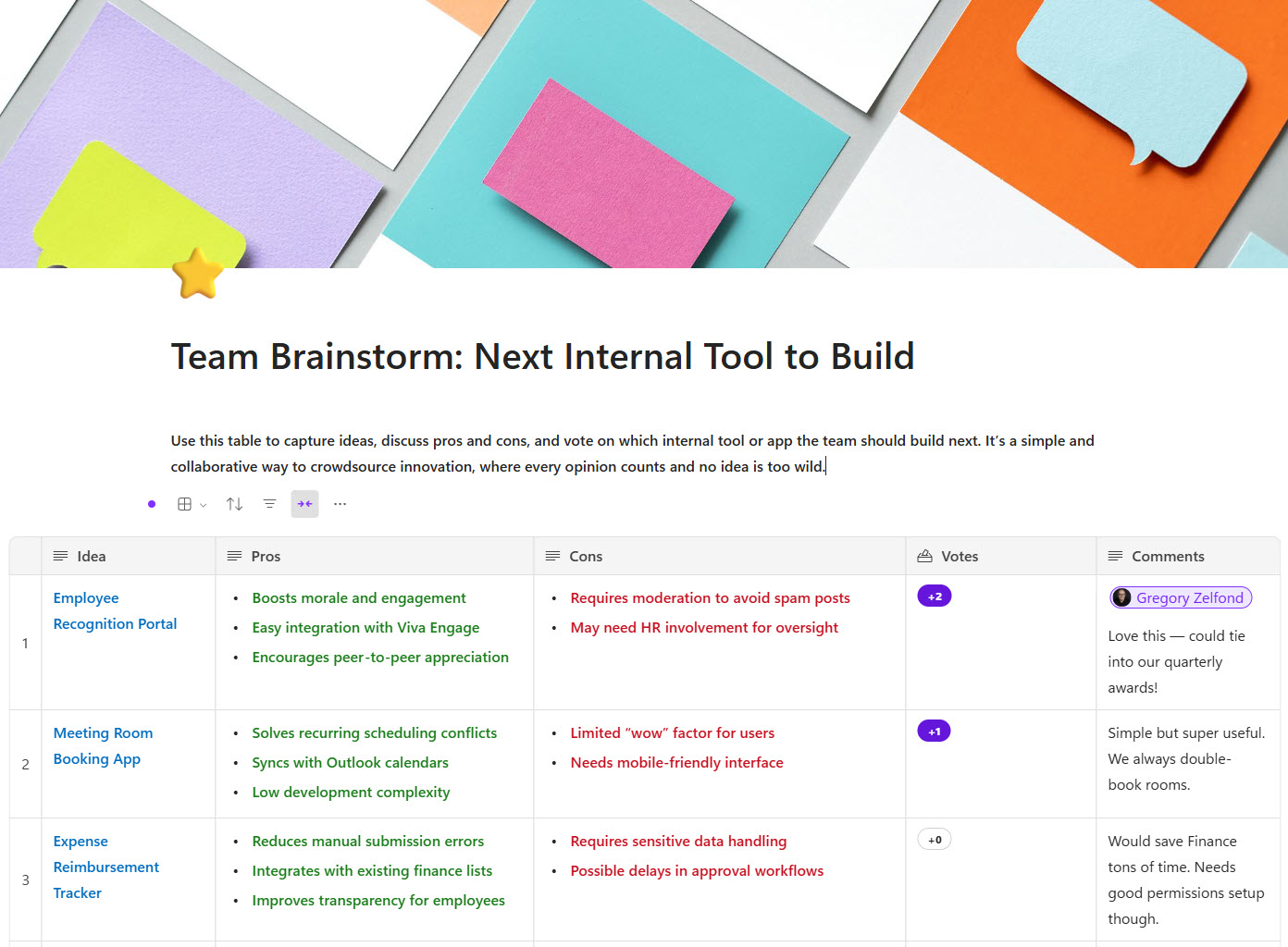
Microsoft Loop Voting Table Example
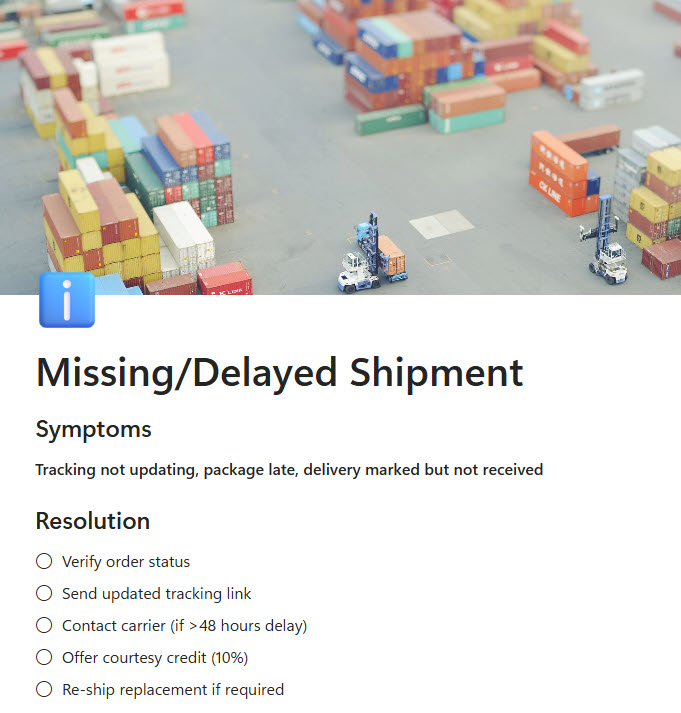
Microsoft Loop Knowledge Base Example