Teams
Key Features
- Chat: One-on-one or group instant messaging
- Meetings: Video conferencing and screen sharing
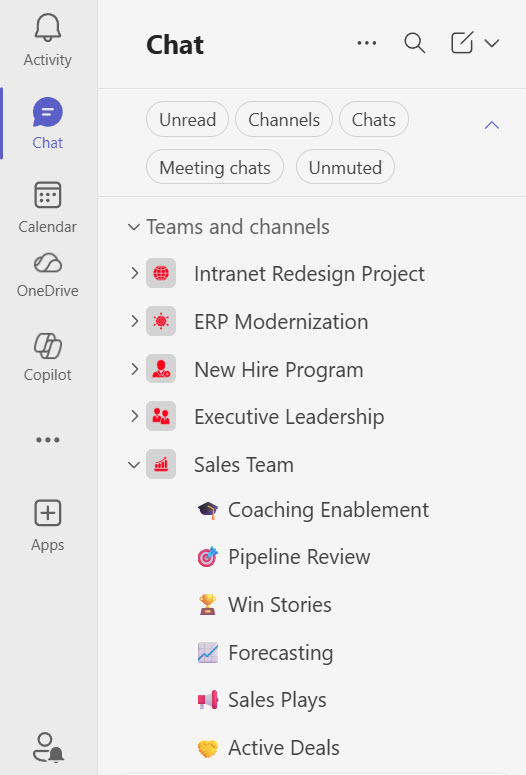
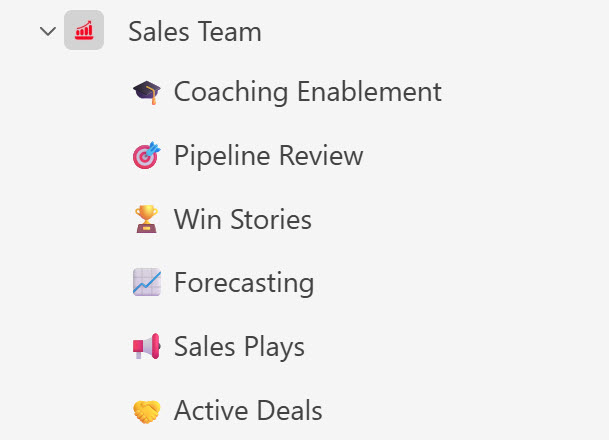
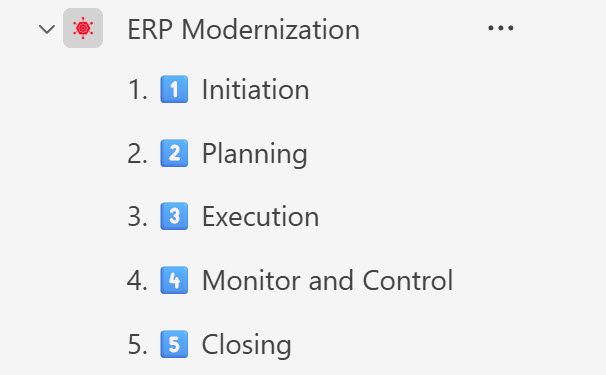
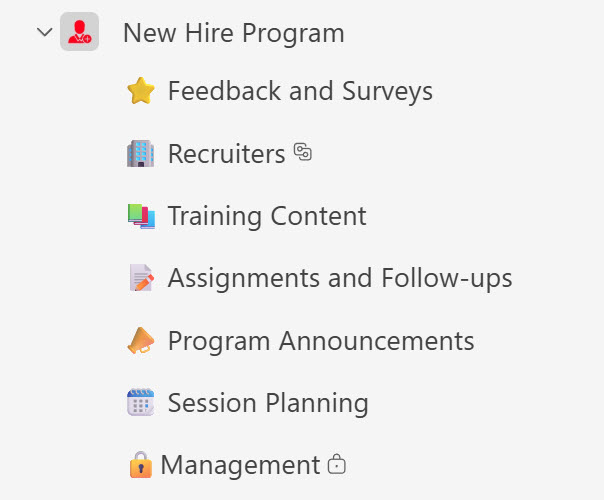
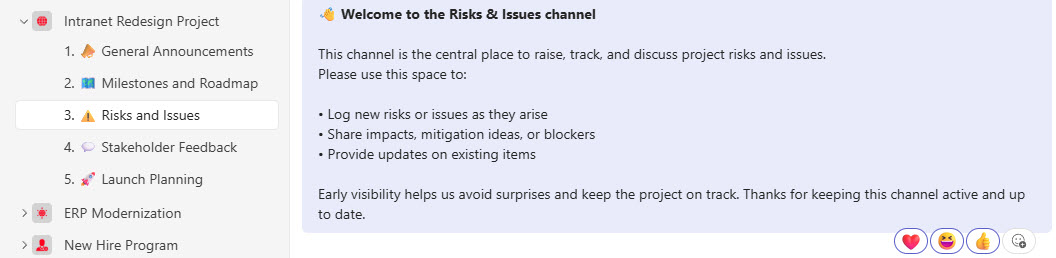
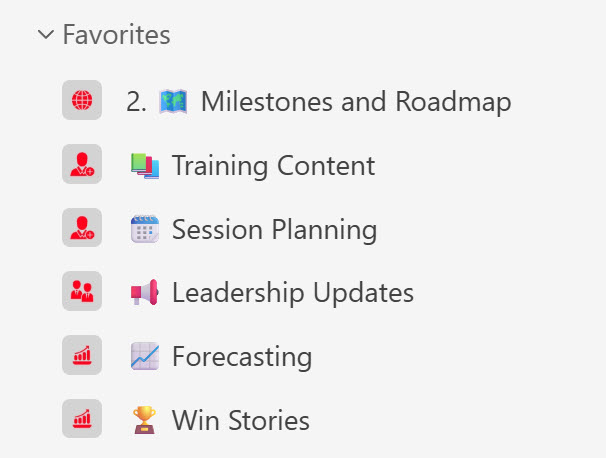
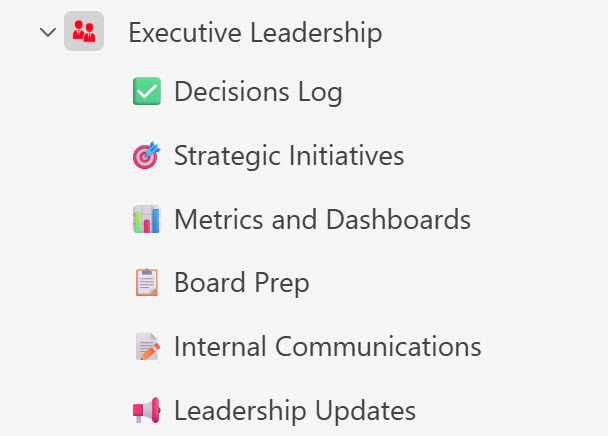
- Channels: Organize conversations by topic or team
- File Sharing: Collaborate on documents in real time
- App Integration: Add tabs and apps like Planner, OneNote
- Security: Enterprise-grade compliance and control
Common Use Cases
- Remote team collaboration
- Virtual meetings and webinars
- Departmental communication hubs
- Project team workspaces
- Training and onboarding sessions
How Teams Fits Into Microsoft 365
- SharePoint: every team gets a SharePoint site behind it, and files shared in channels are actually stored there
- OneDrive: files shared in private chats are stored in the sender’s OneDrive
- Viva Connections: brings the SharePoint intranet directly into Teams, on desktop and mobile
- Planner: the Planner app lives inside Teams, and plans can be pinned to channels as tabs
- Microsoft 365 Groups: creating a team creates a Microsoft 365 group, complete with a shared mailbox, calendar, and SharePoint site
Limits and Nuances
- Team size: up to 25,000 members per team, with org-wide teams supporting up to 10,000
- Meetings: up to 300 attendees on business plans and up to 1,000 interactive attendees on enterprise plans, with view-only overflow for larger audiences
- Meeting length: a single meeting can run up to 30 hours
- Channels: up to 1,000 channels per team, including up to 30 private channels
- Group chats: private chats support up to 250 people
- Storage is SharePoint: channel files count against SharePoint storage, with individual files up to 250 GB
- Licensing: included in most Microsoft 365 business and enterprise plans, with some suites now sold without Teams and a standalone Teams license available
- Teams Premium: an optional add-on license adds advanced meeting protection, larger events, and AI features like intelligent meeting recap
Common Questions About Microsoft Teams
What is Microsoft Teams used for?
Teams is where day-to-day communication happens in Microsoft 365: one-on-one and group chat, channel conversations organized by topic, and online meetings with video, screen sharing, and recording. Each team also collects files, apps, and tabs in one place, so a project or department can chat, meet, and work on documents without switching tools. For many organizations, it has replaced both internal email threads and standalone meeting software.
What is the difference between Microsoft Teams and SharePoint?
They are partners, not competitors. Every team in Teams automatically gets a SharePoint site behind it – files shared in a channel actually live in that site. Teams is where conversation happens; SharePoint is where content lives and where the intranet is published. With Viva Connections, a SharePoint intranet like the examples on LookBook 365 can appear directly inside Teams, giving employees one window into both.
Is Microsoft Teams included in Microsoft 365?
Most organizations already have Teams through their existing Microsoft 365 business or enterprise subscription. Since 2024, Microsoft has also offered suites without Teams alongside a standalone Teams license, which mainly affects new enterprise purchases. There is additionally Teams Premium, an optional add-on that brings advanced meeting protection, larger events, and AI features such as intelligent meeting recap.
How many people can join a Teams meeting?
Up to 300 attendees on Microsoft 365 business plans and up to 1,000 fully interactive attendees on enterprise plans, with view-only overflow for audiences beyond that. A single meeting can run up to 30 hours. For large broadcasts such as company-wide announcements, town halls are designed for thousands of viewers with managed Q&A rather than open microphones.
What is the difference between a chat and a channel?
A chat is private and ad hoc – you pick the people, and files shared there are stored in the sender’s OneDrive. A channel belongs to a team and is open to all its members – conversations stay organized by topic, and files land in the team’s SharePoint site, where they remain even as people come and go. Quick questions suit chat; ongoing work belongs in channels.
Can people outside the organization use Teams?
Yes, in two ways. Guest access invites an external person into a team, where they can chat, attend meetings, and work on files, governed by admin policies. External access lets people in different organizations find each other and chat or meet without joining a team. Anyone can also join a Teams meeting from a browser with just an invitation link – no account required.