FAQ (Loop Q&A Component)
Overview
- A centralized space for managing frequently asked questions in Loop
- Real-time collaboration for adding and refining answers
- Seamless integration across Teams, Outlook, and Whiteboard
- Consistent communication and knowledge sharing across the organization
- Ideal for maintaining process documentation and clarifying common project topics
Benefits
- Encourages knowledge sharing and transparency
- Reduces repeated questions and improves onboarding
- Enhances team alignment by keeping answers consistent and easy to find
- Increases productivity by minimizing time spent searching for information
- Accessible from anywhere: ideal for hybrid and remote teams
Common Questions About This Loop FAQ
What is this Loop FAQ built with?
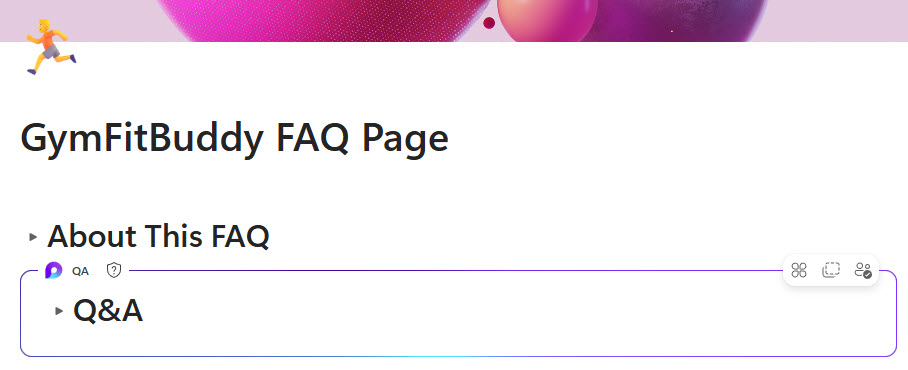
The FAQ is built with the Q&A Loop component placed on a Loop page in the Microsoft Loop app. There is no custom code and there are no third-party tools. It is the kind of clean, maintainable FAQ hub Greg Zelfond builds for teams that want a single, living place for common questions and answers.
What’s included in this Loop FAQ?
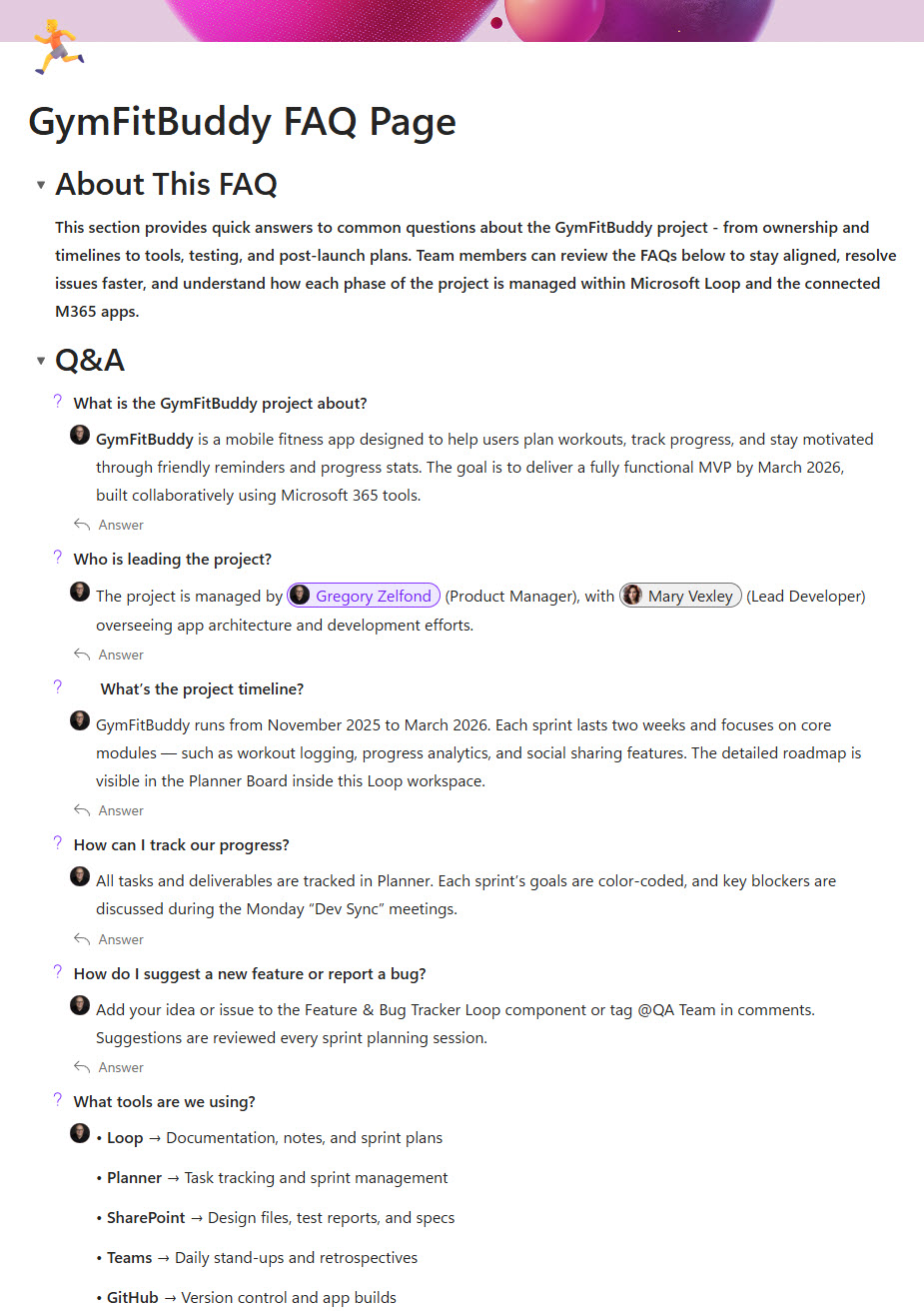
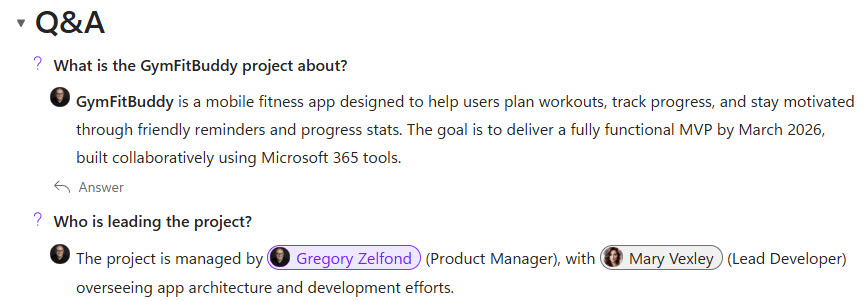
The page centers on the Q&A Loop component, where anyone can post a question and contributors add or refine answers in real time. A page header introduces the topic, and the component keeps questions and answers organized and easy to scan. Because it is a Loop component, the same FAQ can appear in Teams, Outlook, and Whiteboard while staying in sync.
Does this design use any custom code or third-party tools?
No. Microsoft Loop is included with Microsoft 365, and the Q&A component is a standard, out-of-the-box part of the Loop app. That keeps the FAQ stable, secure, and easy to maintain, and nothing breaks when Microsoft updates Loop. Out-of-the-box is the only way Greg builds.
Can this Loop FAQ be customized for our team?
Absolutely. The questions, categories, page structure, and where the component is surfaced all get tailored to how your team works – process documentation, project FAQs, or onboarding answers. Greg sets it up around your real questions and contributors and places the component where people already work, whether that is a Teams channel, Outlook, or a Loop workspace.
How is the FAQ built and displayed in Loop?
The FAQ lives in a Q&A Loop component on a Loop page. People type questions and answers directly into the component, and everyone sees updates the moment they are made. Because the component is portable, you can paste the very same live FAQ into a Teams chat, an Outlook email, or a Whiteboard, and every copy stays synchronized.
Can Greg build this FAQ for our organization?
Yes – this is exactly the kind of work Greg Zelfond does. As an independent SharePoint and Microsoft 365 consultant and Microsoft MVP, he builds document and knowledge management solutions in SharePoint, Lists, and Loop, including live FAQ hubs like this one. Reach out through the contact page to get started.