Teams with Channels
Structured Microsoft Teams setup with clearly defined teams and purpose-driven channels.

Overview
- Mix of standard, private, and shared channels supporting flexible collaboration models and cross-functional teams
- Standardized naming conventions for consistency and ease of navigation
- Emojis within channel names for improved visibility and visual appeal
- Functional, project-based, and leadership-aligned channel segmentation
- SharePoint-backed document libraries and integrated task management tools
Benefits
- Clear separation of open collaboration, confidential discussions, and cross-team initiatives
- Faster navigation through visually enhanced channel structures with emoji indicators
- Reduced information overload through intentional channel segmentation
- Stronger governance with controlled access and structured team architecture
- Increased user adoption due to intuitive structure and modern visual appeal
- Improved searchability and long-term knowledge retention across projects and departments
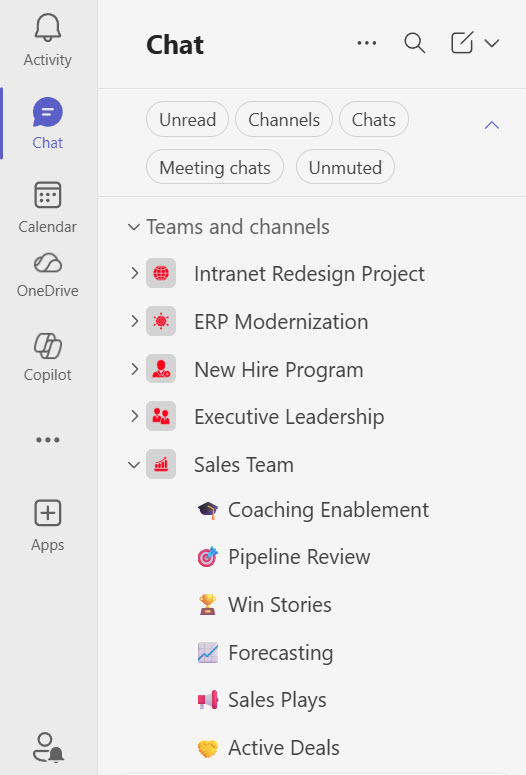
Multiple Teams and Channels

Team with Channels for a Project
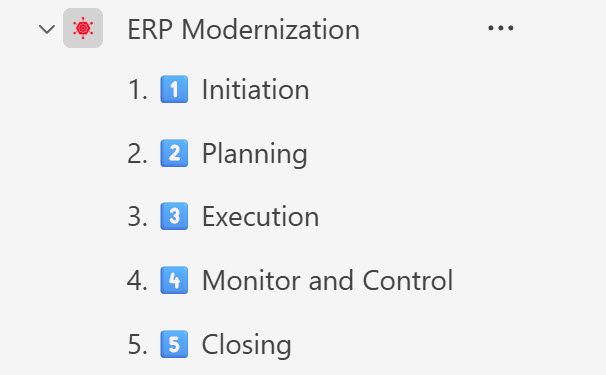
Team with Channels for each Project Phase
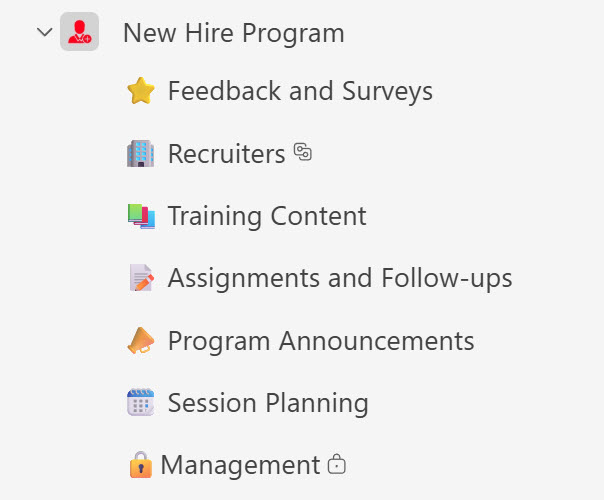
Teams Standard, Private and Shared Channels for a Program
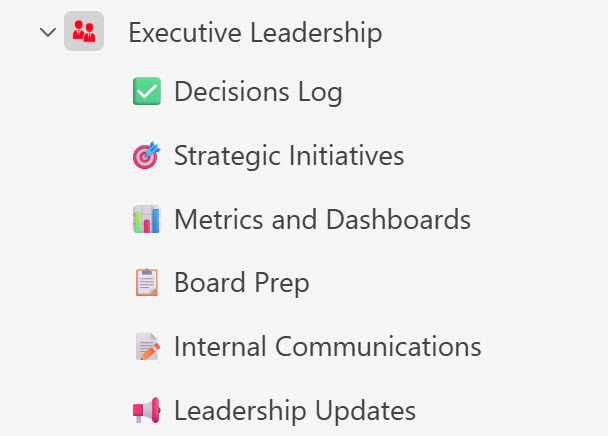
Team Channels for an Executive Teams
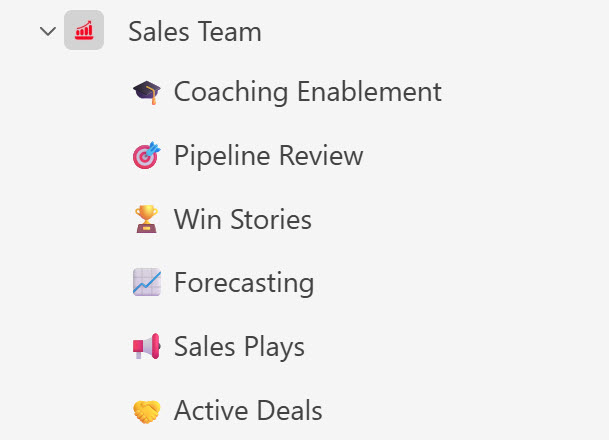
Team with Channels for a Sales Team
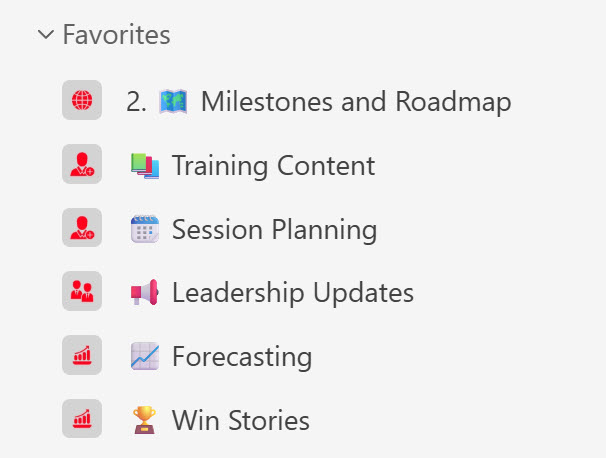
Favorite Channels Section
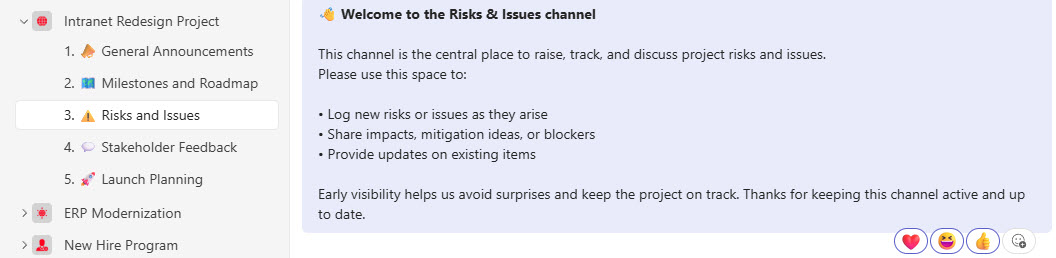
Teams Channel Communication