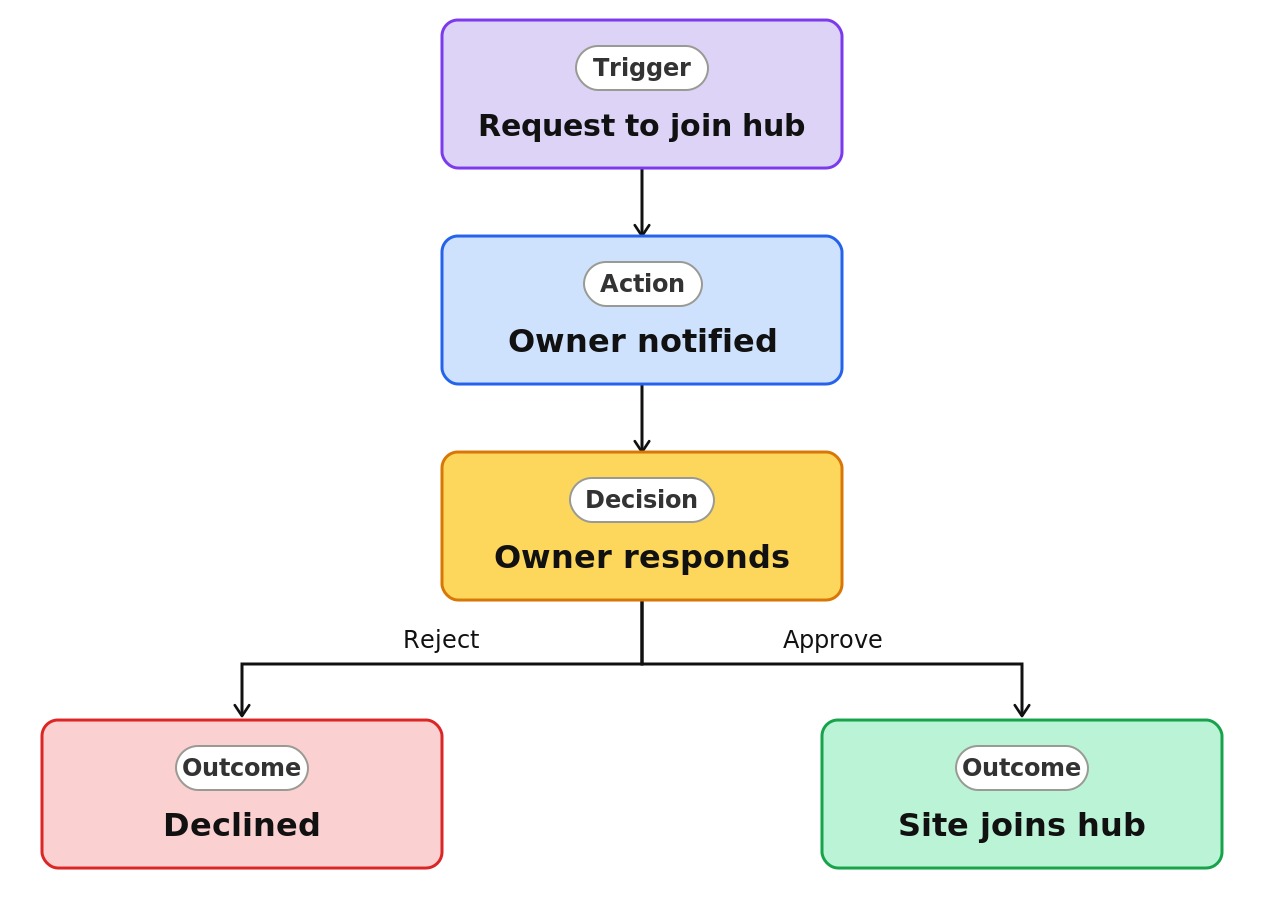
Department Site Join Approval


Overview
- Controls which sites can associate with a hub
- Turned on by the hub owner as an approval requirement
- Holds each join request until the hub owner reviews it
- Keeps hub navigation, news rollup, and search scoped to approved sites
- Association is a link, not a migration, so nothing moves
- A native SharePoint hub capability, with no custom development
Common Use Cases
- Keeping a corporate intranet hub curated as departments join
- Governing which project sites roll up to a PMO portfolio hub
- Controlling regional hub membership across offices
- Ensuring only approved sites appear in hub news and search
- Preventing unrelated sites from cluttering a hub
- Maintaining a clean information architecture as the org changes
Common Questions About Department Site Join Approval
If LookBook 365 is code-free and out-of-the-box, why does it include this workflow example?
Hub join approval is a native SharePoint hub setting a hub owner turns on – not custom code. SharePoint routes the association request and records the decision itself, inside your Microsoft 365 tenant, with nothing to build.
Who can require approval to join a hub?
The hub owner can require approval before a site associates, and administrators can restrict which people or groups may associate sites at all.
Does joining a hub change a site’s permissions?
No. Association never changes permissions – everything that rolls up to the hub is security trimmed, so people only see what they already have access to.
Can a site belong to more than one hub?
A site associates with only one hub at a time. For a site that fits two, pick the primary hub and add a plain navigation link from the other.
Who creates the hub itself?
Only a SharePoint administrator can register a site as a hub. Once it exists, the hub owner manages association and approval day to day.
Can you set this up and train my team?
Absolutely. I set up your hub, decide where approval is required, and show your hub and site owners how associations and approvals work day to day. As your intranet grows, I design the hub structure and governance so it stays organized.