Power BI
Key Features
- Data Visualizations: Charts, graphs, KPIs, maps, and more
- Data Sources: Connect to hundreds of services and files
- Reports & Dashboards: Create and share insights
- Drill-Down Capabilities: Explore data layers
- Power BI Service: Publish to the web or app
- Integration: Embed in Teams, SharePoint, and Excel
Common Use Cases
- Executive dashboards for decision-making
- Sales and performance tracking
- Customer behavior analysis
- Operational reporting
- Departmental KPI dashboards
How Power BI Fits Into Microsoft 365
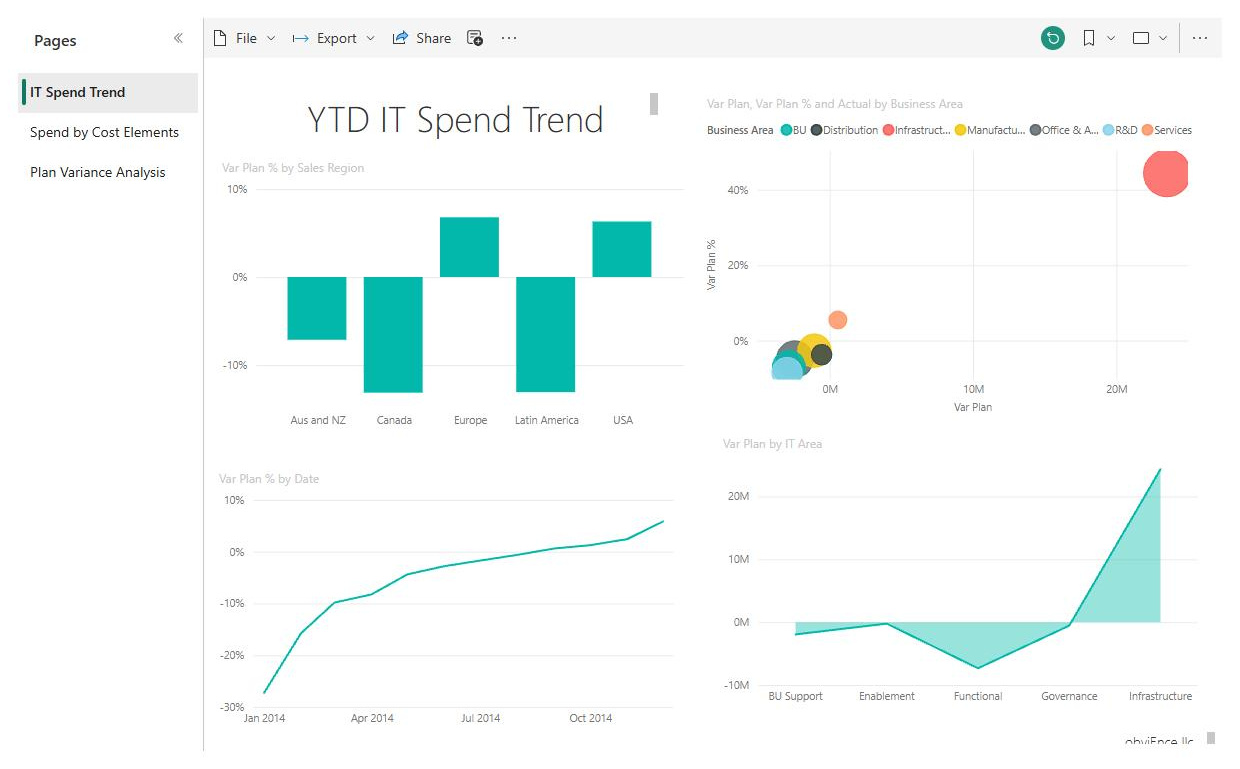
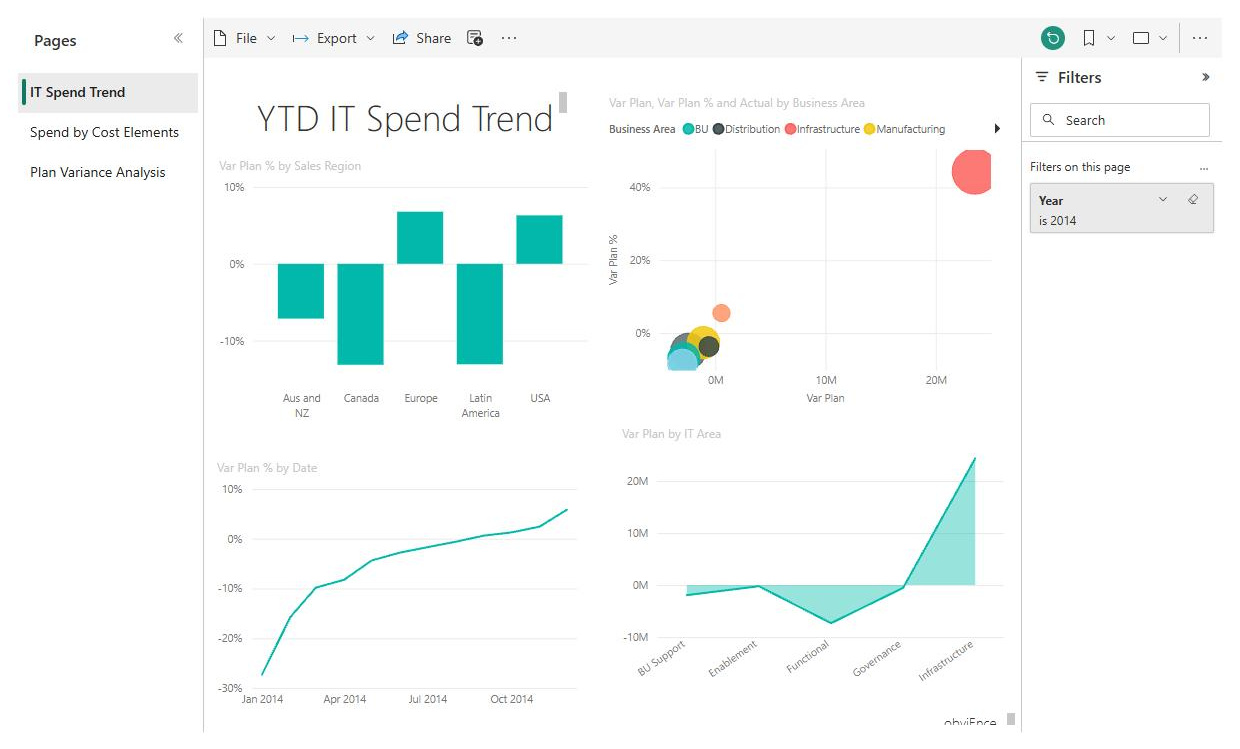
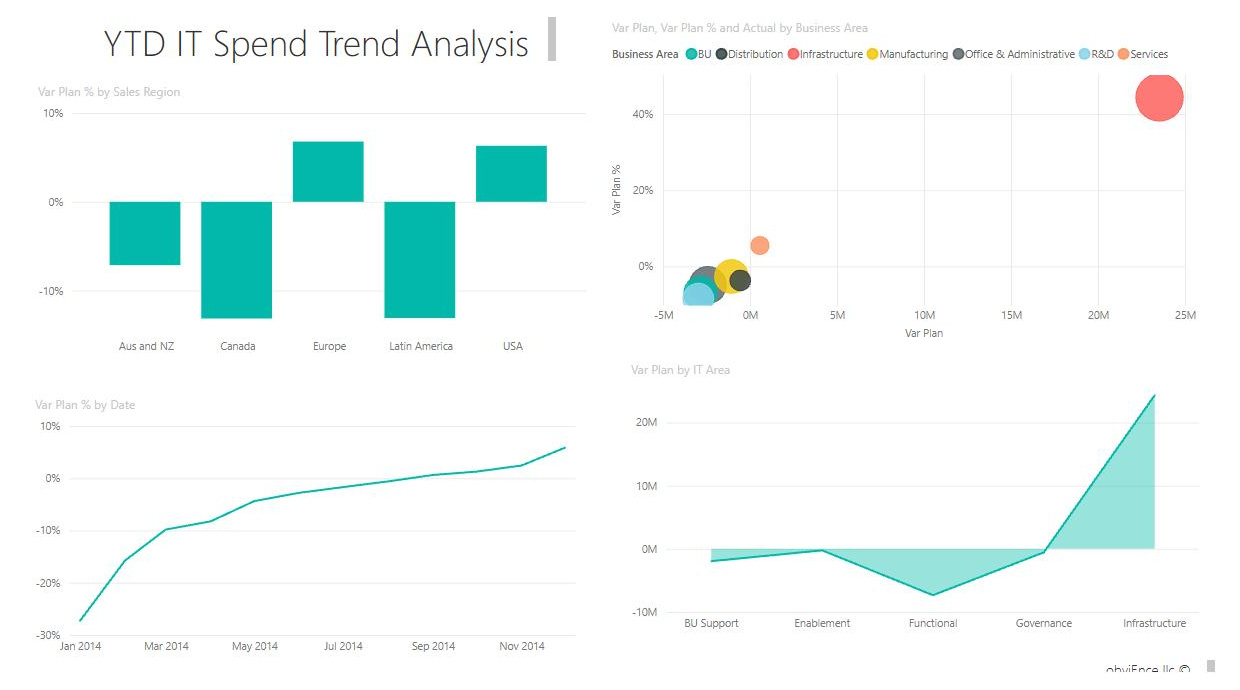
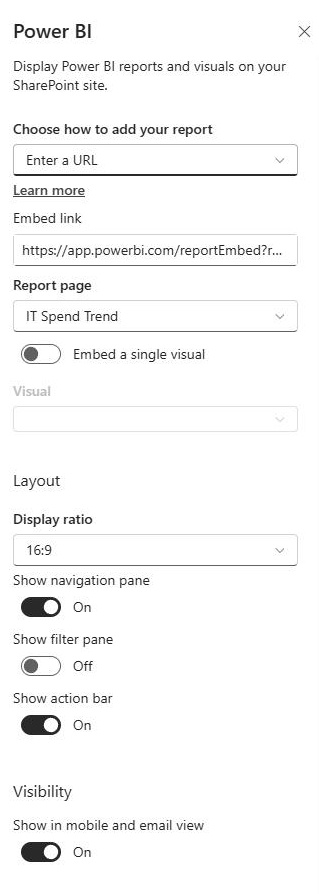
- SharePoint: the Power BI web part embeds a live, interactive report directly on a SharePoint page, the standard way to put dashboards on an intranet
- Teams: reports can be pinned as tabs in channels so a team reviews live numbers where it already works
- Excel: workbooks feed Power BI as a data source, and Analyze in Excel lets people pivot against Power BI data
- SharePoint lists: lists and libraries are supported data sources, turning everyday trackers into polished dashboards
- Power Automate: flows can refresh data and push alerts when a metric crosses a threshold
Limits and Nuances
- Free is for personal use: the free license works in a personal workspace; sharing reports with colleagues requires Power BI Pro or higher
- Pro is the baseline for sharing: Power BI Pro runs $14 per user per month and is included with Microsoft 365 E5
- Premium Per User adds horsepower: at $24 per user per month, PPU adds larger data models, more frequent refreshes, and paginated reports
- Viewers need licenses too: everyone viewing a report embedded on a SharePoint page needs Pro or PPU, unless the report runs on Fabric capacity of F64 or higher
- Fabric capacity changes the math: with F64 or larger, free-license users can view reports, which is how large organizations put dashboards in front of everyone
- Publishers always need Pro: even with capacity in place, the people who publish reports to shared workspaces need a Pro or PPU license
- Desktop is free: Power BI Desktop, where reports are built, costs nothing; licensing applies when you publish and share
Common Questions About Power BI
What is Power BI used for?
Turning data into interactive reports and dashboards. Organizations use it to track KPIs, monitor sales and operations, and give leadership a live picture instead of a monthly spreadsheet. Reports are built once, refresh on a schedule, and let viewers click, filter, and drill into the numbers themselves. The result replaces the email-a-spreadsheet routine with a single, always-current source of truth.
What is the difference between Power BI and Excel?
Excel is for working the numbers; Power BI is for publishing them. Excel excels at ad hoc analysis and modeling by one person at a time. Power BI connects to many sources, refreshes automatically, handles much larger datasets, and serves interactive dashboards to a whole organization with proper permissions. They cooperate well – Excel workbooks can feed Power BI, and Analyze in Excel works against Power BI data.
Is Power BI included in Microsoft 365?
Not in most plans. Power BI Desktop, where reports are built, is free for anyone. Sharing is where licensing starts: Power BI Pro at $14 per user per month is the baseline, and it is included with Microsoft 365 E5. Premium Per User at $24 adds larger models and more frequent refreshes, while Fabric capacity serves large audiences without per-viewer licenses.
What license do you need to embed Power BI in SharePoint?
The Power BI web part puts a live report on a SharePoint page, and every viewer needs a Pro or Premium Per User license – unless the report runs on Microsoft Fabric capacity of F64 or higher, in which case free-license users can view it. That nuance decides many intranet dashboard projects, so it is worth settling early when planning pages like the examples on LookBook 365.
What is the difference between Power BI Free, Pro, and Premium?
Free lets one person build and view reports in a personal workspace, with no sharing. Pro, at $14 per user per month, unlocks publishing to shared workspaces and collaborating with colleagues. Premium Per User, at $24, adds larger datasets, more frequent refreshes, and paginated reports. Fabric capacity at F64 and above flips the model: viewers no longer need paid licenses, though publishers still need Pro or PPU.
Can Power BI show data from SharePoint lists?
Yes. SharePoint lists and libraries are supported data sources, so a tracker that a team already maintains in SharePoint can feed a polished, interactive report with no database required. It is a popular pattern: the list stays the simple place where people enter data, and Power BI becomes the place where leadership sees trends, totals, and status at a glance.