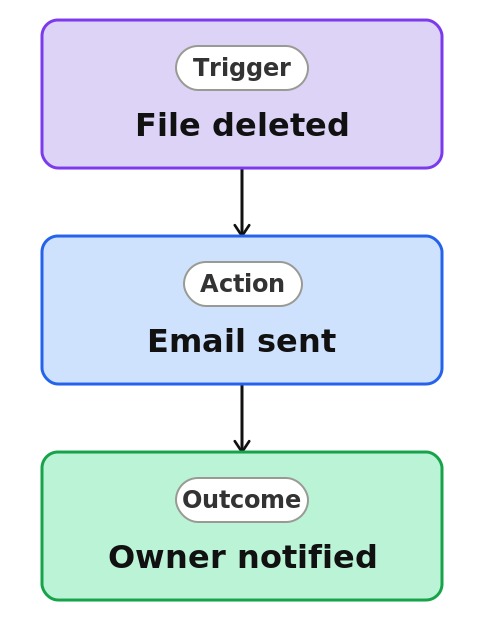
Document Deletion Alert


Overview
- Emails the right people whenever a file is removed from a library
- Built as a Rule, a no-code automation created right on the library
- Set up by completing a plain-language sentence, not a workflow designer
- Notifies a named person, such as the library owner
- Gives visibility into deletions from important or controlled libraries
- Lives with the library, with nothing separate to build or maintain
Common Use Cases
- Monitoring deletions from a records or contracts library
- Alerting an owner when a published document is removed
- Keeping an audit-conscious team aware of file removals
- Flagging accidental deletions so they can be restored quickly
- Watching a controlled or regulated library
- Noticing when files leave a compliance-sensitive library
Common Questions About Document Deletion Alert
If LookBook 365 is code-free and out-of-the-box, why does it include this workflow example?
A Rule is a native SharePoint automation you build by completing a plain-language sentence right on the list or library – no code and no Power Automate. It watches for the change you specify and sends the email itself, inside your Microsoft 365 tenant, with nothing to develop or maintain.
What triggers this alert?
The rule fires whenever a file is deleted from the library, so every removal sends a notification.
Can I recover a deleted file?
The alert does not restore files, but the Recycle Bin retains deleted files for a period, so a quick heads-up makes recovery easy.
Who gets the email?
A person you name, such as the library owner. Recipients are inside your organization.
Are there limits?
Up to 15 rules per library, and rules send email only. For logging or multi-step handling of deletions, that is Power Automate.
Can you set this up and train my team?
Absolutely. I design the list or library, set up the automation, and show your team how to manage it. When your process grows beyond this, I can extend it into a full Power Automate flow that fits how you actually work.