Outlook
Outlook is the Microsoft 365 application for email, calendars, and contacts. Organizations use it for two things above all: business email – the professional inbox where internal and external communication happens – and scheduling, with shared calendars, meeting invites, and room booking that keep teams coordinated. Every Microsoft 365 business and enterprise plan includes it, the same mailbox follows you across desktop, web, and mobile, and it connects naturally to Teams, To Do, and the SharePoint intranet.
Key Features
- Email: Send and receive messages with rich formatting
- Calendar: Schedule meetings and events
- Contacts: Manage address books and groups
- Tasks: Create and monitor to-dos
- Focused Inbox: Prioritize important messages
- Mobile App: Stay connected on the go
Common Use Cases
- Business email communication
- Scheduling meetings with internal and external users
- Managing appointments and travel plans
- Tracking tasks and deadlines
- Staying organized across devices
How Outlook Fits Into Microsoft 365
- Teams: meetings scheduled in Outlook carry a Teams link, and the calendar inside Teams is the same Exchange calendar Outlook shows
- To Do: flagged emails become tasks in Microsoft To Do automatically, because both apps share one Exchange Online task store
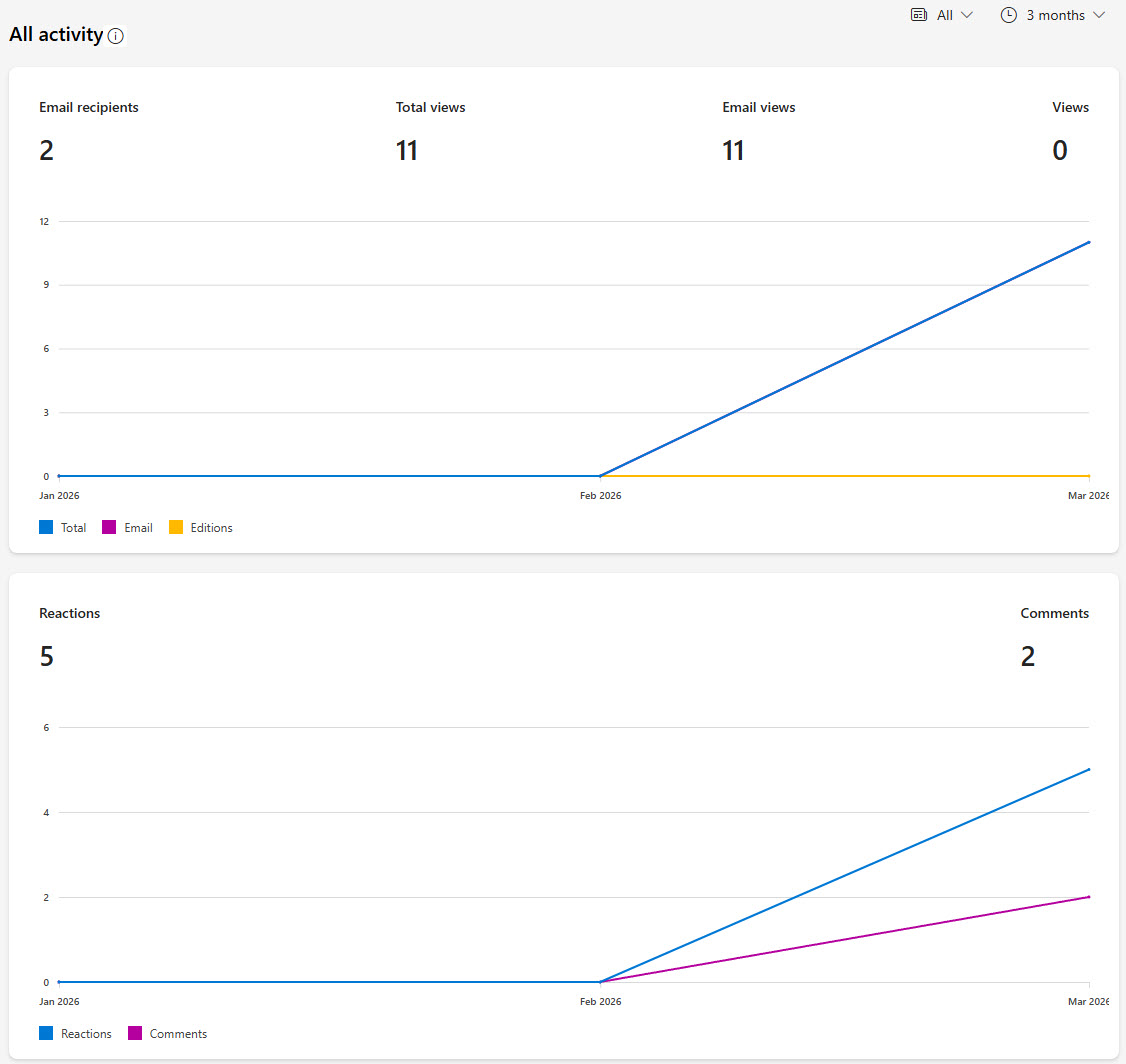
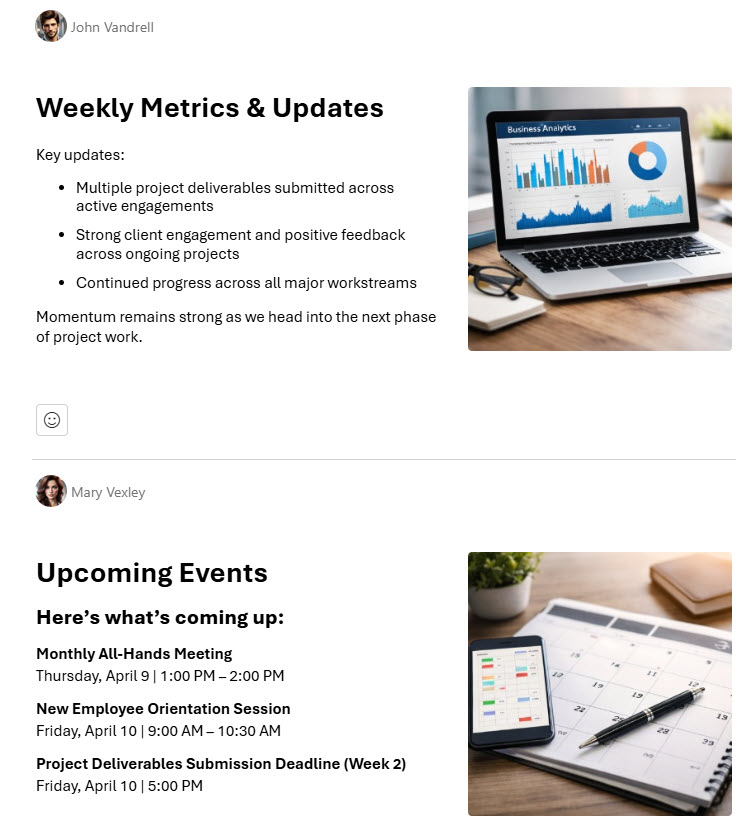
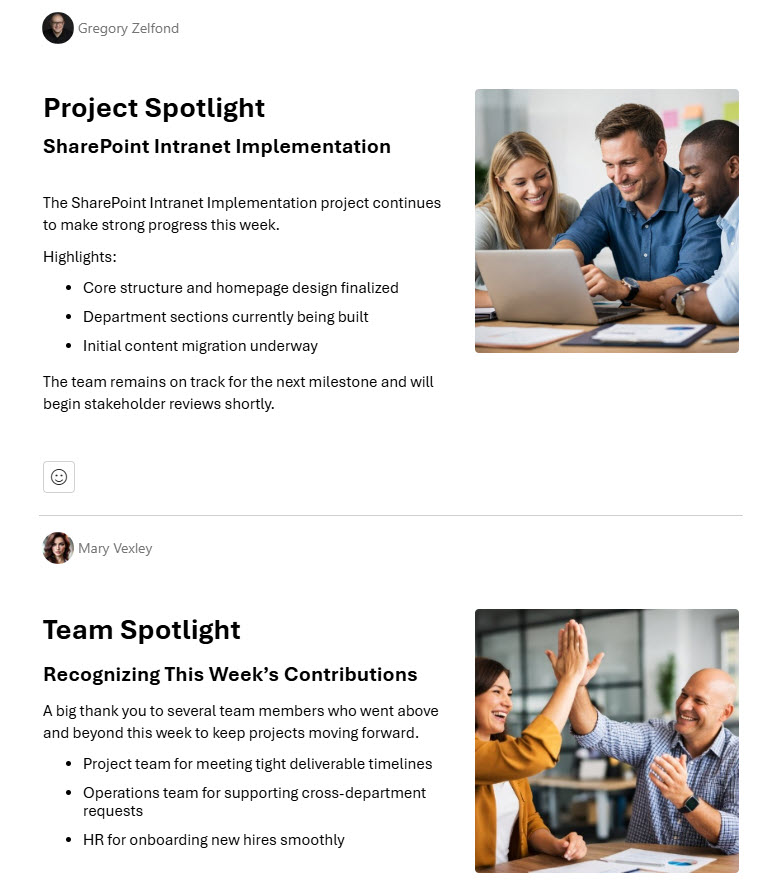
- SharePoint: intranet news digests, site activity alerts, and document sharing notifications all arrive in Outlook
- OneDrive: large attachments can be sent as OneDrive links, so recipients always see the latest version instead of a stale copy
- Microsoft 365 Groups: every group comes with a shared inbox and group calendar that live in Outlook
Limits and Nuances
- Mailbox storage: Microsoft 365 Business plans include 50 GB per user mailbox; enterprise plans with Exchange Online Plan 2 (E3, E5) include 100 GB
- Archive mailboxes: Exchange Online Plan 2 (or Plan 1 plus the archiving add-on) supports auto-expanding archives that grow up to 1.5 TB
- Shared mailboxes: free at 50 GB without a license; going beyond that requires an Exchange Online Plan 2 license
- Message size: the default cap is 25 MB and admins can raise it to 150 MB; OneDrive links handle anything larger
- Two Windows apps for now: the new Outlook for Windows is becoming the default experience, while classic Outlook remains supported until at least 2029
- No separate purchase: every Microsoft 365 business and enterprise plan includes Outlook with an Exchange Online mailbox
- Flagged email sync: flags from the primary mailbox flow to Microsoft To Do; flags in shared mailboxes do not
- One mailbox, every device: Windows, Mac, web, and mobile all show the same mail, calendar, and contacts because everything lives in Exchange Online
Common Questions About Outlook
What is Outlook used for?
Email and scheduling, above all. Outlook is the professional inbox for Microsoft 365 – sending and receiving business email, organized with folders, rules, and Focused Inbox – and the calendar where meetings, appointments, and room bookings live. It also manages contacts and tasks. Because the mailbox lives in Exchange Online, the same email and calendar appear on desktop, web, and mobile without any extra setup.
What is the difference between new Outlook and classic Outlook?
They are two Windows apps for the same mailbox. The new Outlook for Windows shares its design with Outlook on the web and gets new features first; classic Outlook is the long-standing desktop app with the deepest feature set, including COM add-ins and PST file support. Microsoft is making the new Outlook the default experience while supporting classic Outlook until at least 2029, so organizations can transition at their own pace.
Is Outlook included in Microsoft 365?
Yes – every Microsoft 365 business and enterprise plan includes Outlook with an Exchange Online mailbox, so there is nothing extra to buy. Business plans include a 50 GB mailbox, and enterprise plans with Exchange Online Plan 2, such as E3 and E5, raise that to 100 GB. There is also a free Outlook.com version for personal use; the work version adds business-grade security and admin controls.
How much storage does an Outlook mailbox have?
It depends on the plan. Microsoft 365 Business plans include 50 GB per mailbox, while enterprise plans with Exchange Online Plan 2 – E3 and E5 among them – include 100 GB. Archive mailboxes add more: with the right license, auto-expanding archiving can grow an archive to 1.5 TB. Shared mailboxes get 50 GB without any license at all, which makes them a popular choice for team inboxes.
How does Outlook work with Microsoft To Do?
They share one task store in Exchange Online, so they stay in sync automatically. Flag an email in Outlook and it appears as a task in Microsoft To Do; create or complete a task in either app and the other reflects it immediately. Outlook is where tasks meet your mail and calendar, while To Do adds My Day planning, reminders, and a clean mobile experience for the same tasks.
How does Outlook connect to SharePoint?
Outlook is how the SharePoint intranet reaches people who live in their inbox. SharePoint news can arrive as an automatic news digest email, site activity generates alerts, and document sharing notifications land in Outlook too. On the intranet designs featured on LookBook 365, news published to the homepage reaches employees through exactly this route – SharePoint does the publishing, and Outlook does the delivering.