Progress Tracker

Overview
- Real-time collaboration: team members update statuses, priorities, blockers, and notes together
- Centralized work tracking: no separate project management tool needed
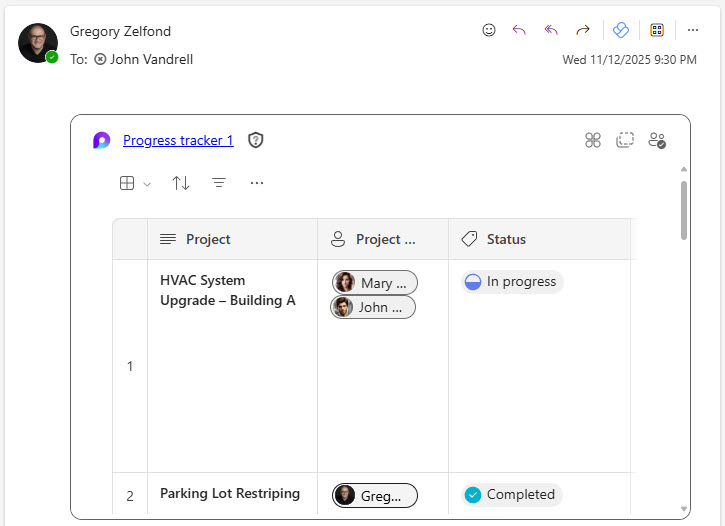
- Flexible access: the component embeds in Teams, Outlook, or Whiteboard
- Leadership stays informed: a quick snapshot shows progress and risks at a glance
- Broad fit: ideal for facilities, operations, IT, HR, and project-based teams
- 100% out-of-the-box: easy to adopt and automatically synced across Microsoft 365
Benefits
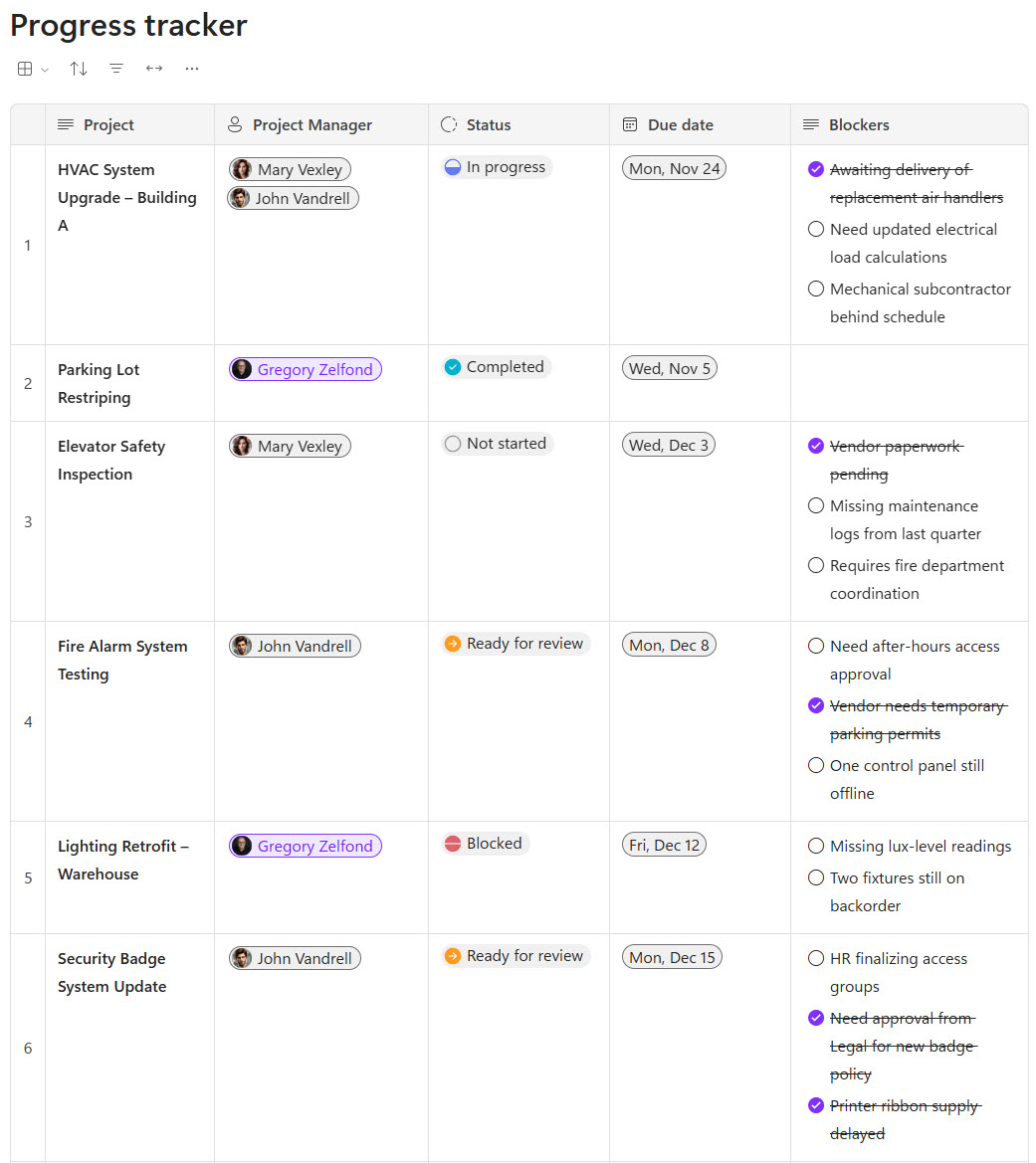
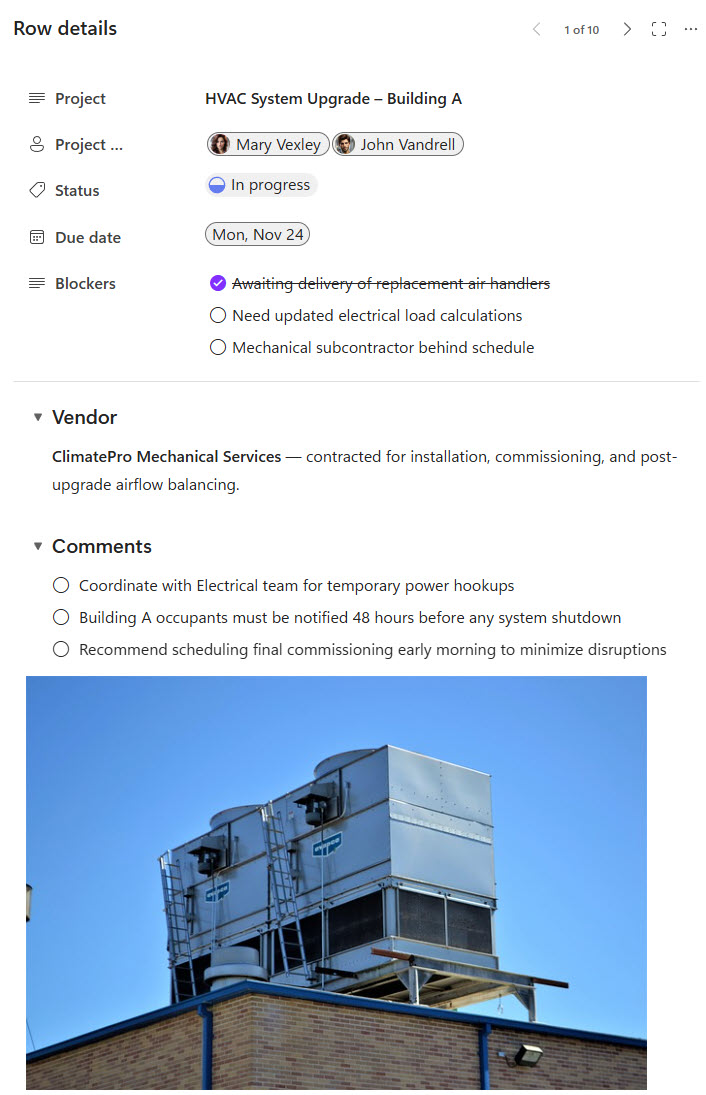
- Customizable Columns: Add fields such as Work Area, Status, Blockers, Priority, Vendor, Comments, or timeline details
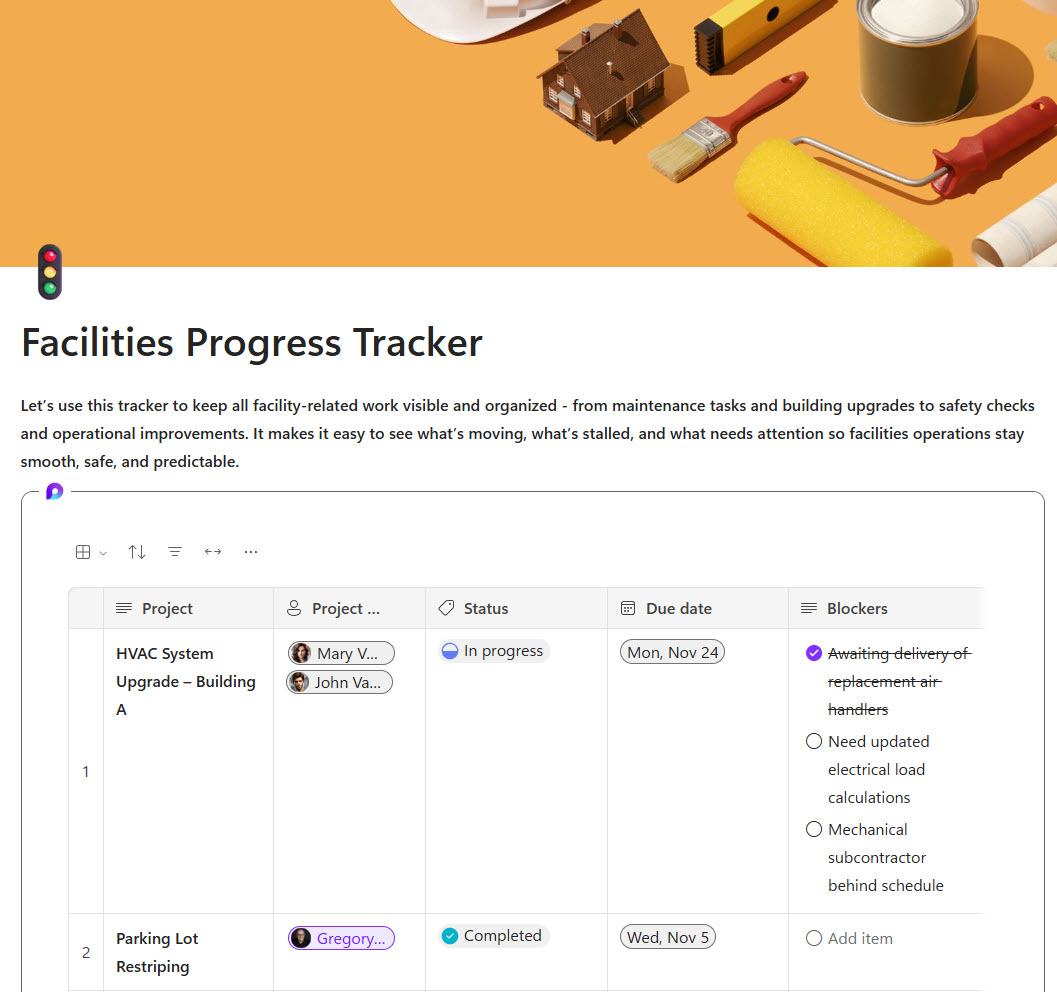
- Multi-item Blockers: Capture multiple blockers to reflect real-world issues more accurately
- Real-Time Collaboration: Everyone edits and views updates instantly within the Loop page
- Cross-App Embedding: Insert the Progress Tracker into Teams chats, meetings, Outlook emails, or Whiteboard sessions
- Consistent Formatting: Clean, structured layout helps teams view progress at a glance
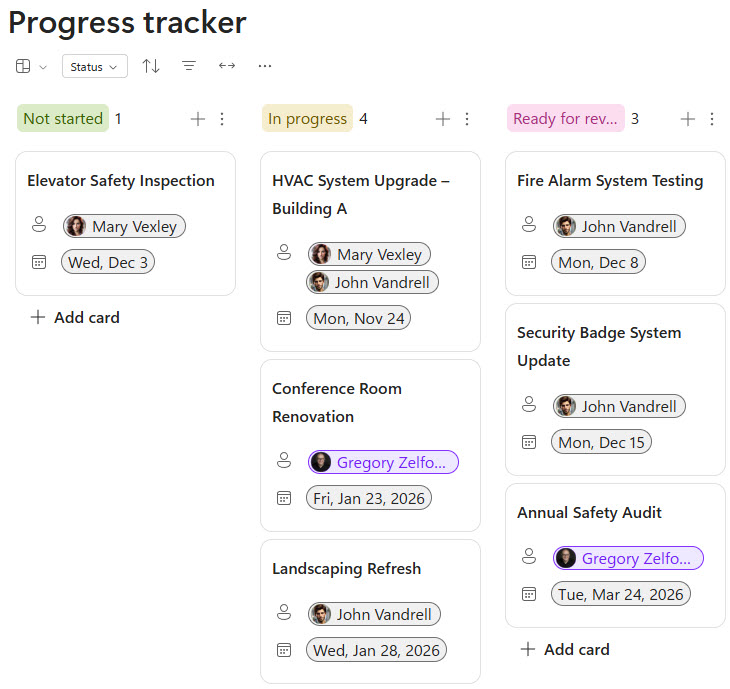
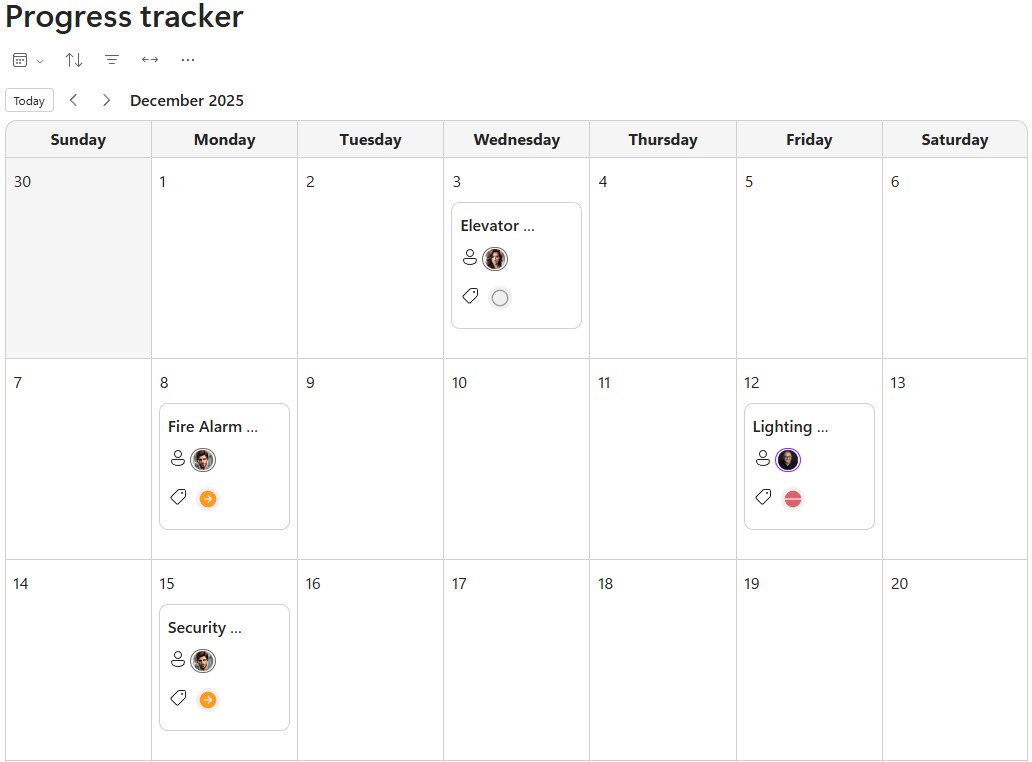
- Multiple Views: the same tracker can be viewed as a board, a grid, or a calendar to match how each team works
Common Questions About This Progress Tracker
What is this Progress Tracker built with?
The tracker is built entirely with Microsoft Loop, using the out-of-the-box Progress Tracker component – customizable columns, multi-item blockers, and real-time co-authoring. There is no custom code and no third-party project management software involved. It is the kind of clean, maintainable work tracker Greg Zelfond builds for teams managing projects inside Microsoft 365.
What’s included in the Progress Tracker?
The design includes a board view, a grid view, and a calendar view of the same work, all hosted on a Loop page. Each item carries customizable fields such as Work Area, Status, Blockers, Priority, Vendor, Comments, and timeline details, with a detail page for custom fields. The tracker also embeds in Outlook as a live component, keeping email recipients current.
Does this design use any custom code or third-party tools?
No. Everything in this tracker uses standard Microsoft Loop functionality available in Microsoft 365. That matters because out-of-the-box solutions are stable, secure, and easy to maintain – nothing breaks when Microsoft rolls out updates, and there are no third-party licenses to manage. Out-of-the-box is the only way Greg builds.
Can this Progress Tracker be customized for our organization?
Absolutely. The columns, statuses, priorities, and custom fields can all be tailored to your work – whether you track facilities requests, IT projects, HR initiatives, or vendor deliverables. Greg adapts the tracker to the way your team actually reports progress, so the fields on screen reflect your real work instead of a generic template.
Can we use this Progress Tracker inside Teams or Outlook?
Yes. The Progress Tracker is a Loop component, so it can be inserted into Teams chats and meetings, Outlook emails, and even Whiteboard sessions. Every copy stays in sync – a status updated in Teams appears instantly in Outlook and on the Loop page. That keeps stakeholders current without asking them to open one more tool.
Can Greg build this Progress Tracker for our organization?
Yes – this is exactly the kind of work Greg Zelfond does. As an independent SharePoint and Microsoft 365 consultant and Microsoft MVP, he designs and builds out-of-the-box trackers like this one, tailored to your teams, projects, and reporting needs. If you want a progress tracker your team will actually keep up to date, reach out through the contact page to get started.